
Disclaimer: Some of the links on Digital Tech Explorer are affiliate links. This means we may earn a commission if you click through and make a purchase, at no additional cost to you. Our recommendations are based on thorough research and personal experience.
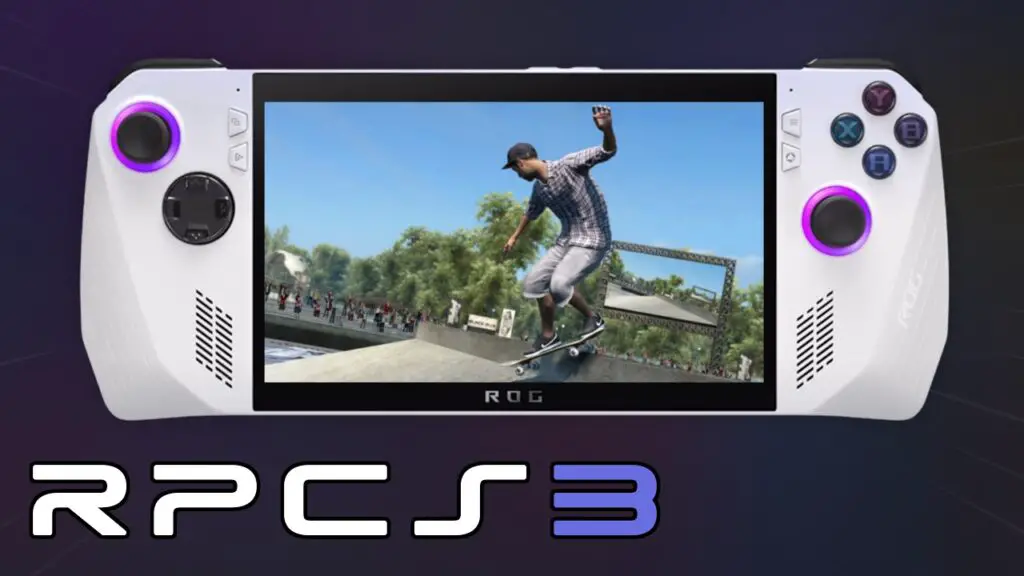
The landscape of PlayStation 3 emulation is shifting. What was once a niche pursuit reserved for high-end desktop rigs is rapidly transforming into a seamless portable experience. As a team that thrives on the intersection of software engineering and hardware performance, we at Digital Tech Explorer have been closely monitoring the gaming evolution of the RPCS3 emulator. Recent updates have moved beyond mere compatibility, focusing instead on the user experience for the growing market of handheld gaming PCs.
A Refined User Interface for Mobile Power
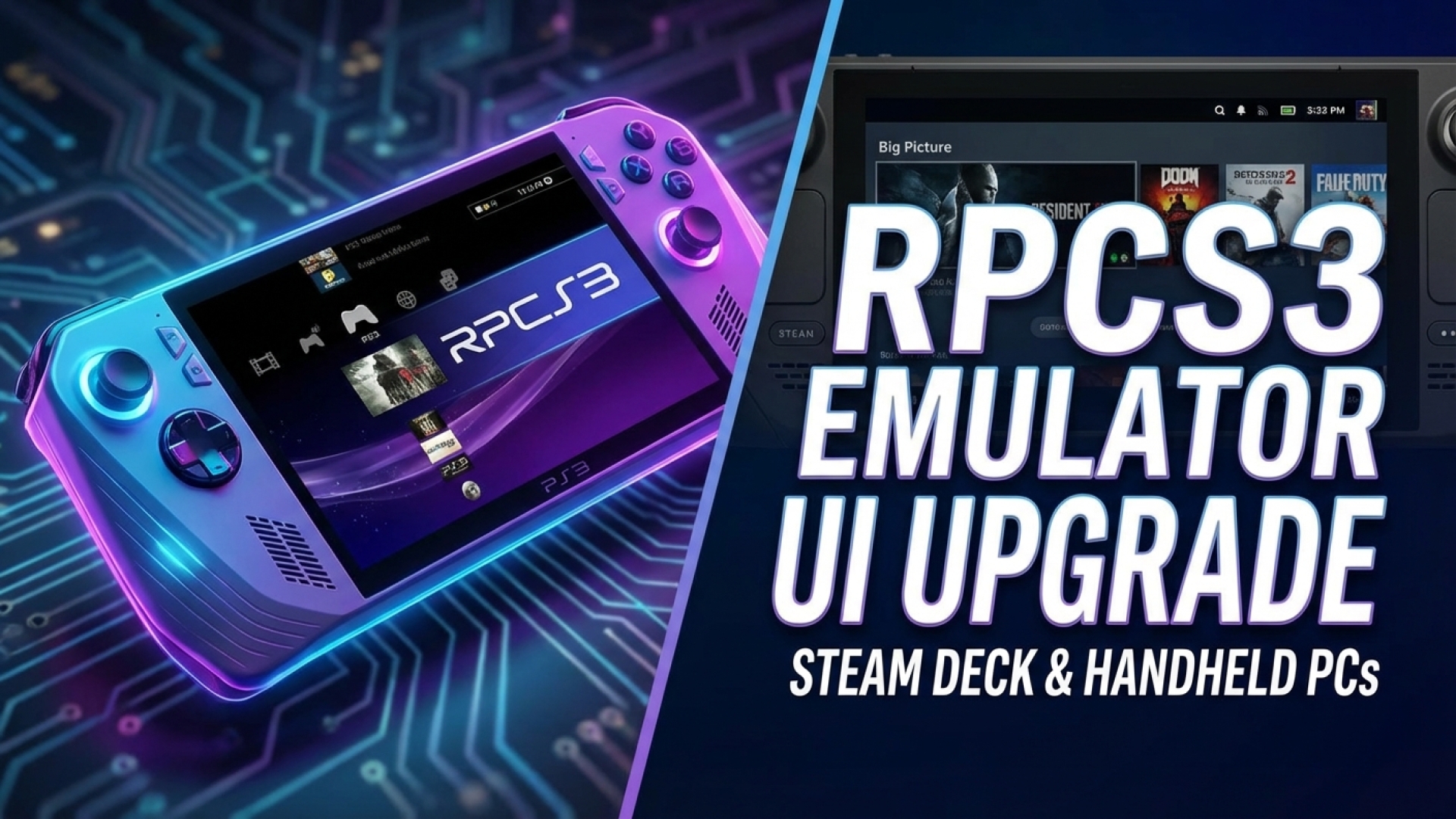
Navigating complex emulator menus on a 7-inch touchscreen or with thumbsticks has historically been a point of friction. TechTalesLeo has often noted that for technology to be truly accessible, the interface must match the mobility of the hardware. The developers of RPCS3 have taken this to heart, introducing a polished in-game overlay that mirrors the intuitive “Big Picture” mode familiar to users of PC games. This new UI closely aligns with the aesthetics of SteamOS, providing a native feel for Steam Deck enthusiasts.
Seamless In-Game Adjustments
The updated overlay, triggered by a simple Start + Select shortcut, grants immediate access to vital functions without breaking immersion. Users can now capture screenshots, manage save states, or trigger a quick restart with minimal input. More importantly, the settings menu has been redesigned to prioritize high-impact toggles like resolution scaling and framerate limiters.
One of the most significant quality-of-life improvements is the ability to adjust GPU-related settings—such as rendering resolution—on the fly. Previously, these changes required a full game reboot; now, they happen dynamically, allowing for real-time performance tuning to preserve battery life or maximize visual fidelity on the go.
Feature Comparison: The New Handheld Experience
| Feature | Legacy Interface | Latest Handheld Update |
|---|---|---|
| Navigation | Desktop-centric menus, mouse required | Controller-friendly “Big Picture” overlay |
| Resolution Scaling | Requires game restart | Real-time dynamic adjustment |
| Performance Monitoring | Requires external tools | Built-in real-time FPS overlay |
| Library Integration | Manual executable pathing | Direct “Create Steam Shortcut” option |
Technical Milestones: Cell CPU Optimization
Beyond the surface-level UI changes, the underlying AI-driven and manual code optimizations are where the real magic happens. A recent breakthrough in emulating the PS3’s notoriously complex Cell CPU architecture has yielded more efficient PC code. Our research indicates an average performance boost of 5-7% in frames-per-second (FPS) across the library. This is particularly noticeable in “heavy” titles like Twisted Metal or God of War III, where every frame counts on handheld hardware.
The RPCS3 project now boasts the ability to at least boot every single title in the PlayStation 3 catalog—a monumental achievement for digital preservation. Coupled with the reintroduction of online matchmaking for classics like Tekken 5 and Armored Core 4, the emulator is bridging the gap between legacy console gaming and modern digital innovation.
The Future of Portable Emulation
As the barrier between complex software and user-friendly hardware continues to dissolve, RPCS3 stands as a primary example of why we at Digital Tech Explorer are so passionate about this field. The ability to carry a massive library of high-definition classics in your pocket is no longer a dream; it is a refined reality. Whether you are a developer looking at the intricacies of machine learning optimizations or a gamer wanting a better way to play on the train, these updates ensure that your experience is both powerful and intuitive.
For more in-depth reviews and the latest in digital innovation, follow the stories from TechTalesLeo here on Digital Tech Explorer.