
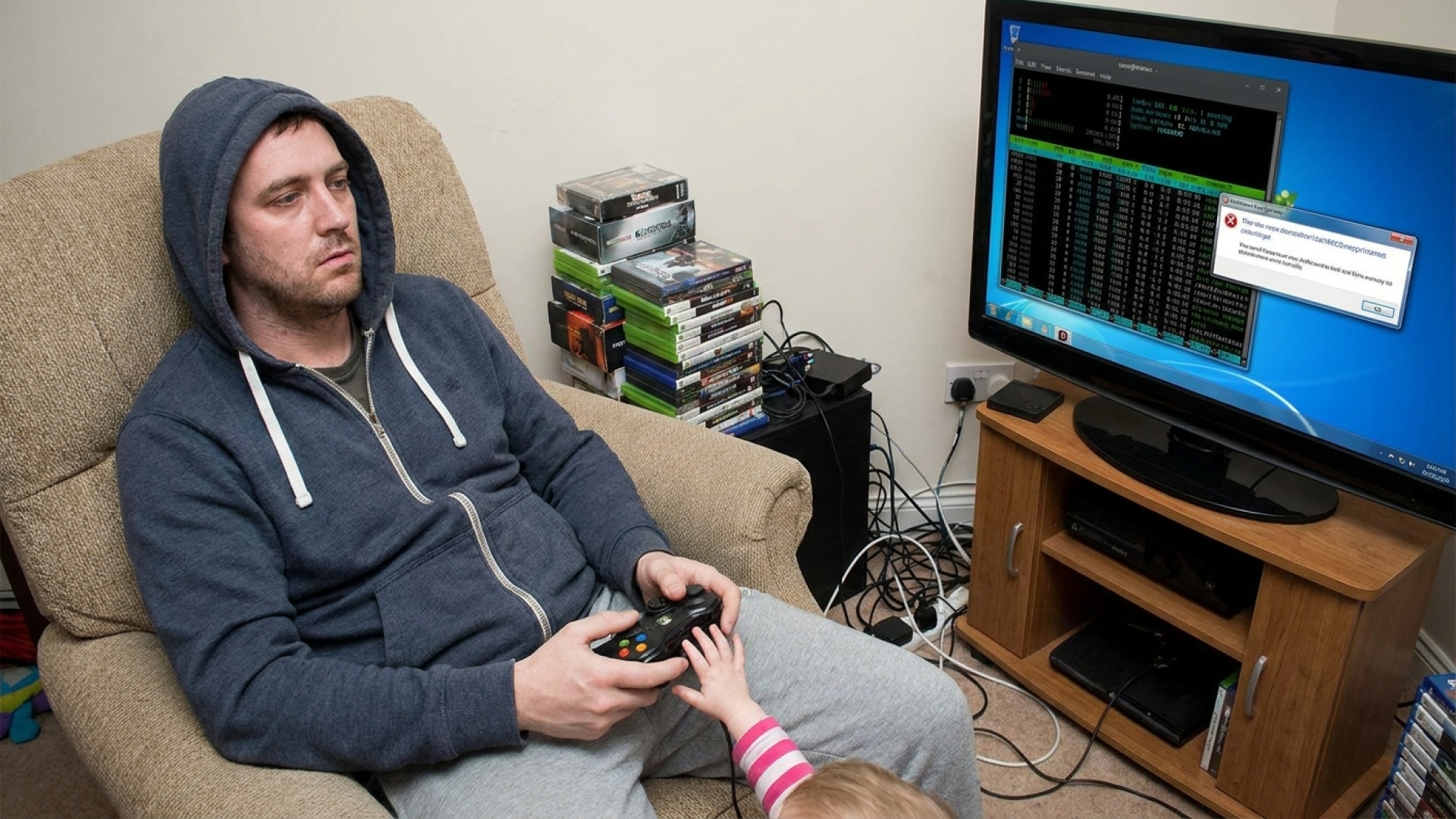
The Hard Way: Why Linux Still Isn’t a Dad-Friendly Gaming OS
At Digital Tech Explorer, we often celebrate the flexibility of open-source software, but real-world testing sometimes reveals a different story. This week, my journey involved deep-diving into Linux gaming troubleshooting while trying to balance the responsibilities of being a dad. While sharing a passion for gaming with my son during the holidays is a priority, the technical hurdles of the PC ecosystem—specifically within the Linux environment—proved to be a significant challenge.
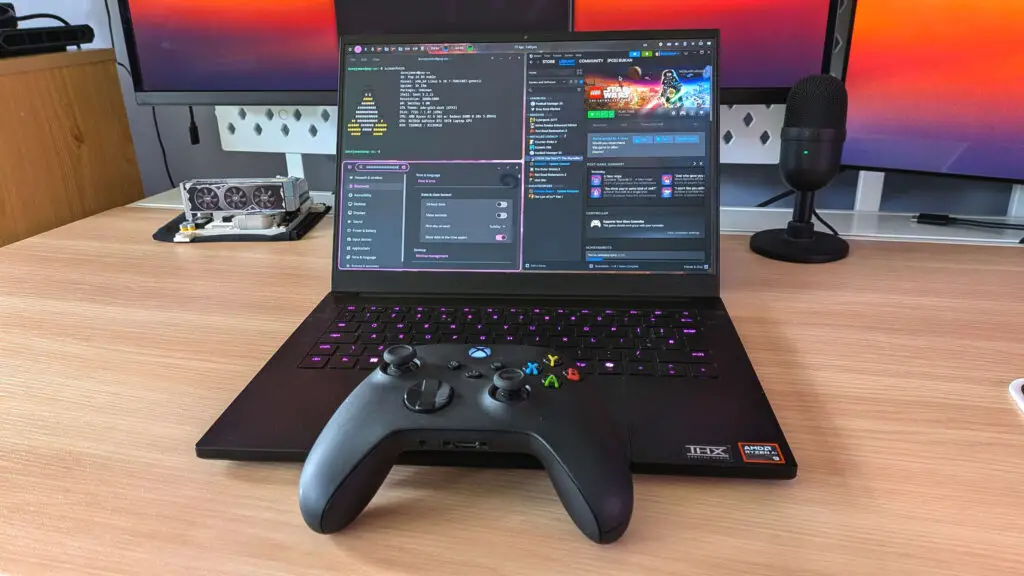
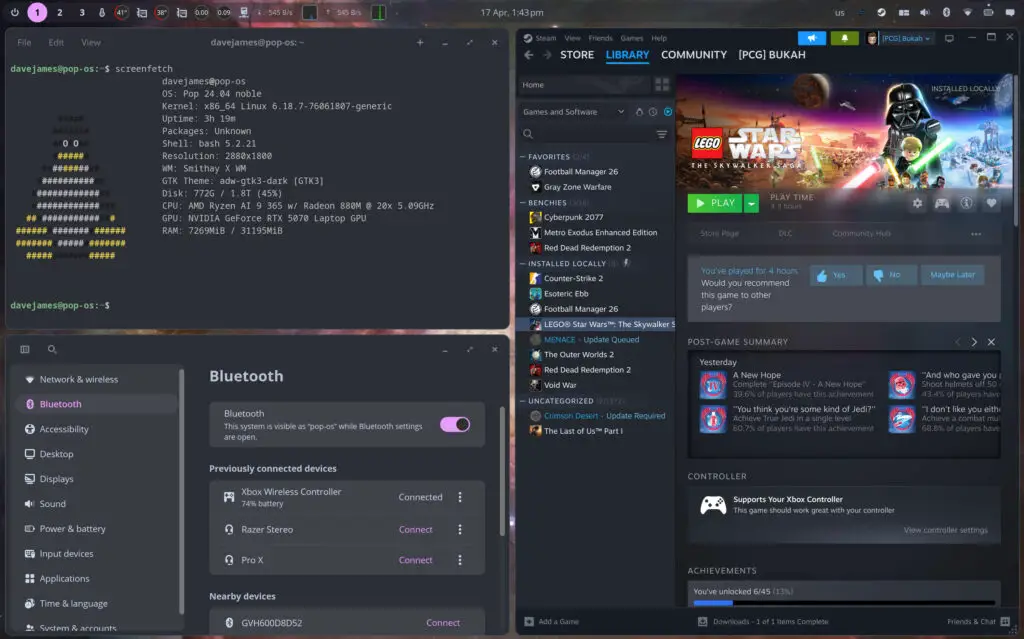
As a software enthusiast, I’ve spent the last few months immersing myself in the Linux landscape. My primary machine, a Razer Blade 14, currently runs PopOS. It offers the kind of granular control and customization that Windows simply can’t match. Thanks to Valve’s Proton and the foundational work of Wine, gaming on Linux has seen a massive evolution. Even with Nvidia GPU drivers, the experience is generally smoother than ever before.
My high-end gaming hardware rig has also transitioned to Nobara Linux. While the experience has been mostly positive, demanding PC games like The Last of Us Part 1 still present issues. Despite its various PC ports and updates, it remains a “fussy” title on Linux, reminding me that the “just works” philosophy isn’t always applicable here.
The Dream of Co-op Gaming on Linux
My son’s gaming tastes are a bit more lighthearted. Instead of gritty survival titles, I wanted to introduce him to Lego Star Wars: The Skywalker Saga. I had the game ready on my PopOS laptop, complete with all DLC, hoping it would be the perfect bridge to get him interested in the Lucasfilms universe. Unfortunately, the technical reality didn’t match the vision.
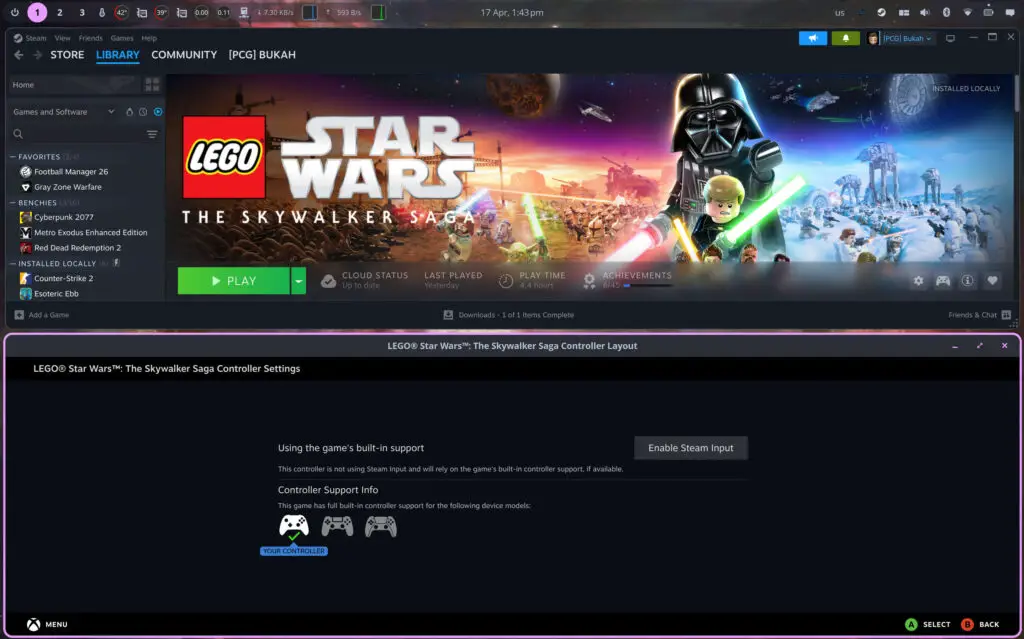
Frustration hit almost immediately. My Bluetooth-enabled Xbox wireless controller simply refused to sync correctly. I found myself diving into terminal commands and scouring GitHub forums for a fix—tasks I enjoy as a developer, but tasks that are impossible to explain to a disappointed child. When he asked, “What’s wrong, dad?” followed by a quiet “It’s okay, we don’t have to play,” the disappointment was palpable.
While I knew the issue was fixable with enough time, time is the one luxury a parent doesn’t have. When a child is ready to play, they aren’t interested in the intricacies of Bluetooth stacks or kernel drivers. To provide a better overview of where Linux stands today for families, I’ve summarized the current state of the experience below.
| Feature | Linux Native / Proton | Cloud Gaming (GeForce Now) |
|---|---|---|
| Setup Effort | Moderate to High (Configuration needed) | Low (Plug & Play) |
| Offline Play | Supported | No (Requires Internet) |
| Peripherals | Hit-or-Miss (Driver dependent) | Strong Support via App/Browser |
| Privacy/Control | Maximum (User-led) | Minimum (Platform-led) |
Cloud Gaming and the Microsoft Barrier
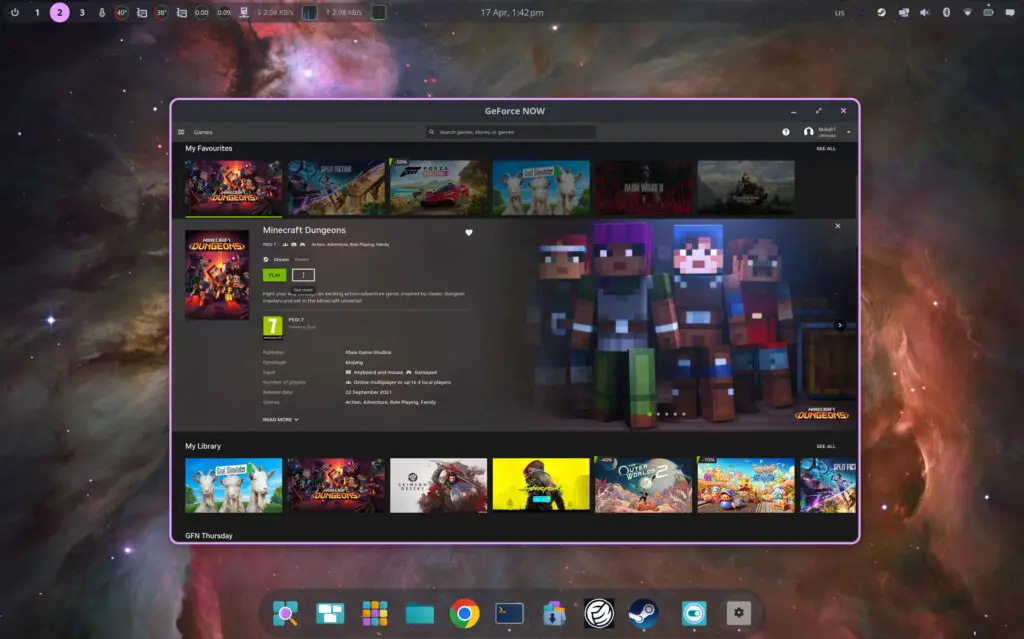
Abandoning the local Linux struggle, I pivoted to GeForce Now on an Nvidia Shield. Cloud gaming has traditionally been our “easy button” for titles like Forza Horizon 5 and Minecraft Dungeons. However, even this “simple” path was blocked by account authentication issues. Despite entering the correct credentials, Microsoft’s login services claimed too many failed attempts, locking us out of our blocky adventure.
This experience served as a stark reminder that modern PC gaming has a significant accessibility gap. Whether it’s the hardware-software handshake in Linux or the validation layers of publisher launchers, we are often at the mercy of platform owners. At Digital Tech Explorer, we aim to bridge the gap between complex tech and everyday usability, but even for a seasoned pro, the friction can be overwhelming.
Lessons Beyond the Screen
When the tech failed, we chose a different path. I shut off the screen and we spent the afternoon baking cakes instead. While our kitchen skills might be just as experimental as my Linux configurations—our Yoda cake topper looked suspiciously like it was made of pesto—the result was far more rewarding than a “Connection Failed” screen.
For now, Linux remains an incredible tool for developers and enthusiasts, but for the “dad” who just wants to play for an hour before bedtime, the ecosystem still has some growing up to do.

Disclaimer: All content on Digital Tech Explorer is for informational and entertainment purposes only. We do not provide financial or legal advice.
Affiliate Disclaimer: Some of the links on Digital Tech Explorer are affiliate links. This means we may earn a commission if you click through and make a purchase, at no additional cost to you. Our recommendations are based on thorough research and personal experience.