
In the expansive and visually stunning world of Crimson Desert, timing is everything. Whether you are trying to avoid the dangers of the night, waiting for a specific NPC to appear, or looking to reset daily actions to befriend pets or level up your horse, knowing how to manipulate the clock is a vital skill. Here at Digital Tech Explorer, we’ve spent significant time testing these mechanics to ensure your journey through Pywel is as efficient as possible.
Currently, the game offers a few specific ways to advance the clock, though it comes with certain limitations. Unlike some open-world RPGs where you can meditate anywhere, Crimson Desert requires specific environmental interactions.
How to Pass Time in Crimson Desert
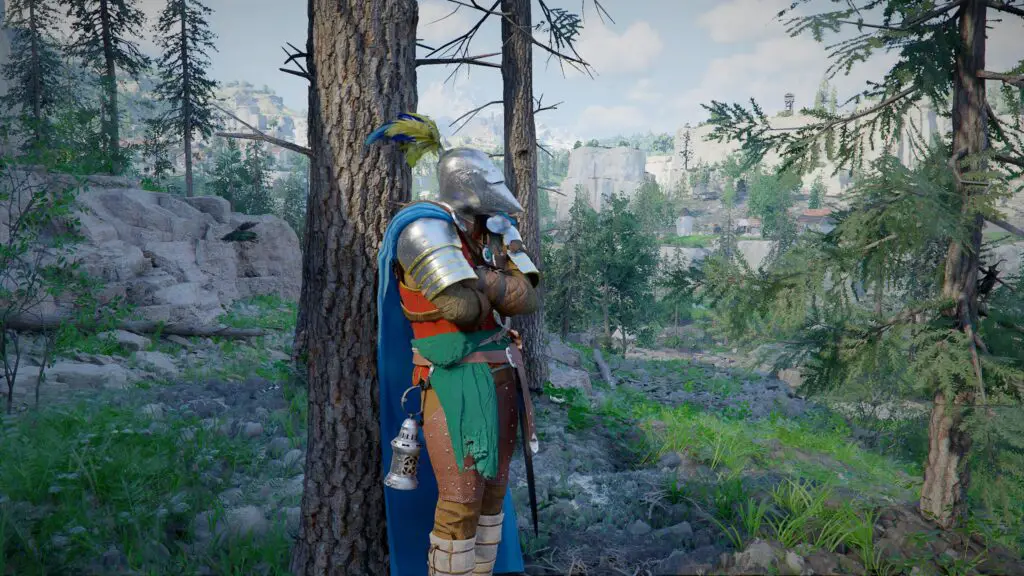
To advance the clock, you need to locate either a bed or a bonfire. One of the more convenient aspects of the game’s design is that Kliff isn’t picky—any bed you find in a village or outpost is yours for the taking. There are no “trespassing” penalties for using a bed in an NPC’s home.
Resting Mechanics Reference
| Method | Interaction | Time Increments |
|---|---|---|
| Bed | Interact to lie down | 3, 6, or 12 Hours |
| Bonfire | Press CTRL (LB on controller) to inspect | Wait Option |
| Quest Points | Trigger “Wait for right time” prompt | Skips to specific event time |
When you finish resting, a notification will inform you that your fatigue has been restored. This highlights the main caveat: rest management. You can only use these methods when Kliff is considered “tired.” While there isn’t a visible stamina or fatigue bar on the main HUD to track this, the game prevents you from “spamming” the sleep mechanic. Generally, if you have recently slept, you will need to engage in more gameplay before the option becomes available again.
Quest-Specific Time Skipping
For players focused on the main narrative or side objectives, Crimson Desert provides a built-in shortcut. If a quest requires a specific time of day (such as the “Missing Companion” quest in Chapter 2), the game will often prompt you with a “Wait for the right time” message when you reach the quest marker. By pressing ESC (or the Menu button on a controller), you can skip directly to the required hour without finding a bed.
This is a welcome feature for those who want to keep the momentum of the story moving without getting bogged down in survival mechanics.

Enhance Your Crimson Desert Experience
Looking for more ways to master this ambitious title? Check out our other in-depth guides and technical analyses:
- Crimson Desert Characters: How to unlock every companion in your journey.
- AI Acceleration and Performance: Optimizing your GPU for 4K Pywel landscapes.
- Abyss Artifacts: A guide to leveling up and maximizing your power.
- Skill Management: How to respec your build using Faded Abyss Artifacts.
- Thievery and Stealth: Tips for pilfering loot without getting caught.
- Fast Travel: Navigating the world efficiently via the Abyss Nexus.
Affiliate Disclaimer: Some of the links on Digital Tech Explorer are affiliate links. This means we may earn a commission if you click through and make a purchase, at no additional cost to you. Our recommendations are based on thorough research and personal experience.
General Disclaimer: All content on Digital Tech Explorer is for informational and entertainment purposes only. We do not provide financial or legal advice.