
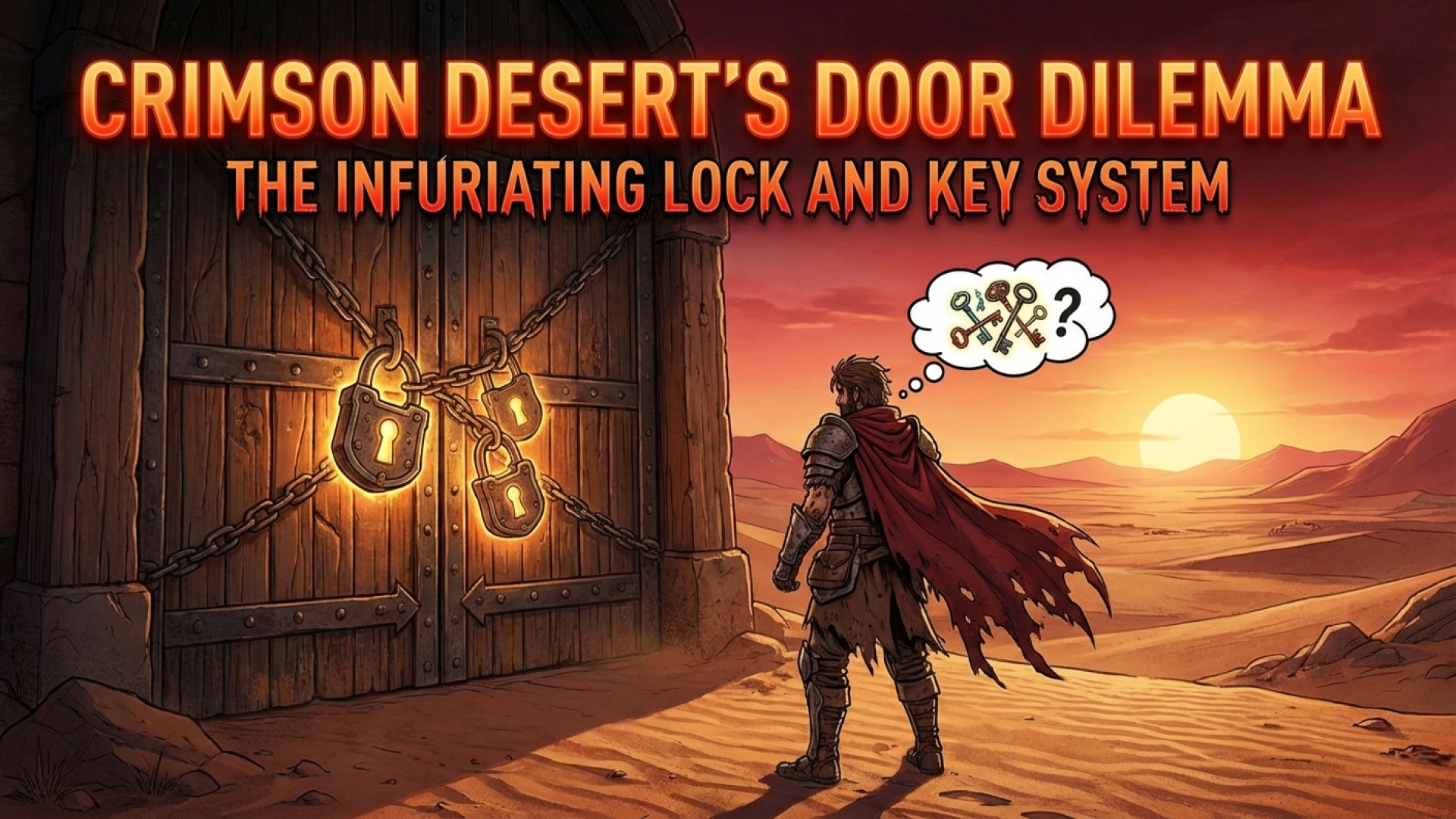
In the vast, sprawling landscapes of Pywel, the thrill of discovery is a primary motivator for any adventurer. As a tech storyteller here at Digital Tech Explorer, I’ve navigated countless digital realms, but the intricate puzzles and hidden treasures within Crimson Desert offer a particularly compelling narrative. Whether you are deciphering the Hernand Castle Strongbox or exploring the far reaches of the continent, the game constantly challenges your intuition. However, beneath the polish of this ambitious title lies a mechanic that feels less like a challenge and more like a technical oversight: the diabolical lock and key system.

The Mechanics of Pywel’s Lock System
In most modern RPGs, specific keys are tied to specific doors, creating a structured path for progression. Crimson Desert diverges from this trend by utilizing a generic ‘key’ item. While this might sound like a convenience, the implementation is surprisingly abrasive. These generic keys are consumed automatically. The moment your character, Kliff, brushes against a locked door, a key is instantly vanished from your inventory to open it, regardless of whether you actually intended to enter.
The UX Failure: Accidental Consumption
From a user experience (UX) perspective, the system lacks necessary feedback. There is no visual indicator to distinguish a locked door from an unlocked one until you are close enough to trigger the automatic unlock. This leads to a recurring frustration for players: wasting valuable gaming resources on insignificant rooms. Given the high sensitivity of movement controls, a simple directional shift near a door can cost you a key that was meant for a high-tier loot chest.
Inventory Limitations and Resource Management
The frustration is compounded by the game’s strict inventory management. At Digital Tech Explorer, we often analyze how software constraints impact gameplay, and the lack of external storage in Crimson Desert is a prime example. Without a bank or a way to store items on your mount, you are forced to carry every key you find. This design choice makes your entire stock vulnerable to the “auto-use” mechanic at all times.
| Feature | Impact on Player Experience |
|---|---|
| Generic Key Items | Allows access to most doors but removes the “reward” of finding specific quest items. |
| Auto-Unlock Trigger | Leads to accidental key usage on low-value rooms like pantries or sheds. |
| No External Storage | Prevents players from “saving” keys for important late-game areas. |
| Lack of Visual Cues | Forces physical interaction to identify locks, increasing the risk of waste. |
Intentional Friction or Design Flaw?
Pearl Abyss is known for unconventional mechanics, and some might argue this system is an intentional “abrasive” design choice meant to simulate the unpredictability of a mercenary’s life. However, for the modern developer or enthusiast looking for streamlined digital innovation, it feels like a missed opportunity for a more refined interaction model. Every locked door becomes a gamble—not of skill, but of inventory preservation.
Mastering Crimson Desert: Further Guides
To help you navigate these hurdles and make the most of your time in Pywel, we’ve curated a selection of essential guides. Mastering these mechanics will ensure you stay ahead of the curve and keep your resources secure.

- Crimson Desert Characters: Learn how to unlock and utilize every member of your party.
- Skill Respec Guide: How to use Faded Abyss Artifacts to swap your skills.
- The Art of Stealing: Tips for pilfering loot without getting caught.
- Pet Locations: How to find and adopt your own furry companions.
- Horse Taming & Skills: A deep dive into mounting up and leveling your steeds.
- Fast Travel Explained: Navigating the Abyss Nexus to traverse Pywel instantly.
For more insights into the latest 2024 releases and expert hardware reviews, stay tuned to Digital Tech Explorer. Our mission is to bridge the gap between complex tech and everyday usability, ensuring you have the tools to succeed in any digital landscape.