
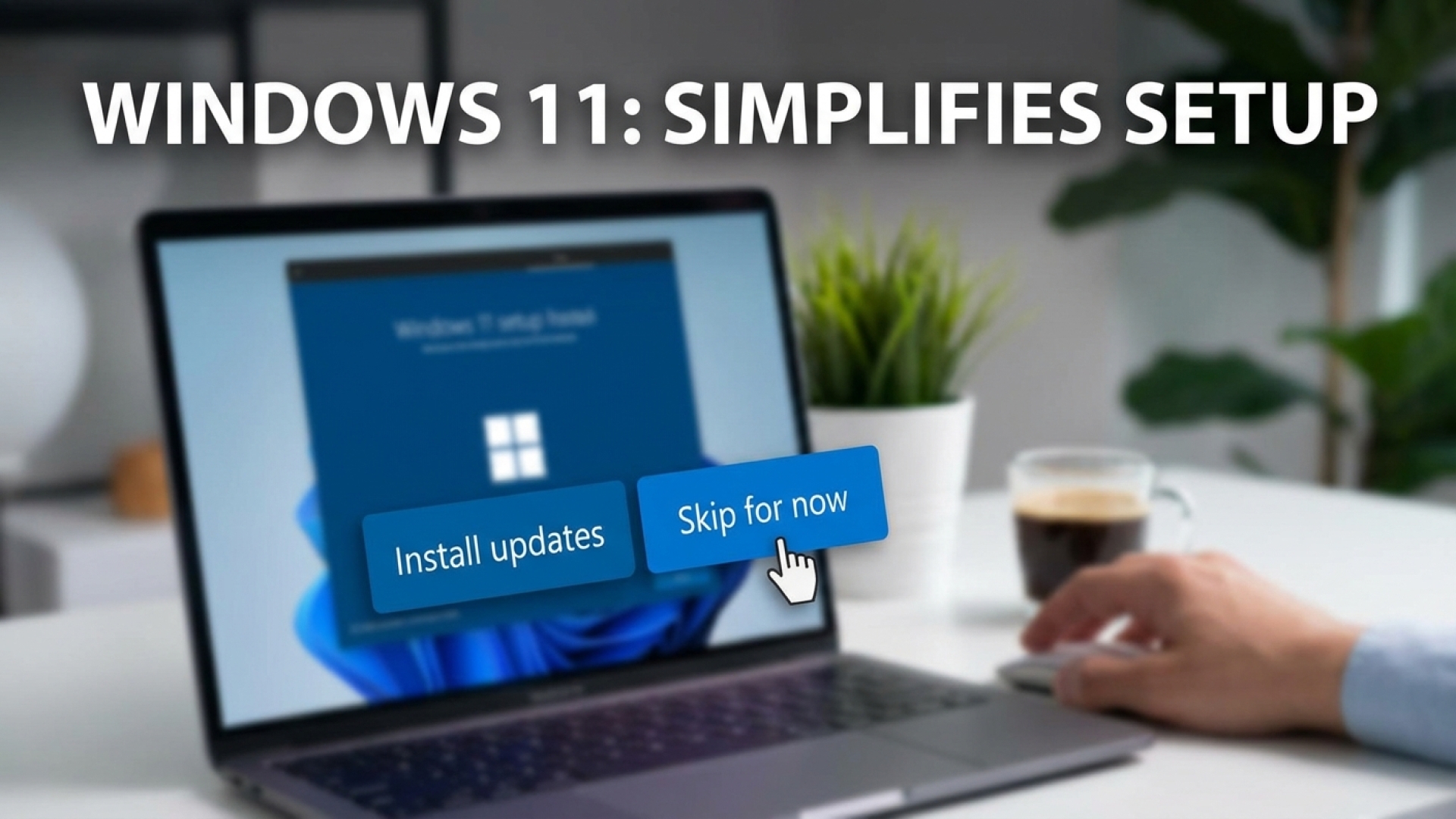
We’ve all been there: the excitement of unboxing a sleek new device, the tactile peel of the protective plastic, and the anticipation of diving into a fresh operating system. But for years, that momentum has been halted by the inevitable “Windows is updating” screen. At Digital Tech Explorer, we’ve documented how these mandatory pauses can turn a five-minute setup into a forty-minute ordeal. However, a recent shift in the Windows 11 setup process suggests Microsoft is finally listening to our collective sighs.
The “Update Later” Breakthrough
In a move that aligns with modern hardware trends toward instant gratification, a new “Update Later” option has begun appearing during the Out of Box Experience (OOBE). First spotted by tech enthusiast AriaUpdated on X, this feature allows users to bypass the initial update gauntlet. During our testing of a factory-reset Gigabyte Aero X16 gaming laptop, the option was clearly presented, offering a much-needed detour from the traditional waiting room.
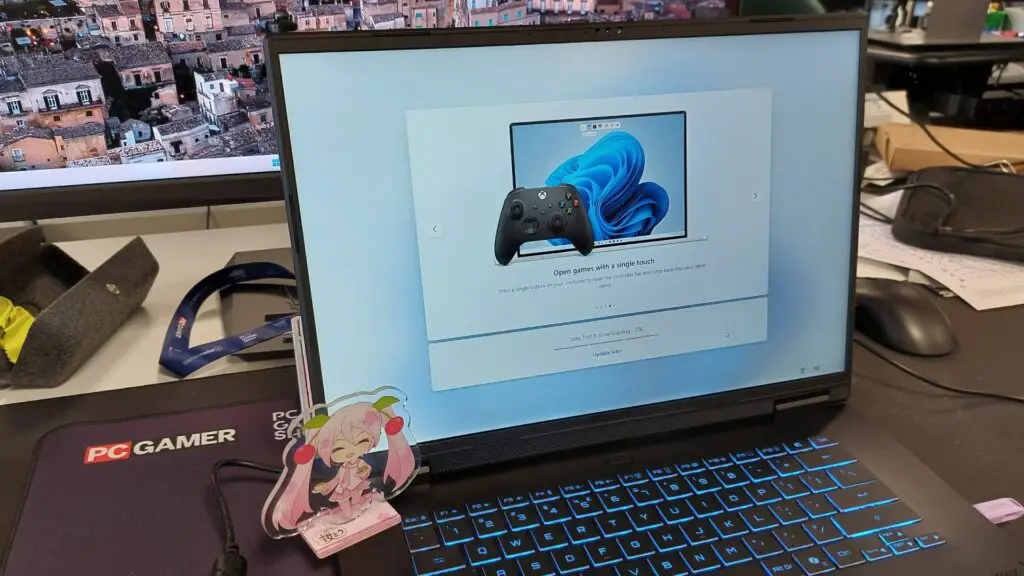
Selecting “Update Later” doesn’t just skip the process; it leads to a confirmation screen. Here, users can either double down on their choice or opt to “Complete Updates Now” if they decide they have the time. This two-step verification ensures that the choice is intentional, preventing users from accidentally skipping critical patches without realizing the implications.
Setup Comparison: At a Glance
| Feature | Standard Setup | New “Update Later” Setup |
|---|---|---|
| Time to Desktop | 20–45+ Minutes | 5–10 Minutes |
| Initial Security | Fully Patched | Base Image (Requires Manual Update) |
| User Control | Mandatory Waiting | User-Defined Schedule |
| Distractions | Edge Surf Game | Immediate Productivity/Gaming |
Balancing Speed with System Security
As a storyteller in the tech space, I always emphasize that with great speed comes great responsibility. While the convenience of skipping updates is undeniable, it does leave your PC in a temporarily vulnerable state. Without the latest security definitions, your brand-new machine is exposed to known exploits until you eventually run Windows Update. For those who enjoy the ritual, Microsoft still offers the Microsoft Edge Surf game to pass the time, but for the rest of us, the ability to reach the desktop “speedrun” style—reminiscent of Windows 10—is a breath of fresh air.
Microsoft’s Strategic Pivot for 2024 and Beyond
This update isn’t just a random tweak; it’s part of a broader vision for Windows in 2024 and into 2026. Pavan Davuluri, Microsoft’s Executive Vice President of Windows + Devices, recently emphasized a commitment to reducing disruption from Windows Updates. The goal is to address long-standing pain points regarding system reliability and the overall user journey. By minimizing initial friction, Microsoft is attempting to win back users who have been swayed by the rapid setup times of ChromeOS or macOS.
A Final Word from TechTalesLeo
In the evolving landscape of AI acceleration and high-performance computing, our time is our most valuable resource. Microsoft’s decision to grant users control over their setup schedule is a significant win for user experience. Whether you’re a developer eager to start coding or a gamer ready to launch Minecraft, this change removes the first hurdle in your journey. While we recommend patching your system as soon as possible, having the choice to do so on your own terms makes the Windows ecosystem feel a little more human and a lot more modern.
For more in-depth analyses on the latest digital trends and hardware reviews, keep exploring with us here at Digital Tech Explorer.