
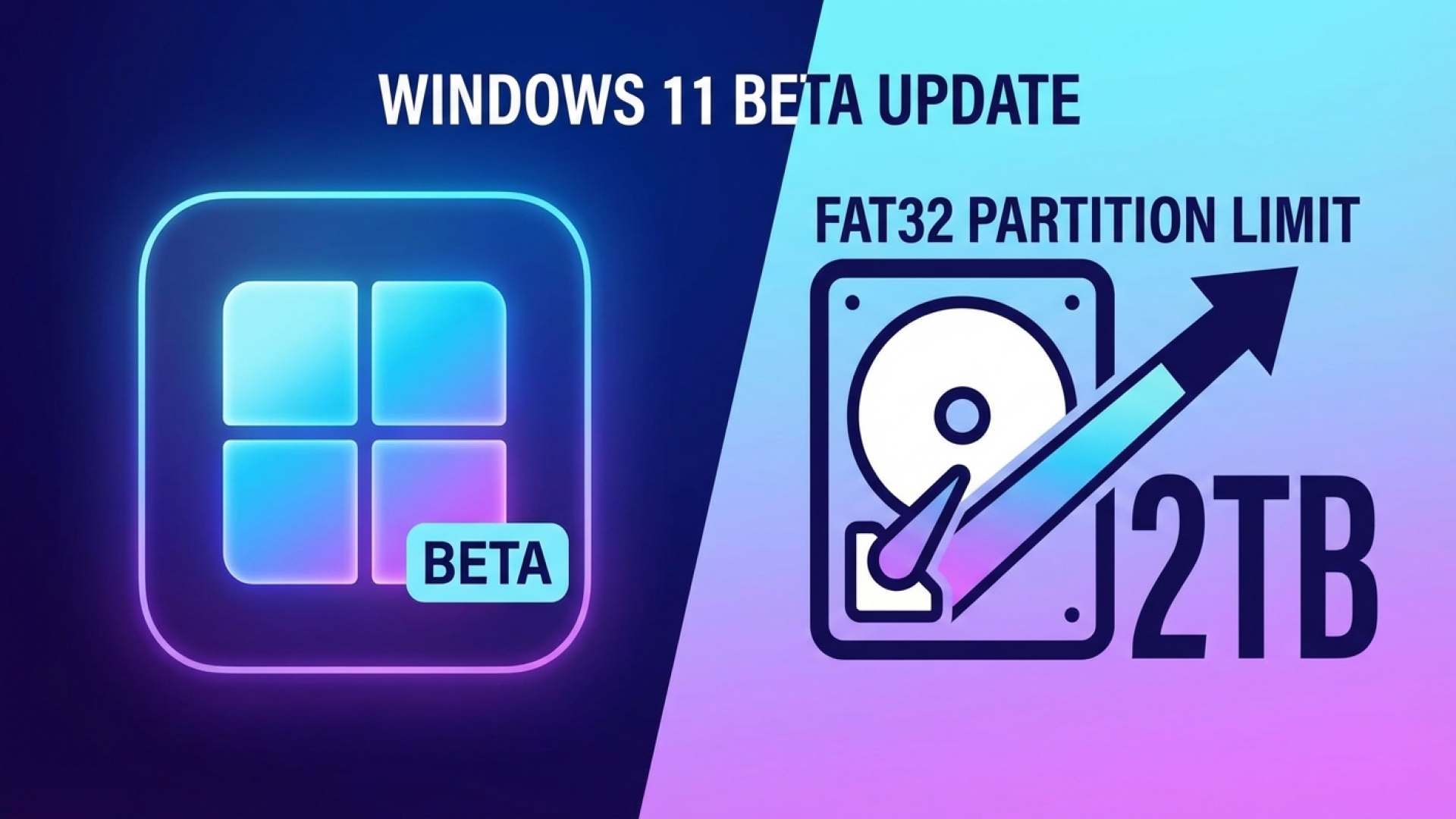
At Digital Tech Explorer, we are constantly tracking the evolution of operating systems to help developers and enthusiasts optimize their workflows. In a move that feels like a long-overdue nod to legacy hardware users and tech tinkerers alike, Microsoft is finally addressing a decades-old limitation in Windows 11. Our latest deep dive explores the shift in how the OS handles FAT32 volumes, a change that signals a more flexible future for storage management.
For those of us navigating the intersection of modern software and classic hardware, the 32 GB limit on FAT32 partitions has been a persistent hurdle. With the rollout of Windows 11 Insider Preview Build 26220.8165 in the Beta Channel, that barrier is finally coming down, expanding the native formatting capacity to a massive 2 TB.
Breaking the 32 GB Barrier: A New Standard for FAT32
This update, currently making waves in the Beta Channel, represents a significant jump from the historical default. While the underlying file system has technically supported larger volumes for years, Windows’ native formatting tools artificially capped these at 32 GB since the days of Windows 95. TechTalesLeo notes that while this was originally a choice to encourage the adoption of NTFS, it often became a bottleneck for modern tech enthusiasts.
It is important to clarify that, for now, this increased 2 TB limit is accessible specifically when formatting FAT32 volumes through the command line. While a GUI update may follow, the ability to bypass third-party tools via terminal commands is a welcome addition for power users and system administrators.
Understanding the Limitations: Partition Size vs. File Size
While we celebrate the expanded partition size, the Digital Tech Explorer team reminds users that certain physical laws of the FAT32 architecture remain unchanged. The most notable is the 4 GB individual file size limit. Even on a 2 TB partition, you cannot store a single file larger than 4 GB—a constraint hardcoded into the file system’s 32-bit structure.
To help you decide which file system fits your project, we’ve outlined the key differences below:
| Feature | FAT32 (Updated) | exFAT | NTFS |
|---|---|---|---|
| Max Partition Size | 2 TB (via Command Line) | 128 PB | 8 PB |
| Max File Size | 4 GB | 16 EB | 8 PB |
| Compatibility | High (Legacy & Modern) | High (Modern Devices) | Windows Focused |
| Best Use Case | BIOS Updates / Homebrew | Flash Drives / Cross-Platform | Internal System Drives |
Why This Matters for Developers and Enthusiasts
You might wonder why we still care about FAT32 in an era of 8K resolution and AI acceleration. The reality is that FAT32 remains the lingua franca for various niche applications. Whether you are performing a BIOS update on a high-end motherboard, setting up a Minecraft server on older hardware, or working with 3D printing firmware, FAT32 is often the mandatory format.
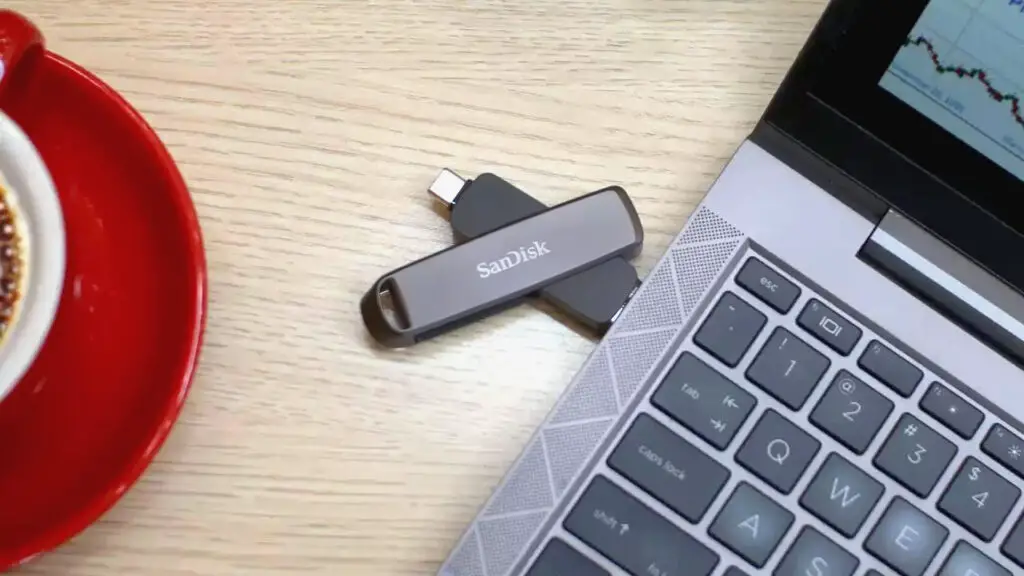
Previously, users had to rely on third-party utilities like GUIFormat to prep large thumb drives. By integrating this into the native Windows environment, Microsoft is streamlining the “tech tale” for everyone, from seasoned software engineers to those just starting their journey in digital innovation.
Looking Ahead: The Evolution of Windows 11
This change is more than just a technical tweak; it’s a reflection of Microsoft’s current trend of listening to community feedback. Much like the recent improvements to gaming performance and the ongoing integration of machine learning features, this update shows a commitment to refining the core user experience.
Stay tuned to Digital Tech Explorer as we continue to track these updates through the Canary and Beta channels. We are dedicated to providing the research and real-world testing you need to stay ahead of the curve in the ever-changing tech landscape.
Disclaimer: All content on Digital Tech Explorer is for informational and entertainment purposes only. We do not provide financial or legal advice. Some of the links on Digital Tech Explorer are affiliate links. This means we may earn a commission if you click through and make a purchase, at no additional cost to you. Our recommendations are based on thorough research and personal experience.