
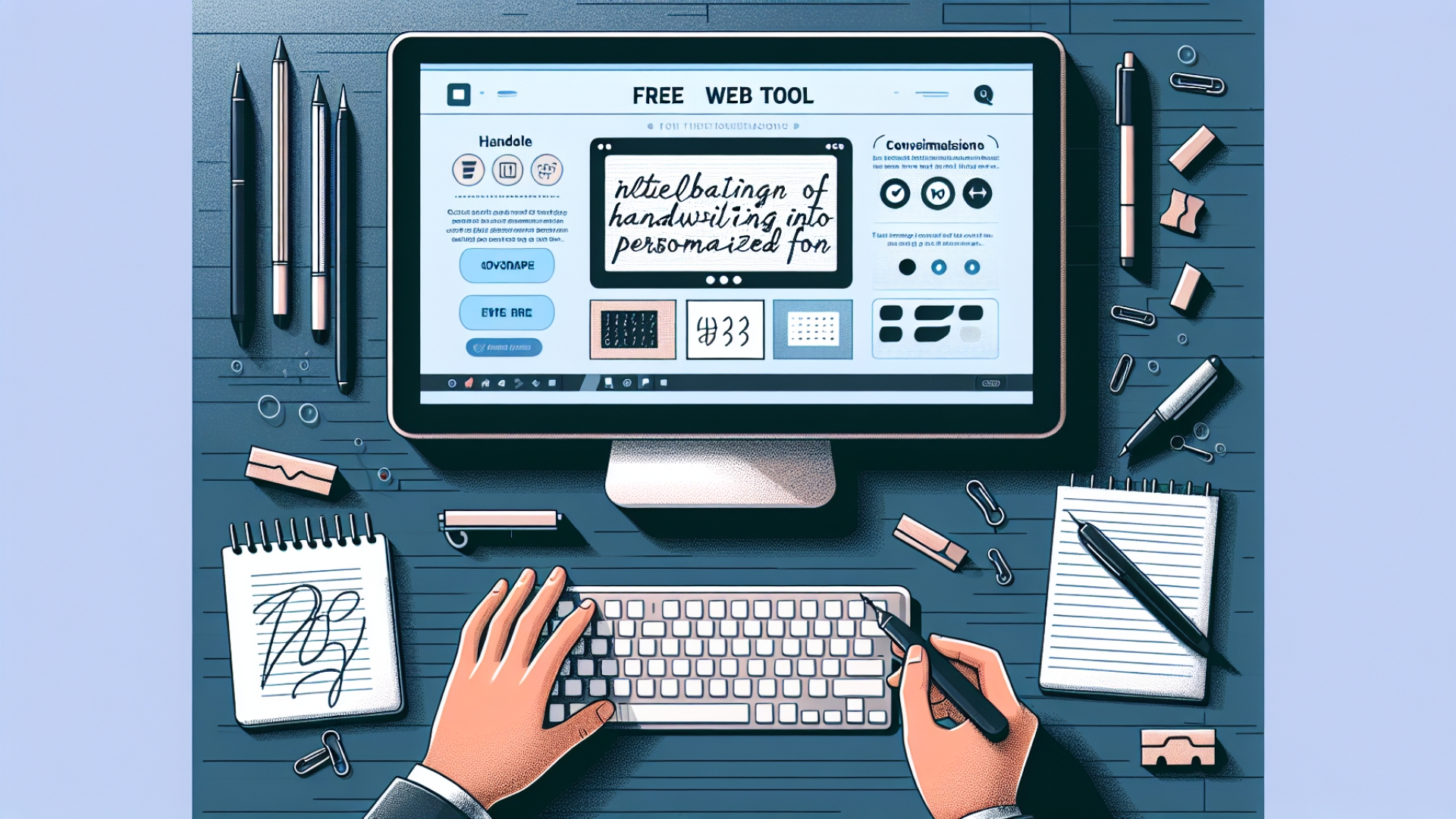
At Digital Tech Explorer, we are constantly hunting for innovative software solutions that bridge the gap between analog creativity and digital utility. As a software engineer and a fan of tech storytelling, I decided to test a tool that promised to turn my unique (and admittedly chaotic) handwriting into a custom digital font. Using FontCrafter, a free web application developed by Chris Pirillo, I embarked on a journey that was supposed to be seamless but ended up leaning into the “unsettling” side of AI-assisted design.
The Font Creation Process: From Paper to Pixel
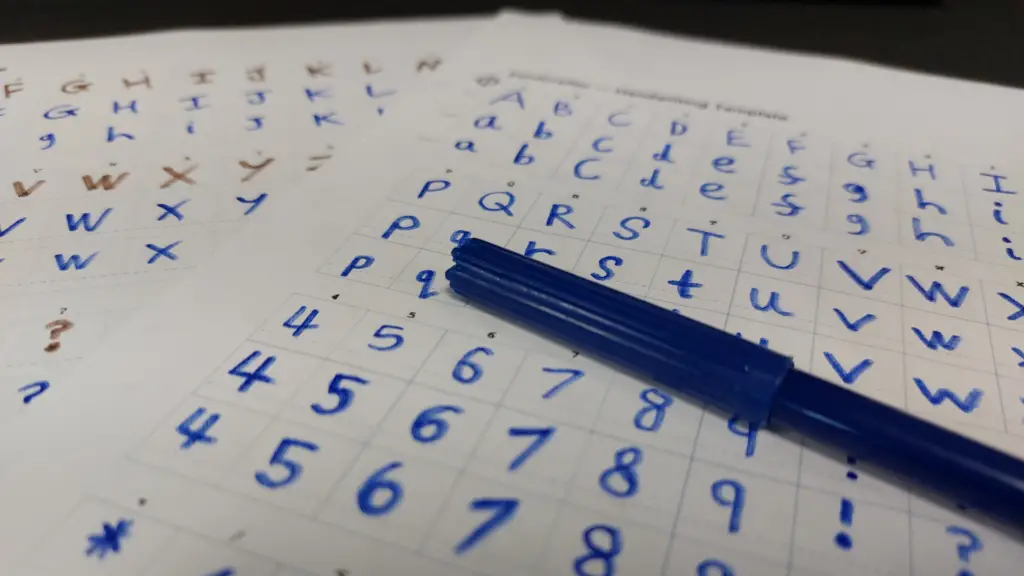
The mission was simple: transform physical penmanship into a usable asset. The process began by printing a specialized template. A critical instruction for this specific software experiment is the choice of writing instrument. The developer explicitly recommends a felt-tip pen; ballpoints are often too faint for high-contrast scanning, while heavy markers tend to bleed through the paper, blurring the character edges.
Once the template was filled with my handwritten characters, I scanned the sheet back into the system. For those looking to achieve professional-grade results, the tool suggests providing three rows of characters. This provides a broader range of handwriting samples, allowing the algorithm to introduce natural variation and personality into the final font design. One of the standout features of FontCrafter is that it operates entirely within your browser, ensuring 100% privacy with no account required—a rare find in today’s data-heavy landscape.
Challenges and “Eldritch” Results
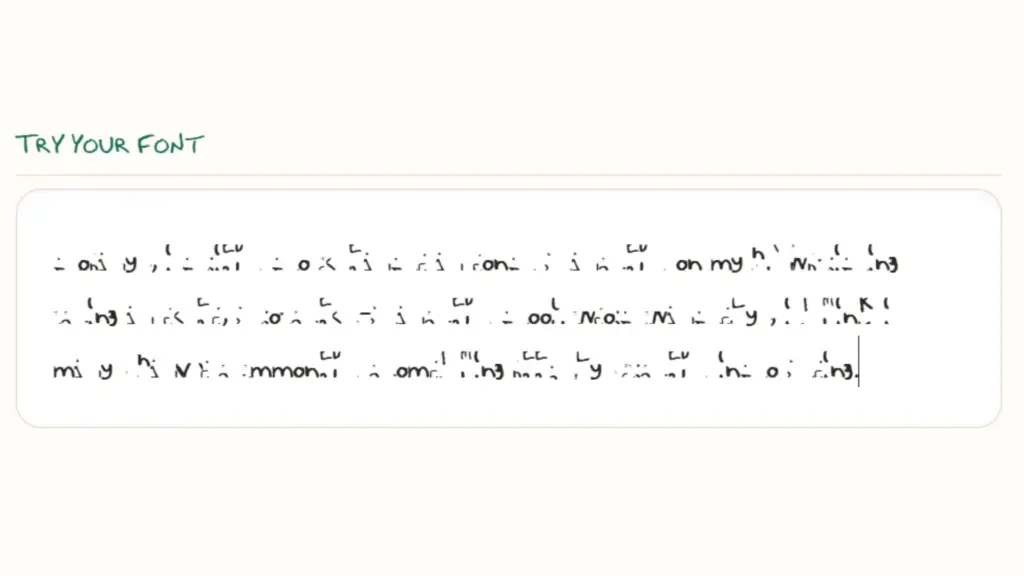
While the theory was sound, my execution faced several technical hurdles. First, my primary marking tool ran out of ink halfway through the template. Second, a printer alignment error truncated the template’s crosshairs, making it difficult for the software to calibrate the character boundaries. Despite my attempts to adjust the contrast and maximize the opacity of the scan, the generated output was, to put it mildly, deeply unsettling.
The final font generated by FontCrafter was an illegible script that felt less like a personalized typeface and more like a “cursed” text from an ancient ritual. Instead of a clean, digital version of my signature style, I was met with sharp, distorted glyphs that defied conventional reading.
Why Did the AI Struggle?
Even though my cursive is naturally difficult to decipher, the tool’s struggle highlights an interesting aspect of modern AI acceleration. FontCrafter is described as a “vibe-coded” tool. Because it utilizes complex AI logic rather than transparent, human-readable code, diagnosing exactly where the character extraction failed is a challenge. While a fresh, well-inked pen and a perfectly aligned scanner would likely yield better results, this experience serves as a humorous reminder that even the most advanced digital innovation has its limits—especially when faced with truly atrocious penmanship.
If you are looking to experiment with your own custom fonts, ensure your hardware and ink are ready for the task. As for me, I’ll be sticking to standard typography until I can negotiate a better deal with the cosmic entities that seem to have possessed my keyboard.
About the Author: This article was written by TechTalesLeo, a storyteller at Digital Tech Explorer dedicated to making complex technology accessible through engaging narratives and real-world testing.
Disclaimer: All content on Digital Tech Explorer is for informational and entertainment purposes only. We do not provide financial or legal advice. Some of the links on our site are affiliate links; we may earn a commission at no additional cost to you.