
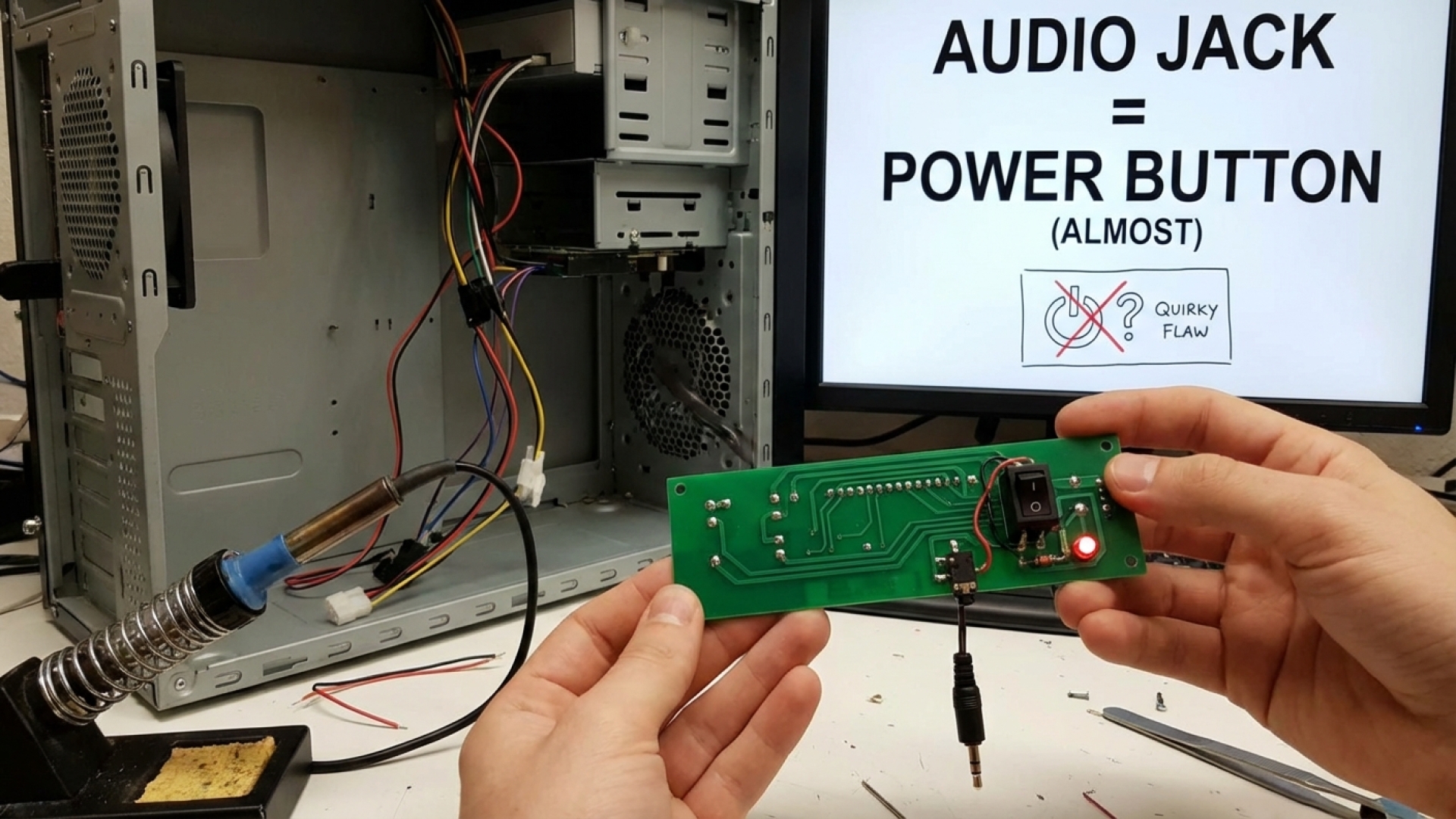
At Digital Tech Explorer, we are constantly fascinated by the intersection of hardware engineering and creative curiosity. The humble power button on every desktop, laptop, and handheld gaming PC is, at its core, a simple device that bridges two contacts. But have you ever wondered if there was a more inventive way to fire up your rig? What if you could boot your computer using a port that was never intended for power? One prolific tech tinkerer has explored this very question, and the result is a masterclass in “why not” engineering.
The innovator in question is Adam Lee, better known to the hardware community as mryeester. His latest project sounds deceptively simple but presents a unique set of electronic challenges: powering on a PC using its 3.5mm audio jack.

The Simple Science of the PC Power Button
To understand why this mod works, we first have to look at how a standard PC starts. Most power buttons are momentary switches. When you press the button, a piece of metal bridges two electrical contacts on the motherboard’s front panel header. This creates a low-voltage circuit completion that signals the motherboard to tell the Power Supply Unit (PSU) to begin the boot process. As soon as you let go, the circuit is broken, but the signal has already been sent.
The Audio Jack Experiment: Turning Sound Ports into Switches
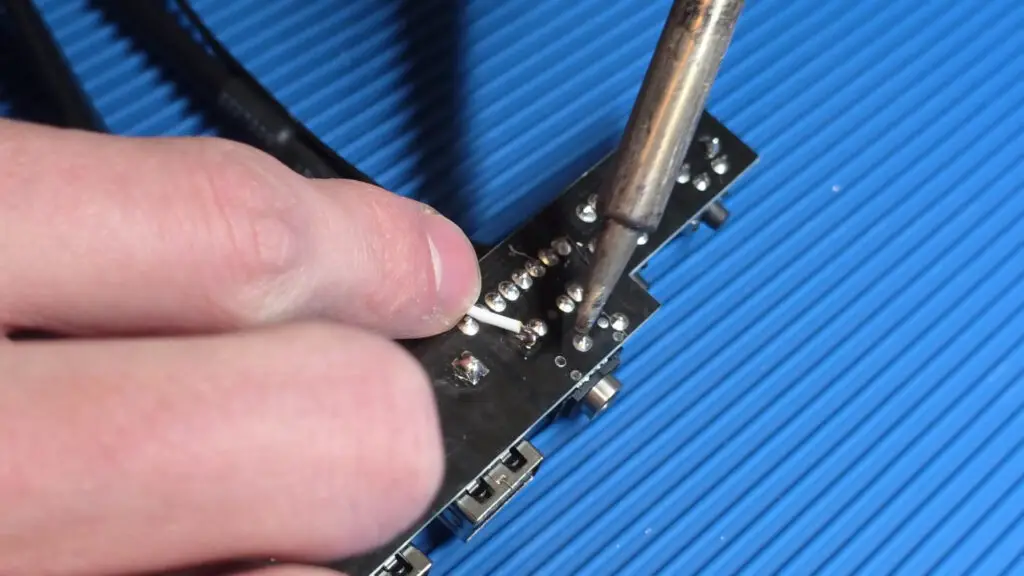
In theory, any conductive material can bridge those motherboard contacts. A TRS (Tip-Ring-Sleeve) connector—the standard 3.5mm jack found on headphones—is essentially a series of metal segments separated by plastic insulators. By wiring the audio jack’s internal pins to the power header on the motherboard, mryeester successfully demonstrated that plugging in a pair of headphones could technically “jumpstart” the PC into life.
The “Always-On” Dilemma
However, as any seasoned system builder knows, there is a catch. In Lee’s experiment, leaving the audio jack inserted in the socket creates a continuous connection. This replicates the action of holding down a traditional power button. On most modern motherboards, holding the power button for more than four seconds triggers a hard shutdown.
Because the audio jack doesn’t have a “spring-back” mechanism to break the circuit once inserted, the PC would theoretically turn on and then immediately force itself back off. To make this a daily-driver solution, a developer would need to integrate a timing circuit or a “one-shot” pulse generator that drops the connection after a fraction of a second, even if the jack remains plugged in.
Practical Utility vs. Tactile Satisfaction
While the “audio jack key” is a fantastic bit of tech storytelling, it highlights why we still rely on traditional mechanical buttons. There is a specific tactile satisfaction in the “click” of a well-engineered chassis. At Digital Tech Explorer, we often prioritize user experience as much as raw specs. This is why I personally gravitate toward cases like the Fractal Design North XL; the premium feel of the power button and the aesthetic of the wood-slatted front panel offer a sensory experience that a simple audio plug can’t replicate.
Whether you’re a fan of custom mods or standard builds, this experiment reminds us that hardware is often more flexible than the manuals suggest. If a banana can conduct enough signal for audio, there’s no reason we can’t keep reimagining how we interact with our machines.
| Component | Standard Function | mryeester Mod Function |
|---|---|---|
| 3.5mm Audio Jack | Analog Audio Output | Power Circuit Bridge |
| Front Panel Header | Connection for Case Buttons | Wired to Audio PCB |
| Headphone Plug | Audio Transmission | Momentary Contact “Key” |
Affiliate Disclaimer: Some of the links on Digital Tech Explorer are affiliate links. This means we may earn a commission if you click through and make a purchase, at no additional cost to you. Our recommendations are based on thorough research and personal experience. All content is for informational and entertainment purposes only.