
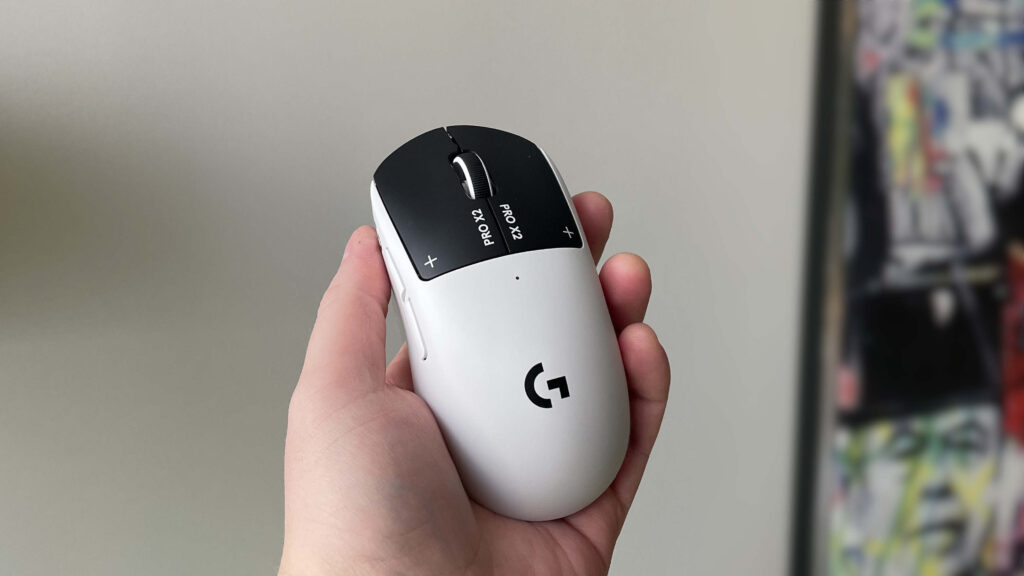
A few months ago, the competitive PC gaming scene witnessed a significant shift when the Logitech G Pro X2 Superstrike hit the market. At Digital Tech Explorer, we’re always looking for the “next big thing” in hardware, and this mouse delivered. It was the first to introduce haptic-inductive analogue switches under its main buttons, allowing for clicks that respond to extremely minute touches or user-defined force levels. For competitive gamers, this innovation promised a tangible reduction in click latency—the holy grail of fast-paced play.
The Superstrike’s analogue technology initially felt like the definitive future of gaming peripherals. However, the release of the Razer Viper V4 Pro served as a stark reminder that traditional designs, when executed with near-perfection, still hold immense weight. While Logitech focuses on shaving milliseconds via switch tech, Razer prioritizes a flawless build and top-tier sensor performance. For those of us deep in the world of pc games, the choice between these two titans is more nuanced than it appears.
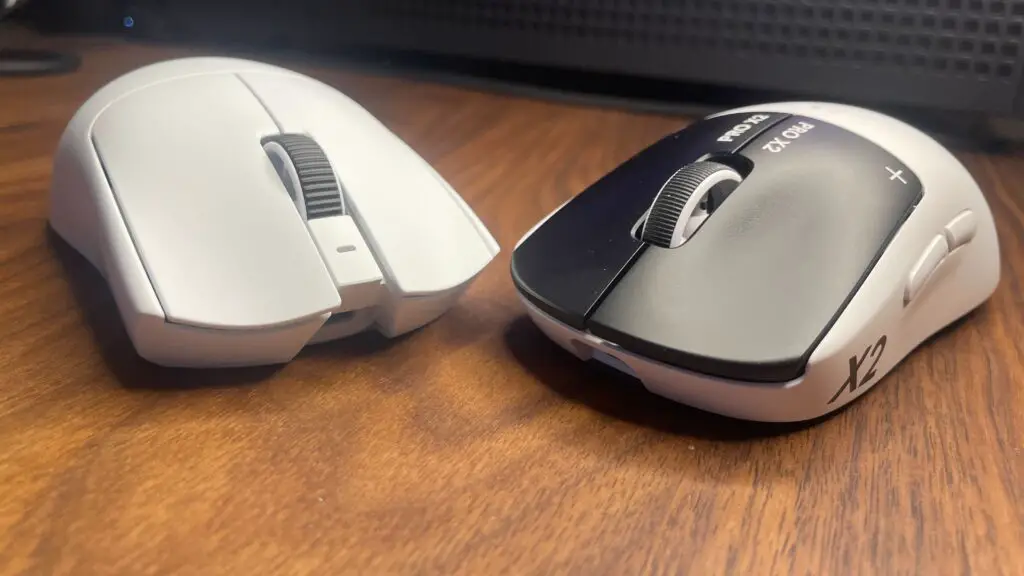
Specs Comparison
When we look past the unique switch technology, the Viper V4 Pro offers a more robust all-round package. It is notably lighter, provides significantly better battery life, and incorporates an industry-leading sensor. Below is a breakdown of how these two flagship mice stack up against each other:
| Feature | Razer Viper V4 Pro | Logitech G Pro X2 Superstrike |
|---|---|---|
| Sensor Type | Focus Pro 35K Optical Sensor Gen-2 | HERO 2 (Modified for Analogue) |
| Switch Type | Optical (Gen-3) | Haptic-Inductive (Analogue) |
| Weight | 52g | 60g |
| Battery Life | Up to 95 hours (at 1000Hz) | Up to 50 hours |
| Scroll Wheel | Optical | Mechanical |
| MSRP | $159.99 | $179.99 |
One critical distinction often overlooked is the scroll wheel. The Viper V4 Pro utilizes an optical wheel, which theoretically avoids the common mechanical failures—like scrolling issues or long-press registration errors—that have occasionally plagued the Superstrike’s mechanical wheel (shared with the G Pro X Superlight 2).
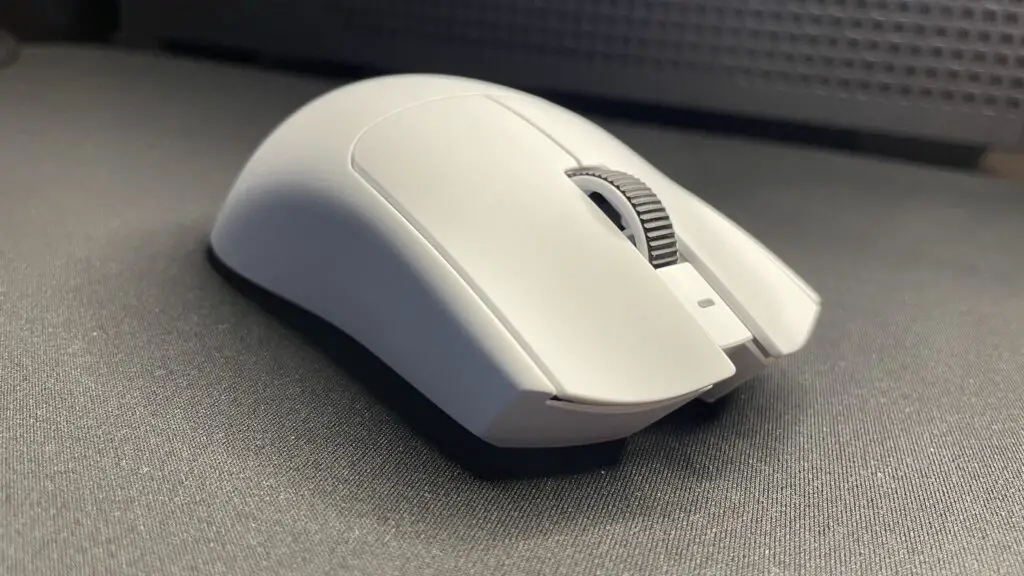
Build Quality and Ergonomics
In terms of “premium” feel, the Razer Viper V4 Pro takes the lead. Its construction is exceptionally rigid, featuring tactile buttons with virtually zero pre-travel and smooth skates that glide effortlessly across any surface. It feels like a tool crafted for precision.
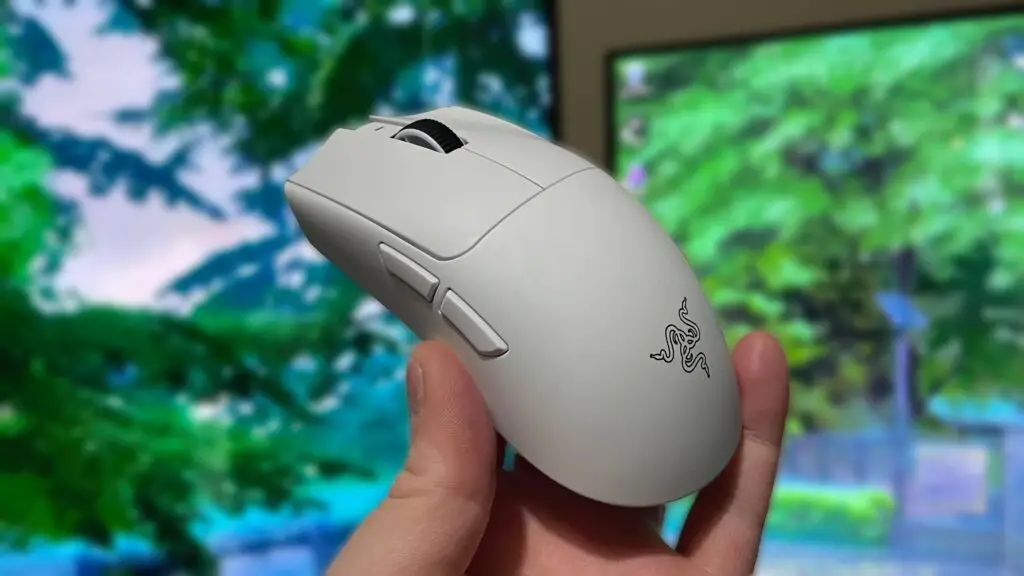
Both mice utilize safe, symmetrical shapes, but the Superstrike retains the classic “potato” silhouette of the G Pro series, offering a slightly higher hump for better palm support. However, where the Superstrike falters is in the details: the side buttons feel somewhat mushy, and there is a noticeable left-right wobble on the primary buttons when fully pressed. Razer also gains points for user-friendliness; the Viper V4 Pro allows settings management via Synapse Web, removing the requirement for a local software installation—a win for minimalist tech enthusiasts.
Are Analogue Clicks a Game Changer?
The real question is whether the Superstrike’s analogue technology translates to better in-game performance. In tactical shooters like Counter-Strike 2 or Valorant, the answer is a cautious “yes.” In these low time-to-kill (TTK) environments, the ability to trigger a shot with a lighter touch can provide a marginal competitive edge when holding an angle.
However, this advantage diminishes in tracking-heavy games like Overwatch or Apex Legends. It is important to remember that while the Superstrike is innovative, it won’t magically fix poor aim. Your reaction time and positioning remain the primary factors in your success. As the saying goes in the enthusiast community: Shape is King. If a mouse doesn’t fit your hand, the most advanced sensor in the world won’t help you.
Final Verdict: Which Should You Buy?
To help you decide which device should join your setup, we’ve distilled the choice down to your specific needs:
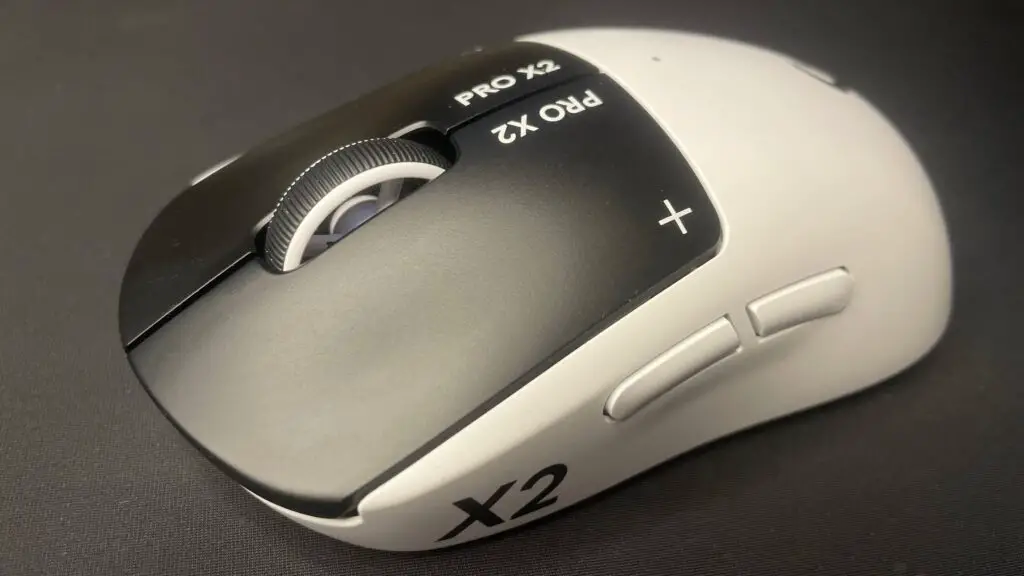
- Choose the Logitech G Pro X2 Superstrike if: You are a hardcore tactical shooter player looking for every possible millisecond of advantage and you prefer the higher-hump “Superlight” shape. You must be willing to pay a premium and overlook slightly less refined build quality.
- Choose the Razer Viper V4 Pro if: You want the best overall gaming mouse on the market. With its superior weight, battery life, sensor, and build quality, it is the more versatile and polished tool for almost every genre.
While Logitech’s analogue experiment is a fascinating narrative in tech innovation, Razer’s commitment to perfecting the fundamentals makes the Viper V4 Pro our top recommendation for the majority of gamers. Staying ahead of 2024 releases, it’s clear that while new tech is exciting, “flawless” execution still wins the day.
Disclaimer: All content on Digital Tech Explorer is for informational and entertainment purposes only. We do not provide financial or legal advice.
Affiliate Disclaimer: Some of the links on Digital Tech Explorer are affiliate links. This means we may earn a commission if you click through and make a purchase, at no additional cost to you. Our recommendations are based on thorough research and personal experience.