
At Digital Tech Explorer, we understand that the fear of “burn-in” remains the primary hurdle for enthusiasts looking to upgrade to OLED monitors. However, evidence suggesting that this issue shouldn’t be a dealbreaker for gamers is reaching critical mass. A new long-term assessment released recently provides fresh data that should put many minds at ease.
The YouTube channel Optimum recently concluded a real-world test of a 32-inch 4K resolution LG WOLED gaming monitor, clocking in approximately 3,000 hours of use over two years. The results? Only minor, nearly imperceptible burn-in. This is a significant milestone for our community, especially since previous high-profile OLED burn-in trackers, such as those from Monitors Unboxed, focused heavily on Samsung QD-OLED panels. Now, we have a comparable benchmark for LG WOLED technology.
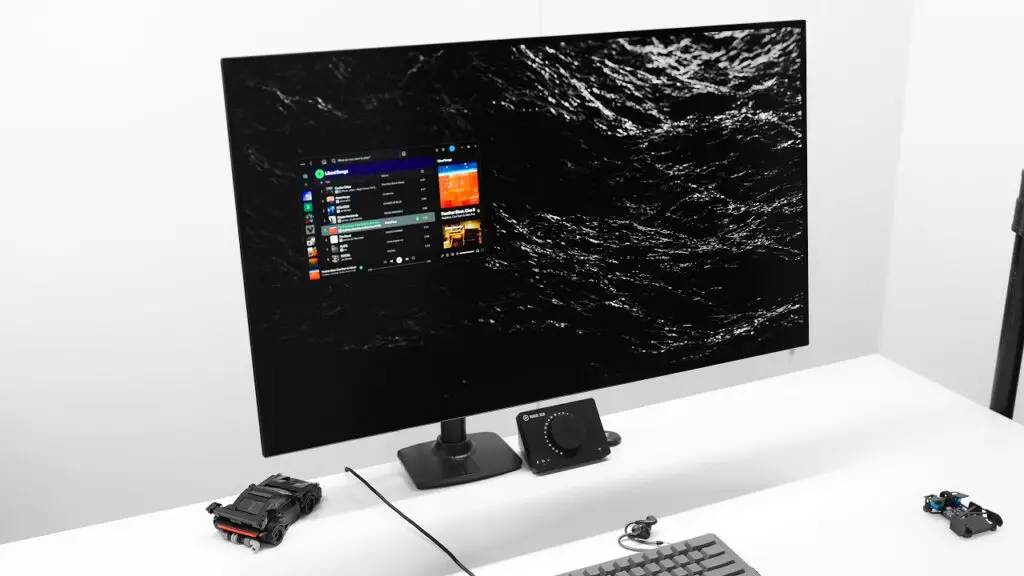
The test subject was the LG UltraGear 32GS95UV, a high-performance 4K model that mirrors the specs of the LG UltraGear 32GS95UE—a flagship known for its 1080p dual-mode versatility. Throughout the two-year period, the monitor was used for a mix of competitive gaming and professional content creation.
Test Parameters and Panel Protection
To provide a realistic look at hardware longevity, the panel was set to a brightness range of 80% to 100% depending on ambient lighting. While no extreme preventative measures were taken, some standard “best practices” were followed:
- Windows Dark Mode: Always enabled.
- Taskbar: Set to autohide to prevent static element retention.
- Display Sleep: Configured to 15 minutes in Windows settings.
- Maintenance: All panel protection settings were kept at their default configurations.
Interestingly, the default protection mostly consisted of the panel cleaning routine that triggers when the monitor is powered down. Features like pixel shifting and aggressive screen dimming were not manually enabled, providing a “worst-case” look at how these monitors handle static elements over time.
Assessment Findings: Is the Damage Visible?
When evaluated using a full-screen dark grey image—the standard for revealing burn-in—the damage was described as “very, very faint.” The most notable retention was found in the bottom left corner, originating from the Overwatch health bar. Because this is a near-white static element, it represents the most difficult challenge for any OLED pixel.
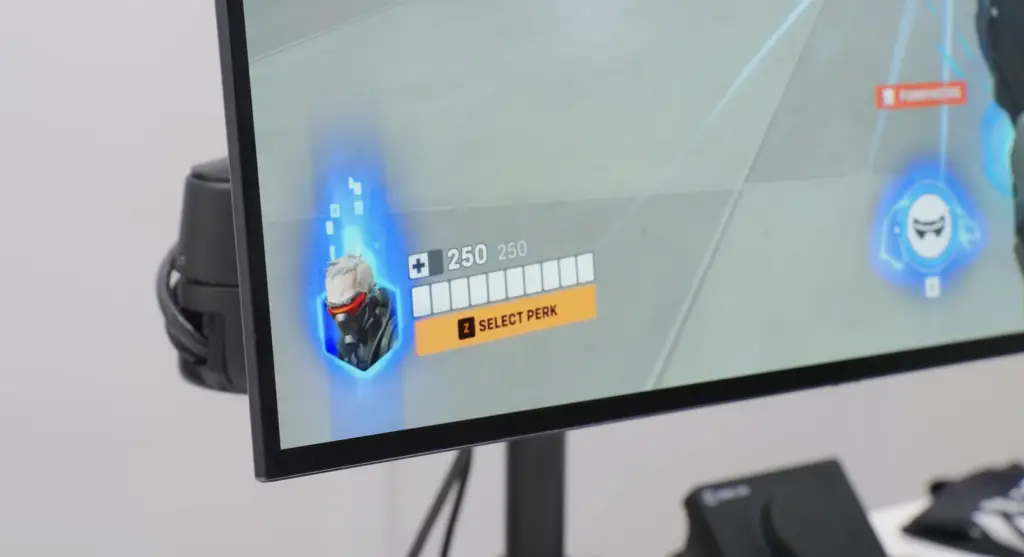
Crucially, this retention is not visible during normal use. Even when cycling through various solid colors and shades, the faint ghosting only appears under forensic-level inspection. Furthermore, the overall monitor brightness remained stable. Full-screen brightness dropped from 262 nits when new to 258 nits after 3,000 hours—a negligible difference that the human eye cannot detect.
OLED Maintenance Quick Reference
Based on these findings, we’ve compiled a quick guide to help you manage your OLED monitor effectively:
| Feature/Setting | Recommended Action | Impact on Longevity |
|---|---|---|
| Windows Dark Mode | Enabled | High – Reduces overall pixel strain |
| Taskbar Autohide | Enabled | High – Prevents the most common burn-in source |
| Panel Cleaning Routine | Leave on Default | Essential – Refreshes pixel voltage levels |
| Windows Snap-to Layouts | Use Sparingly | Moderate – Avoids static borders for long periods |
Final Thoughts from Digital Tech Explorer
While the findings are encouraging, a caveat remains: the intensity of use matters. In this test, the 400 hours spent on Overwatch caused the only visible retention. For a heavy player who exclusively plays one title for thousands of hours, the burn-in would likely be more pronounced.
However, for the average tech enthusiast or professional developer, burn-in is a manageable risk rather than a guaranteed catastrophe. Modern WOLED technology is proving to be more resilient than many feared. If you’ve been waiting for the right time to dive into the world of infinite contrast and perfect blacks, the data suggests that with proper management, your investment will last for years to come.
Affiliate Disclaimer: Some of the links on Digital Tech Explorer are affiliate links. This means we may earn a commission if you click through and make a purchase, at no additional cost to you. Our recommendations are based on thorough research and real-world testing.