At Digital Tech Explorer, we’ve seen our fair share of day-one software quirks. In the fast-moving world of hardware and digital innovation, new features often arrive with a few rough edges. A prime example is Nvidia’s Dynamic Multi Frame Generation (DMFG), a feature currently making waves for RTX 50-series owners. While the technology promises to revolutionize how we balance frame rates and visual fidelity, early testing by our team reveals a specific conflict involving frame rate limiters that every enthusiast should know about.
The Logic Behind Frame Rate Capping
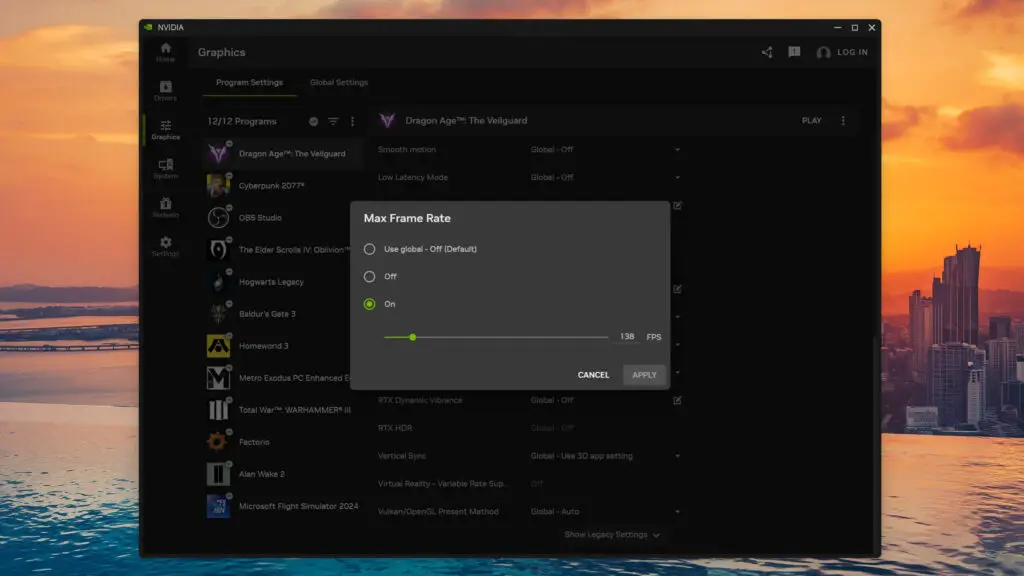
For many in the PC gaming community, setting a frame rate cap is standard practice. By limiting performance to just below a monitor’s maximum refresh rate (for example, 138 fps on a 144Hz display), gamers can stay within the “sweet spot” of Variable Refresh Rate (VRR) technologies like G-Sync. This prevents screen tearing and ensures fluid motion without the input lag typically associated with traditional V-Sync. Typically, these limits are managed directly through the Nvidia App or the legacy Nvidia Control Panel.
The Nvidia App interface allows users to set specific performance caps to maintain visual stability.
When Innovation Meets Interruption: The DMFG Conflict
The conflict arises when you attempt to use Dynamic Multi Frame Generation alongside these manual caps. During our analysis of Dragon Age: The Veilguard—running at 4K with AI-powered DLSS Quality on a rig featuring the AMD Ryzen 9 9950X3D and the Nvidia RTX 5070—we observed a strange shift in behavior.
Without a frame limit, DMFG works beautifully, dynamically scaling its frame generation to match the scene complexity. However, the moment a 138 fps cap was applied via the Nvidia App, the “Dynamic” part of the feature seemed to fail. Instead of adjusting on the fly, the system locked into a fixed mode (such as 6x), stripping away the flexibility that makes the technology so appealing.
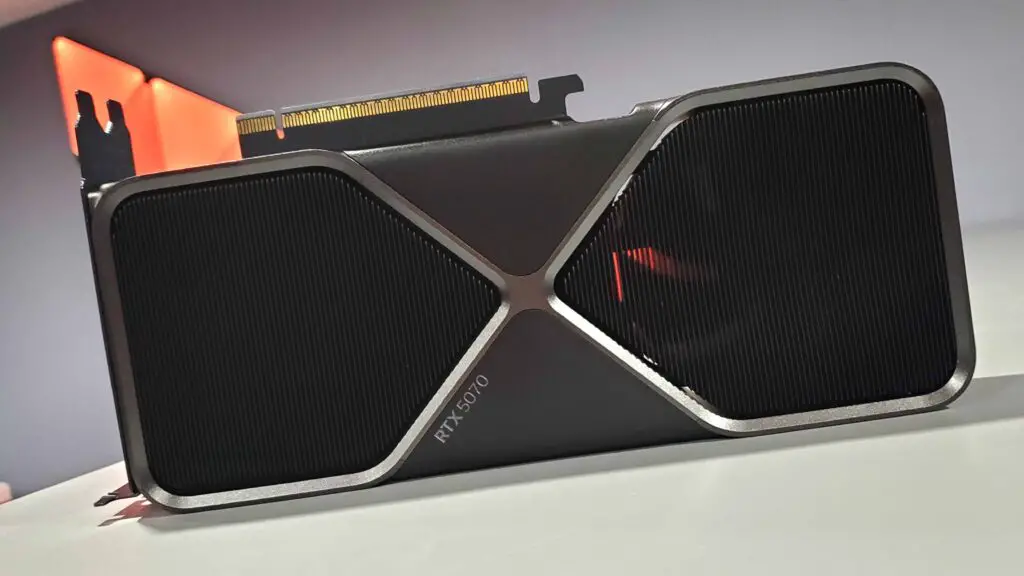
The Nvidia RTX 5070 Founders Edition is a powerhouse, but current software limiters may hinder its latest features.
The Real-World Impact: Perceived Latency (PCL)
As TechTalesLeo, I always look beyond the raw numbers to see how technology actually feels in the hand. The issue here isn’t just a technical glitch; it’s a feel-based problem. When DMFG is allowed to run freely, the Perceived Latency (PCL) stays around a crisp 30 milliseconds. This results in a highly responsive and immersive experience.
Once that frame cap is introduced, the PCL jumps to 50–60 milliseconds. For a seasoned player, this change is immediate—the game feels heavier, and the “silky” sensation disappears. Below is a breakdown of how these settings currently impact your gaming experience:
Configuration
DMFG Behavior
Avg. Latency (PCL)
User Experience
No Frame Cap
Dynamic/Adaptive
~30ms
Ultra-Responsive
Nvidia App Cap (138 FPS)
Fixed/Locked
50-60ms
Noticeable Input Lag
Bug or Fundamental Limitation?
The big question for the team here at Digital Tech Explorer is whether this is a software bug destined for a patch or an inherent limitation of the AI architecture. If it’s a bug, we expect Nvidia to refine the handshake between the app’s limiter and the DMFG algorithm. However, if it’s a limitation, enthusiasts might have to make a choice: enjoy the dynamic scaling of DMFG without a cap, or stick to standard Multi Frame Generation if they require a locked frame rate for VRR stability.
A Note on Performance Overlays
There has been some discussion in the community regarding compatibility with third-party tools like MSI Afterburner and RTSS. Some users reported that these overlays caused DMFG to malfunction. In our extensive testing across titles like Cyberpunk 2077 and Hogwarts Legacy, we found that RTSS version 7.3.6 and newer functioned correctly without breaking the dynamic scaling. If you are experiencing issues, we recommend ensuring all your monitoring software is updated to the latest beta versions to ensure compatibility with the new RTX 50-series architecture.
At Digital Tech Explorer, we’ll continue to monitor these developments. Whether you’re a developer or a casual gamer, staying ahead of these technical nuances is key to getting the most out of your hardware.