
As I dove deeper into the latest iteration of Nvidia’s AI-driven ecosystem, I found myself chasing a ghost. After putting Nvidia’s new Dynamic Multi Frame Generation through its paces, I turned my attention to the much-touted DLSS update, which promised a specific preset to sharpen user interface elements. However, after rigorous real-world testing here at Digital Tech Explorer, those promised visual gains remain surprisingly elusive.
The Mechanics of DLSS Presets
In the world of AI upscaling, presets act as the brain of the operation. They are essentially configuration files that tell the AI how to weight calculations during the frame generation process. While DLSS Super Resolution focuses on balancing performance and image clarity, this recent update introduced an additional layer: a preset designed to enhance in-game overlays and menus by feeding extra engine data into the algorithm. The goal is to eliminate the shimmering or blurring often seen on static gaming interfaces when upscaling is active.
Testing Methodology: A Tale of Two Games
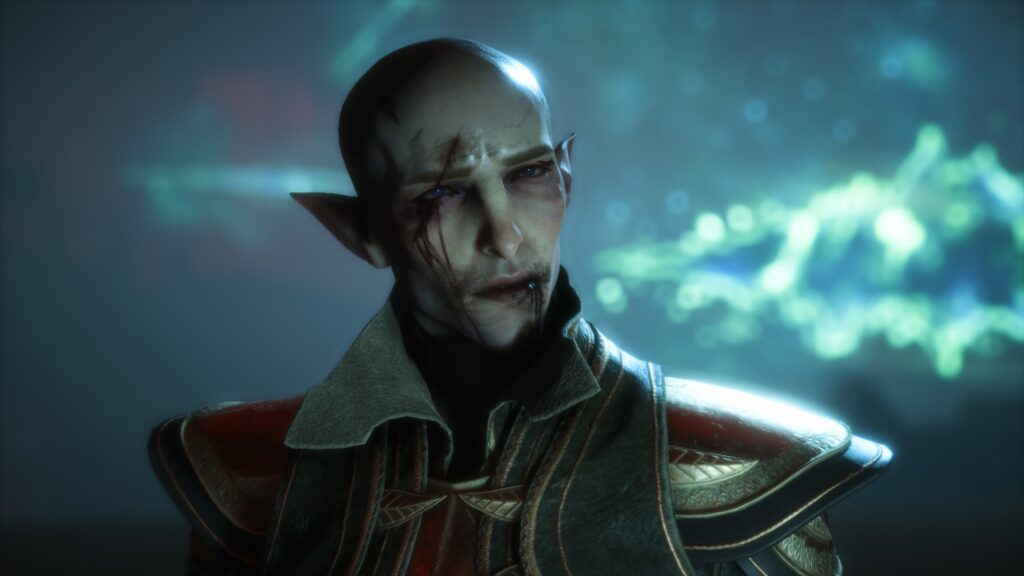
To see if these claims held water, I followed Nvidia’s own roadmap, which pointed toward PC games like Dragon Age: The Veilguard and Hogwarts Legacy as the gold standards for this feature. I focused primarily on Dragon Age due to its complex UI and rapid menu transitions, which provide a perfect environment for spotting visual artifacts.
My testing environment was configured for maximum stress on the GPU to ensure any differences would be visible at a high fidelity:
| Setting Category | Configuration Details |
|---|---|
| Resolution | 4K DLSS Quality |
| Graphics Preset | High / Ultra |
| Frame Generation | 3x Multi Frame Generation Override |
| Testing Tool | Nvidia App (Beta) |
Preset A vs. Preset B: The Search for Clarity
Using Preset A—the standard configuration—the experience was already quite polished. Elements like the mini-map and quest trackers in The Veilguard appeared stable, with no immediate signs of “ghosting” or degradation. When I toggled over to Preset B, the supposed “UI Savior,” I expected a noticeable jump in text sharpness or icon stability.
The result? Total visual parity. Despite frame-by-frame analysis and side-by-side comparisons at 400% zoom, the interface elements remained identical. Even in the Room of Requirement in Hogwarts Legacy—a location specifically noted by Nvidia for demonstrating these improvements—the “before and after” was essentially “same and same.”
Why the Discrepancy?
As a storyteller in the tech space, I always look for the “why” behind the data. If the software says it’s active, but the eyes can’t see it, we have three likely scenarios:
- Subtlety: The improvements might be so incremental that they only benefit very specific, low-resolution displays where UI aliasing is more aggressive.
- Hyperbolic Marketing: The theoretical benefits described by Nvidia might be overstating the practical impact on modern, high-resolution titles.
- Driver Bugs: Given that the current AI-acceleration software is still in a beta state, it is highly probable that a driver bug is preventing Preset B from actually deploying its logic, despite the overlay indicating it is “Active.”
Final Thoughts
At Digital Tech Explorer, we value transparency and real-world results over marketing bullet points. While the idea of a UI-specific DLSS update is a fantastic evolution for image reconstruction, it currently feels like a “placebo” setting. Considering that this same update has faced documented struggles with frame rate limiters, it’s best to view this as a work in progress. I will continue to monitor future driver releases to see if Preset B eventually finds its voice.