
Microsoft Set to Remove Forced Online Login for Windows 11 and Scale Back Copilot
In a significant shift for the tech giant, Microsoft is finally addressing long-standing user grievances by relaxing account requirements and trimming back AI bloat. TechTalesLeo dives into what this means for the future of your desktop experience.
For many power users and privacy advocates, the evolution of Windows 11 has felt like a tug-of-war between functionality and forced integration. However, the tide appears to be turning. Here at Digital Tech Explorer, we’ve been tracking the community’s pushback against “mandatory everything,” and it seems Microsoft has finally taken the hint. The company has officially indicated it is “working on” removing the mandatory online Microsoft account login during initial setup, alongside a broader effort to streamline the operating system.
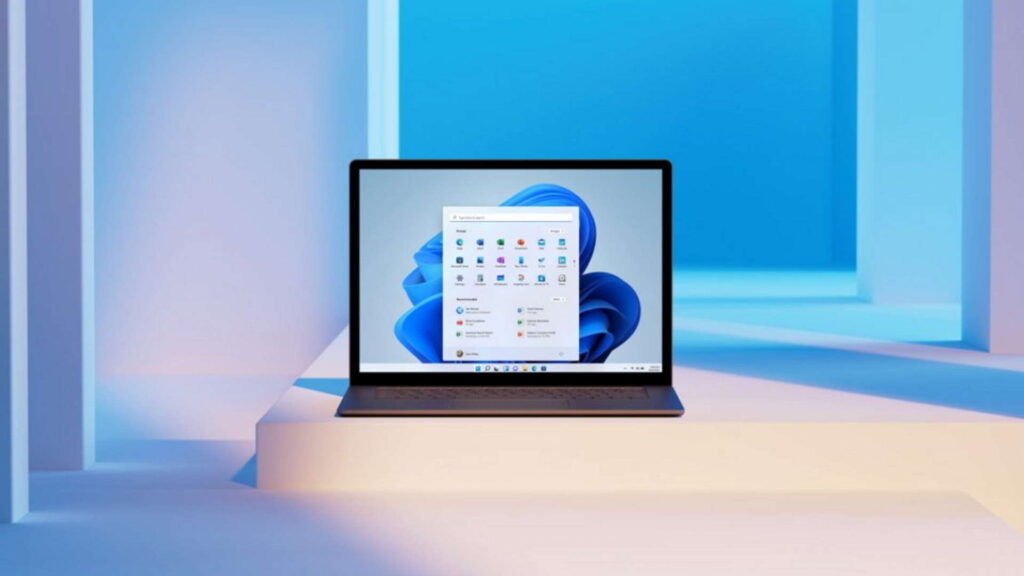
The revelation comes from a Windows Insider blog post by Pavan Davuluri, Microsoft’s VP of Windows and Devices. Davuluri’s message was clear: the team is prioritizing quality and user feedback to fix the “slipping” perception of the OS.
The End of Mandatory Microsoft Accounts?
The requirement to sign in with a Microsoft account (MSA) has been a point of contention since the OS launched. While not detailed in the long-form blog, the confirmation came via a refreshingly blunt interaction on X (formerly Twitter). When asked about the frustrating login requirement, Scott Hanselman, a Microsoft VP, responded: “Ya I hate that. Working on it.”
For years, tech enthusiasts have had to use obscure command-line “hacks” (like the OOBE\BYPASSNRO trick) to install Windows 11 with a local account. If this change is implemented, it marks one of the most significant concessions to user autonomy in the hardware and software landscape this year.
Scaling Back Copilot and AI Bloat
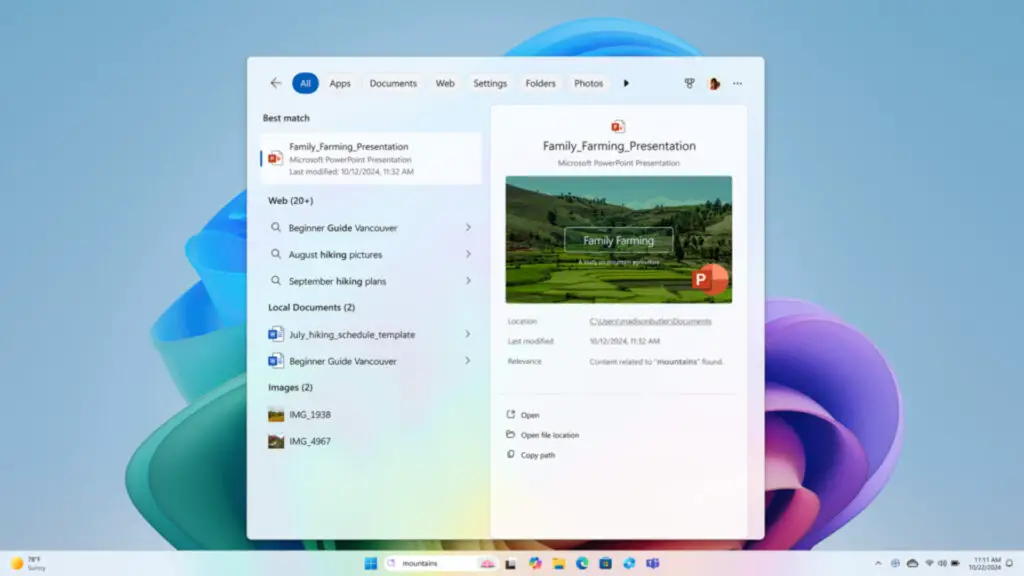
While AI acceleration is the buzzword of 2024, Microsoft is realizing that more isn’t always better. The company plans to “reduce unnecessary Copilot entry points.” Users can expect the AI assistant to be removed from core applications where it felt like an unwanted guest, such as:
- The Snipping Tool
- Photos
- Widgets
- Notepad
The goal is to declutter the user interface and return the focus to the primary function of these tools, rather than forcing machine learning features into every corner of the screen.
Improving the Windows Update Experience
Windows Update is also slated for a major overhaul to reduce daily friction. To make the process more transparent and less intrusive, Microsoft is introducing several key changes summarized below:
| Feature Improvement | Description of Change |
|---|---|
| Setup Flexibility | Ability to skip updates during initial device out-of-box experience (OOBE). |
| Power Controls | Options to restart or shut down without being forced to install pending updates. |
| Pause Durations | Longer durations for pausing updates when working on critical tasks. |
| Restart Logic | Fewer automatic restarts and significantly less intrusive notifications. |
The Return of Taskbar Customization
Perhaps the most “human” update in this cycle is the return of taskbar mobility. Since the debut of Windows 11, the taskbar has been locked to the bottom of the screen—a move that baffled long-time users. Davuluri confirmed that the team is finally reintroducing the ability to move the taskbar to the top or sides of the display.
Additionally, the roadmap includes a faster File Explorer, more transparent widget controls, and a revamped Feedback Hub. These updates suggest a shift away from aggressive monetization and toward the developer-centric roots that Digital Tech Explorer champions.
This article was written by TechTalesLeo, a storyteller dedicated to bridging the gap between complex digital innovation and everyday usability. For more deep dives into gaming, GPU tech, and software trends, stay tuned to Digital Tech Explorer.
Disclaimer: All content on Digital Tech Explorer is for informational and entertainment purposes only. Some of the links on our site are affiliate links, meaning we may earn a commission if you click through and make a purchase, at no additional cost to you.