
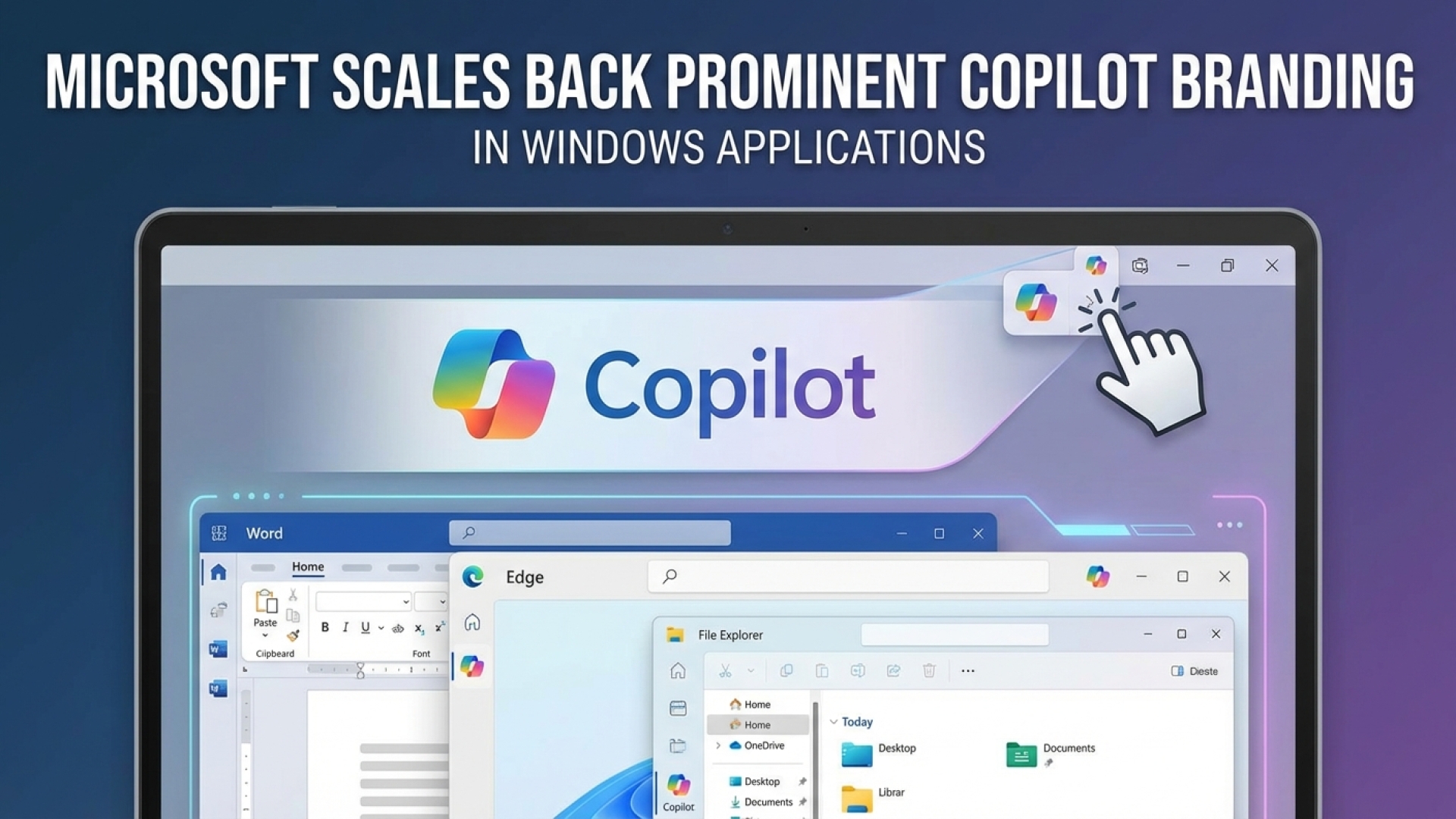
If you have ever opened a built-in Windows application only to find yourself squinting at a new, somewhat intrusive button, you are certainly not alone. At Digital Tech Explorer, we have been tracking the rapid deployment of artificial intelligence across the desktop landscape. Recently, it seems Microsoft has been listening to the chorus of community feedback. The tech giant is officially beginning to scale back its visible Copilot branding across several core applications, including the Snipping Tool, Photos, Widgets, and Notepad.
Microsoft Refines the Windows 11 Interface
According to recent reports, the latest preview of Notepad (version 11.2512.28.0) marks a significant shift in design philosophy. The prominent Copilot button in the top right corner is being phased out. In its place, users will find a cleaner pen icon labeled “writing tools.” While the visual branding is fading, the underlying AI technology remains fully functional. This change suggests a move toward a more utility-focused interface rather than a marketing-heavy one.
Essentially, while the “Copilot” name is being tucked away, the AI acceleration features within these apps are staying put. Users can still access generative text and image tools, but the integration is becoming more seamless and less of a visual distraction. The Snipping Tool has already seen this update, and similar changes are expected to roll out for Photos and Widgets in the coming weeks.
App Branding Changes at a Glance
| Application | Previous Branding | New Branding/Icon | Status |
|---|---|---|---|
| Notepad | Copilot Button | Pen Icon (“Writing Tools”) | Preview Phase |
| Snipping Tool | Copilot Button | Functional AI Icons | Rolling Out |
| Photos | Copilot Branding | Standard Edit Tools | Upcoming |
Quality Over Ubiquity: A Strategic Pivot
This reduction in branding was hinted at by Pavan Davuluri, Microsoft’s Windows lead, who recently emphasized a commitment to “Windows quality.” The goal is to be more intentional about where and how AI interacts with the user. By reducing unnecessary entry points, the operating system aims to feel less like a billboard for new services and more like a refined tool for professionals and developers alike.
The Road Toward an “Agentic OS”
While the aesthetic cleanup is a welcome change for many, the deeper implications of AI integration remain a hot topic of discussion here at Digital Tech Explorer. TechTalesLeo has often noted that the endgame for Microsoft is the evolution into an “agentic OS.” This is a system where AI doesn’t just wait for a prompt but actively manages tasks, organizes files, and anticipates user needs.
However, an agentic system requires deep access to user data to function effectively. This “rummaging” through files to provide context-aware help is where many power users draw the line regarding privacy. For those who prefer a more manual, localized experience, the conversation often shifts toward hardware-level privacy controls or even alternative operating systems like Linux.
As we continue to navigate these digital shifts, Microsoft’s willingness to iterate based on user feedback is a positive sign. Whether these AI tools become an indispensable part of your workflow or remain a quiet background feature, the focus on a cleaner, more intentional UI is a step in the right direction for the Windows 11 ecosystem.