

There was a time when the tech industry believed the browser would eventually become the only operating system we’d ever need. For years, the assumption for the PC was that everything would transition into a web app. While the rise of mobile ecosystems shifted that focus, Microsoft is now making a strategic pivot back to the core of its platform: software built specifically for Windows.
Rudy Huyn, a Partner Architect at Microsoft, recently issued a call to action on X (formerly Twitter) for developers to join a new team dedicated to building Windows apps. When pressed on the technical direction of these projects, Huyn was uncompromising: “100% native.”
The Shift to 100% Native Architecture
At Digital Tech Explorer, we understand that “100% native” is a significant claim in modern software development. It implies applications built using WinUI without relying on WebView components. For the uninitiated, WebView functions as a localized browser instance within an application to render web-based content.
Currently, many Windows 11 elements—and even third-party tools—rely on this “wrapper” approach. From certain sections of the Settings menu to Microsoft Copilot and Microsoft 365 Copilot, WebView 2 has become the industry’s “easy button” because it allows developers to deploy web code across multiple platforms quickly.
The Efficiency Gap: Memory and Performance
The transition from native code to web-based alternatives has come at a cost to the user experience, particularly regarding system resources. A prime example is WhatsApp. While web-based apps simplify the development cycle, they require a Chromium browser instance to run in the background, leading to significant memory consumption.
| App Format | Idle Memory Usage (Approx.) | Active Memory Usage (Approx.) |
|---|---|---|
| Native Windows App | < 20 MB | < 300 MB |
| WebView / Web App | 300 MB | 1 GB+ |
As noted in the table above, the performance disparity is jarring. Users have reported that simply opening a login screen in a WebView-based app can consume more RAM than an entire native application uses during heavy activity. For power users and coding professionals, this bloat directly impacts hardware longevity and multitasking capabilities.
Back to Basics: Windows 11 Fundamentals
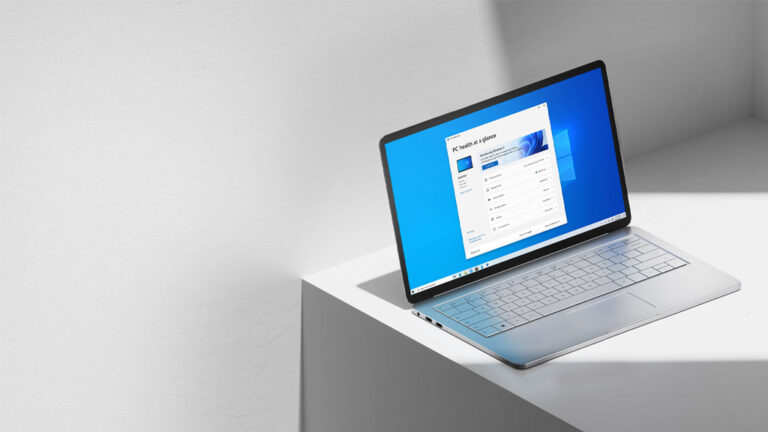
This initiative isn’t happening in a vacuum. It aligns with a broader push at Microsoft to refine the “fundamentals” of Windows 11. Rather than focusing solely on AI integration, the development teams are addressing long-standing user pain points, such as reducing Windows Update disruptions and making the taskbar more flexible.
Former Windows development lead Mikhail Parakhin previously alluded to a “20/20 project,” which aimed to slash both the OS install size and idle memory consumption by 20%. While Microsoft hasn’t officially touted these specific numbers to the public, the mandate to lower the “baseline memory footprint” has clearly become a core objective.
A Win for the Tech Community
At Digital Tech Explorer, we believe this shift represents a return to form for Microsoft. By moving away from “AI slop” and resource-heavy web wrappers, the company is finally prioritizing the nuts and bolts of the operating system. For developers, this means a more stable environment to showcase their coding skills; for enthusiasts, it means a faster, leaner PC experience.
In an era where high-performance RAM and GPU resources are premium investments, seeing an OS vendor prioritize efficiency over ease of development is a refreshing change of pace. If Microsoft stays the course, the future of Windows looks lighter, faster, and more robust than it has in years.
About the Author: TechTalesLeo is a dynamic storyteller and tech enthusiast dedicated to making complex digital innovations accessible. With a background in web development and software trends, Leo brings a unique perspective to the evolving world of Windows and beyond.