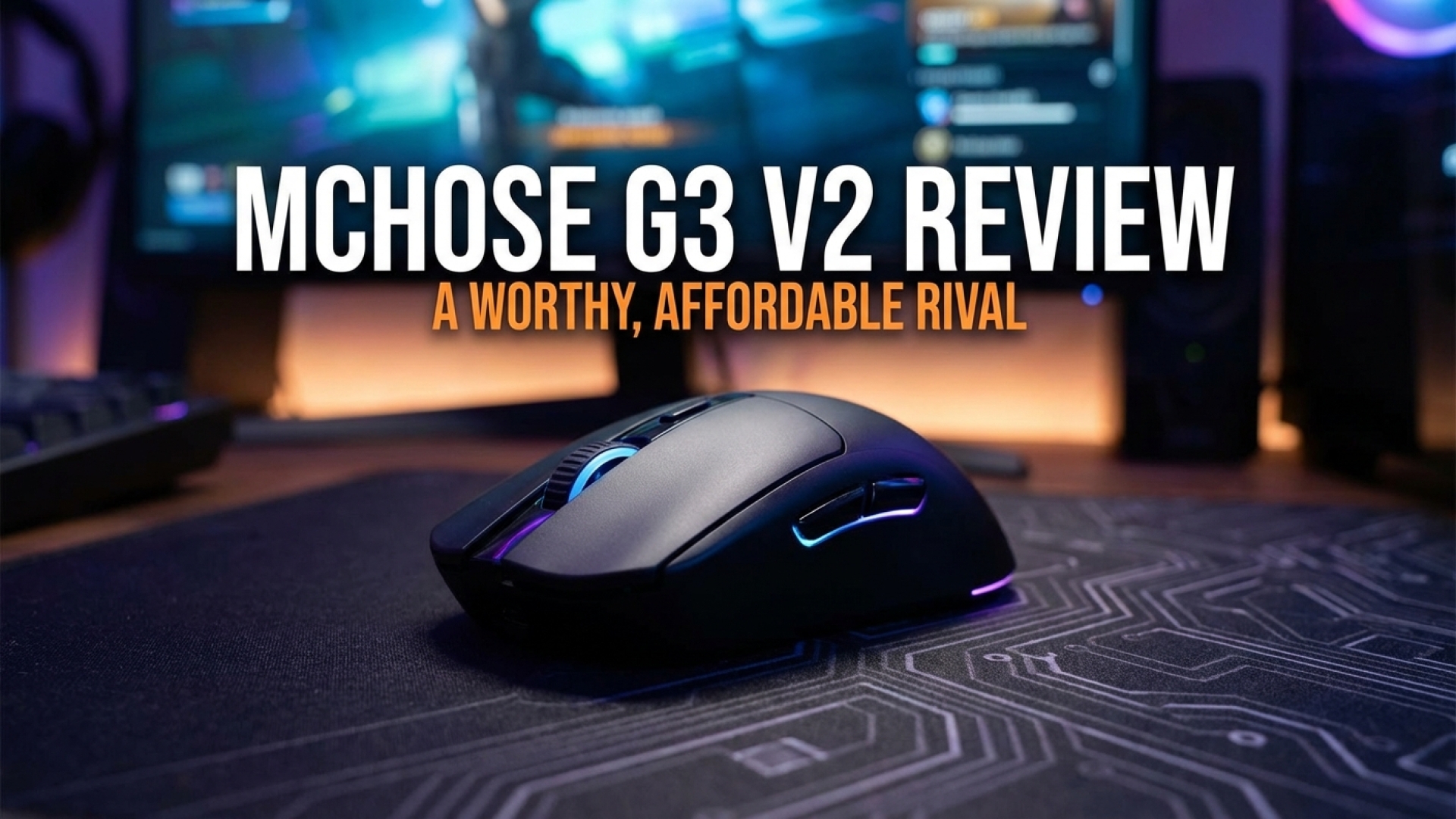
At Digital Tech Explorer, we’re always on the lookout for hardware that punches above its weight class without breaking the bank. Mchose’s latest attempt at capturing the magic of Logitech’s classic G305—the Mchose G3 V2—is a compelling success story. With its sleek profile, responsive feel, and aggressive price point, this wireless contender proves that high-performance gaming doesn’t always require a high-end investment. While its smaller frame might not suit every hand, it stands tall in a crowded market of budget-friendly alternatives.
The Verdict
For
A genuine, high-value successor to the Logitech G305 shape
Extremely competitive pricing for the hardware included
Clean, minimalist aesthetics with a premium tactile feel
Against
Ergonomics are not ideal for users with large hands
The budget market is currently saturated with high-spec rivals
Slightly more expensive “Pro” versions offer better sensors for a marginal price increase
Redefining the Budget Gaming Landscape
In the world of digital innovation, it’s easy to get caught up in the hype of ultra-premium peripherals. However, for the average gamer, those millisecond advantages from 8,000Hz polling rates or 30,000 DPI sensors often go unnoticed. If you find yourself in the middle of the leaderboard, it’s rarely just your hardware holding you back—and that’s where the Mchose G3 V2 finds its niche.
At Digital Tech Explorer, we evaluate products based on real-world utility. When compared to the industry-standard Logitech G305, the G3 V2 offers a fascinating trade-off. Despite being significantly more affordable at MSRP, it manages to be nearly half the weight while maintaining similar DPI specs. It’s clear that Mchose is aiming for the “giant killer” status, mirroring the understated elegance of the Logitech G Pro 2 Lightspeed with its clean lines and minimalist LED indicators.
Equipped with the responsive PAW3311 sensor and Omron mechanical switches, the G3 V2 brings three connectivity modes into a featherlight frame. It’s a testament to how far tech has come; features that were locked behind a $100 price tag a few years ago are now accessible for the price of a few lunches.
Mchose G3 V2 Key Specifications
Feature
Specification
Buttons
5 + Underside DPI Button
Connectivity
USB-C, 2.4 GHz Wireless, Bluetooth
Sensor
PAW3311
Switches
Omron Mechanical
Weight
59g
Max DPI
12,000 DPI
Max Acceleration
50 G
Max Speed
650 IPS
Polling Rate
1,000 Hz
Battery Life
Approx. 112 Hours (2.4GHz)
Feet
PTFE (Teflon)
Comfort, Build Quality, and Daily Driving
A mouse is only as good as its ergonomics, and the G3 V2 performs admirably. The absence of “budget creaks” is a major win here. The blue model we tested feels robust, with a firm plastic shell that resists flexing even under pressure. For those who travel, the inclusion of a dedicated 2.4 GHz dongle compartment in the base makes it an excellent companion for a laptop bag.
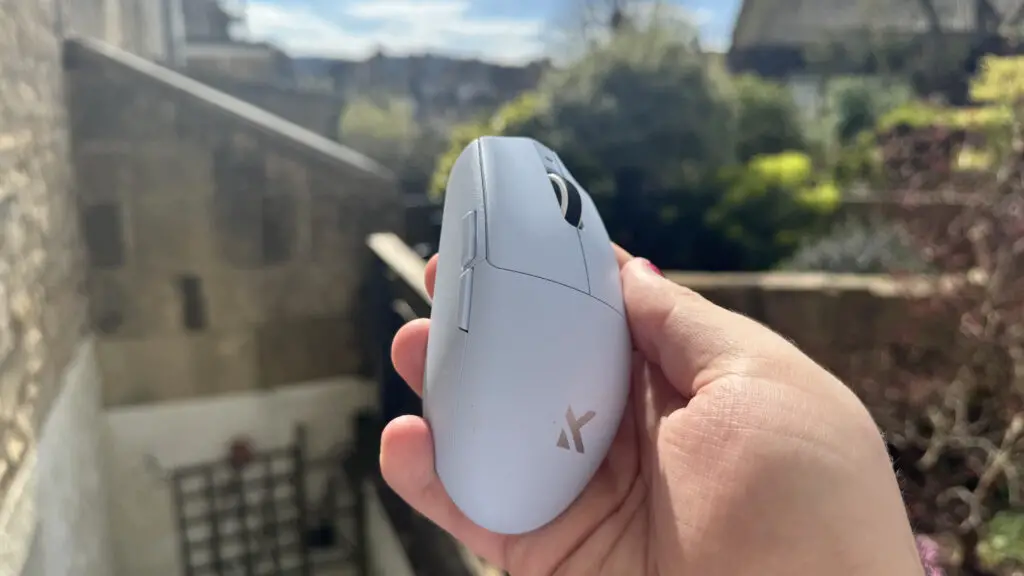
The blue Mchose G3 V2 offers a sleek, low-profile design ideal for claw and fingertip grips.
The “egg” shape is a classic for a reason—it’s intuitive and comfortable for long browsing sessions. The Omron switches provide a satisfying tactile “ping” that feels premium, and the scroll wheel is textured enough to provide confidence during precise weapon swaps. However, a word of caution for those with larger hands: your fingers may drape over the front, which could lead to accidental clicks or general fatigue during intense sessions.
Gaming Performance and Real-World Testing
To see how it handles digital chaos, we took it into several titles. In the fast-paced environment of Arc Raiders, the 59g weight allowed for fluid, rapid movements. While it lacks the “chunk” some users prefer for stability, the glide provided by the PTFE feet is excellent.
In the horror-themed Crisol: Theater of Idols, the 2.4 GHz connection remained rock solid, with no detectable latency during high-stress encounters. Testing it in Counter-Strike 2 highlighted the reality of the current market: while it snaps to targets accurately, it lacks the extreme precision of $150 flagship mice. Yet, it cements the theory of diminishing returns. Is a $50 mouse like the 8BitDo Retro R8—which offers 8,000Hz polling—truly eight times better than this? For most users, the answer is a resounding no.
Mchose G3 V2 vs. G3 V2 Pro: Which Should You Choose?
For those willing to spend a few dollars more, the G3 V2 Pro upgrade is worth considering. It swaps the PAW3311 for a PAW3395 sensor, boosting the DPI to 26,000. Since the weight and chassis remain identical, the Pro version is essentially a “spec-bump” for power users who want a little more headroom in their sensor performance.
Is the Mchose G3 V2 Right for Your Setup?
Buy it if…
You need wireless on a strict budget: At this price point, finding a mouse that doesn’t feel like a toy is a rarity.
You prefer a “no-fuss” experience: No gaudy RGB or mandatory bloatware—it’s largely plug-and-play.
You use a claw or fingertip grip: The small, lightweight frame is perfectly suited for these styles.
Skip it if…
You have large hands: The ergonomics are definitely skewed toward small-to-medium hand sizes.
You are a professional esports player: While great for enthusiasts, the 1,000Hz polling and 12,000 DPI may not satisfy those at the absolute peak of competitive play.
Final Thoughts: A Seamless Tech Experience
One of the most refreshing aspects of the G3 V2 is the software. In an era where peripherals often require massive, resource-heavy background applications, Mchose allows you to adjust settings—like debounce time, hibernation, and DPI profiles—directly through a web browser. It’s a “tech-forward” approach that we at Digital Tech Explorer truly appreciate.
In summary, the Mchose G3 V2 is “un-cumbersome.” It’s light, reliable, and incredibly affordable. While it enters a market teeming with options, its balance of build quality and price makes it a top-tier recommendation for anyone looking to cut the cord without cutting into their savings.
For more in-depth reviews and the latest in digital innovation, stay tuned to Digital Tech Explorer.