
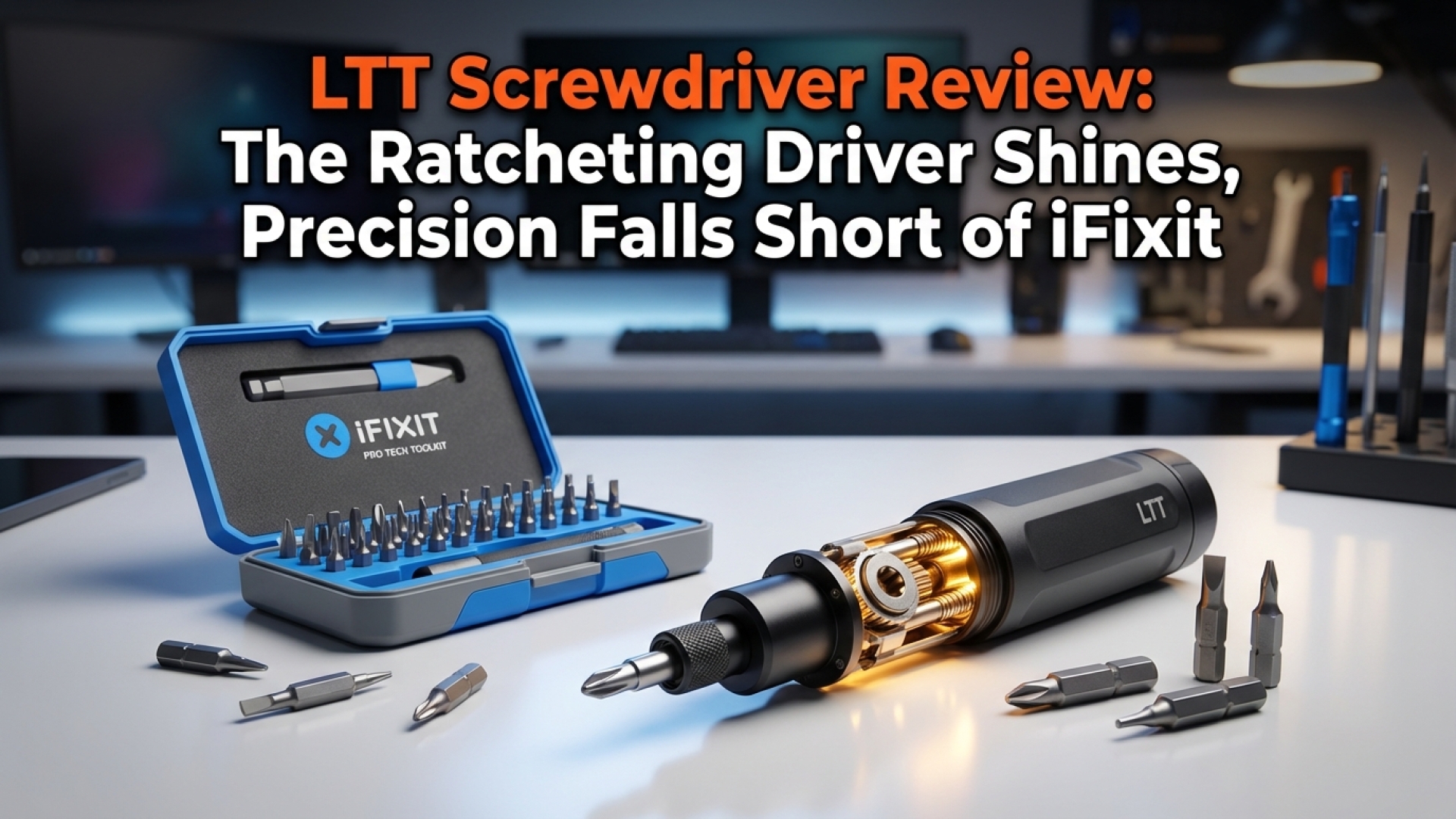
At Digital Tech Explorer, we believe that you don’t need a massive workshop to build a high-end PC. In most cases, a single Phillips screwdriver is enough to secure a motherboard or wrestle with a stubborn thumb screw. However, as someone who spends their days modding old iPods and cable-managing complex rigs, I find myself reaching for a toolkit more often than most. If you’re a fellow tinkerer, a versatile, high-quality driver isn’t just a luxury—it’s a necessity.
I recently put two of the most talked-about tools in the hardware community to the test: the LTT Precision Screwdriver and the larger LTT Ratcheting Screwdriver. Coming from Linus Tech Tips—a name synonymous with PC gaming and hardware—these tools carry high expectations. As a software engineer and hardware enthusiast, I wanted to see if these live up to the hype or if you’re simply paying for the brand.
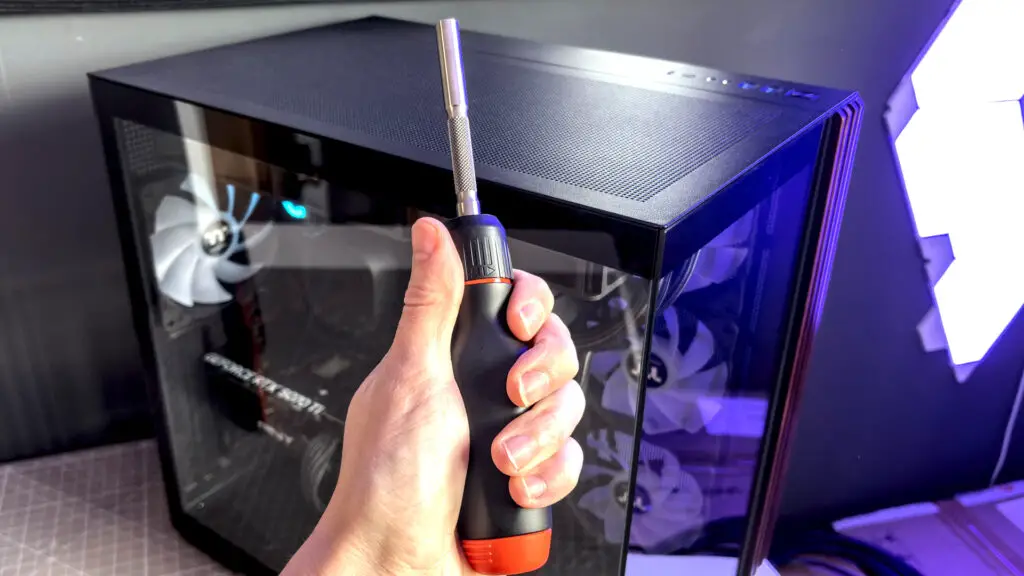
Upon opening the signature packaging, the build quality is immediately apparent. Having followed the development of these tools, I knew the focus was on high-end quality control, and holding them in hand confirms that. They feel sturdy, well-engineered, and ready for a lifetime of hardware builds.
LTT Ratcheting Screwdriver: The Workhorse of PC Building
The larger ratcheting model is priced at $70. While that is a significant investment for a hand tool, it is designed to be the only driver you’ll need for general home fixes and PC building. It comes equipped with a comprehensive set of bits tailored for modern electronics.
| Bit Category | Included Sizes/Types |
|---|---|
| Phillips | PH0, PH1, PH2 |
| Hex | H2, H2.5, H4 |
| Slotted | SL2, SL4, SL6 |
| Square | SQ1, SQ2 |
| Bonus | Magnet |
Each bit features a black phosphate coating to resist rust. The standout feature here is the internal storage; a simple pull on the orange end-cap reveals a carousel that houses 12 standard bits or six longer bits. Unlike many competitors, such as the Arctic Ratchet Toolkit, the LTT compartment stays firmly locked during use, preventing any annoying rattles.
The ergonomics are top-tier. At 21 cm total length, the 13 cm handle provides excellent leverage with flattened edges and a dedicated thumb divot. The shaft includes “knurling”—a textured grip area—for fine-tuned control when you don’t need the full force of the handle. The ratcheting mechanism itself is incredibly smooth; it offers three modes (clockwise, counterclockwise, and locked) with a light back-force that is perfect for the delicate screws found in computer cases.
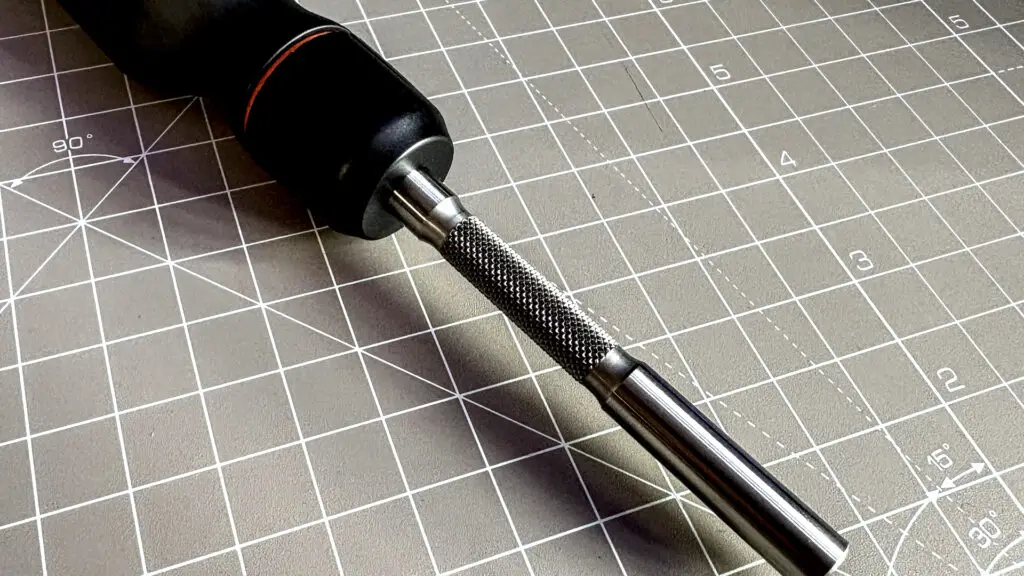
The 1/4 inch hex tip is strongly magnetized. This is a lifesaver when you’re trying to drop a screw into a recessed motherboard mounting hole. It’s a small detail, but it prevents the “shaking the case” ritual we’ve all performed to find a lost screw.
Should You Buy It?
✅ Buy it if: You want a premium, all-in-one solution for gaming PC assembly. It simplifies the process and feels like it will last decades. While it costs more than an electric Hoto driver, it offers better tactile control and never needs a charge.
The design is a collaboration with Megapro, which sells similar models like the Megapro Automotive set for roughly $60. However, the LTT version adds the knurled shaft and a specific bit selection that justifies the slight premium for tech enthusiasts.
LTT Precision Pro: For Laptops and Tiny Tech
While the ratcheting driver handles the heavy lifting, the $70 Precision Pro Multi-Bit Screwdriver is designed for the surgical side of technology. If you are opening a 2024 gaming laptop or repairing a mobile device, this is the tool you need.
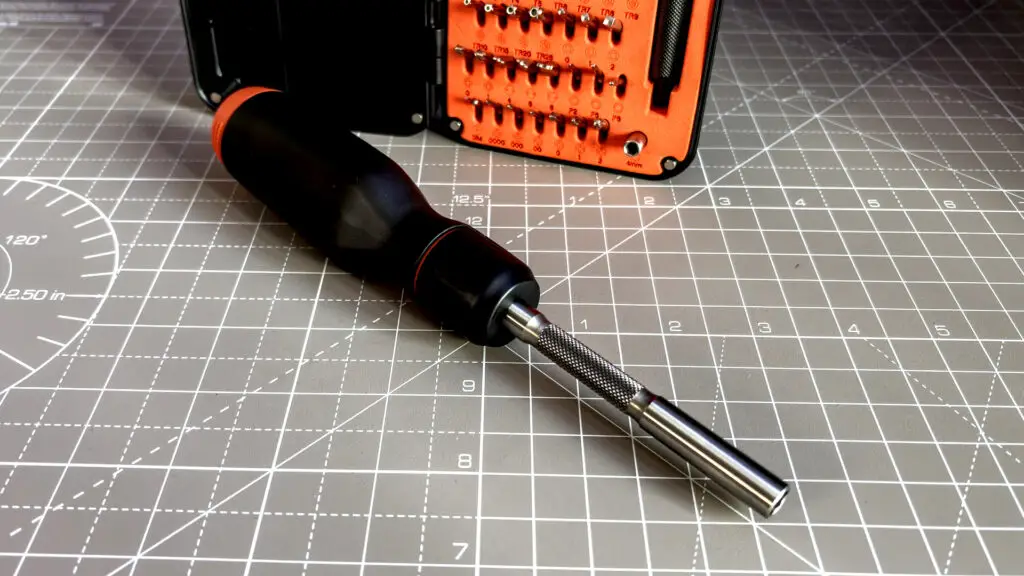
The Precision Pro features a 4mm magnetized tip and a signature orange end-cap. This cap uses high-quality bearings to rotate freely, allowing you to maintain downward pressure with your palm while spinning the driver with your fingers—a must for preventing stripped screws on delicate hardware.
Like its larger sibling, it features internal bit storage. A quick tug on the cap reveals a three-bit carousel within the handle. However, the real value lies in the included case, which contains 60 bits. The orange foam insert features etched labels that are significantly easier to read than the standard black-on-black inserts found in many iFixit kits.
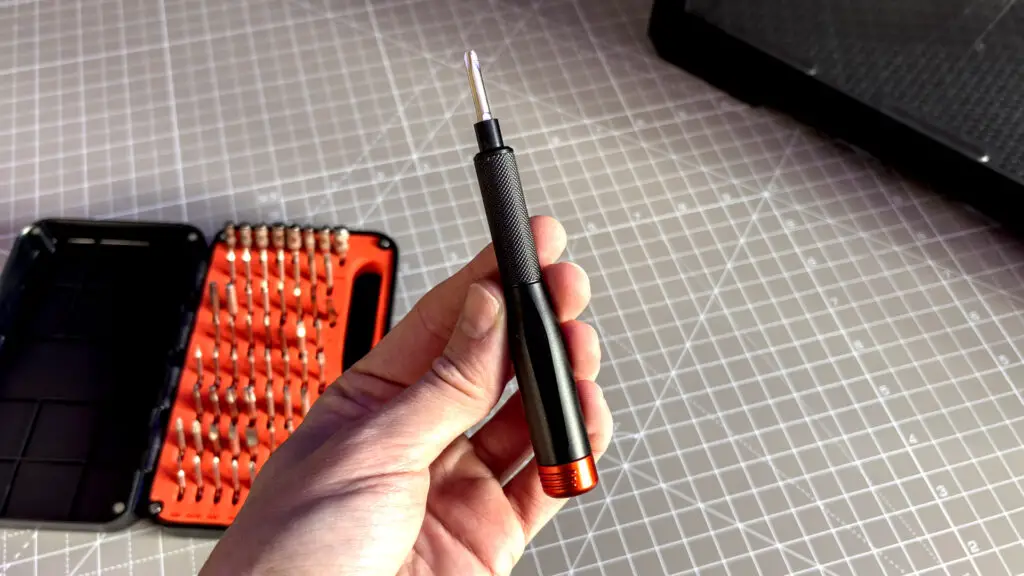
In terms of versatility, the LTT kit covers the basics well: Phillips, Torx, flathead, and tri-point are all here. Notably, it includes security versions of several bits (like Hex security) that are often missing from competitor sets. It also includes an adapter to use these 4mm bits with the larger Ratcheting Screwdriver.
How Does It Compare?
❌ Think twice if: You already own an iFixit kit. While the LTT Precision Pro is excellently made, the iFixit Mako Driver Kit offers a similar experience for around $40. Furthermore, the LTT kit lacks a flexible extender, which is often crucial for reaching screws in cramped chassis or recessed laptop hinges.
For those doing deep repairs, the iFixit Pro Tech Toolkit ($75) offers a wider array of prying tools and tweezers that the LTT bundle currently lacks. However, if you value a smaller footprint and superior bit labeling, the LTT Precision Pro is a fantastic addition to any developer’s desk.
Final Verdict: A New Standard for Tech Tools
After completing a full build using both tools, I can confidently say that the LTT Ratcheting Screwdriver has earned a permanent spot in my daily toolbag. It is a masterclass in ergonomics and utility for PC builders. The Precision Pro is equally well-built and a joy to use, though it faces stiffer competition from established repair kits.
At Digital Tech Explorer, we prioritize gear that makes technology more accessible. Whether you’re a seasoned software engineer or a first-time builder, these tools remove the frustration of poor-quality hardware, letting you focus on the build itself. TechTalesLeo approved!
Affiliate Disclaimer: Some of the links on Digital Tech Explorer are affiliate links. This means we may earn a commission if you click through and make a purchase, at no additional cost to you. Our recommendations are based on thorough research and personal experience.