
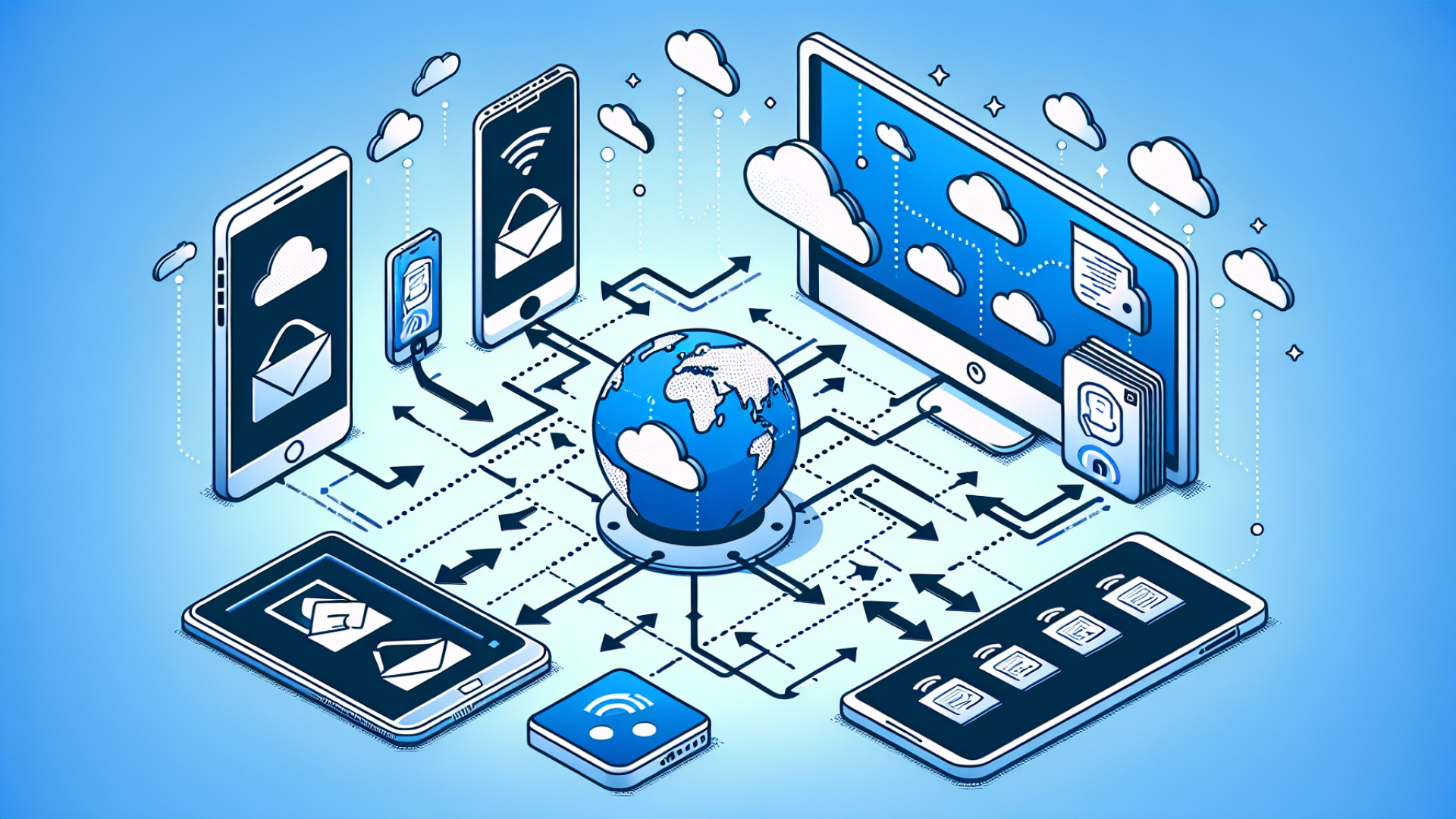
LocalSend: The Essential Cross-Platform App for Seamless File Sharing
Moving files between a variety of devices can often feel like a digital chore. Whether it’s sending photos from an iPhone to a Windows PC for editing or transferring documents to a Linux-based work laptop, the process usually involves clunky USB drives, cloud uploads, or messaging yourself on platforms like WhatsApp. Here at Digital Tech Explorer, we are always on the hunt for tools that simplify the developer and enthusiast workflow. A tool called LocalSend is changing that experience, offering a fast, secure, and incredibly convenient way to share files across different operating systems.
What is LocalSend?
LocalSend is a free, open-source application that allows users to transfer files between devices over a local network. Unlike many modern apps that require you to create an account or log into a service, LocalSend works out of the box without any sign-up process. It is end-to-end encrypted using HTTPS, ensuring that your data remains private and secure during transit—a level of transparency we highly value.
How It Works
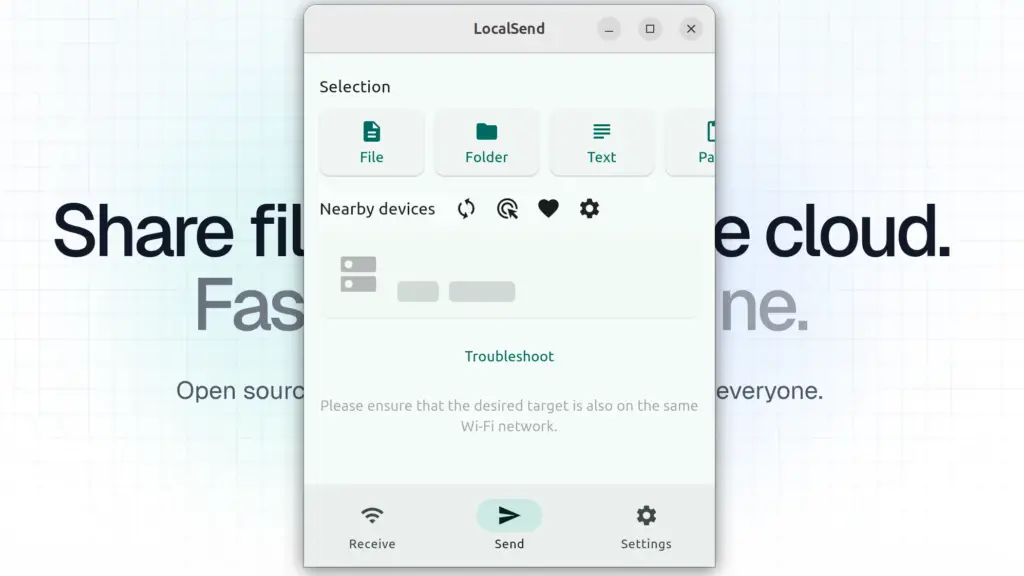
The application is often described as an open-source alternative to Apple’s AirDrop, but with the added benefit of being truly cross-platform. It doesn’t rely on external servers or an internet connection; instead, it uses a REST API to communicate directly between devices on the same Wi-Fi or local network. This makes it a localized solution, ideal for moving files quickly between your own hardware or sharing with someone in the same room.
At a Glance: Feature Comparison
| Feature | LocalSend | AirDrop | Cloud Storage |
|---|---|---|---|
| Cross-Platform | Yes (Win, Mac, Linux, iOS, Android) | Apple Only | Yes |
| Internet Required | No (Local Network) | No | Yes |
| Account Needed | No | Yes (iCloud) | Yes |
| Encryption | End-to-End (HTTPS) | Yes | Varies |
Simplicity in Design
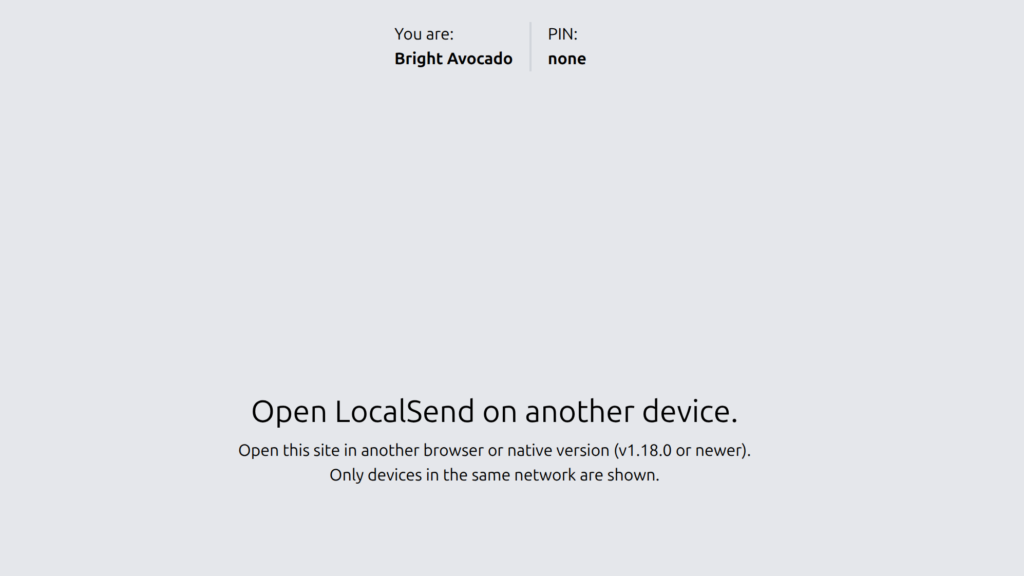
As TechTalesLeo, I’ve seen many apps try to overcomplicate the user experience. LocalSend does the opposite. When you open the app on multiple devices, they automatically detect each other and are assigned creative, auto-generated names (like “Cool Cucumber” or “Swift Strawberry”). To send a file, you simply select the item on one device, choose the recipient from the list, and accept the transfer on the other side. The files typically appear in your default downloads folder instantly.
For those into gaming or 3D printing, this is an excellent way to move large mod files or STL designs from your workstation to your mobile controller or printing station without hunting for a thumb drive.
Key Benefits for Tech Enthusiasts:
- Broad Support: Works across Windows, macOS, Linux, Android, and iOS.
- Lightweight Performance: Minimal resource usage—perfect for developers who want to keep their RAM free for AI acceleration or compiling code.
- Versatile Transfers: Share files, entire folders, text snippets, or links.
- Web App Capability: A browser-based version is available for guest devices where you can’t install the full app.
Limitations to Consider
Transparency is a core value of Digital Tech Explorer. Because LocalSend relies on local network communication, it can sometimes be hindered by strict corporate firewalls or public Wi-Fi settings (like those in airports or offices) that block device-to-device interaction. However, for home use or flexible workspaces, it stands out as a superior alternative to traditional methods.
The Bottom Line
LocalSend flourishes in its simplicity and cost. It is a much more elegant solution than “the USB drive dance” and offers a privacy-focused alternative to cloud-based sharing. If you find yourself frequently shifting files between different ecosystems—like an iPad, an Android phone, and a Windows desktop—LocalSend is a must-have utility that truly respects your time and your data.
About the Author: TechTalesLeo is a dynamic storyteller and tech enthusiast dedicated to making digital innovation accessible. With a background in software solutions and digital media, Leo focuses on bridging the gap between complex technology and everyday usability.
Disclaimer: All content on Digital Tech Explorer is for informational and entertainment purposes only. We do not provide financial or legal advice. Affiliate Disclaimer: Some of the links on Digital Tech Explorer are affiliate links. This means we may earn a commission if you click through and make a purchase, at no additional cost to you. Our recommendations are based on thorough research and personal experience.