
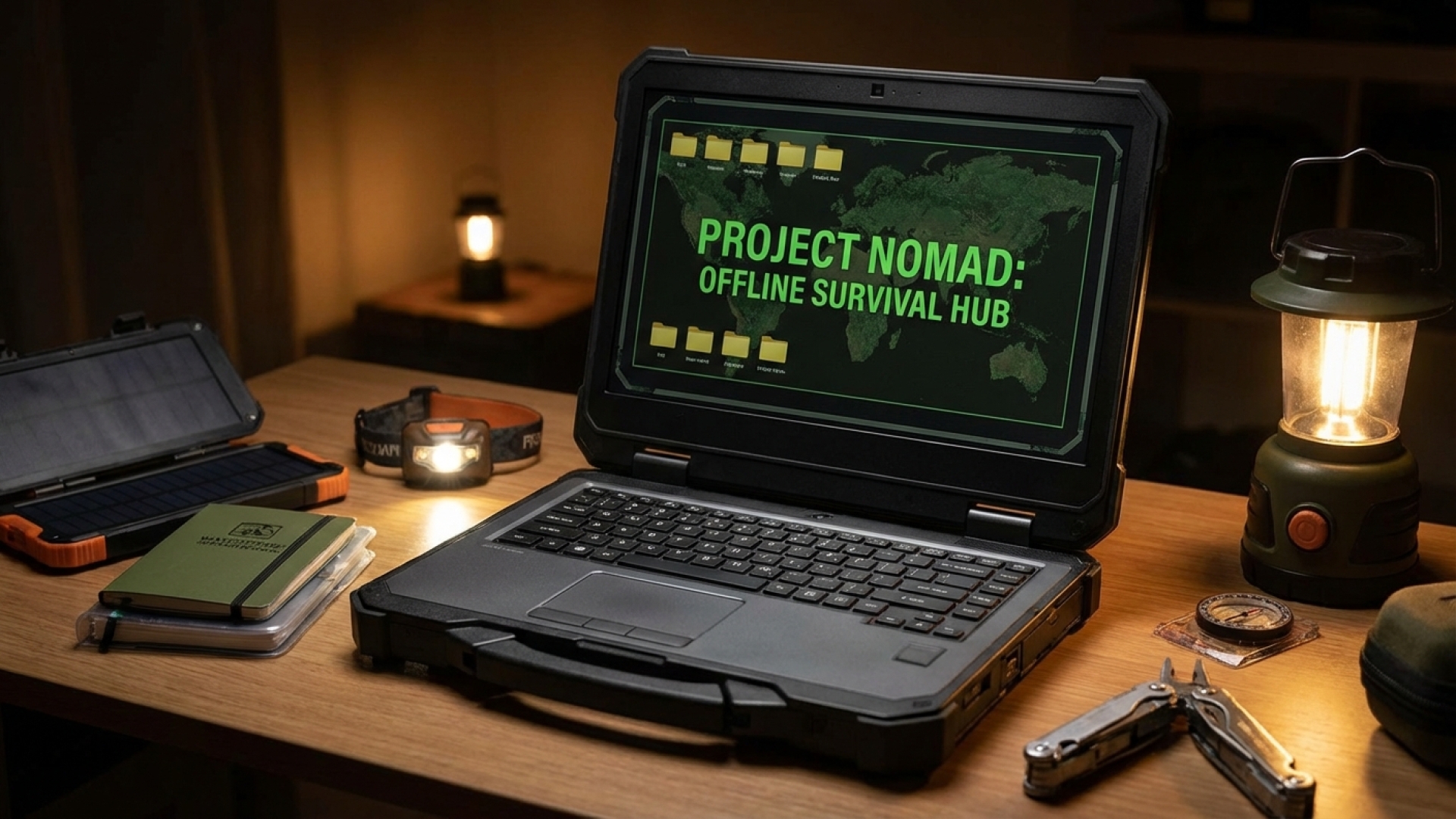
At Digital Tech Explorer, we are always looking for ways to push the boundaries of modern hardware. While most of our daily lives are tethered to the cloud, there is a growing movement toward digital sovereignty and data independence. Whether you have “prepper” sympathies or simply want to ensure your data remains accessible during a network outage, Project NOMAD (Node for Offline Media, Archives, and Data) is a fascinating solution that turns a high-end gaming laptop into a self-contained knowledge fortress.
Project NOMAD is an entirely offline repository of human knowledge. It provides access to a vast library of information without requiring an active internet connection. As a software engineer and storyteller, I find the concept of a “one-shot” local install—accessible via a simple localhost URL—both elegant and incredibly practical for those who value transparency and thorough research.
Understanding Project NOMAD: Your Offline Knowledge Hub
While various offline repositories have existed on forums for years, Project NOMAD stands out for its accessibility and open-source nature. Unlike some survivalist-focused repositories that cost hundreds of dollars, NOMAD is free. It is unashamedly high-end, designed to leverage the processing power of modern systems rather than struggling on low-end hardware.
The platform acts as a localized “internet in a box,” providing a straightforward front end that works in any browser. It is built for tech enthusiasts who want their data local, private, and always available.
The Power of Local AI and Education
One of the most impressive features of Project NOMAD is its integration of AI. By packaging a local Large Language Model (LLM), the system allows you to query your downloaded knowledge base using natural language. This is particularly useful when parsing massive amounts of data, such as the entirety of Wikipedia or extensive medical guides.
By utilizing AI acceleration, you can add your own documents to the repository and use the LLM to extract specific insights. Beyond raw data, NOMAD includes Kolibri, an offline-first learning platform. This allows users to download entire educational curricula, such as Khan Academy, to create a structured learning environment that functions completely off-grid.
Technical Requirements and Setup
To give you a better idea of what it takes to run a comprehensive NOMAD setup, I have outlined the requirements for my current configuration below. My setup includes a full backup of Wikipedia, survivalist texts, medical guides, and high-resolution maps.
| Component | Requirement / Detail |
|---|---|
| Operating System | Linux (Debian-based, ideally Ubuntu or Pop!_OS) |
| Storage Space | 500 GB+ (depending on data archives) |
| RAM Usage | 8 GB – 16 GB (Higher if running local LLMs) |
| Containerization | Docker (Required for installation) |
| Data Sources | Project Gutenberg, Wikipedia, Open Labs (Maps), Kolibri |
Real-World Testing on a Gaming Laptop
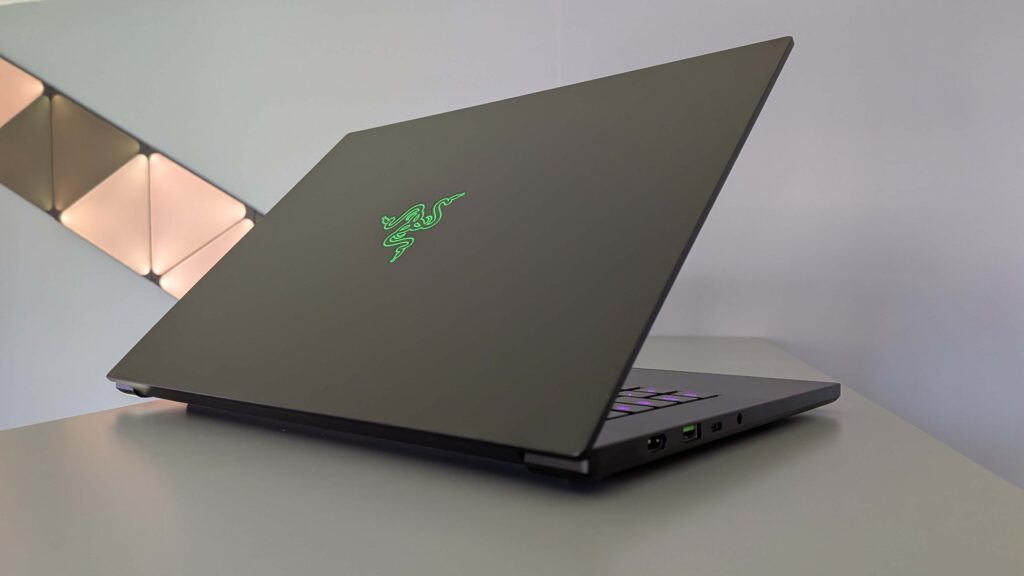
I am running Project NOMAD on a high-performance gaming laptop. Even with a powerful machine, NOMAD is a resource-heavy application. When running the Command Center alongside a local LLM, the system can consume upwards of 12 GB of RAM. This is why a high-end system is recommended; you want enough overhead to perform other tasks while the background services maintain the data integrity.
I’ve configured my setup to include a detailed map of the UK using pmtiles from Open Labs, as the default setup focuses primarily on US regions. Having a localized, searchable map that doesn’t require GPS or a 5G signal is a game-changer for digital preparedness.
The Linux Requirement: A Note for Enthusiasts
It is important to note that Project NOMAD is strictly for Linux environments. It requires a Debian-based distribution and relies heavily on Docker for its architecture. While Windows users might feel left out, the stability and resource management of Linux make it the ideal choice for a project intended to survive “grid-down” scenarios. If you are serious about tech independence, setting up a dedicated Linux partition or a secondary machine for NOMAD is a worthy investment.
Final Thoughts: Why Offline Data Matters
In an era where information is increasingly gated or volatile, having a local copy of the world’s collective knowledge is more than just a “prepper” hobby—it’s an exercise in digital literacy and self-reliance. Whether you’re reading “The Complete Book of Cheese” for entertainment or querying a medical guide for an emergency, Project NOMAD proves that our high-end gaming machines are capable of much more than just entertainment.
At Digital Tech Explorer, we believe in using technology to stay ahead of trends and enhance our skills. Project NOMAD perfectly aligns with that mission, bridging the gap between complex data management and everyday usability.
Affiliate Disclaimer: Some of the links on Digital Tech Explorer are affiliate links. This means we may earn a commission if you click through and make a purchase, at no additional cost to you. Our recommendations are based on thorough research and personal experience.
Disclaimer: All content on Digital Tech Explorer is for informational and entertainment purposes only. We do not provide financial or legal advice.