
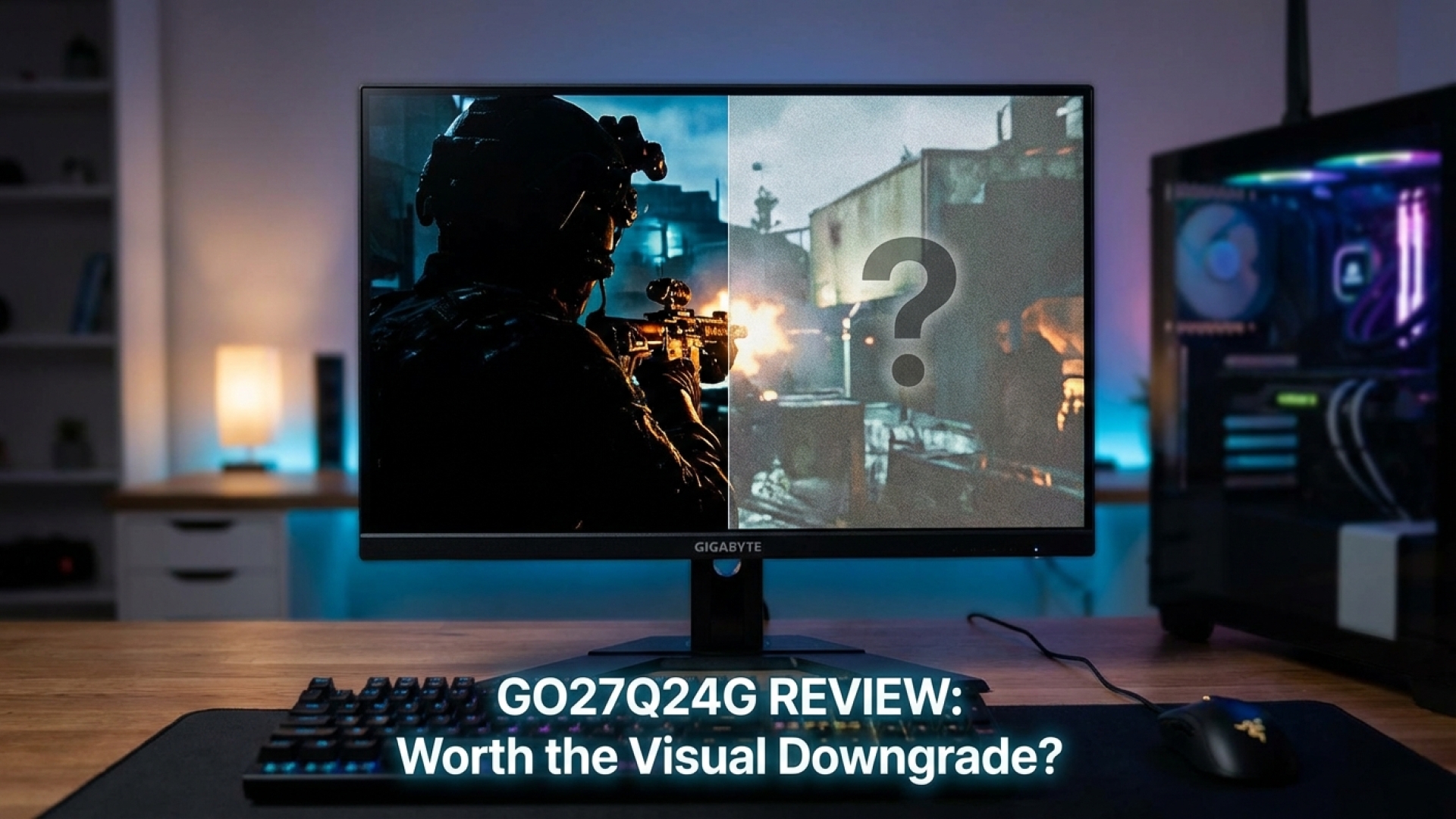
Gigabyte GO27Q24G Review: Is an Affordable OLED Worth the Visual Trade-off?
The quest for the perfect display often feels like a balancing act between price and performance. At Digital Tech Explorer, we’ve tested dozens of monitors, and the Gigabyte GO27Q24G presents one of the most interesting dilemmas for gaming enthusiasts this year. It enters the arena with a clear mission: to lower the barrier of entry into the world of OLED without sacrificing the premium build quality users expect from the brand.
I’ve spent the last week putting this panel through its paces, from fast-paced PC games to high-resolution video editing. Side-by-side with its more expensive sibling, the MO27Q28GR, the GO27Q24G looks nearly identical on your desk. However, beneath that sleek exterior lies an older-generation LG WOLED panel that changes the narrative of what “affordable” truly costs.
Our Verdict
Score: 75 / 100
Rating: ★★★☆☆ (3 out of 5 stars)
Gigabyte has crafted a robust entry-level OLED, but the visual trade-offs in brightness and text clarity compared to newer 2024 releases make the $100 savings feel like a difficult compromise for those seeking the ultimate visual punch.
Pros
- Significant cost savings over next-gen WOLED models
- Premium metal chassis and ergonomic stand
- Exceptional motion clarity and HDR peak highlights
Cons
- Whites can appear “dingy” with a slight green tint
- Subpixel layout impacts text sharpness for office work
- Stiff competition from other “budget” OLED rivals
Gigabyte GO27Q24G Key Specifications
| Feature | Specification |
|---|---|
| Panel Type | LG WOLED (Older Generation) |
| Resolution | 2560 x 1440 (QHD) |
| Refresh Rate | 240Hz |
| Response Time | 0.03ms (GtG) |
| Peak Brightness | 1,300 nits (HDR Window) |
| Connectivity | 2x HDMI 2.1, 1x DP 1.4, USB-C (45W PD) |
Design and Industrial Craftsmanship
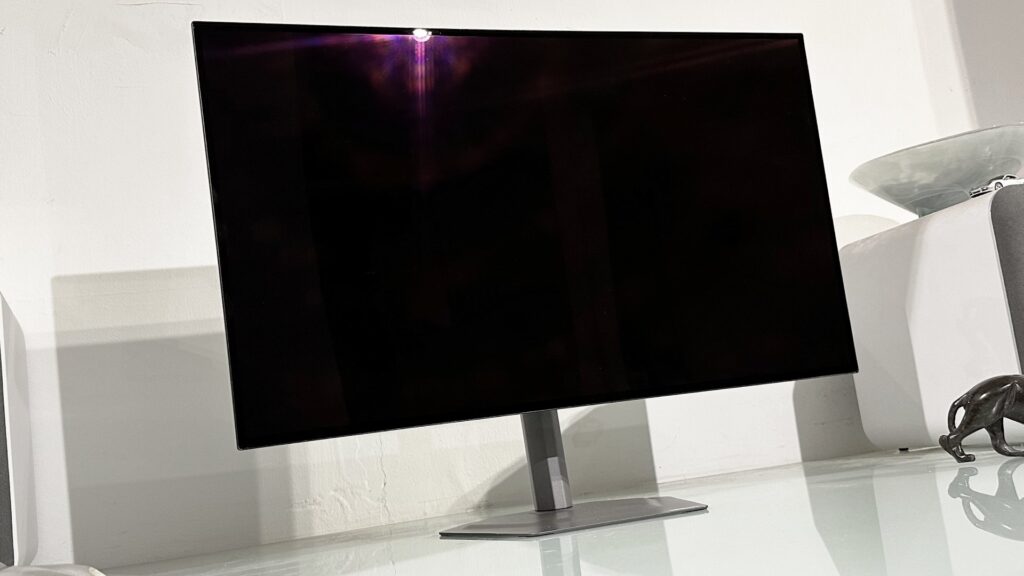
Physically, the GO27Q24G is a masterclass in mature hardware design. While many manufacturers lean into aggressive RGB lighting and plastic shrouds, Gigabyte opts for an understated, professional aesthetic. The sturdy metal base provides a premium weight that anchors the screen during intense sessions, and the stand offers full ergonomic flexibility, including pivot for portrait orientation.
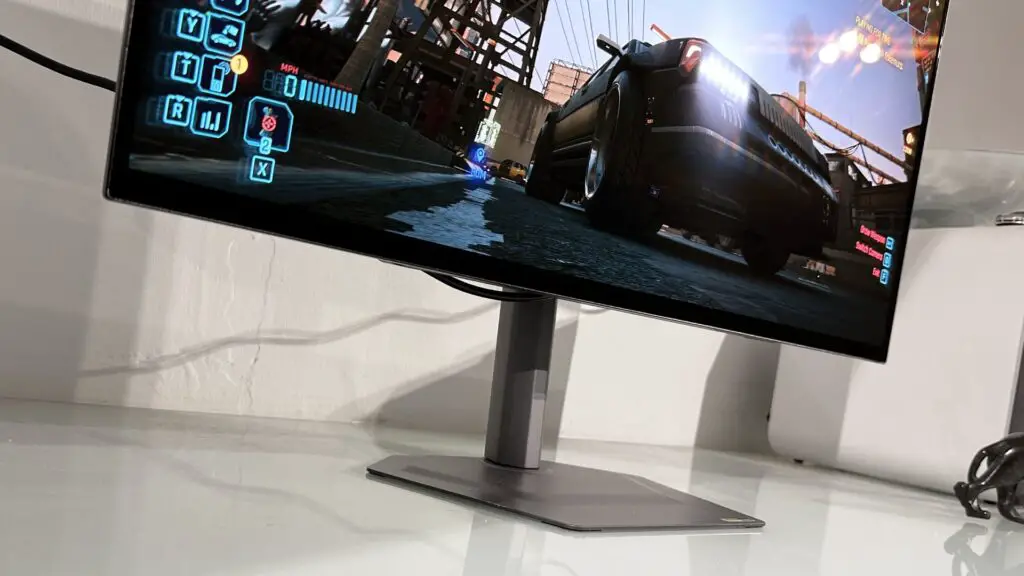
On the connectivity front, the inclusion of HDMI 2.1 and a USB-C port with 45W power delivery makes this a versatile hub. TechTalesLeo notes that while it’s marketed for gaming, it easily doubles as a high-end workstation monitor for laptop users—though the removal of the USB-A hub found on the M-series is a disappointing bit of cost-cutting.
Visual Performance: Brightness and HDR Nuance
The primary point of contention with the GO27Q24G is the display panel itself. To hit its lower price point, Gigabyte utilized an older-generation LG WOLED panel rather than the high-output RGB Tandem OLEDs found in 2024 releases. While the 1,300-nit peak HDR rating looks impressive on paper, real-world usage reveals a different story.
In scenes with high-contrast elements—think neon signs in a rain-slicked Cyberpunk alley—the “HyperNits” technology does an admirable job. However, when the screen is filled with bright, uniform light, the display can feel somewhat “dingy.” Side-by-side with newer panels, the whites have a subtle green cast that lacks the crystalline purity of its more expensive counterparts.
Gaming Speed vs. Daily Productivity
Speed is where this monitor truly redeems itself. With a 240Hz refresh rate and a near-instant 0.03ms response time, motion blur is effectively non-existent. For competitive esports where every millisecond counts, the GO27Q24G is a formidable tool. Whether you’re tracking targets in a shooter or navigating tight corners in a racer, the clarity is exceptional.
Where it struggles is in the mundane. The RWGB subpixel structure of this older panel means text can appear slightly “fuzzy” or pixelated compared to standard IPS panels or newer OLED subpixel layouts. If your day involves heavy coding or technical writing before you jump into your favorite PC games, this is a trade-off you’ll need to consider carefully.
The Verdict: Is it Worth It?
The Gigabyte GO27Q24G is a competent, well-built monitor that brings the undeniable benefits of OLED—infinite contrast and perfect blacks—to a slightly more accessible price point. However, in the rapidly evolving world of display technology, staying one generation behind carries a visible cost.
At its current price, we recommend looking toward the newer MO27Q28GR for that extra $100. The jump in color purity and text clarity provides a “wow” factor that justifies the investment. However, if you find the GO27Q24G on a deep discount, it remains a solid, premium-built entry into high-end gaming.
Buy it if: You prioritize build quality, need a premium stand, and want the fastest response times for competitive gaming at a lower cost.
Don’t buy it if: You are sensitive to text fringing, require high full-screen brightness for well-lit rooms, or want the absolute latest in OLED panel innovation.
Affiliate Disclaimer: Some of the links on Digital Tech Explorer are affiliate links. This means we may earn a commission if you click through and make a purchase, at no additional cost to you. Our recommendations are based on thorough research and real-world testing.
General Disclaimer: All content on Digital Tech Explorer is for informational and entertainment purposes only. We do not provide financial or legal advice.