
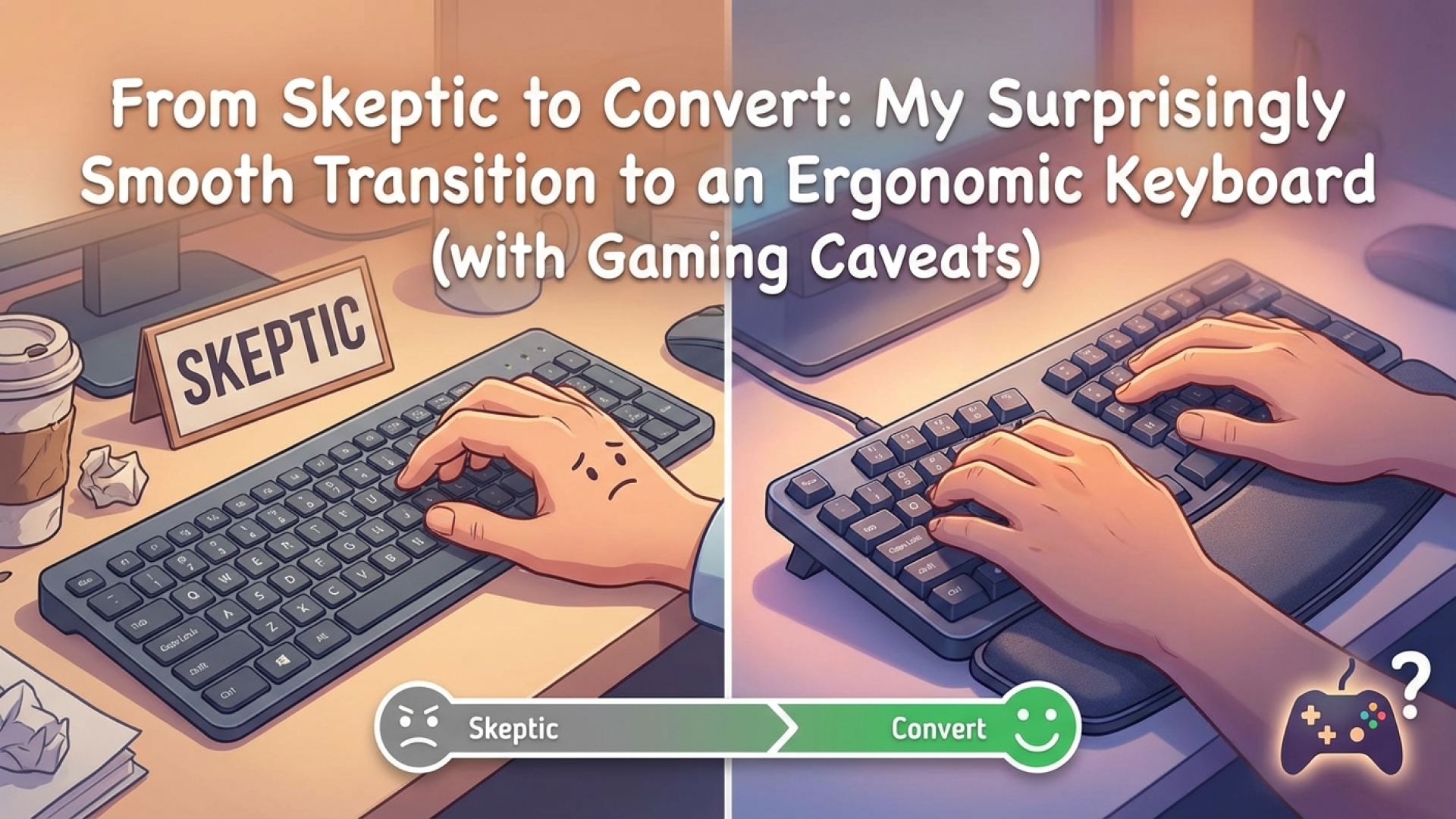
Ergonomic keyboards have long been the subject of skepticism among tech enthusiasts, often dismissed for their unconventional aesthetics and a perceived steep learning curve. Many of us, including myself, have clung to the familiarity of traditional hardware layouts for years. However, as part of my ongoing mission at Digital Tech Explorer to bridge the gap between complex technology and everyday usability, I decided it was time to put these claims to the test. My journey from skeptic to convert was surprisingly smooth, transforming my initial doubts into a genuine appreciation for ergonomic design.
My transition began with the Cloud Nine C959 Ergo TKL. Despite my deeply ingrained QWERTY habits and a lack of formal touch-typing skills, the shift was far more manageable than I had anticipated. This wasn’t just a hardware upgrade; it was a storytelling experiment in comfort and efficiency.
First Impressions and the Learning Curve
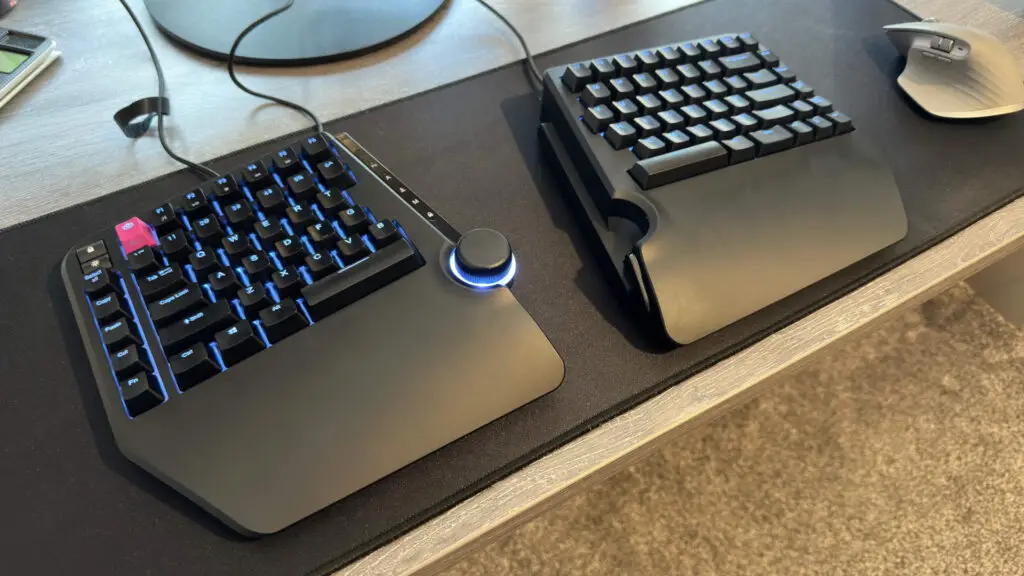
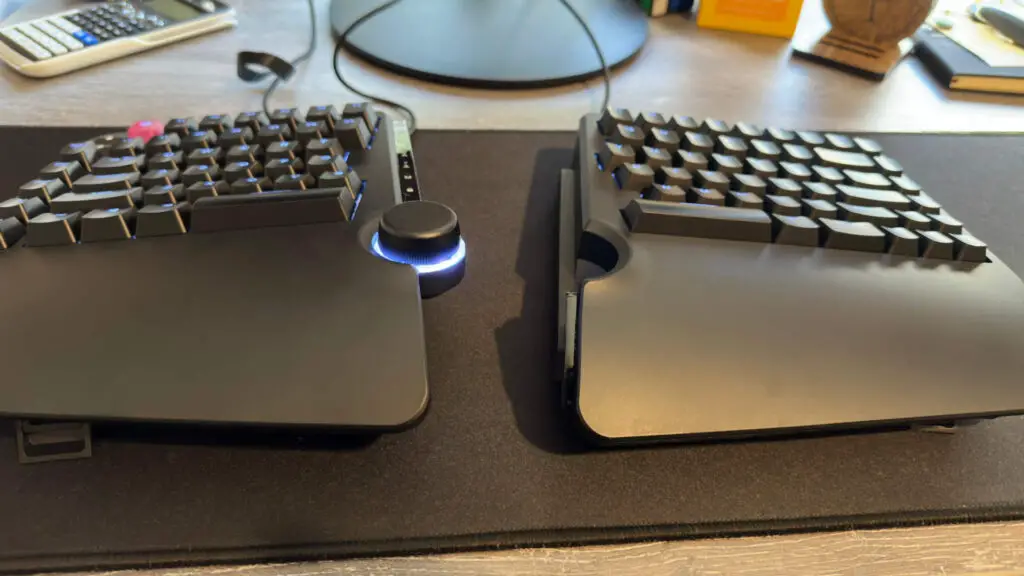
Setting up the Cloud Nine C959 Ergo TKL involved a few minor technical hurdles, specifically regarding connectivity and a temporary driver update delay. Once operational, however, the experience was seamless. The keyboard features two split halves that can be used independently or snapped together. This design prevents excessive arm crossing and allows for a more natural shoulder alignment, while the integrated wrist rests keep the hands at a neutral angle.
The real challenge was retraining muscle memory. On a standard QWERTY layout, I frequently struck the ‘B’ key with my right hand; on a split board, that meant reaching into empty air. I also had to consciously engage my left hand more for keys around ‘H’, ‘D’, and ‘F’. Remarkably, this adjustment period lasted only about a day. By the second day, the ergonomic layout felt like second nature.
The immediate payoff was a noticeable reduction in hand strain. As someone who spends hours coding and writing, I often deal with finger fatigue. The Cloud Nine’s design encourages a “planted” hand position rather than the “hovering” stance common with traditional boards, which significantly mitigated my usual discomfort.

Gaming Performance: Posture vs. Precision
While the C959 excels at productivity, gaming on an ergonomic setup introduces a different set of variables. In titles like Red Dead Redemption 2, where keys like ‘H’ are essential for core gameplay actions (such as whistling for your horse), the physical gap between the two halves can be a hindrance when your right hand is occupied by the mouse. Reaching across the split often requires remapping keys to the mouse or the left half of the keyboard.
However, for games that primarily utilize the WASD cluster, the experience is excellent. The split design allows you to position the left half of the keyboard and your mouse closer together, which improves overall posture and reduces wrist torque. For many PC games, the trade-off of better long-term health for a bit of remapping is a worthy investment.
Comparing Ergonomic Keyboard Tiers
The world of ergonomic hardware is vast, ranging from “ergonomic-lite” to radical redesigns. To help you navigate these options, I’ve summarized the most popular designs currently making waves in the community.
| Model | Design Type | Best For |
|---|---|---|
| Cloud Nine C959 | Split/Traditional Mix | Beginners and Gamers |
| Kinesis Freestyle Edge | True Split (Adjustable) | Competitive Gaming |
| ZSA Moonlander | Ortholinear/Split | Developers and Enthusiasts |
| Kinesis mWave | Fixed Slanted Board | Standard Office Work |
Beyond the Cloud Nine, options like the Kinesis Gaming Freestyle Edge RGB offer deeper customization. For those seeking the ultimate in digital innovation, ortholinear boards like the ZSA Moonlander provide straight key columns that align with the natural movement of your fingers, though they require a much more significant time investment to master.
Final Thoughts: Embracing the Change
After several weeks of real-world testing, my skepticism has vanished. The transition to the Cloud Nine C959 Ergo TKL was not the daunting task I feared. Instead, it provided a more comfortable and sustainable way to interact with my PC.
While the gaming experience requires some minor adjustments in keybindings, the benefits to posture and wrist health are undeniable. At Digital Tech Explorer, we are committed to finding the best tools to enhance your coding and gaming skills. If you’ve been hesitant to try an ergonomic board, I encourage you to keep an open mind. You might find that the “weird-looking” keyboard is exactly what your setup has been missing. Just perhaps steer clear of the extreme hand-shaped keypads until you’ve mastered the split first!