
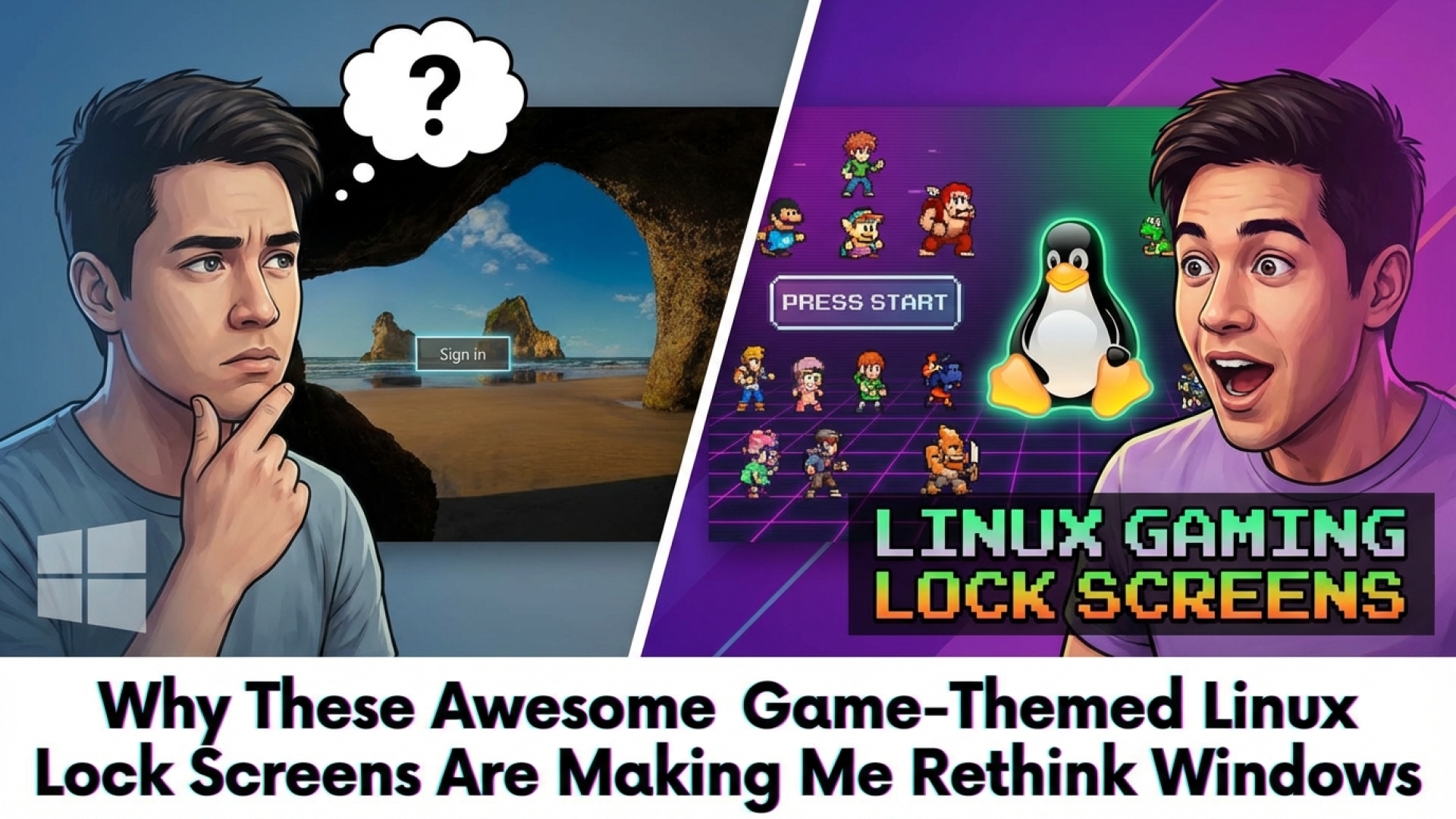
Every tech enthusiast has an “origin story” that sparked their obsession with hardware and software. For some, it was building their first PC; for me, it was the haunting, futuristic aesthetic of 1990s cyber-culture that blurred the lines between the digital and physical worlds. I have spent years daydreaming about customizing my digital environment to match those sleek, fictitious operating systems—a task that, as many of us at Digital Tech Explorer know, is much more achievable once you make the jump to Linux.
Embrace Customization: Linux Lock Screens Inspired by Games
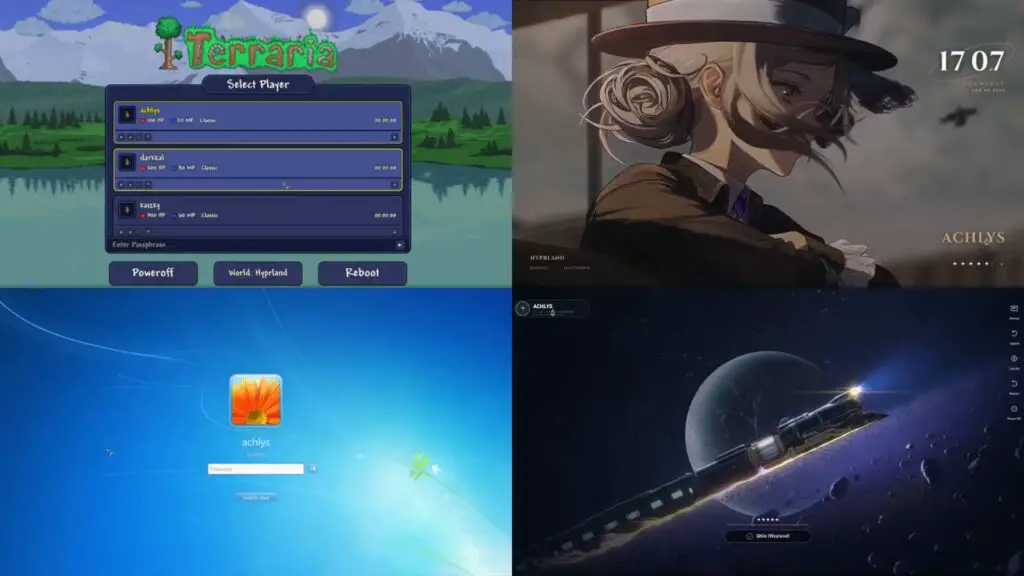
If you are looking to elevate your desktop experience, a talented developer known as Darkkal44 has released a collection of stunning Linux lock screens designed for various popular gaming franchises. Whether you are building worlds in Minecraft, exploring the pixelated depths of Terraria, or seeking the philosophical atmosphere of a NieR: Automata-inspired interface, these designs offer a level of personalization that standard operating systems simply cannot match. You can find these assets in Darkkal44’s Qylock Dotfiles on GitHub.
Unleash Your Inner Gamer with Qylock
The project, titled Qylock, is built for use with the Simple Desktop Display Manager (SDDM) or Quickshell within Linux. It caters specifically to fans of modern gaming and digital aesthetics. The selection includes lock screens that mimic high-fidelity gacha titles and strategy RPGs, such as:
| Game/Style | Genre/Category |
|---|---|
| Honkai: Star Rail | Space Fantasy RPG |
| Genshin Impact | Action RPG |
| Reverse: 1999 | Time-Travel Strategy |
| Minecraft / Terraria | Sandbox / Survival |
| Windows 7 | Classic OS Aesthetic |
The Allure of Linux Over Traditional Operating Systems
While many of us remain tethered to Windows for specific software needs, the gap is closing rapidly. At Digital Tech Explorer, we focus on the hardware and software trends that give users more control over their machines. Customization options like Qylock are powerful incentives for users considering a migration. For those who fear the “culture shock” of leaving Windows, Qylock even offers a Windows 7-style lock screen to provide a sense of familiarity during the transition.
Gaming’s Bright Future on Linux
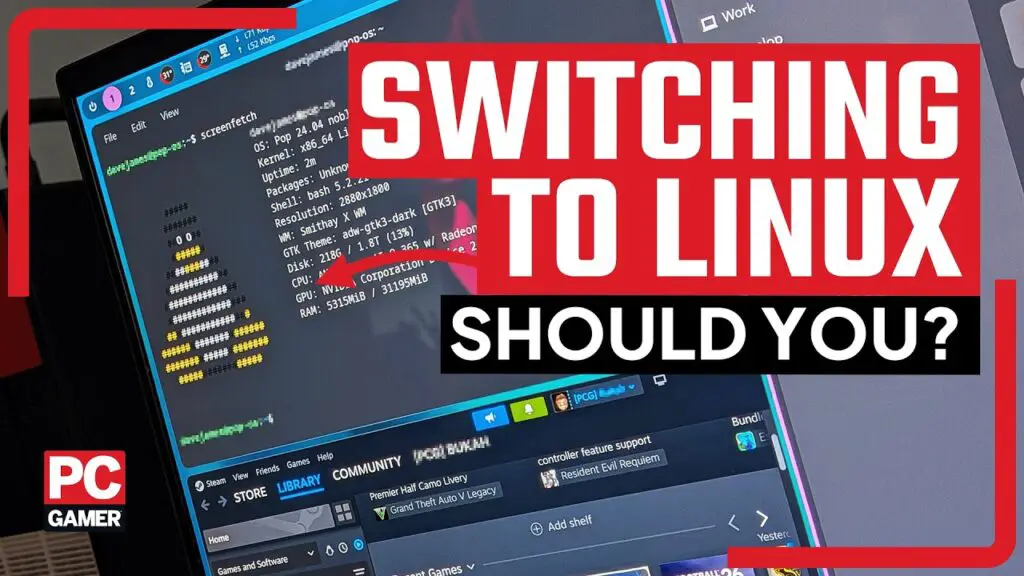
The narrative that Linux isn’t for gamers is quickly becoming a thing of the past. Recent developments in Proton Experimental builds have significantly improved compatibility for classic titles and modern PC games alike. Furthermore, specialized distributions like Bazzite are gaining traction. Bazzite is specifically designed to bridge the gap between complex terminal commands and a user-friendly gaming experience, even incorporating tools like ScopeBuddy to handle modern features like HDR.
The Tinkerer’s Paradise
Linux remains the ultimate playground for those who love to “tinker.” At Digital Tech Explorer, we believe that technology should be both educational and empowering. While the initial setup of tools like SDDM or Quickshell might seem daunting to a novice, the result is a personalized digital space that reflects your personality and interests. Whether you are a seasoned professional or a curious newcomer, the ability to turn your login screen into a tribute to your favorite game is just one of the many reasons to explore the world of open-source software.
Affiliate Disclaimer: Some of the links on Digital Tech Explorer are affiliate links. This means we may earn a commission if you click through and make a purchase, at no additional cost to you. Our recommendations are based on thorough research and personal experience.