

Test PC Specifications
| Device/Tier | Processor (CPU) | Memory (RAM) | Graphics (GPU) |
|---|---|---|---|
| Asus ROG Ally | Ryzen Z1 Extreme | 16 GB LPDDR5 | Radeon 780M (6GB VRAM Mode) |
| Entry Laptop | Ryzen 7 7735HS | 16 GB DDR5 | GeForce RTX 4050 |
| Legacy Desktop | Core i7 9700K | 16 GB DDR4 | Radeon RX 5700 XT |
| Mainstream Desktop | Ryzen 7 5700X3D | 32 GB DDR4 | GeForce RTX 3060 Ti |
| High-End Desktop | Core Ultra 9 285K | 48 GB DDR5 | Radeon RX 7900 XT |
| Ultra High-End | Ryzen 9 9950X3D | 32 GB DDR5 | GeForce RTX 5090 |

Handheld Gaming Analysis
Settings: 720p Lowest | No RT | FSR Balanced Our testing with the Asus ROG Ally revealed some current limitations. Despite forcing 6 GB of VRAM, the integrated GPU struggled to maintain stability. Curiously, even lowering upscaling to Ultra Performance didn’t resolve the overhead. Update: Interestingly, the game performs much better on the Steam Deck, which suggests the current issues on the ROG Ally are likely tied to specific iGPU driver optimizations rather than raw hardware limitations. We expect Capcom or Asus to address this in a future patch.Mainstream and Entry-Level Performance
Adding a discrete GPU changes the narrative entirely. The GeForce RTX 4050 handled 1080p with “Normal” Ray Tracing (RT) surprisingly well. While the 6 GB VRAM limit prevents ultra-high texture settings, the visual trade-off is minimal. On our “Legacy” RX 5700 XT system, we opted for 1080p Normal settings without RT. The eight-year-old hardware still delivers a playable experience, proving the RE Engine’s scalability. For the RTX 3060 Ti, 1440p is the sweet spot. While some frame-time spikes occurred during cinematic finishing moves, the overall gameplay remained fluid.High-End & Ultra Enthusiast Tiers
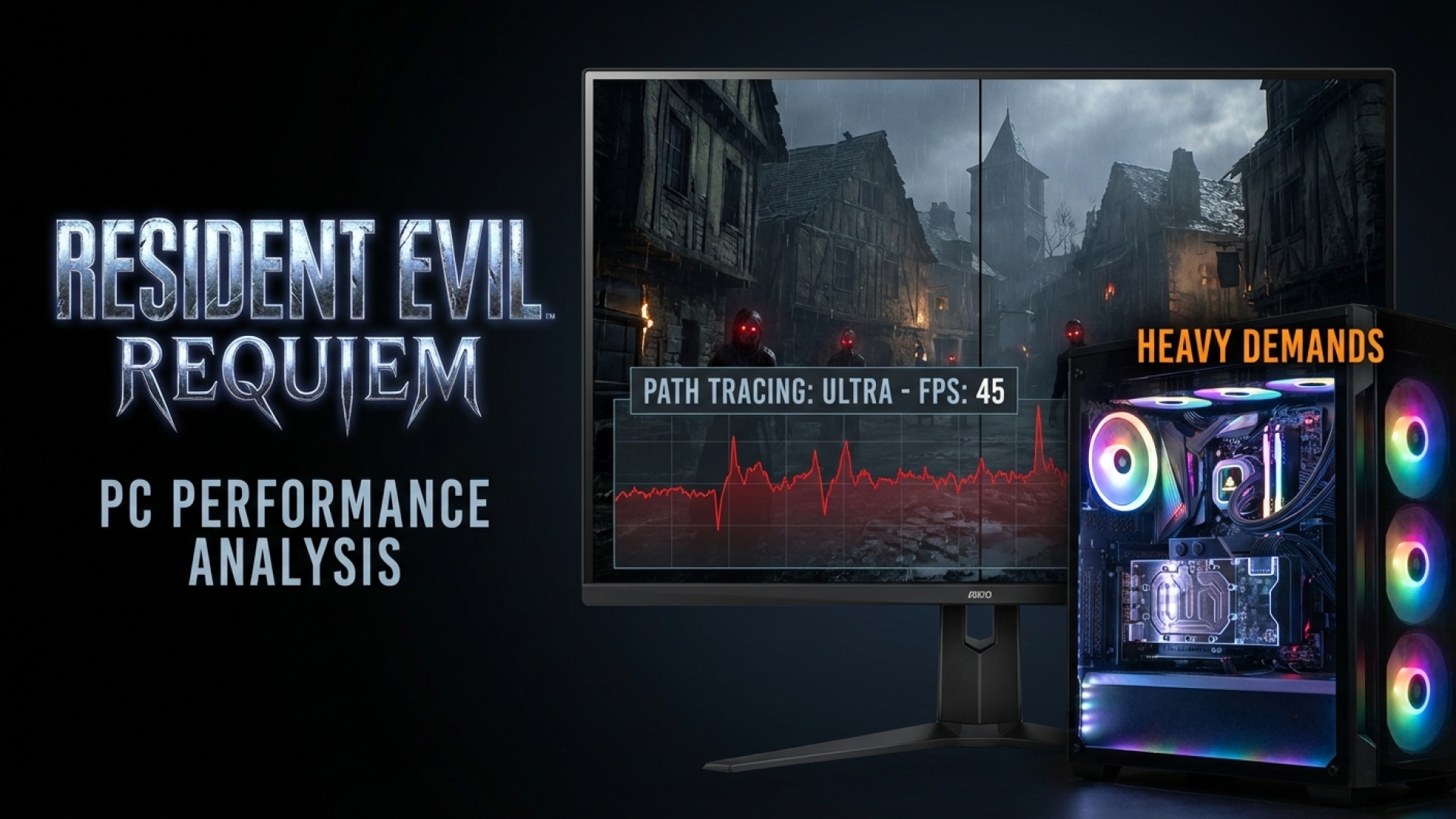
For those running 4K resolution, the experience is transformative. The Radeon RX 7900 XT maintains a solid 60+ fps at 4K with High RT when using FSR Performance upscaling. AMD’s FSR implementation here is excellent, with no noticeable ghosting during rapid camera pans. If you are among the few sporting an RTX 5090, Resident Evil Requiem becomes a playground for path tracing. This “ultra” mode offers photorealistic lighting but comes at a staggering cost—cutting frame rates by more than half compared to High RT. To maintain high refresh rates here, DLSS 4 Multi-Frame Generation is essential.Is Ray Tracing Essential?
While path tracing is visually stunning, it is arguably a luxury for a fast-paced gaming experience. However, the “Normal” RT setting is highly recommended for indoor environments. Without it, some scenes can feel flat. With it, the atmosphere becomes oppressive and immersive—exactly what you want from survival horror. It is a bit disappointing to see the omission of Intel XeSS, as it often provides superior results for Arc GPU users. However, the robust FSR 3.1 and DLSS 4 implementations ensure most players have the tools they need to optimize their experience.Final Verdict
Resident Evil Requiem is a testament to why the RE Engine remains a fan favorite. By focusing on detailed, linear environments rather than sprawling open worlds, Capcom has delivered a polished, stable, and visually arresting title. Aside from minor handheld optimization needs, the game runs beautifully across a wide spectrum of hardware. As always at Digital Tech Explorer, we recommend keeping your drivers updated to the latest version to ensure maximum stability. If you’re a fan of survival horror, your PC is ready for the nightmare.Disclaimer: All content on Digital Tech Explorer is for informational and entertainment purposes only. We do not provide financial or legal advice. Affiliate Disclaimer: Some of the links on Digital Tech Explorer are affiliate links. This means we may earn a commission if you click through and make a purchase, at no additional cost to you. Our recommendations are based on thorough research and personal experience.