
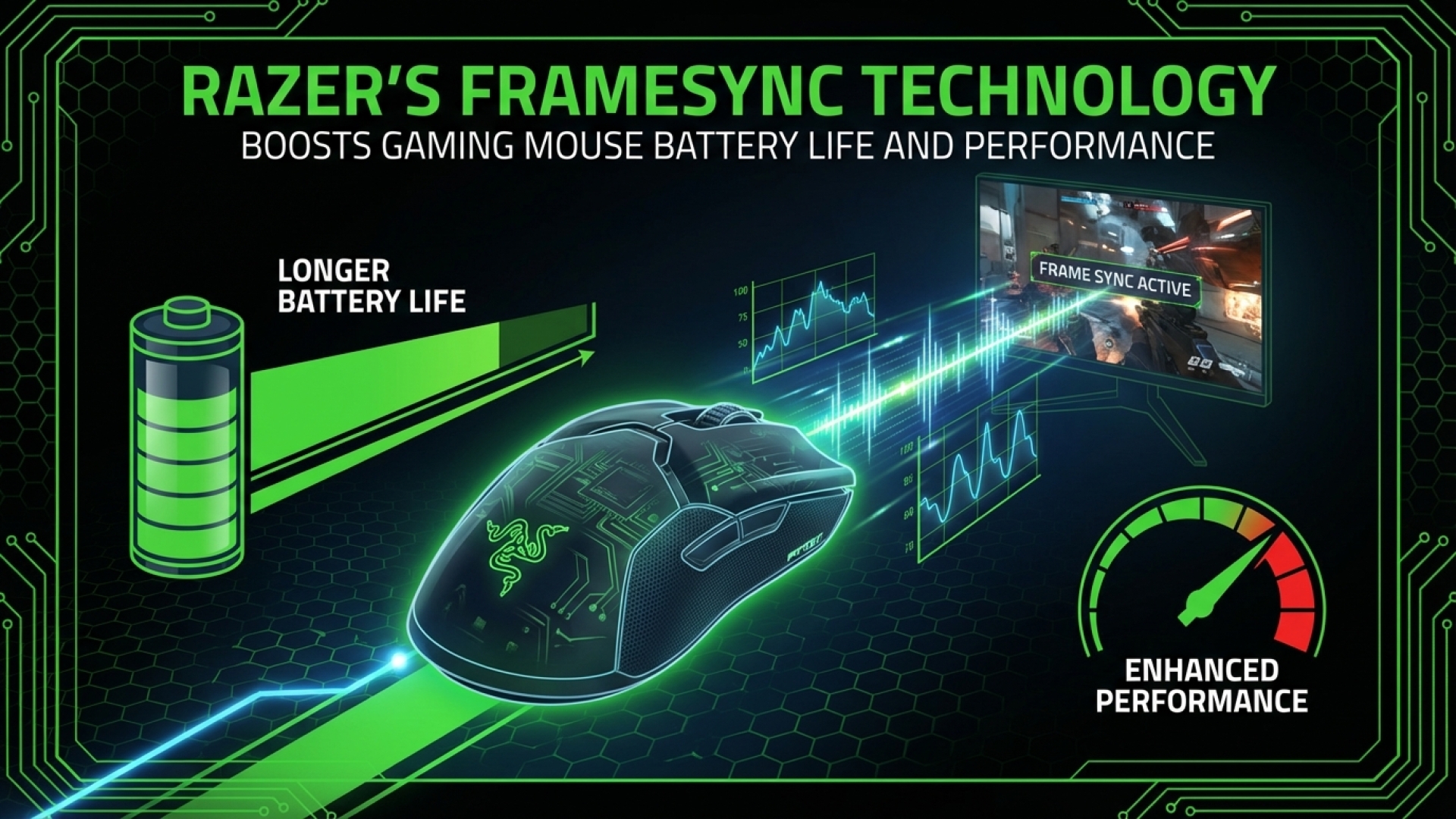
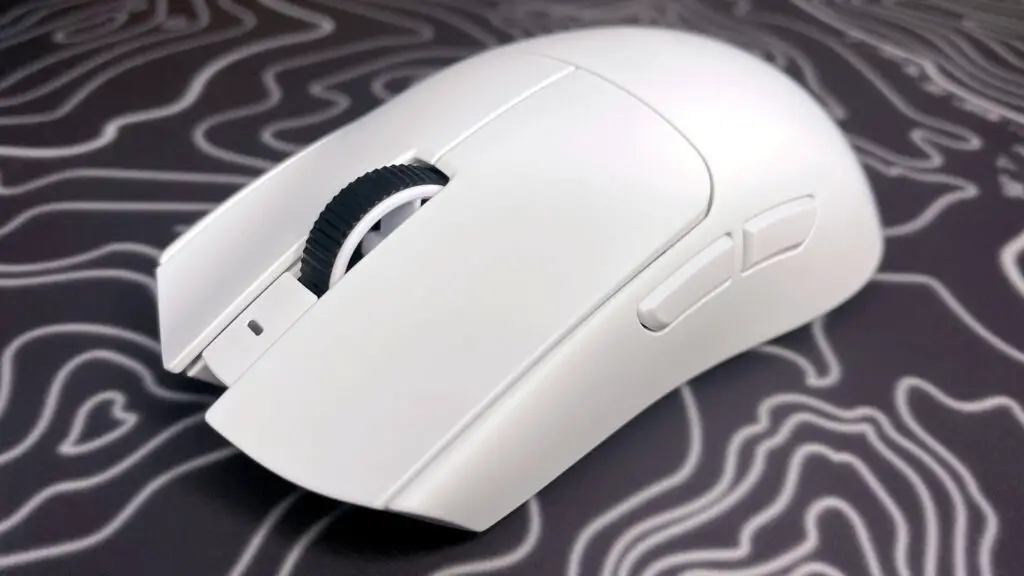
In an era where premium gaming mice have reached a performance plateau, with sensors across the board delivering near-flawless tracking, it takes something truly innovative to catch the eye of a tech enthusiast. Earlier this year, Logitech pushed the envelope with the X2 Superstrike and its haptic-inductive analogue clicks. Now, Razer is answering back with the Viper V4 Pro, introducing a proprietary technology known as FrameSync.
While “FrameSync” might sound like another marketing buzzword, its implications for the gaming community—and specifically for battery life—are significant. At Digital Tech Explorer, we prioritize how these incremental hardware updates translate into real-world performance gains for developers and competitive players alike.
The Power of FrameSync: Efficiency Meets Performance
When we look at the evolution of gaming mice, we often focus on DPI or polling rates. However, the unsung hero of any wireless peripheral is the efficiency of its MCU (microcontroller unit) and sensor. An optical mouse sensor captures thousands of snapshots per second, which the MCU then processes and transmits to the PC when polled. Any friction or lack of synchronization in this chain results in wasted energy and potential latency.
Razer’s FrameSync focuses on the “handshake” between these components. Initially, one might assume this is purely a tracking improvement, but the true brilliance of this technology lies in its power management. By optimizing how and when the sensor captures data, Razer has addressed one of the most persistent pain points for wireless users: longevity between charges.
How FrameSync Works: Synchronizing the Pipeline
The concept is analogous to G-Sync or FreeSync in the monitor world. Just as variable refresh rates synchronize a display to the GPU’s output to prevent tearing, FrameSync synchronizes the mouse sensor’s scans with the MCU’s polling cycle.
As illustrated in the data flow, there are three critical stages: the sensor captures an image, the MCU prepares that data, and the PC requests it. Historically, sensors would capture frames continuously, often snapping multiple “pictures” between every poll from the PC. This resulted in redundant work and unnecessary power draw.
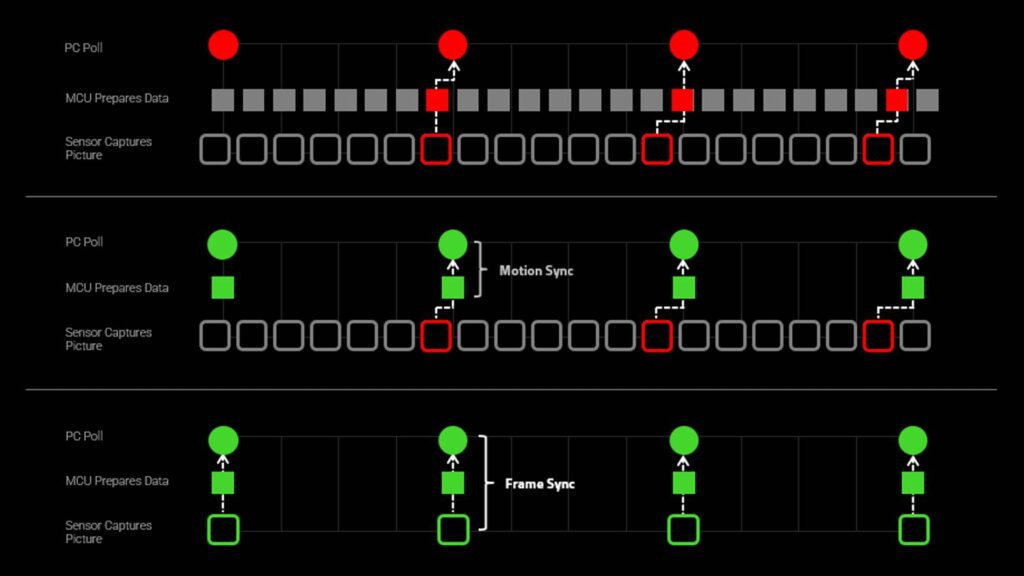
While Motion Sync (a common feature in modern high-end mice) aligns the MCU to the PC’s polling rate, FrameSync goes a step further by pulling the sensor into that same rhythm. By capturing data only at the exact moment it is needed for the next poll, Razer reduces sensor latency and minimizes jitter, especially at high-frequency polling rates.
Doubling Down on Battery Life
The practical result of fewer, more intentional sensor snapshots is a dramatic reduction in power consumption. For the competitive gamer, this means more time in the server and less time on the charging cable.
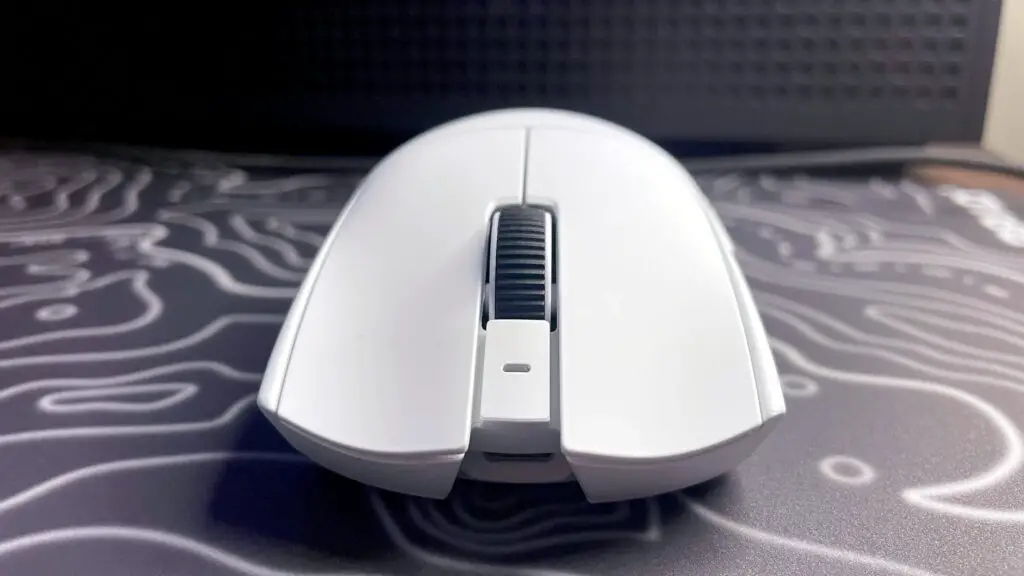
Razer claims the Viper V4 Pro boasts up to 180 hours of battery life. To put that into perspective, that is nearly double the endurance of the previous Viper V3 Pro, despite the V4 Pro being lighter and housing a more powerful sensor.
This leap in efficiency represents a new trend in digital innovation for peripherals. Just as we look for AI-acceleration in software to optimize workflows, we are now seeing hardware manufacturers use intelligent synchronization to optimize physical performance. Much like the industry-shifting impact of Logitech’s Superstrike, FrameSync is a technology we expect to see become a standard across the gaming mouse market.
Disclaimer: All content on Digital Tech Explorer is for informational and entertainment purposes only. We do not provide financial or legal advice.
Affiliate Disclaimer: Some of the links on Digital Tech Explorer are affiliate links. This means we may earn a commission if you click through and make a purchase, at no additional cost to you. Our recommendations are based on thorough research and personal experience.