
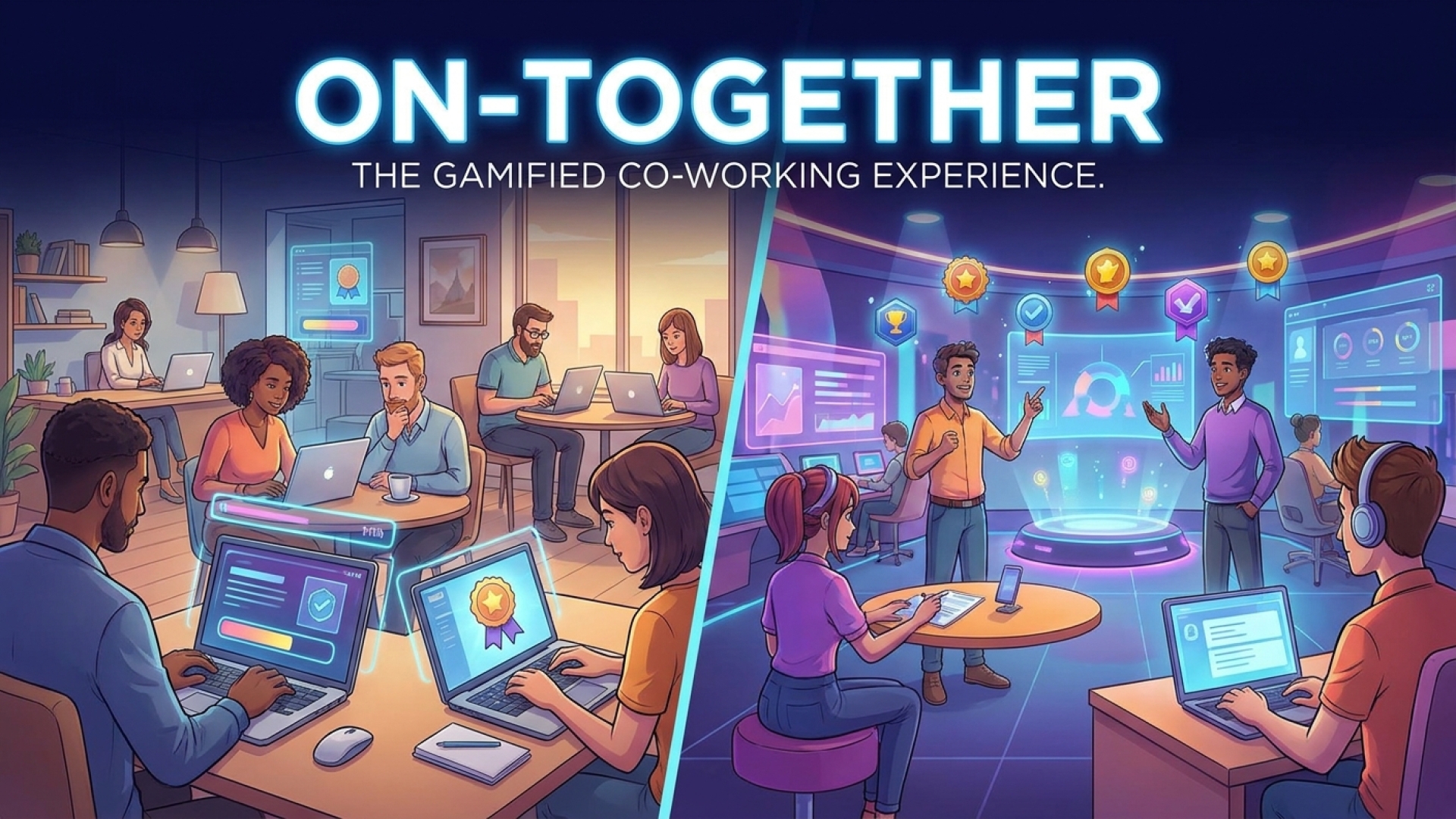
At Digital Tech Explorer, we are constantly searching for tools that bridge the gap between digital innovation and daily usability. As someone who completed my final year of university during the pandemic and has spent the last five years navigating the “work-from-home” landscape, I can attest that solo productivity presents unique challenges. I am a social creature by nature, and there are days when the isolation of a home office—no matter how well-equipped—can lead to a complete breakdown in focus.
As many tech enthusiasts and remote professionals know, those quiet moments can quickly spiral into unproductive habits. A five-minute break can easily transform into an hour-long “doomscroll” session. While I’ve tested a variety of productivity software and gamified tools designed to keep users on track, most fail to sustain engagement. However, On-Together offers a fresh perspective by prioritizing partnered-up productivity.
The Virtual Water Cooler
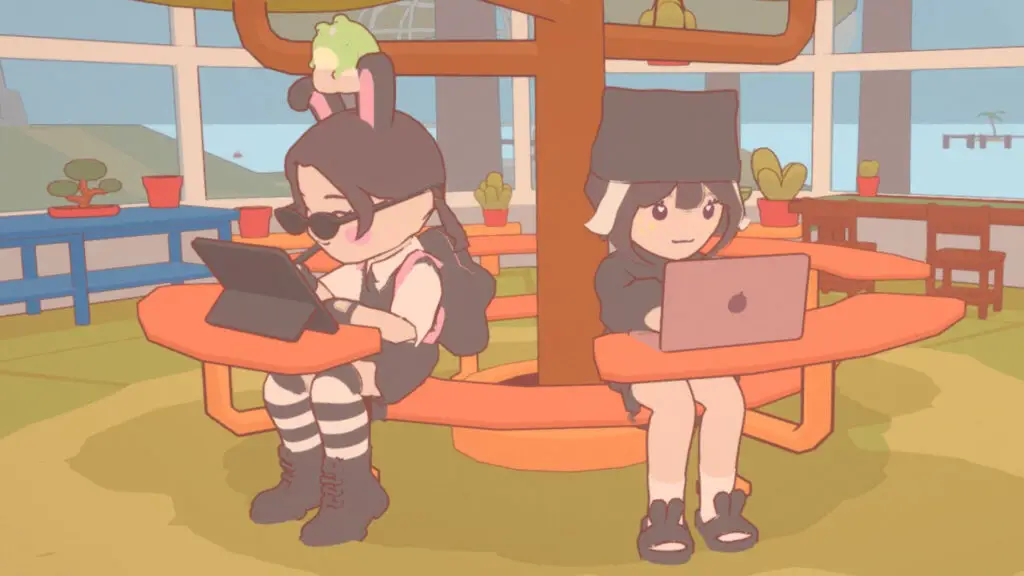
In the same way that communities formed in Animal Crossing to stay connected or players gather in MMOs simply to exist in the same digital space, On-Together invites people to work alongside one another. It leverages the “body doubling” technique—a productivity strategy where working in the presence of others improves focus—regardless of physical distance.
The application strikes a sophisticated balance between a gaming experience and a professional utility. It includes essential features like a Pomodoro timer, a journal, a task planner, and a robust to-do list. These are wrapped in an aesthetically pleasing island environment with customizable chibi characters, making the act of working feel less like a chore and more like a shared journey.
| Feature | Description |
|---|---|
| Pomodoro Timer | Built-in intervals to manage work and break cycles effectively. |
| Visual Focus Tasks | Animations like “typing” or “cleaning” that show others what you are doing. |
| Customization | Deep character and space customization to reflect your personal style. |
| Social Hubs | Public and private lobbies for co-working with friends or strangers. |
| Break Activities | Mini-games like fishing and basketball to refresh the mind during breaks. |
One of the most impressive aspects of On-Together is the “focus task” animations. If I am writing an article, my avatar sits at a digital keyboard. If a colleague is in a meeting, their avatar dons headphones and moves to a quiet area. This non-verbal communication creates a sense of shared presence that is often missing from traditional project management tools.
Teamwork Makes the Dream Work
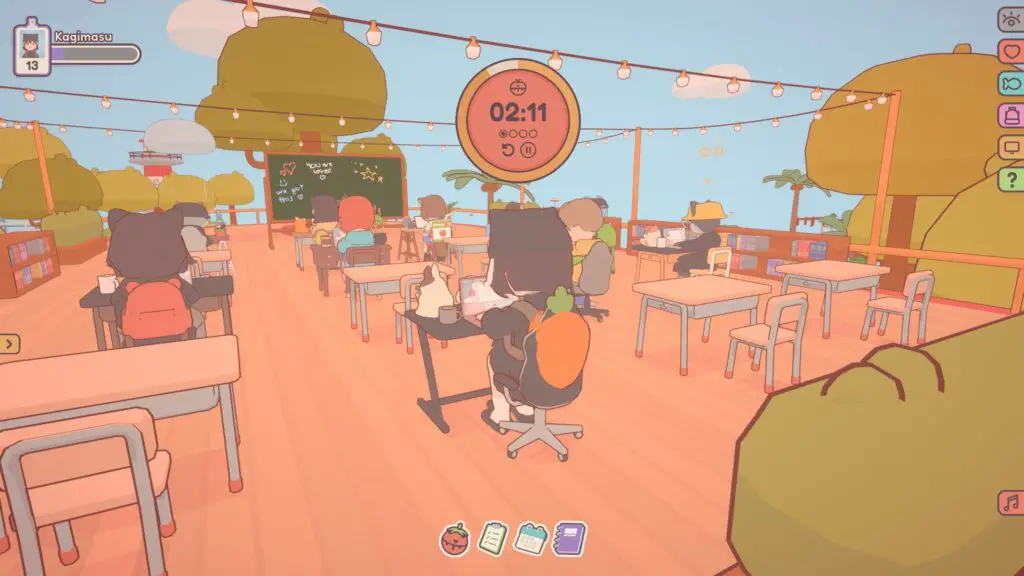
The experience is equally rewarding in public lobbies. During my testing, I joined a “classroom” lobby where users had written encouraging messages on a virtual blackboard. The atmosphere was one of mutual support, with occasional “hydration checks” in the chat and shared Pomodoro timers floating above everyone’s heads. It transforms the solitary grind of coding or writing into a collective effort.
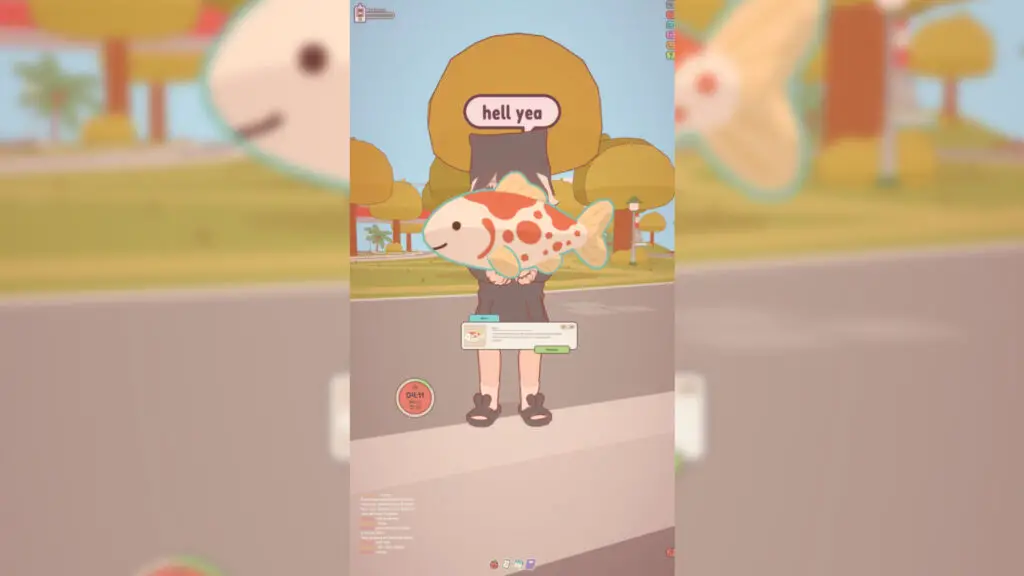
When the timer hits a break period, the island provides “menial” but satisfying distractions. Whether it’s shooting hoops, fishing, or exploring a cliffside D&D setup, these activities offer the perfect mental reset before the next deep-work session.
At Digital Tech Explorer, we believe technology should empower users to be their best selves. On-Together achieves this by redirecting the urge for social interaction into a structured, productive format. It is an excellent alternative to doomscrolling and a powerful tool for anyone working or studying from home.
If you are looking for a virtual “third space” to enhance your workflow, On-Together is available now on Steam. For more reviews on the latest PC games and productivity software, stay tuned to TechTalesLeo’s latest insights.
Disclaimer: All content on Digital Tech Explorer is for informational and entertainment purposes only. Some links may be affiliate links, meaning we may earn a commission at no additional cost to you.