
At Digital Tech Explorer, we are always tracking the pulse of GPU innovation. The latest update to the Nvidia App beta has officially landed, bringing a suite of high-performance tools that bridge the gap between complex hardware capabilities and seamless user experience. As TechTalesLeo, I’ve seen many software iterations, but this release—specifically the introduction of DLSS 4.5 Dynamic Multi Frame Generation—marks a significant leap forward for the next generation of gaming hardware.
Unlocking the Power of DLSS 4.5 and the RTX 50-Series
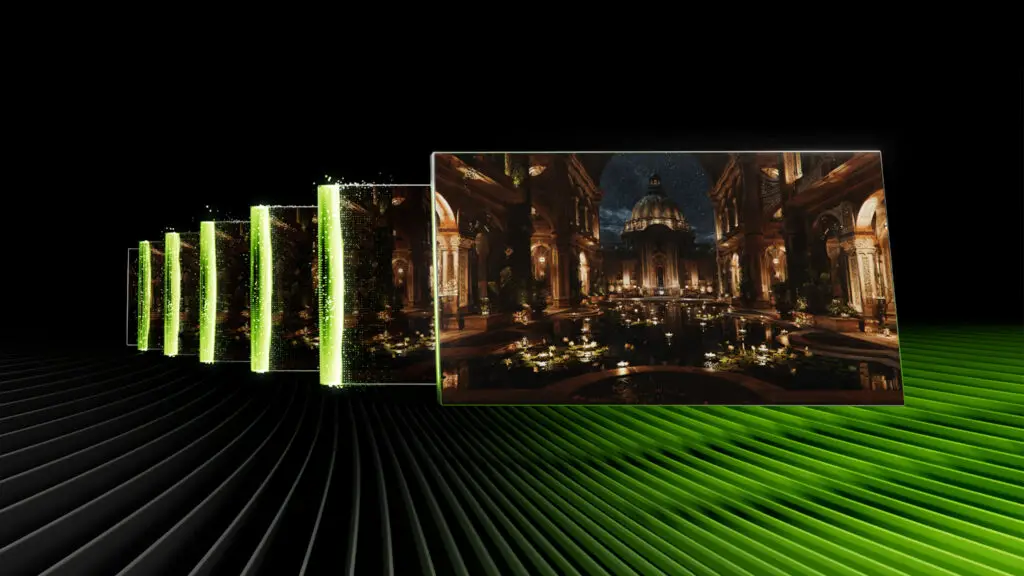
The headline feature of this update is undoubtedly the AI-driven Dynamic Multi Frame Generation. Designed specifically to leverage the architecture of the upcoming RTX 50-series, this technology allows for an unprecedented 6x boost in generated frames. Unlike previous iterations that capped at 4x, DLSS 4.5 dynamically adjusts frame generation to maintain a consistently smooth output, even during hardware-intensive sequences. For enthusiasts pushing 4K or 8K resolutions, this could be the difference between a stutter and a fluid cinematic experience.
Customized Control and Global Integration
Flexibility is at the heart of the new Nvidia App. Users can choose to enable Dynamic Multi Frame Generation as a global setting—applying the performance boost to every title in their library—or fine-tune it on a per-game basis. Within the Graphics tab, you can synchronize these settings with your monitor’s refresh rate or define a custom frame rate ceiling to ensure your gaming experience is perfectly tailored to your display’s capabilities.
Improved Stability for RTX 40 and 50-Series
It isn’t just about the newest cards; RTX 40-series owners also benefit from an enhanced DLSS Frame Generation model. This update addresses a long-standing “immersion breaker” by improving how AI-generated frames handle on-screen overlays and text. By intelligently recognizing UI elements, the new model minimizes visual artifacts, ensuring that HUDs, subtitles, and menus remain crisp and stable even while the frame rate is being boosted in the background.
Feature Comparison: Nvidia App Beta Update
| Feature | Supported Hardware | Primary Benefit |
|---|---|---|
| DLSS 4.5 Dynamic Multi Frame Gen | RTX 50-Series | Up to 6x FPS boost with dynamic adjustment |
| Enhanced DLSS Model | RTX 40 & 50-Series | Improved UI stability and text clarity |
| Auto Shader Compilation | All RTX Graphics Cards | Eliminates stutter by caching shaders during idle |
Eliminating Stutter with Auto Shader Compilation
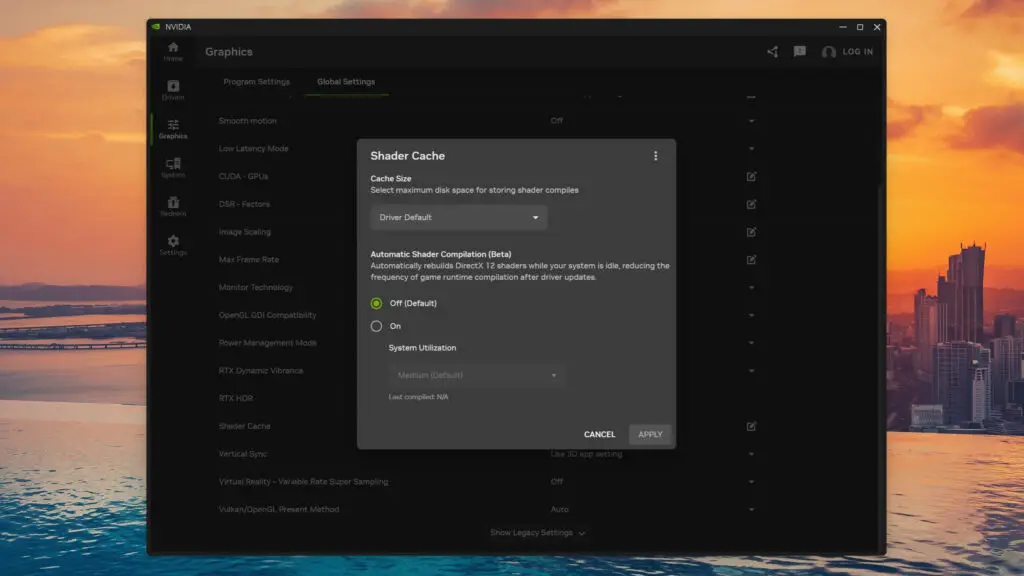
Perhaps the most practical addition for the everyday user is the preview of Auto Shader Compilation. Any PC gamer knows the frustration of “shader struggle”—that initial stuttering that occurs after a fresh driver update while the system compiles DirectX 12 shaders. This beta feature utilizes system idle time to rebuild your shader cache automatically. By performing this heavy lifting in the background, Nvidia ensures that when you finally launch your favorite title, it runs at peak performance from the very first frame.
How to Get Started
If you are ready to test these cutting-edge features, the process is straightforward. Here is what you need to do:
- Opt into the Beta: Navigate to the Settings > About page within the Nvidia App and select the beta participation option.
- Update Drivers: Ensure you have installed the GeForce Game Ready Driver 595.97 or later.
- Hardware Check: While Auto Shader Compilation works on most modern cards, remember that DLSS 4.5 features are optimized for the latest 2024 releases and the RTX 50-series architecture.
At Digital Tech Explorer, we believe these software refinements are just as crucial as hardware raw power. By automating maintenance tasks like shader compilation and pushing the boundaries of AI-generated frames, Nvidia is making high-end gaming more accessible and less prone to technical hiccups. Stay tuned to our platform for more in-depth analyses as we put these features through real-world testing.
Disclaimer: All content on Digital Tech Explorer is for informational and entertainment purposes only. Some of the links on our site are affiliate links, meaning we may earn a commission if you click through and make a purchase, at no additional cost to you.