
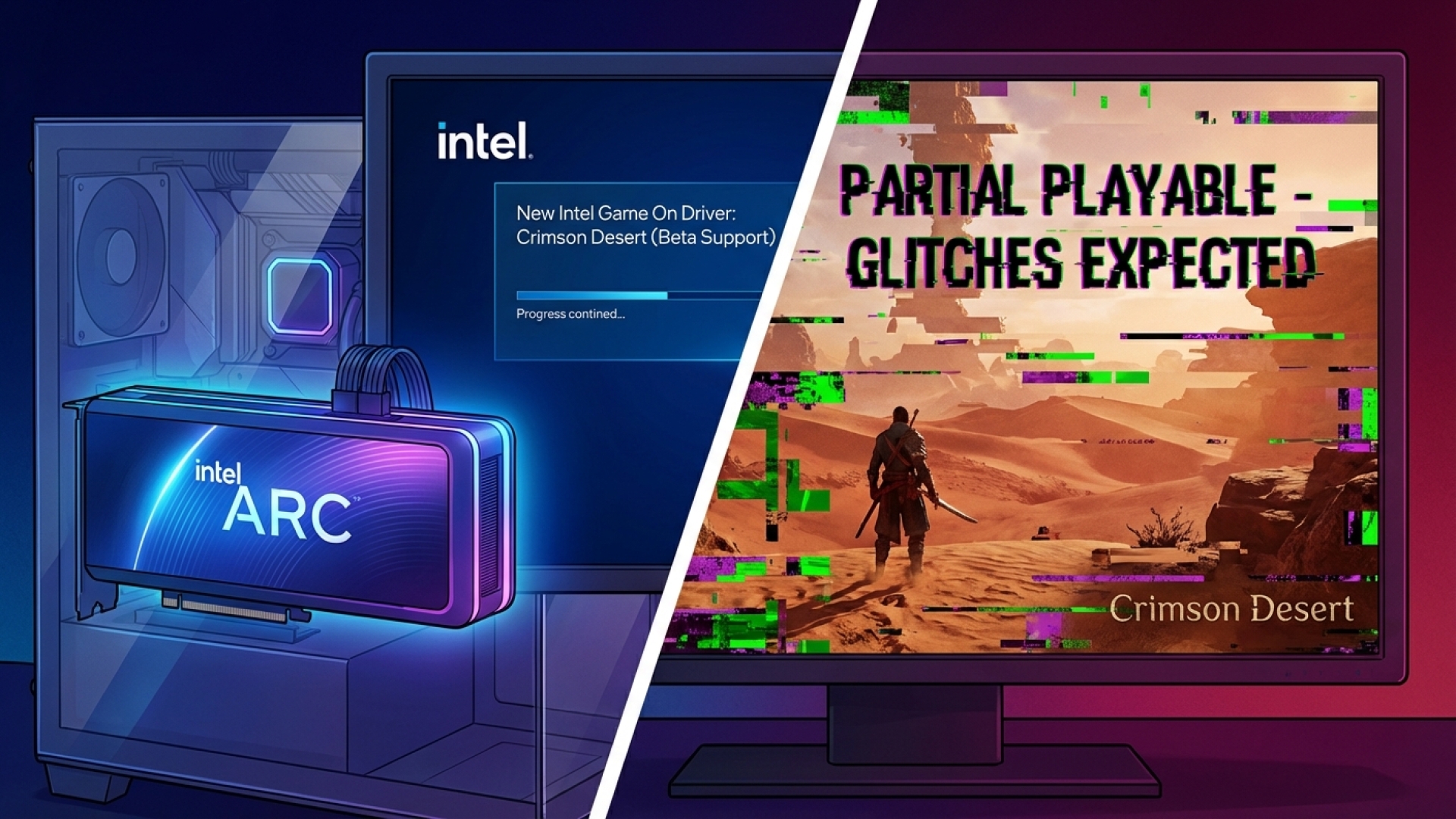
The journey of Intel Arc graphics cards has been one of constant evolution, and the latest chapter brings a surprising twist for fans of the highly anticipated title, Crimson Desert. While not explicitly detailed in the official patch notes, a silent breakthrough in the latest Intel driver is finally allowing the game to boot on hardware where it was previously met with a “card not supported” error.
The Silent Breakthrough: Intel Driver 32.0.101.8629
Released on April 7, the WHQL driver version 32.0.101.8629 initially seemed like a standard maintenance update. However, the community at Digital Tech Explorer and across platforms like Reddit quickly discovered that this update bridges a critical gap for Crimson Desert. Previously, the game refused to launch entirely on Intel Arc GPUs and integrated graphics solutions.
Reports from WCCFTech and early adopters confirm that while Intel hasn’t officially claimed “Game On” status for the title, the executable is now functional. However, the experience remains a “work in progress,” with users reporting a wide spectrum of stability ranging from successful boots to persistent visual anomalies.
Real-World Testing: A Tale of Glitches and Progress
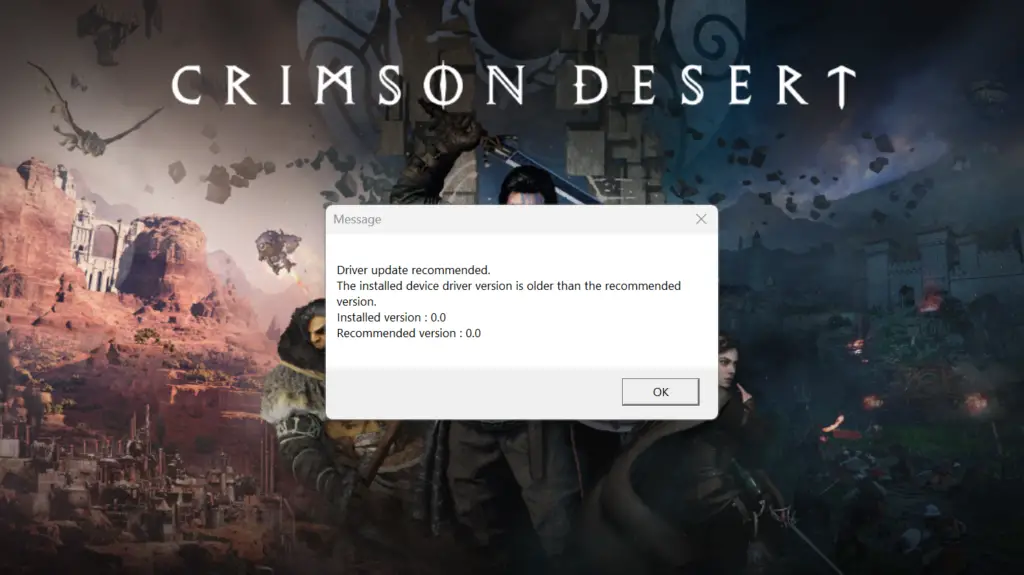
In our hands-on testing here at Digital Tech Explorer, we put the Intel Arc B580 to the test. Upon launch, the system still flags an “incompatible driver” warning (oddly recommending version 0.0), but the game now proceeds to the shader compilation phase.
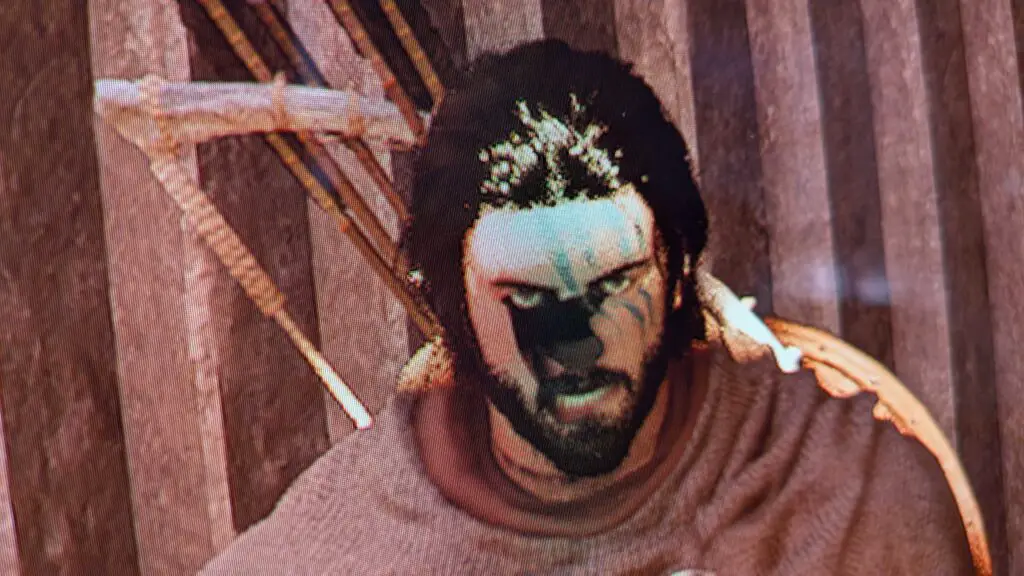
Once inside the world of Crimson Desert, the narrative of “partial support” becomes clear. While the game runs, the visual integrity is currently compromised. We observed significant graphical artifacts, including the “phantom” effect where the protagonist Kliff and other NPCs appear with missing limbs or faces. These issues persisted at 1080p medium settings, even without the strain of upscaling technologies.
For those eager to experiment with this unofficial support, a common fix for boot failures involves refreshing the configuration. You can do this by navigating to AppData/Local/PearlAbyss/CD/save and deleting the existing config file, which forces the game to recalibrate to your hardware settings.
The Developer’s Stance and the Road Ahead
The history between developer Pearl Abyss and Intel has been a rocky one for PC gamers. In the early days of release, the developer actually recommended that Intel Arc owners seek refunds rather than wait for a fix. However, the tone has shifted toward active collaboration. Intel has reportedly offered direct assistance to help Pearl Abyss optimize the game engine for the Xe architecture.
As of the official FAQ update on March 23, Pearl Abyss stated: “We are currently working on compatibility and optimization support… We ask for your patience until the support update becomes available.”
While this driver update represents a massive leap from “unplayable” to “bootable,” it is clear that the final polish must come from a dedicated game-side patch. At Digital Tech Explorer, we recommend most users wait for the official optimization patch to enjoy the game’s stunning visuals without the distraction of disappearing textures. Nonetheless, this progress shows that Intel is dedicated to ensuring their hardware remains competitive in the modern gaming landscape.
Stay tuned to Digital Tech Explorer for more updates on GPU drivers and real-world performance benchmarks.