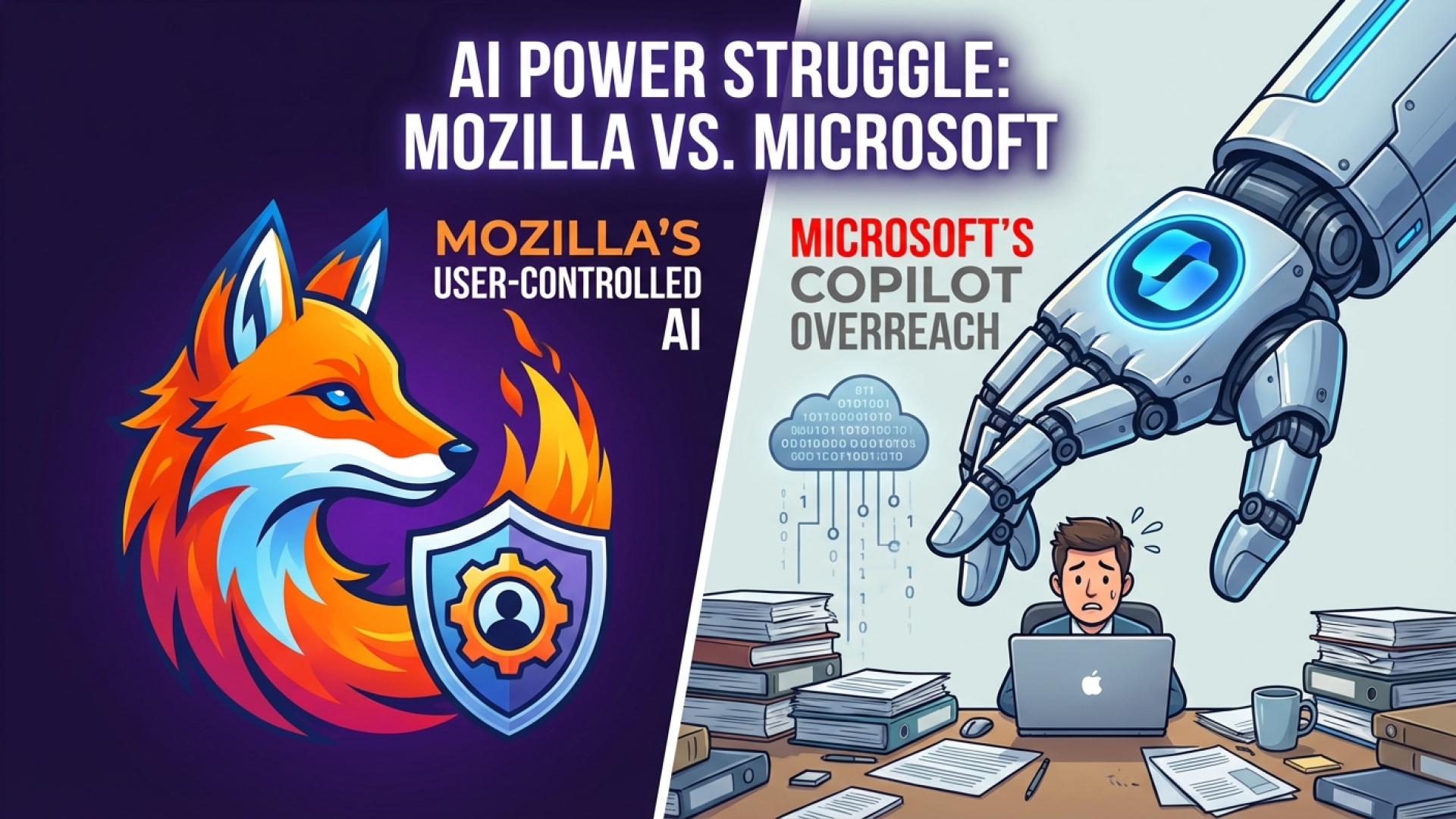
For many Windows users, the ritual of misclicking the new Copilot button while attempting to navigate the taskbar has become a frustratingly common experience. While Microsoft initially appeared determined to embed artificial intelligence into every corner of the operating system, the tech giant recently signaled a partial retreat. Despite these promises of performance improvements and feature rollbacks, Mozilla—the creator of the Firefox browser—is sounding the alarm on what it calls intrusive implementation strategies.
The integration of Microsoft Copilot has ignited a fierce debate over user consent and system autonomy.
Mozilla Challenges Microsoft’s AI Strategy
At Digital Tech Explorer, we closely monitor how software updates impact the developer workflow and the general user experience. Microsoft’s recent pivot toward rolling back certain AI features to prioritize system performance is a welcome change for some, but Mozilla argues the damage to user trust is already done.
In a recent critique, Mozilla noted that Microsoft often pushes boundaries without explicit user consent. They specifically highlighted the automatic installation of the M365 Copilot app and the introduction of a dedicated physical Copilot key on new keyboards—a hardware acceleration move that is notoriously difficult for users to remap.
A Pattern of Deceptive Browser Practices?
The friction between these tech giants extends beyond just AI. Mozilla has documented what it describes as “deceptive design patterns” designed to funnel users toward the Microsoft Edge browser. These tactics include:
Overshadowing third-party browser choices during system updates.
Complicated UI pathways for changing default browser settings.
Interface prompts that redirect users back to Edge even after they have selected an alternative.
This behavior hasn’t just drawn the ire of Mozilla. Earlier this year, browser rival Opera filed an antitrust complaint, triggering further investigations into whether Microsoft is engaging in anti-competitive behaviors to maintain its browser market share.
Comparing the Approaches: Microsoft vs. Mozilla
To better understand the landscape of AI integration in browsers today, here is a look at how these two major players differ in their philosophy of user control:
Feature/Policy
Microsoft Edge / Windows
Mozilla Firefox
AI Integration
Enabled by default across the OS and browser.
Opt-in or easily toggled via AI Controls panel.
Hardware Requirements
Introduction of dedicated Copilot keyboard keys.
Software-based, no hardware mandates.
User Control
Often requires complex workarounds to disable.
Includes a “Block AI Enhancements” switch.
Update Persistence
Settings can sometimes reset after major OS updates.
Guarantees retention of user “Block AI” preferences.
Firefox’s Alternative: The “Block AI” Switch
Mozilla Firefox is positioning itself as the privacy-first alternative with granular AI toggles.
As a storyteller in the tech space, I find Mozilla’s counter-strategy particularly interesting. Instead of avoiding AI entirely, they are leaning into a user-centric model. With the release of Firefox 148, the browser introduced a dedicated AI Controls panel.
This panel features a “Block AI Enhancements” switch, a tool designed for those who find AI integration intrusive or unnecessary. Mozilla promises that these settings will remain persistent, ensuring that your preference to opt out of AI won’t be overridden by the next software update—a common pain point for Windows users.
The Big Picture: Innovation or Marketing?
While Mozilla’s stance on user empowerment is refreshing, it isn’t without its own contradictions. The company is still actively developing and integrating AI features into Firefox, despite previously acknowledging that many users “want nothing to do with AI.”
This leaves tech enthusiasts in a curious position. Is Mozilla truly the leader of a “rebel alliance” against big tech’s AI push, or are they simply packaging the same technology in a more palatable, “optional” wrapper? At Digital Tech Explorer, we believe the truth lies in the transparency of the tools provided. Whether you want a fully automated AI assistant or a clean, manual coding environment, the power should ultimately remain in the hands of the user.
Stay tuned to Digital Tech Explorer for more in-depth analyses on digital innovation and software trends.