
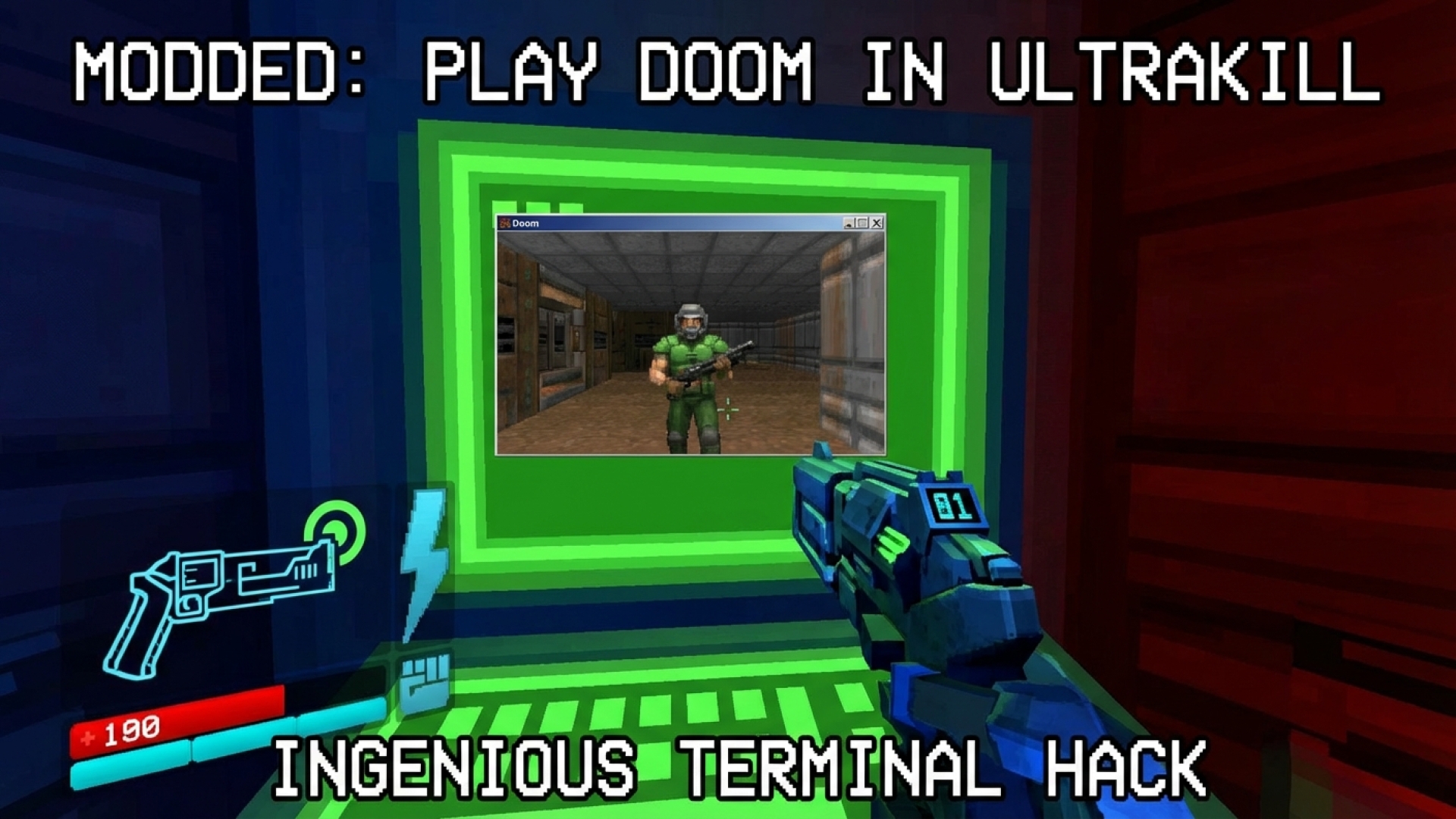
The legendary phrase “Doom runs on everything” has evolved from a tech challenge into a beloved gaming meme. From pregnancy tests to smart refrigerators, id Software’s 1993 masterpiece has graced almost every screen imaginable. Now, thanks to the vibrant gaming modding community, the classic title has found a new home inside the high-octane world of Ultrakill. Players can now experience The Ultimate Doom as a fully playable meta-experience within the game’s own terminal system.
In Ultrakill, players interact with diegetic shop terminals to customize loadouts without breaking immersion. This latest mod takes that interactivity to the next level, allowing the protagonist V1 to engage in some old-school demon-slaying during downtime. It’s a perfect fusion of retro heritage and modern PC games innovation, bridging the gap between two generations of shooters.
Engineering the UltraDoom Mod
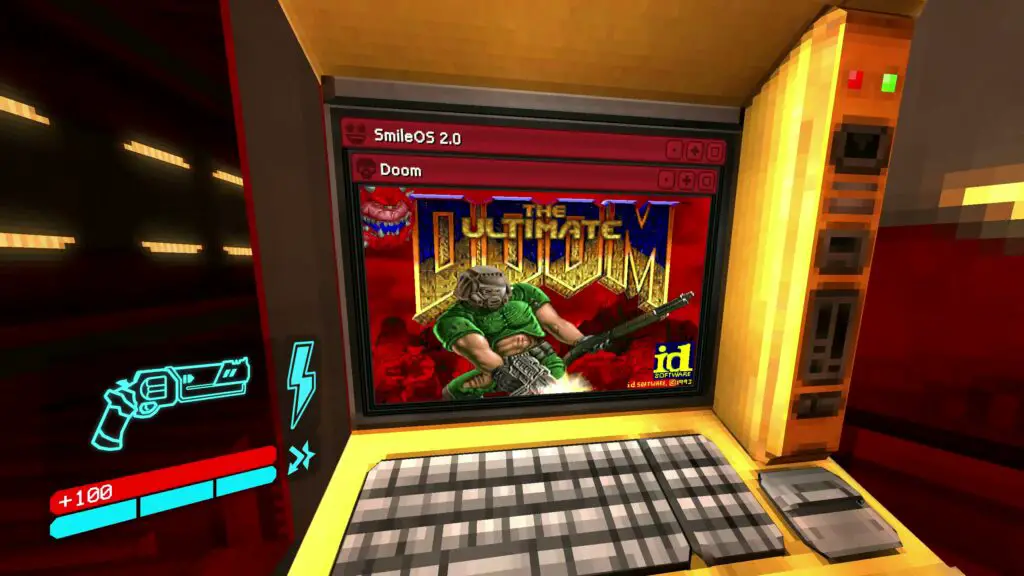
The UltraDoom mod is a testament to the collaborative nature of digital innovation. Developed by modder Squaresweets, the project stands on the shoulders of several open-source breakthroughs. By adapting a C# port of the Doom engine for Unity, the developers successfully integrated a fully functional game engine inside another.
| Project Component | Source/Contributor | Function |
|---|---|---|
| managed-doom | sinshu | C# language port compatible with Unity engine. |
| DoomInUnityInspector | xabblll | Initial integration for the Unity editor environment. |
| UltraDoom Mod | Squaresweets | Final adaptation for seamless in-game playability in Ultrakill. |
Step-by-Step Installation Guide
At Digital Tech Explorer, we love seeing how software can be pushed to its limits. To get Doom running on your terminals, you will need a legitimate .wad file from a retail copy of Doom 1 or the free shareware version. Please note that the mod currently supports official content rather than custom maps like MyHouse.wad.
- Prerequisites: Ensure you have Ultrakill installed and download the latest BepInEx Unity modding utility (typically the win_64 version for Windows users).
- Setup BepInEx: Extract the utility files into your game directory:
Steam/steamapps/common/Ultrakill. Launch the game once to initialize the folder structure. - Install UltraDoom: Download the mod from GitHub and place the ultradoom.dll file into the
BepInEx/pluginsfolder. - Add Assets: Create a folder named “doom” inside the plugins directory. Place both ultradoom.wad (from the mod) and your DOOM.wad (from your game files) here.
- Launch: Open the game and look for the smiley face icon on the terminal touchscreen to start fragging.
The Meta-Gaming Experience
The controls remain faithful to the original 1993 release, utilizing keyboard-only inputs (WASD or arrows for movement, Ctrl to fire). A unique design choice by the developers allows your mouse to remain dedicated to V1’s camera. This means you can physically “look away” from the terminal to return to the main game, mimicking the feeling of walking away from an arcade cabinet in a virtual space.
This achievement hasn’t gone unnoticed. New Blood founder Dave Oshry recently celebrated the mod, highlighting how it reinforces the legendary status of the Doom engine.
You can now play DOOM on the terminals inside ULTRAKILL.
— @dave.newblood.games
#DoomRunsOnEverything
Why Games-Within-Games Matter
The concept of a “game-within-a-game” adds a layer of depth and nostalgia that resonates deeply with the hardware enthusiasts and software developers we follow. Whether it’s playing classic Sega games in Yakuza or exploring retro skins in Cyberpunk 2077, these interactions make virtual worlds feel lived-in and technically sophisticated.

As we look forward to new content for Ultrakill arriving throughout 2024 and beyond, mods like UltraDoom keep the community engaged. Stay tuned to Digital Tech Explorer for more deep dives into the latest AI-accelerated gaming trends and software breakdowns.