
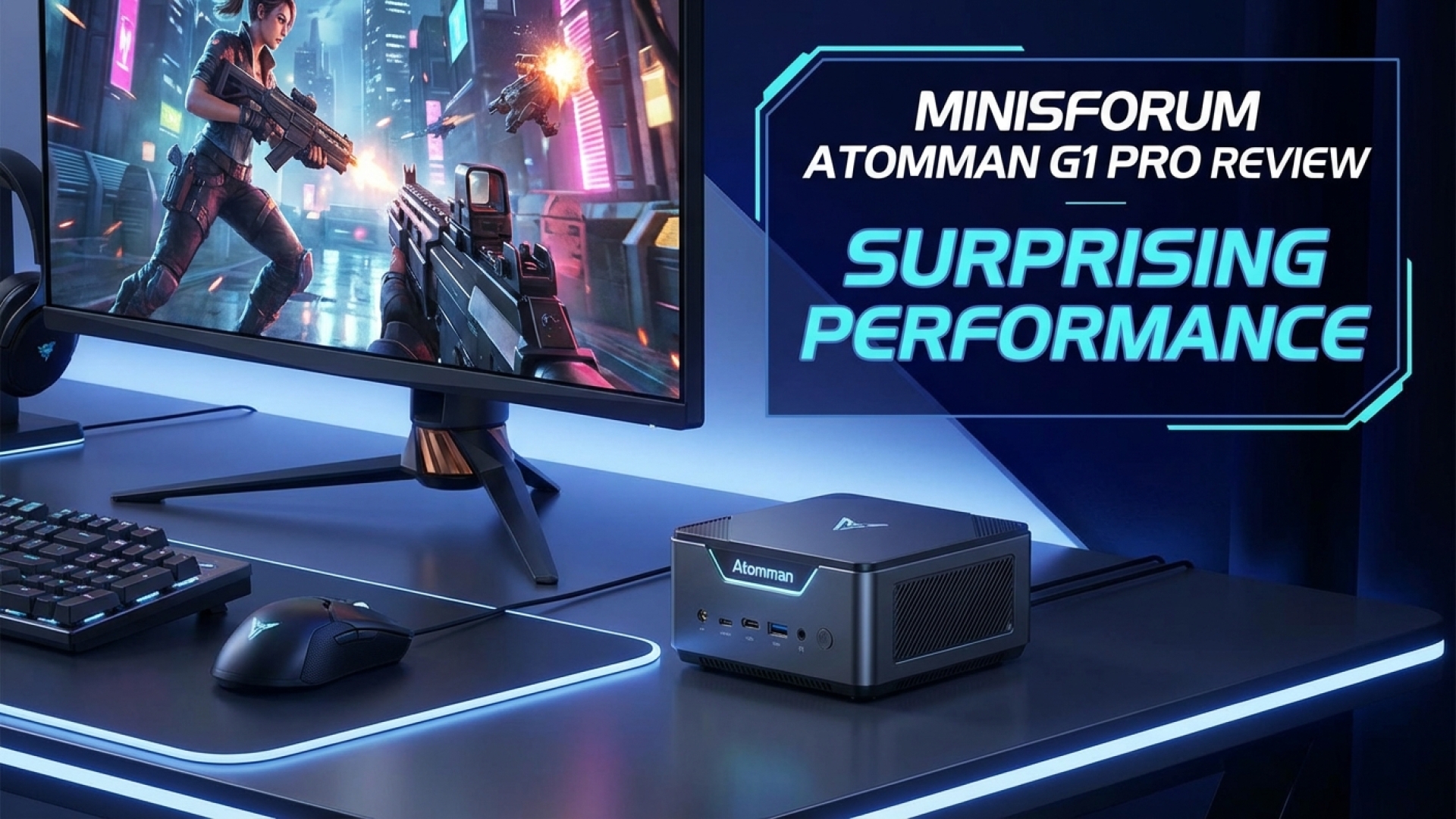
At Digital Tech Explorer, we’ve seen our fair share of small form factor PCs, but the Minisforum Atomman G1 Pro is a rare breed that skillfully blurs the lines between a high-end gaming laptop and an entry-level ITX rig. With a compact 3.8L internal capacity, this mini powerhouse manages to house a 350W PSU, 32 GB of dual-channel DDR5 memory, and a dedicated low-profile RTX 5060 GPU. Its svelte design, comparable to a PS5, offers a compelling alternative for those seeking high-performance hardware without the bulk of a traditional tower.

Under the Hood: AMD Ryzen 9 8945HX
The heart of the G1 Pro is the AMD Ryzen 9 8945HX. Part of the 8000 series, this 16-core Zen 4 unit is built on TSMC’s 5nm FinFET design. While typically reserved for the flagship laptop market, Minisforum enables users to extract desktop-class power through a specialized app. This utility allows for seamless switching between three distinct power profiles:
- Office Mode: 60W TDP (Focus on efficiency and silence)
- Gaming Mode: 80W TDP (Balanced performance)
- Beast Mode: 100W TDP (Maximum frequency output)
This flexibility mimics the high-end gaming laptop experience, allowing the CPU to scale based on the workload. Meanwhile, the low-profile RTX 5060, featuring 8 GB of VRAM, maintains a steady 145W power draw, ensuring that graphics performance remains consistent even when the CPU is throttled for thermals.
Thermal Realities in a 3.8L Chassis
In our testing at Digital Tech Explorer, we found that such extreme density comes with thermal trade-offs. The Ryzen 9 8945HX is a hot runner; in “Office Mode” stress tests, it peaked at 93°C. During intensive gaming sessions in Metro Exodus, the CPU averaged 89°C, occasionally hitting 91°C. While this is within the 100°C TJmax specification, it suggests that “Beast Mode” may offer diminishing returns for daily use due to thermal throttling.
Conversely, the RTX 5060 GPU remained surprisingly cool. It maxed out at 67°C in Blender and averaged 77°C during 1440p gaming. This thermal headroom for the GPU is impressive, indicating that the cooling solution is well-optimized for the graphics side of the equation.
Gaming Benchmarks: 1440p Performance
Despite its small stature, the Atomman G1 Pro is a legitimate contender for high-resolution gaming environments, specifically excelling at 1440p with the help of AI acceleration features like DLSS.
| Game Title | Settings / Resolution | Average FPS | 1% Low FPS |
|---|---|---|---|
| Cyberpunk 2077 | 1440p Ray Tracing Med (DLSS Quality + Frame Gen) | 86 | 69 |
| Metro Exodus | 1440p Ultra Settings | 52 | 36 |
| Total War: Warhammer 3 | 1440p Ultra (Battle Benchmark) | 72 | N/A |
| Black Myth: Wukong | 1440p (DLSS Enabled) | 37 | 33 |
When compared to modular competitors like the Framework Desktop, the G1 Pro consistently comes out on top, offering a 15-20% performance lead in triple-A titles.
Creator & Synthetic Benchmarks
For the professionals and AI enthusiasts, the G1 Pro serves as a capable workstation. In 3DMark Time Spy Extreme, it outperformed rival mini-PCs across both CPU and GPU metrics.
| Benchmark | Atomman G1 Pro Score | Comparison (Framework) |
|---|---|---|
| 3DMark Time Spy (Overall) | 6,705 | 5,312 |
| Cinebench 2024 (Multi-Core) | 1,323 | N/A |
| 7zip 24.07 (Compression) | 87 GIPS | N/A |
| Handbrake (UHD to 1080p) | 80 FPS | 91 FPS |
Design, Connectivity, and Upgradability
As TechTalesLeo, I appreciate the “story” told by the internal engineering here. Minisforum has utilized every square millimeter. Inside, you’ll find two M.2 slots—one occupied by a 1 TB PCIe 4.0 SSD—and an additional heatsink provided for your secondary drive. However, the compact nature leads to our primary grievance: limited I/O.
The device offers only two USB Type-C ports and three USB Type-A ports. For a device intended to sit at the center of a workstation, most users will find themselves needing a USB hub to connect peripherals like mechanical keyboards, mice, and external storage simultaneously.
The Verdict: A New Standard for Mini PCs?
Priced at approximately $1,439, the Minisforum Atomman G1 Pro presents strong value. While you could assemble a DIY ITX build for a similar price, you would struggle to match this specific 3.8L footprint. It is a masterclass in density, providing a powerful solution for 1080p and 1440p PC games and productivity tasks.
At Digital Tech Explorer, we recommend the G1 Pro for users who prioritize space-saving without sacrificing the ability to play the latest titles. It’s a quiet, portable, and aesthetically pleasing machine that acts as a bridge between the console and the enthusiast PC world.
Pros
- Incredibly compact 3.8L form factor
- Strong 1440p gaming performance with DLSS
- Impressively quiet under moderate loads
- Includes secondary M.2 heatsink
Cons
- High CPU operating temperatures
- Very limited USB I/O for a desktop
- Requires power profile management for best results
Affiliate Disclaimer: Some of the links on Digital Tech Explorer are affiliate links. This means we may earn a commission if you click through and make a purchase, at no additional cost to you. Our recommendations are based on thorough research and personal experience. All content is for informational and entertainment purposes only.