
Microsoft’s definition of an “AI PC” has been a moving target, often leaving consumers in a cloud of confusion. Initially, the company suggested that nearly every Windows 11 PC would become an AI PC through a series of Copilot updates. However, here at Digital Tech Explorer, we’ve been tracking a shift in narrative. A recent guide from the Windows Learning Center, titled “Best AI PC features to look for in 2026,” offers a more stringent definition, signaling that specific hardware requirements are now the gatekeepers of this new era.
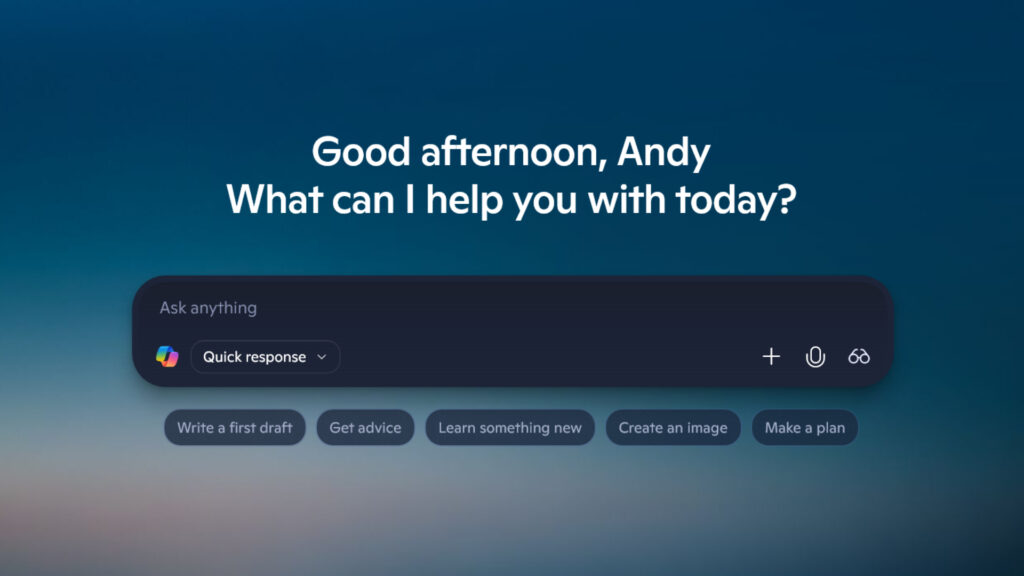
What Truly Defines an AI PC?
According to Microsoft’s latest standards, an AI PC is more than just a machine that can access a chatbot. It is a computer engineered to run artificial intelligence features natively on the device, rather than relying exclusively on cloud-based processing. This integration of hardware, software, and operating system intelligence is designed to deliver faster response times, extended battery life, and enhanced privacy.
As TechTalesLeo, I’ve seen many hardware cycles, but this shift is unique. Traditional PCs execute explicit commands; however, these new machines aim to anticipate user needs, streamlining everyday tasks and reducing friction. Central to this transformation is a specialized chip: the Neural Processing Unit (NPU). This dedicated component is essential for powering local Windows AI features, ensuring peak performance without taxing the CPU or GPU.
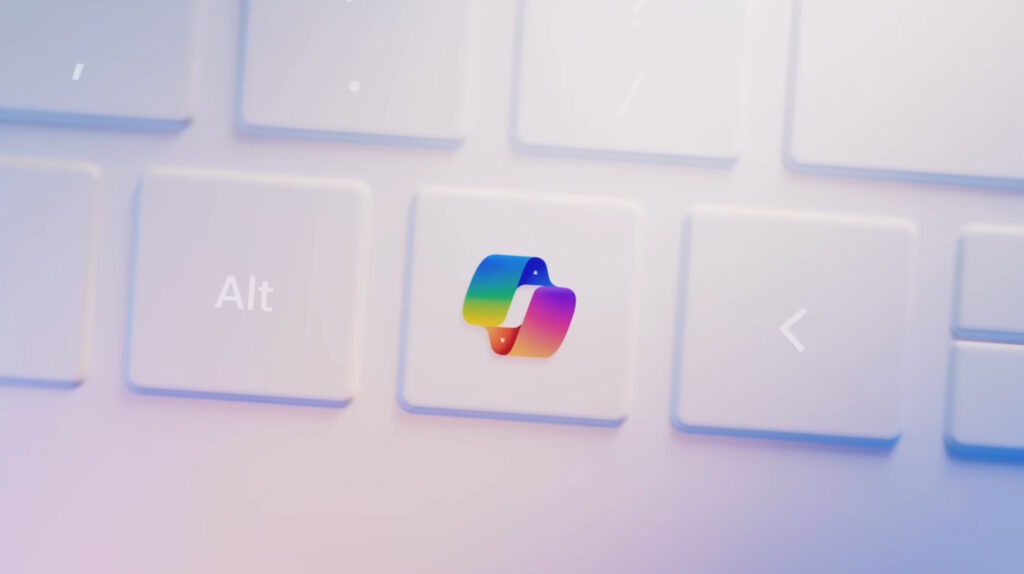
Understanding Copilot+ PCs and Hardware Requirements
To further distinguish high-end capabilities, Microsoft introduced the Copilot+ PC tier. These devices represent the gold standard for on-device AI. For a laptop or desktop to earn this badge, it must meet rigorous internal specifications that go far beyond a standard office machine.
| Feature | Minimum Requirement for Copilot+ |
|---|---|
| NPU Performance | 40+ TOPS (Trillions of Operations Per Second) |
| System Memory | 16 GB RAM |
| Storage | 256 GB SSD |
| Operating System | Windows 11 version 24H2 or newer |
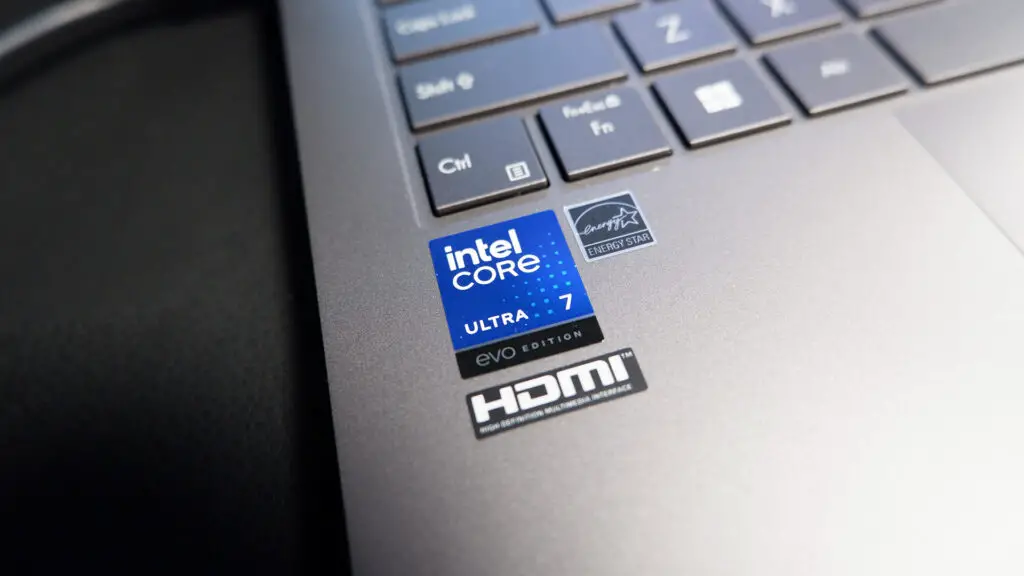
Many of these cutting-edge machines are currently powered by the Snapdragon X Elite and Plus processors. However, the ecosystem is expanding rapidly with support for the Intel Core Ultra 200V series and AMD Ryzen AI 300 series processors, ensuring that users have a variety of silicon options to choose from.
Navigating the Future of Hardware
The evolving branding strategy from Microsoft can be a lot to digest. At Digital Tech Explorer, we recommend focusing on the “future-proof” aspect of your purchase. If you are looking for a device that provides efficient, native AI tools and a streamlined workflow, the NPU performance (TOPS) is the most critical metric to watch.
Opting for a Copilot+ PC ensures you aren’t just buying a laptop for today, but an AI-ready workstation for the years to come. Whether you’re a developer or a digital storyteller, these advancements are set to redefine how we interact with technology.
For more insights into the latest tech trends and product deep-dives, stay tuned to Digital Tech Explorer. Our goal is to help you stay ahead of the curve with research-backed content and real-world testing.
Affiliate Disclaimer: Some of the links on Digital Tech Explorer are affiliate links. This means we may earn a commission if you click through and make a purchase, at no additional cost to you. Our recommendations are based on thorough research and personal experience. All content is for informational and entertainment purposes only.