

Microsoft’s Bold Vision for Windows 11: Prioritizing Performance and User Control Over AI Hype
By TechTalesLeo
Every so often, a piece of news emerges that provides a genuine reason for optimism regarding the trajectory of our digital tools. At Digital Tech Explorer, we keep a close eye on the intersection of user experience and engineering. Recently, Microsoft has moved beyond mere suggestions of improvement, offering a concrete roadmap that addresses the core frustrations users have voiced over the last few years. This isn’t just a minor patch; it’s a promise to return Windows 11 to its roots as a high-performance productivity tool.
The announcement, penned by Microsoft’s Windows President Pavan Davuluri, sets a refreshing tone for the tech giant. Davuluri, speaking from his perspective as an engineer, acknowledged a simple truth that many in the developer community have felt: users want Windows 11 to be better, snappier, and less intrusive.
Listening to the Enthusiast Community
For those of us who live and breathe hardware and software optimization, the fear was that Microsoft would continue to force AI into every corner of the OS at the expense of stability. Instead, the company is pivoting. The focus is shifting back toward customization and core functionality, with many of these changes slated for Windows Insider builds in the coming month.
Key Proposed Enhancements for Windows 11
| Category | Feature Improvement |
|---|---|
| Interface | Taskbar customization, including long-requested vertical and top positions. |
| Performance | Faster File Explorer with reduced latency and snappier navigation. |
| AI Integration | Rolling back unnecessary AI acceleration points to focus on meaningful utility. |
| User Experience | Greater control over Widgets and reduced update disruptions. |
| Feedback | A transparent Windows Insider Program and an updated Feedback Hub. |
Under the Hood: Native Frameworks and Efficiency
As a platform founded by software engineers, Digital Tech Explorer appreciates the technical shift Microsoft is undertaking. The company is moving core experiences, such as the Start Menu, over to WinUI3. This native UI framework is designed to be significantly faster than the WebView and React-based applications that have occasionally slowed down the user interface. Furthermore, developers using the Windows Subsystem for Linux (WSL) can expect noticeable performance gains, making the OS a more formidable workstation for coding and machine learning projects.
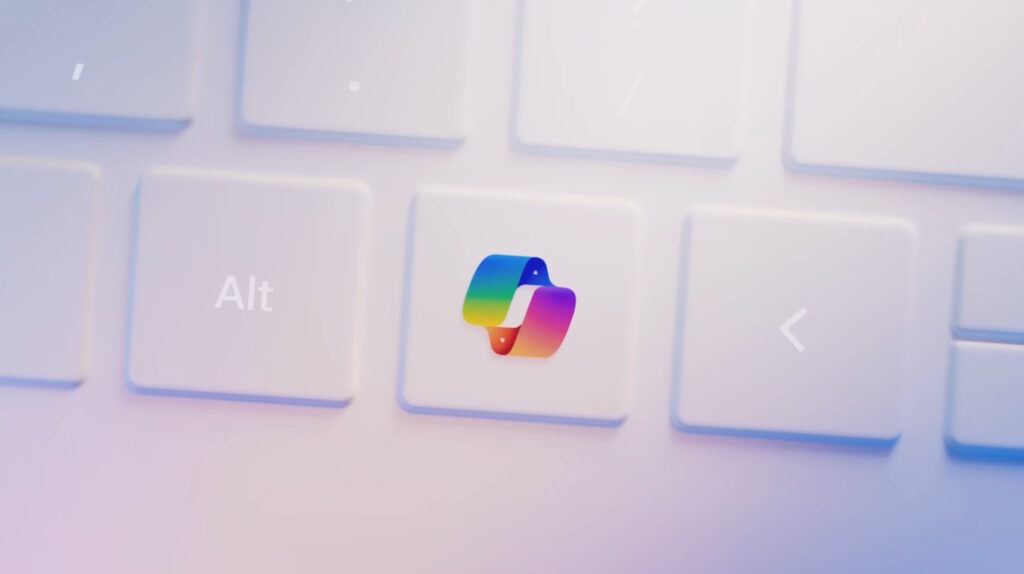
Perhaps most surprising is the tactical retreat on AI. Microsoft is reducing “unnecessary Copilot entry points” in essential tools like the Snipping Tool, Photos, and Notepad. By decluttering these apps, the OS aims to regain its reputation for speed and focus.
A Commitment to Reliability
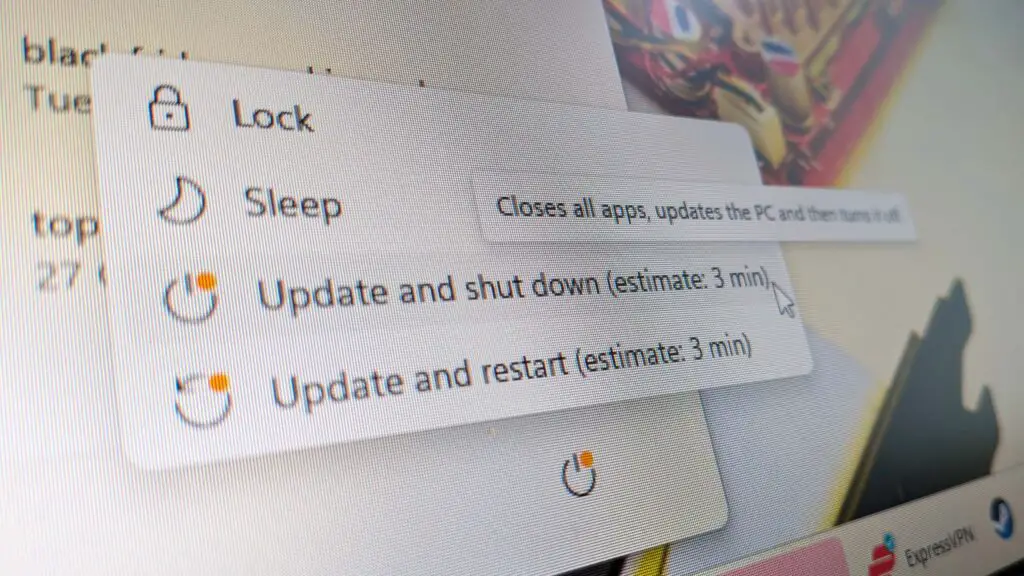
One of the biggest pain points for Windows users—especially those in gaming and professional environments—has been the update cycle. Microsoft’s new “commitment to quality” includes several quality-of-life updates:
- The ability to skip updates during initial device setup to reach the desktop faster.
- Options to restart or shut down without being forced to install pending updates.
- Extended “pause” durations for updates when stability is paramount.
Davuluri’s vision for the year is clear: addressing the “pain points” of performance and reliability. By pivoting away from forced AI and toward a more customizable, framework-native experience, Microsoft is finally listening to the people who use their software every day. Whether you are a developer, a gamer, or a tech enthusiast, these changes represent a significant step toward making Windows 11 the robust operating system we’ve been waiting for.
Disclaimer: All content on Digital Tech Explorer is for informational and entertainment purposes only. We do not provide financial or legal advice. Some of the links on Digital Tech Explorer are affiliate links. This means we may earn a commission if you click through and make a purchase, at no additional cost to you.