
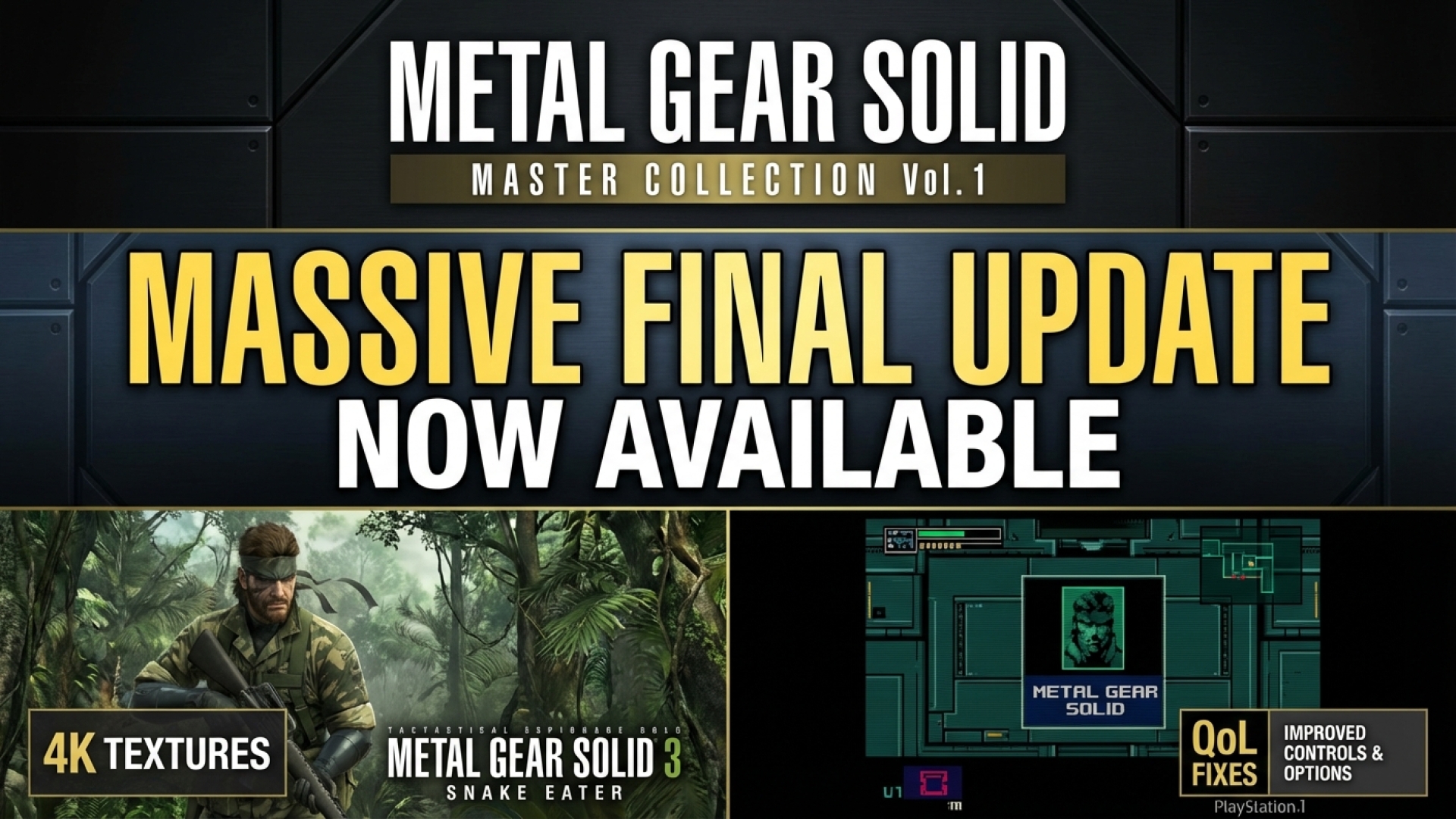
Metal Gear Solid Master Collection Vol. 1 Gets Massive Final Update: 4K Textures for MGS3 and Major Fixes for MGS1
Following Sony’s recent State of Play—which teased the arrival of Metal Gear Solid 4 on modern platforms and potential God of War remakes—Konami has released a significant “final” update for the Metal Gear Solid Master Collection Vol. 1. At Digital Tech Explorer, we focus on how digital innovation breathes new life into classic hardware, and this patch is a prime example of bridging the gap between retro gaming and modern 4K resolution standards.
This update brings long-requested features, including high-resolution textures for Snake Eater and essential control fixes for the original Metal Gear Solid, aimed at satisfying both tech enthusiasts and long-time fans of the stealth-action genre.
Metal Gear Solid 3: The 61GB Texture Pack
The most substantial part of the update focuses on Metal Gear Solid 3: Snake Eater. Konami has released a High Resolution Texture Pack DLC, which is free for all owners on Steam. However, players should be prepared for a massive storage commitment: the pack weighs in at approximately 61GB, nearly tripling the game’s original install size. For PC gamers, this represents a significant hardware demand for a title originally released on the PlayStation 2.

While the internal resolution can now be pushed to native 4K, the results are a fascinating look at the limits of modern upscaling. While character models like Naked Snake look sharper than ever, some environmental textures show signs of AI-assisted upscaling. This has led to some minor issues with Cyrillic text and background signs appearing jumbled. Despite these quirks, the jump from the muddy launch resolution to crisp 4K is a massive improvement for the gaming community.
Metal Gear Solid 1: Resolution and Control Fixes
The original Metal Gear Solid also received a facelift. Players can now select between “High Resolution” and “Max Resolution” in the screen settings. This effectively removes the jagged edges of the PS1 era, bringing the visuals closer to the native PC port. One technical downside to this sharpening is the appearance of white seams in the game’s geometry, a common issue when original textures struggle to align at resolutions they were never designed for.
Beyond visuals, Konami addressed several quality-of-life complaints that TechTalesLeo has highlighted as essential for modern usability:
- Button Swapping: Players can finally swap the Confirm and Cancel buttons (A/X and B/Circle), fixing a common frustration for Western players accustomed to modern layouts.
- Keyboard Support: Full keyboard remapping has been added, a crucial feature for the PC development side of the collection.
Comprehensive Patch Overview
While Metal Gear Solid 2: Sons of Liberty and the Master Collection’s bonus content didn’t receive high-res packs, the update includes several stability adjustments. This patch serves as Konami’s final polish before shifting focus entirely to the upcoming Delta: Snake Eater remake and the anticipated Master Collection Vol. 2.
| Title | Major Updates & Features |
|---|---|
| Metal Gear Solid (MGS1) | New “Resolution” settings (Original, High, Max); full Keyboard Control remapping; Button swapping. |
| Metal Gear Solid 3 (MGS3) | 61GB High-Resolution Texture Pack; 4K internal resolution support; “High Resolution Mode” presets. |
| General Collection | Stability fixes; global option to swap Confirm/Cancel buttons across menus. |
With these updates, the Master Collection Vol. 1 is finally approaching the definitive state fans expected at launch. As we look forward to the next chapter of digital innovation in the series, these fixes ensure that Kojima’s classics remain playable and visually impressive on modern hardware.
For more tech storytelling and deep dives into the latest software updates, stay tuned to Digital Tech Explorer.
Disclaimer: All content on Digital Tech Explorer is for informational and entertainment purposes only. We do not provide financial or legal advice.
Affiliate Disclaimer: Some of the links on Digital Tech Explorer are affiliate links. This means we may earn a commission if you click through and make a purchase, at no additional cost to you. Our recommendations are based on thorough research and personal experience.