
Some of the links on Digital Tech Explorer are affiliate links. This means we may earn a commission if you click through and make a purchase, at no additional cost to you. Our recommendations are based on thorough research and personal experience.
Our Verdict
★
★
★
★
★
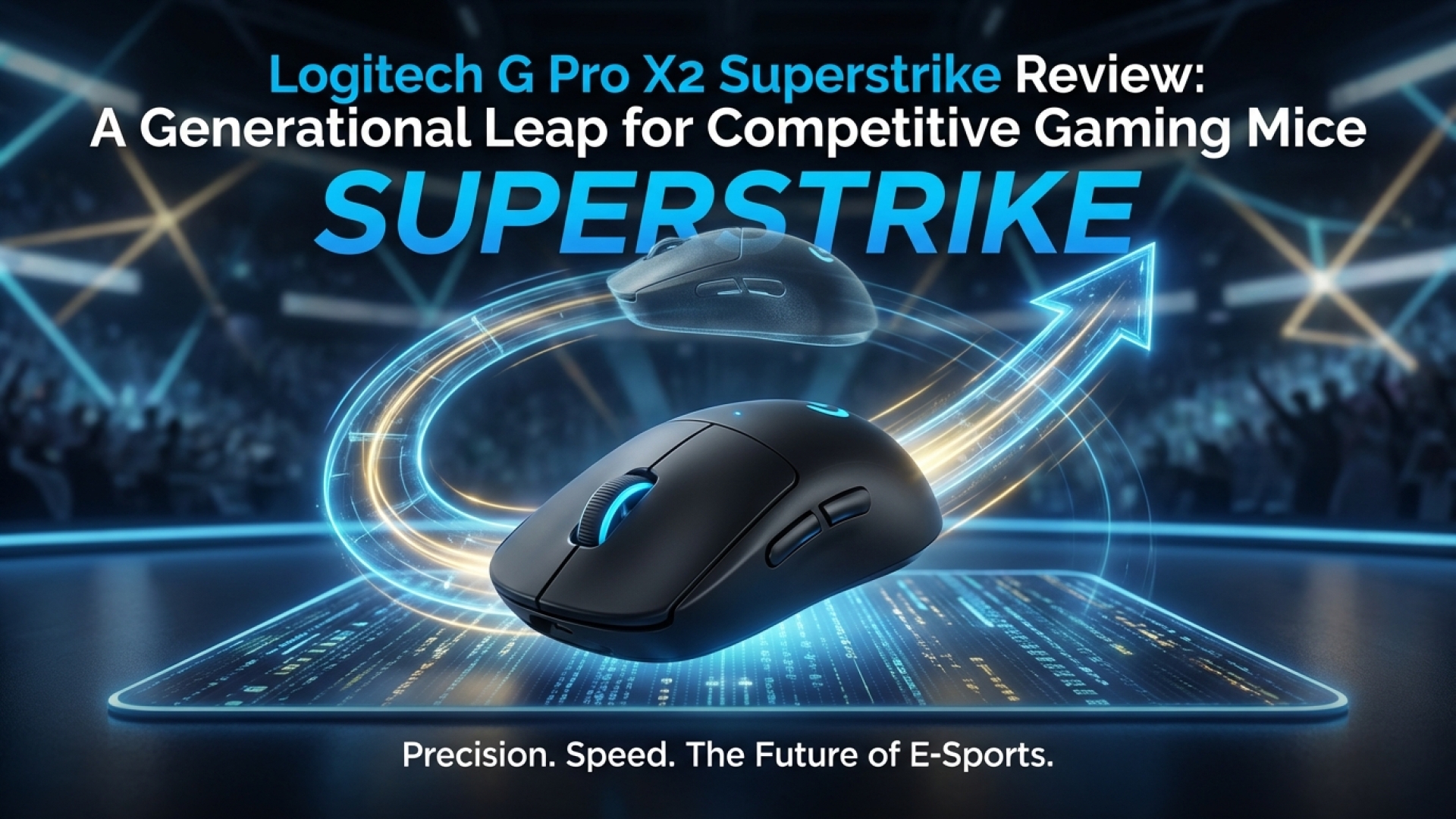
The Logitech G Pro X2 Superstrike is a rare, generational leap in peripheral technology. By integrating an induction and haptic feedback system, it offers adjustable actuation and a rapid trigger that significantly trims your time-to-shoot. All this performance is packed into the iconic, comfortable Superlight shell that we’ve come to love.
| Pros | Cons |
|---|---|
|
|
Digital Tech Explorer Insight: Our team spends dozens of hours testing every piece of hardware to ensure it meets the demands of modern developers and gamers. We focus on transparency and real-world performance to help you stay ahead of the curve.
Evolution of the Icon: The Logitech G Pro X2 Superstrike
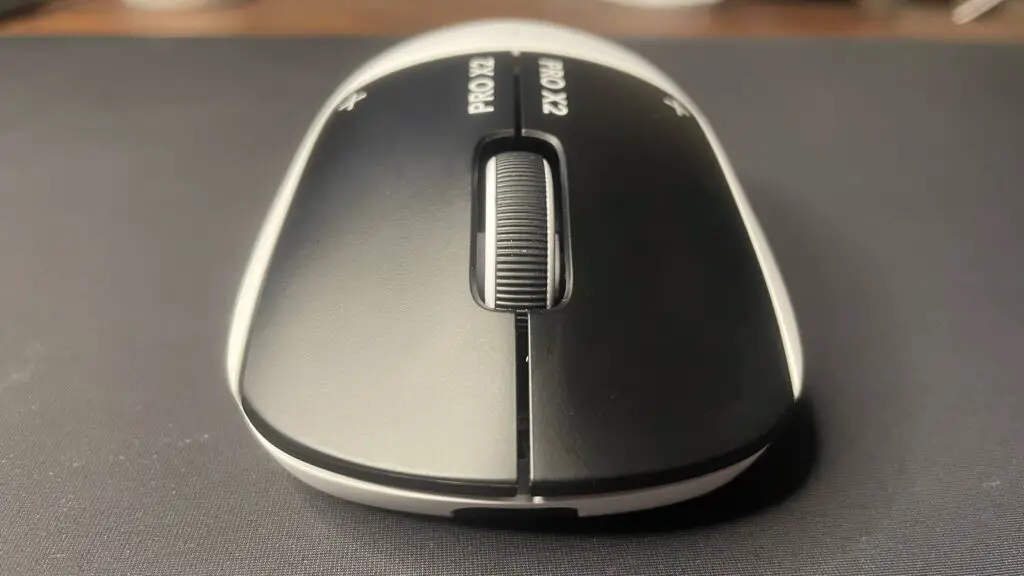
The Logitech G Pro X2 Superstrike has sparked more conversation in the gaming community than any release since the original Superlight arrived in 2020. While that predecessor set the standard for “ultralight” solid-shell mice, the Superstrike aims higher, targeting a fundamental shift in how we interact with our digital worlds. For those of us tracking 2024 releases, this represents a significant technological milestone.
At first glance, the Superstrike shares the DNA of the Pro X Superlight 2. However, the true innovation is hidden beneath the buttons. Moving away from traditional mechanical or optical switches, Logitech has introduced the Haptic Inductive Trigger System (HITS). This system blends inductive sensing for input precision with haptic feedback to recreate that tactile click we all crave.
Inside the Haptic Inductive Trigger System (HITS)
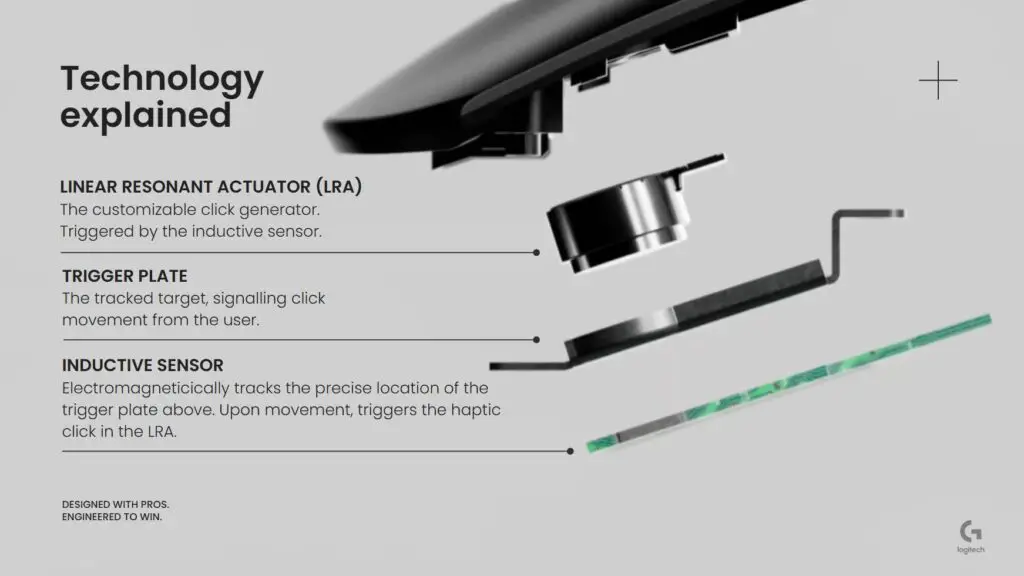
The HITS system functions on principles similar to Hall effect technology found in high-end PC gaming keyboards. By providing analog input, it enables adjustable actuation and rapid trigger features. This is a first for a mainstream gaming mouse, moving beyond simple pressure pads to a truly customizable mechanical-digital hybrid.
The practical advantage is staggering. Users can customize the actuation point of the primary buttons across 10 subdivisions within a tiny 0.65 mm travel distance. By setting a low actuation force, you reduce the physical delay between your brain’s command and the in-game action. Furthermore, the rapid trigger feature allows for near-instantaneous follow-up shots because the button doesn’t need to fully “reset” before it can be clicked again.
In our testing with fast-paced titles, the responsiveness of the Superstrike felt almost telepathic. Even at the lowest settings, accidental clicks were surprisingly rare, and the speed gained in competitive scenarios was palpable. It’s the kind of tech that bridges the gap between player intent and digital execution.
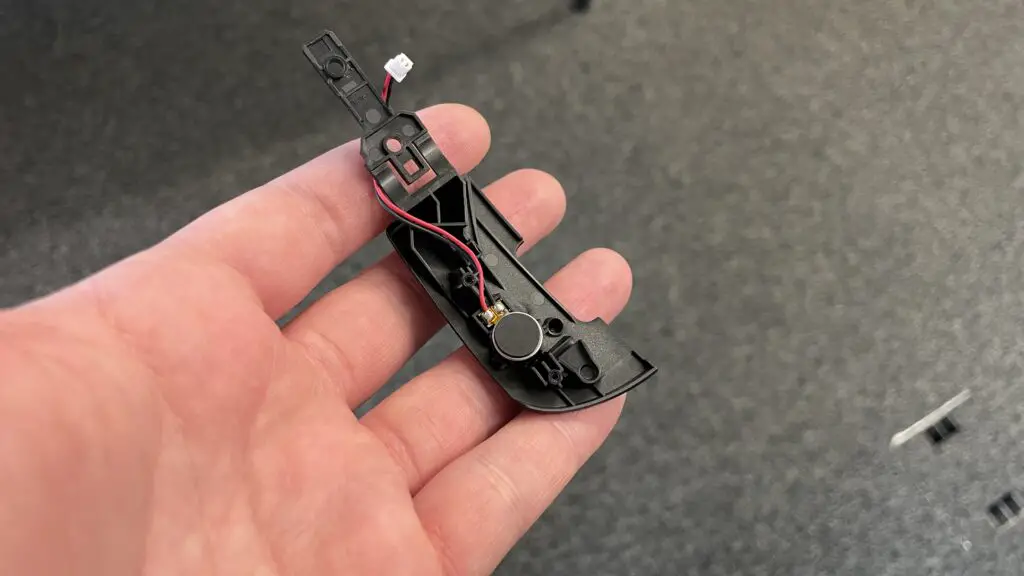
The haptic implementation is equally impressive. Small linear resonance actuators mimic the snap of a physical switch. After a few hours of use, the haptic “click” feels more refined than mechanical alternatives. Because the intensity is adjustable in software, you can even tune the mouse to be nearly silent—a feature reminiscent of premium Topre switches—without sacrificing tactile feedback.
While this technology won’t turn a novice into a pro overnight, it does remove the physical barriers of traditional hardware. Logitech’s research indicates that the Superstrike helps narrow the latency gap between professional and casual players. In a world of AI-accelerated workflows and high-speed gaming, every millisecond counts.
Design, Features, and Daily Performance
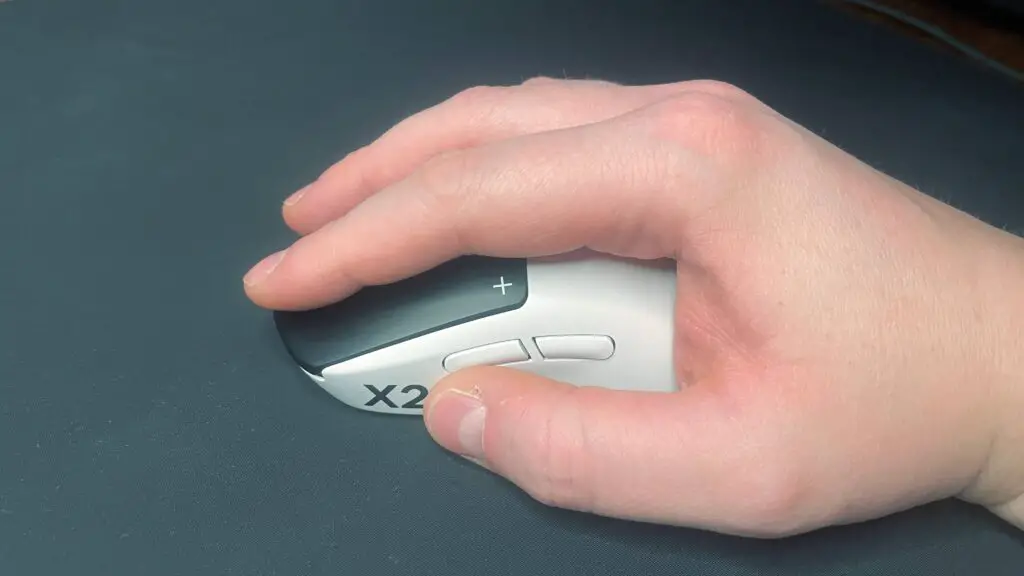
Logitech chose not to fix what wasn’t broken regarding ergonomics. The Superstrike retains the classic G Pro shape, which comfortably supports claw, palm, and hybrid grips. The surface features a premium, slightly chalky texture that provides a solid grip, though Logitech includes optional grip tape for those who prefer more friction. The scroll wheel remains tactile and the side buttons are as reliable as ever.
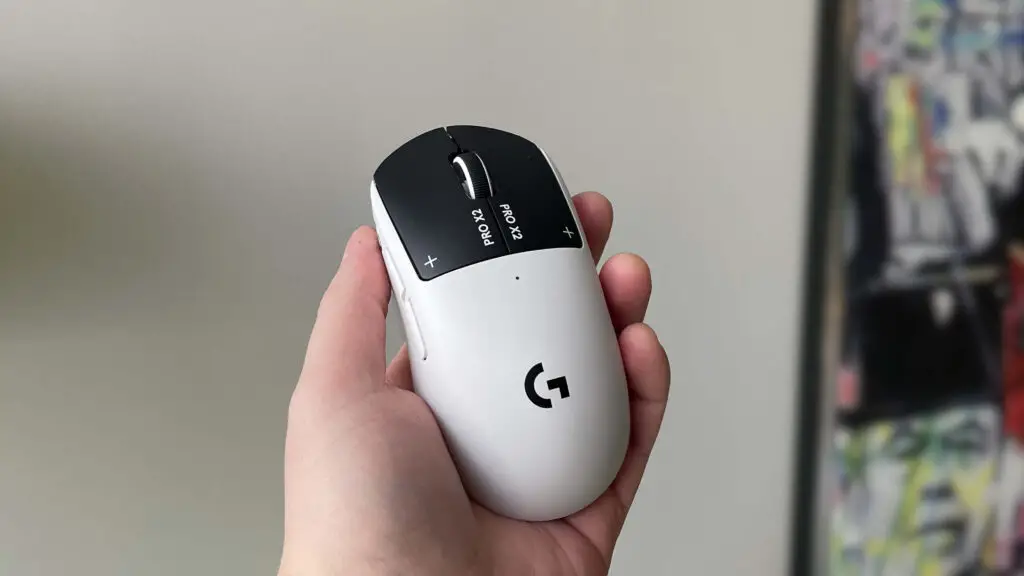
One notable change is the move to UHMWPE skates. While slightly slower than pure PTFE, they offer superior durability and perform exceptionally well on glass surfaces. If you’re a cloth pad traditionalist, you may consider an aftermarket swap, but most will find the out-of-the-box glide more than sufficient.
Technical Specifications
| Feature | Specification |
|---|---|
| Sensor | Hero 2 (32,000 DPI) |
| Switch Tech | Haptic Inductive Trigger (HITS) |
| Weight | 59g – 61g |
| Battery Life | Up to 90 Hours |
| Connectivity | Lightspeed Wireless / USB-C |
Weighing in at approximately 60 grams, it is no longer the lightest mouse on the market—competitors like Corsair have pushed boundaries down to the 30g range. However, the inclusion of haptic motors and induction coils explains the weight, and many users (including our team) find 60g to be the “sweet spot” for stability and control.
The Software Hurdle: G Hub
The biggest friction point remains the G Hub software. While it provides the necessary deep-dive settings for haptics and actuation, it still lacks robust onboard memory for these advanced features. To keep your custom HITS profiles active, G Hub must remain running in the background. For a device aimed at professional GPU-intensive gaming setups, we would love to see a more lightweight, driverless solution in the future.
Conclusion: Is the Superstrike the New Standard?
At a retail price of around $180, the Logitech G Pro X2 Superstrike is an investment. However, it is an investment in the future of human-computer interaction. The benefits of the HITS technology in competitive PC games are undeniable, providing a level of customization that mechanical switches simply cannot match.
As TechTalesLeo, I’ve seen many “innovations” come and go, but this feels different. The Superstrike isn’t just about shaving off a few grams; it’s about making the mouse smarter and more responsive to the individual player. For those looking to stay at the bleeding edge of hardware, this is currently the mouse to beat. Whether you’re a developer needing precision or a gamer seeking every possible advantage, the Superstrike delivers on its high-tech promise.
All content on Digital Tech Explorer is for informational and entertainment purposes only. We do not provide financial or legal advice. Learn more about our mission on our author page.