
BOT Compatibility and Integration
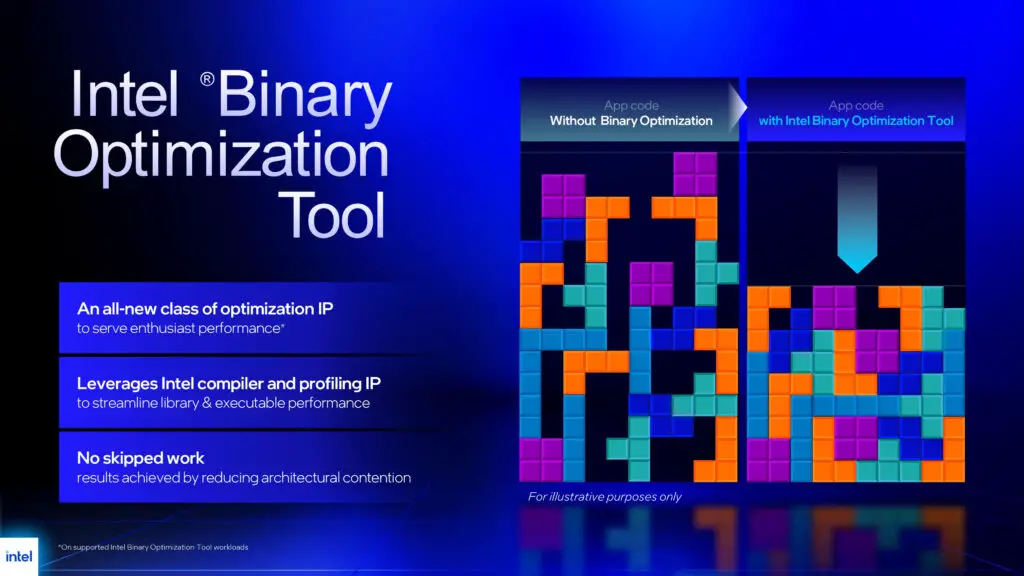
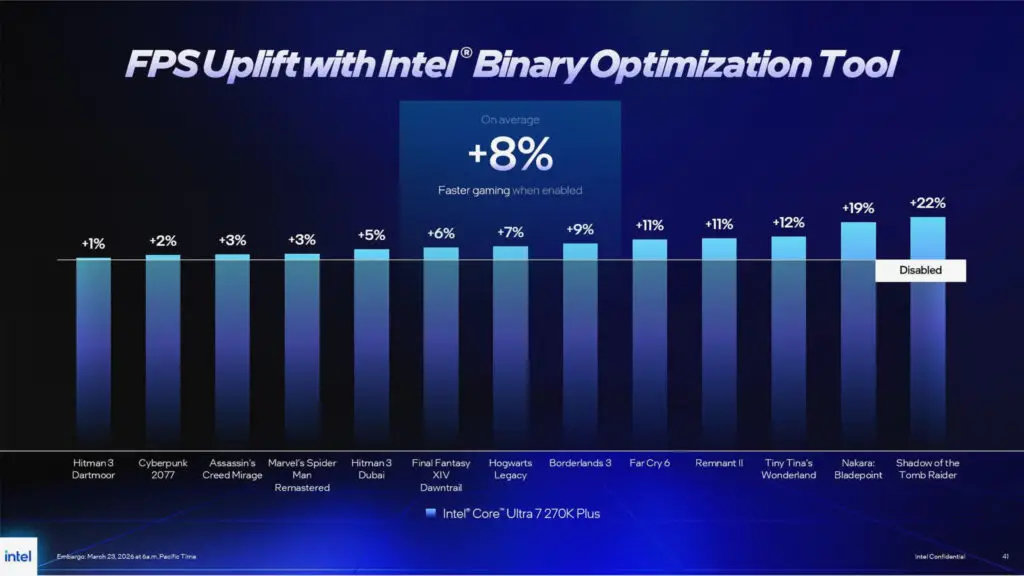
As of today, BOT is a specialized luxury. It is supported exclusively on the desktop and mobile 200S Plus chips, such as the Core Ultra 5 250K Plus and the Core Ultra 7 270K Plus, alongside the upcoming Panther Lake mobile lineup. While many enthusiasts hope for backwards compatibility, the Arrow Lake Refresh architecture contains specific hardware hooks in the compute tile that provide engineers with unprecedented insight into processor operations. Intel has currently “BOTified” 12 titles. Because this process involves manual instruction rewriting rather than automation, we expect updates to be deliberate rather than frequent. Interestingly, the Binary Optimization Tool has been folded into the existing Intel Application Optimization (APO) suite. While bundled, these remain distinct features that can be toggled independently depending on game support.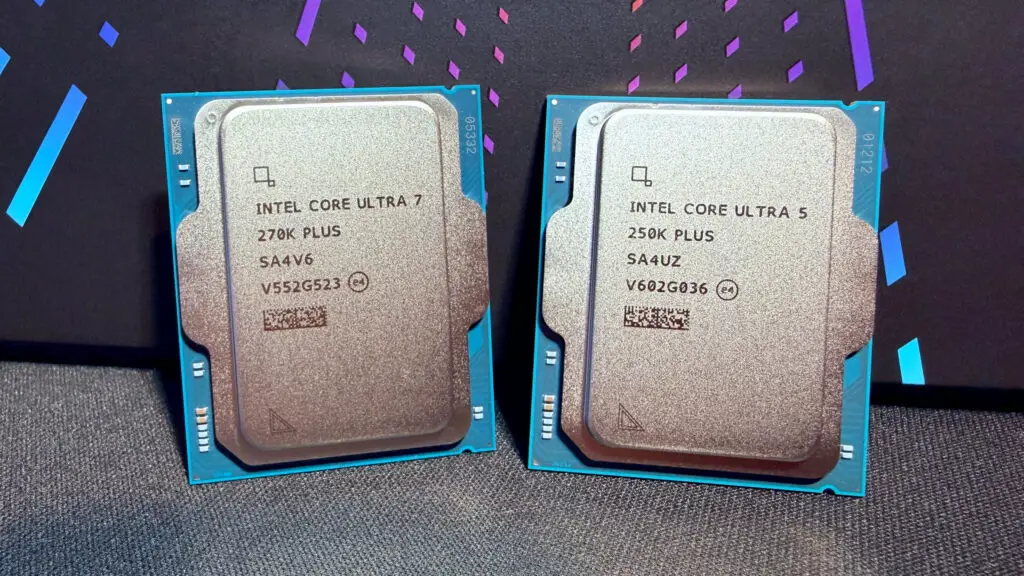
Under the Hood: Performance Impact
It is essential to clarify that BOT is a CPU-centric optimizer. It doesn’t replace the heavy lifting done by your GPU. Instead, it ensures the CPU isn’t the bottleneck when feeding instructions to the graphics card. To test this in a real-world scenario, we utilized a test bench featuring a Core Ultra 7 270K Plus, 32 GB of Corsair Vengeance DDR5-6000 RAM, and a Zotac GeForce RTX 4070.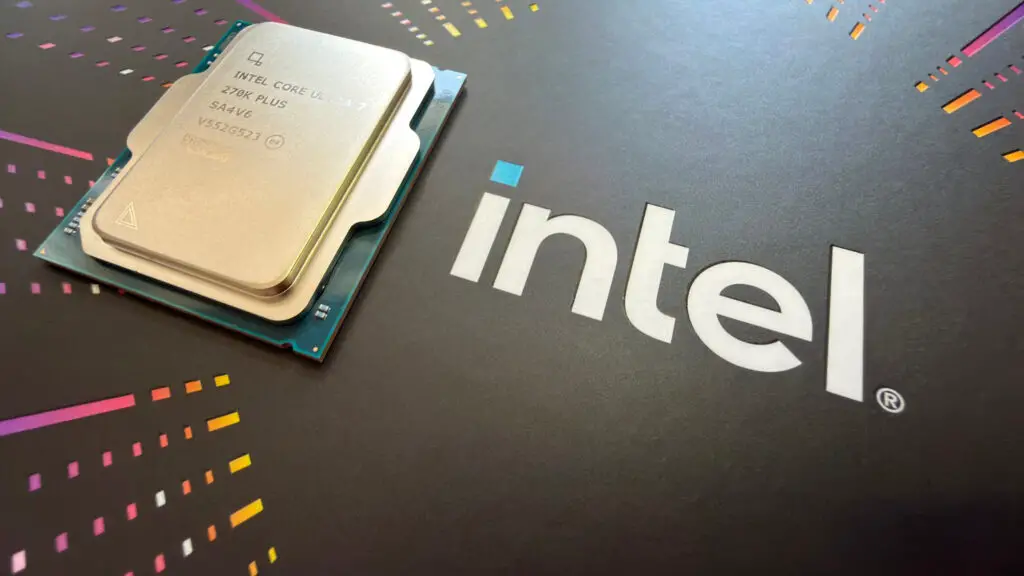
Benchmark Breakdown: Real-World Gains
In Shadow of the Tomb Raider, the results were eye-opening. While the overall frame rate only jumped by about 5%, the “CPU Game” metric—which tracks engine processing—surged by 35% on average. This shift effectively moved the system from being 52% GPU-bound to 97% GPU-bound, which is exactly where you want to be for a smooth gaming experience.| Game Tested | Optimization Tool | Avg FPS Gain | 1% Low Improvement |
|---|---|---|---|
| Shadow of the Tomb Raider | APO + BOT | +5% | +41% (CPU Game) |
| Spider-Man Remastered | BOT Only | +8% | +7% |
| Cyberpunk 2077 | BOT Only | +2% | Minimal |
| Borderlands 3 | BOT Only | +2% | -4% |
The Verdict: A Story of Potential
Intel’s Binary Optimization Tool delivers on its core promise: it optimizes the handshake between software and silicon. For titles like *Spider-Man Remastered*, an 8% software-driven boost is nothing short of impressive. However, the tool’s current utility is heavily dependent on whether your system is CPU-bound. If your GPU is already the limiting factor, BOT won’t conjure extra frames out of thin air.The Esports Hurdle and Anti-Cheat Challenges
The biggest potential for BOT lies in the world of esports. Competitive players often run games at 1080p with low settings to maximize frames, making them entirely CPU-bound. Unfortunately, titles like *Counter-Strike 2* and *Valorant* are currently off-limits. Because BOT injects itself into the code to override instructions, it risks triggering anti-cheat systems. Intel is reportedly working with developers to ensure a safe implementation, but for now, competitive players will have to wait.How to Enable BOT
If you have a Core Ultra 200S Plus chip, you can start testing this today. You will need to download the latest Intel Platform Performance Package (IPPP). A word of caution from our lab: we initially saw performance *decreases* on a fresh Windows install with motherboard auto-drivers enabled. For the best results, perform a clean Windows installation, disable motherboard auto-driver features, and install only the IPPP and your GPU drivers.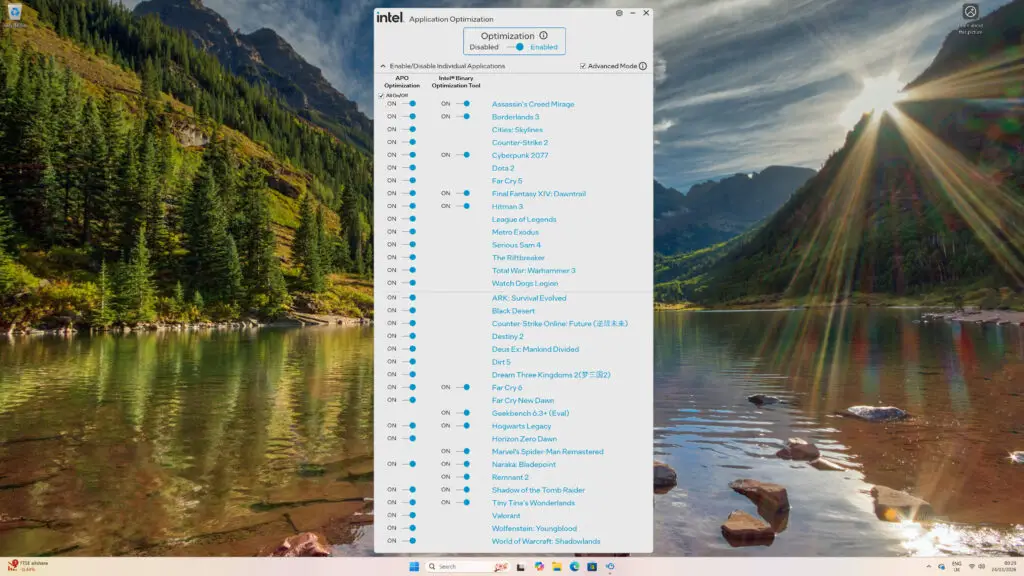
Disclaimer: All content on Digital Tech Explorer is for informational and entertainment purposes only. We do not provide financial or legal advice.
Affiliate Disclaimer: Some of the links on Digital Tech Explorer are affiliate links. This means we may earn a commission if you click through and make a purchase, at no additional cost to you. Our recommendations are based on thorough research and personal experience.