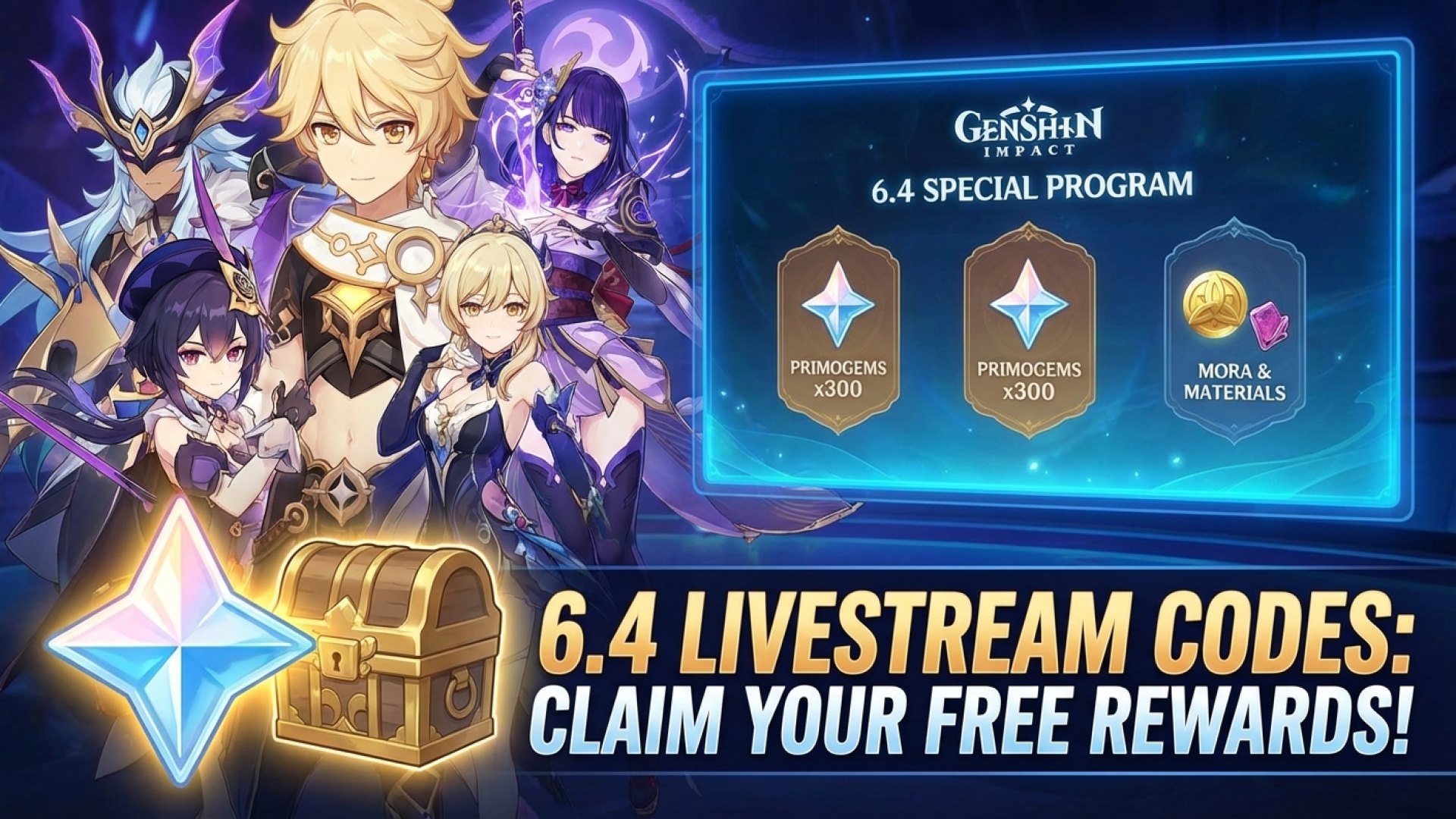
The Genshin Impact 6.4 livestream codes have finally arrived! Or perhaps we should call it the Luna V livestream, marking our fifth major update since we first set foot in Nod-Krai—the intriguing autonomous zone within Snezhnaya. Here at Digital Tech Explorer, we’ve been tracking the evolution of Teyvat closely, and this latest update continues to push the boundaries of miHoYo’s digital storytelling.
The latest Archon Quest characters featured in the Genshin Impact 6.4 livestream.
For those new to the world of Genshin Impact, developer miHoYo hosts a special program every six weeks to showcase upcoming content. As a reward for the community, they release limited-time redemption codes. While 300 Primogems might seem like a small contribution toward your next five-star character, every bit counts when you’re navigating the game’s pity system.
The headline for Version 6.4 is undoubtedly the debut of Varka, the Grand Master of the Knights of Favonius. After being teased since the game’s launch in 2020, he finally joins the roster as an Anemo five-star unit. If you’re looking to add the legendary commander to your team, make sure to redeem these codes immediately, as they typically expire within 24 hours of the broadcast.
Genshin Impact 6.4 Livestream Codes
Redemption Code
Reward Contents
Homeward
100 Primogems & 10 Mystic Enhancement Ore
VarkaArrives
100 Primogems & 5 Hero’s Wit
VisitWonderland
100 Primogems & 50,000 Mora
How to Redeem Your Rewards
Before you can claim these digital treasures, ensure your account has reached Adventure Rank 10. This is a quick milestone to hit if you are just starting your journey. TechTalesLeo recommends using the browser-based method if you aren’t near your gaming rig, but both options listed below are seamless.
Method 1: In-Game Redemption
Launch Genshin Impact on your preferred device.
Open the Paimon Menu (ESC on PC, or tap the icon).
Navigate to Settings (the gear icon) and select Account.
Select Redeem Code and enter the codes provided above.
Check your in-game mailbox to collect your Primogems.
Your rewards will be waiting in your in-game mail.
Stay tuned to Digital Tech Explorer for more updates on gaming trends, hardware reviews, and the latest software guides to keep your digital life optimized.