
In the evolving narrative of modern computing, few things are as vital to the user experience as efficiency. For those of us navigating the world of software development and hardware optimization, the “bloat” often associated with modern operating systems remains a persistent challenge. However, recent developments at Microsoft suggest a potential shift back toward a leaner, faster future. At Digital Tech Explorer, we’ve been tracking the trajectory of Windows hardware requirements closely, and the latest insights into Microsoft’s internal “20/20 Project” offer a fascinating glimpse into what could have been—and what might still be.
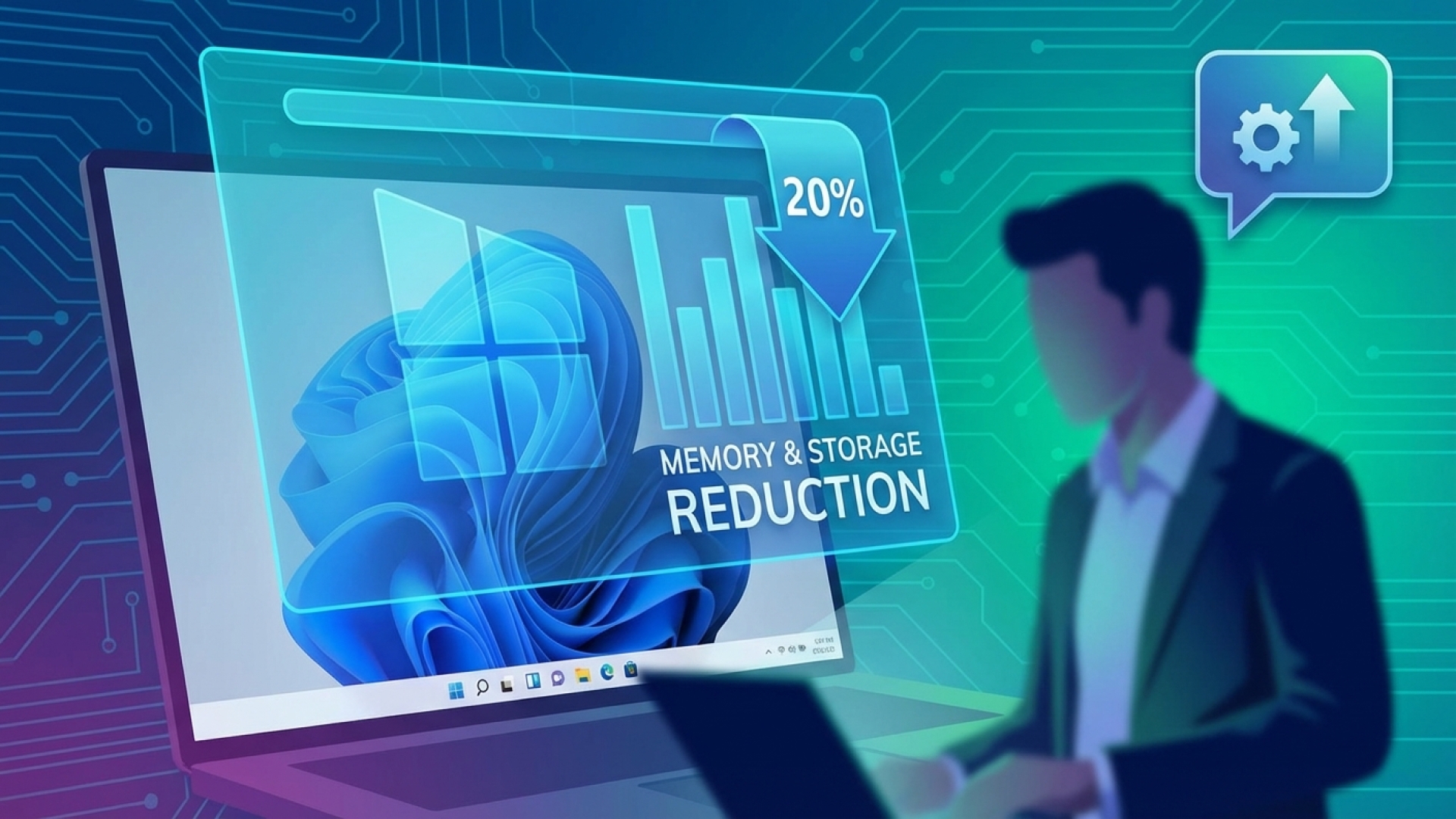
Following discussions about streamlining the Windows 11 experience—including easing the mandatory Microsoft account requirements and refining the implementation of AI—it has come to light that Microsoft once aimed to slash idle memory usage and disk footprint by a massive 20%.
The Ambitious “20/20 Project” for Windows Efficiency
Mikhail Parakhin, a former lead in Windows development, recently shed light on a collaborative initiative known as the “20/20 Project.” Spearheaded alongside Jeff Johnson, this project targeted two of the most common complaints among power users and developers: idle memory consumption and the sheer size of a fresh installation.
“We had this 20/20 project,” Parakhin shared in response to Microsoft’s renewed quality commitments. “Reducing Windows’ idle memory consumption and the fresh install size on disk by 20%. We never got to finish—great to see this focus on fundamentals again.” This initiative was designed to directly address system overhead, ensuring that more resources remain available for high-demand tasks like gaming or compiling code.
A Renewed Commitment to Windows Quality
While current Windows and Devices VP Pavan Davuluri hasn’t explicitly used the “20/20” branding in recent updates, the goals remain strikingly similar. In a recent update to the Windows Insider community, Davuluri highlighted a strategic pivot toward improving fundamental performance. This includes “lowering the baseline memory footprint,” which echoes the core philosophy of the original 20/20 initiative.
| Focus Area | Optimization Goal | User Benefit |
|---|---|---|
| Memory Usage | Reduce idle consumption by ~20% | More RAM available for heavy applications and multi-tasking. |
| Storage Footprint | Reduce installation size by ~20% | Saves space on SSDs, especially critical for budget hardware. |
| UI Responsiveness | Lower interaction latency | Smoother animations and snappier navigation across the OS. |
Beyond resource management, Microsoft is also focusing on the “shared UI infrastructure.” By reducing latency and overhead at the platform level, the goal is to make Windows 11 feel as fluid as mobile operating systems, a move that would be highly beneficial for users working on high-refresh-rate monitors or 4K displays.
Why Optimization is More Critical Than Ever
From the perspective of Digital Tech Explorer, optimization isn’t just about speed—it’s about hardware longevity and cost-efficiency. As AI acceleration and advanced GPU requirements continue to push the prices of memory and storage higher, a leaner OS becomes a necessity rather than a luxury.
Reducing the OS footprint allows users to get more mileage out of mid-range hardware and ensures that the system doesn’t become the bottleneck during intensive workflows. For the developer community, this means a more stable environment for testing machine learning models or developing complex software solutions.
Towards a Leaner, More Responsive Windows Experience
As TechTalesLeo, I’ve seen many tech promises come and go, but the return to “fundamentals” is a story we always love to tell. The prospect of a lighter Windows 11—one that prioritizes kernel efficiency and interface responsiveness—is a significant win for the tech community. Whether Microsoft officially revives the “20/20 Project” or simply integrates its spirit into future builds, the direction is clear: a more optimized and high-quality user experience is on the horizon. We will continue to monitor these updates, providing the in-depth analysis you need to stay ahead of the curve.
For more tech insights and deep dives into the latest software trends, stay tuned to Digital Tech Explorer. Our mission is to bridge the gap between complex tech and everyday usability for developers and enthusiasts alike.