
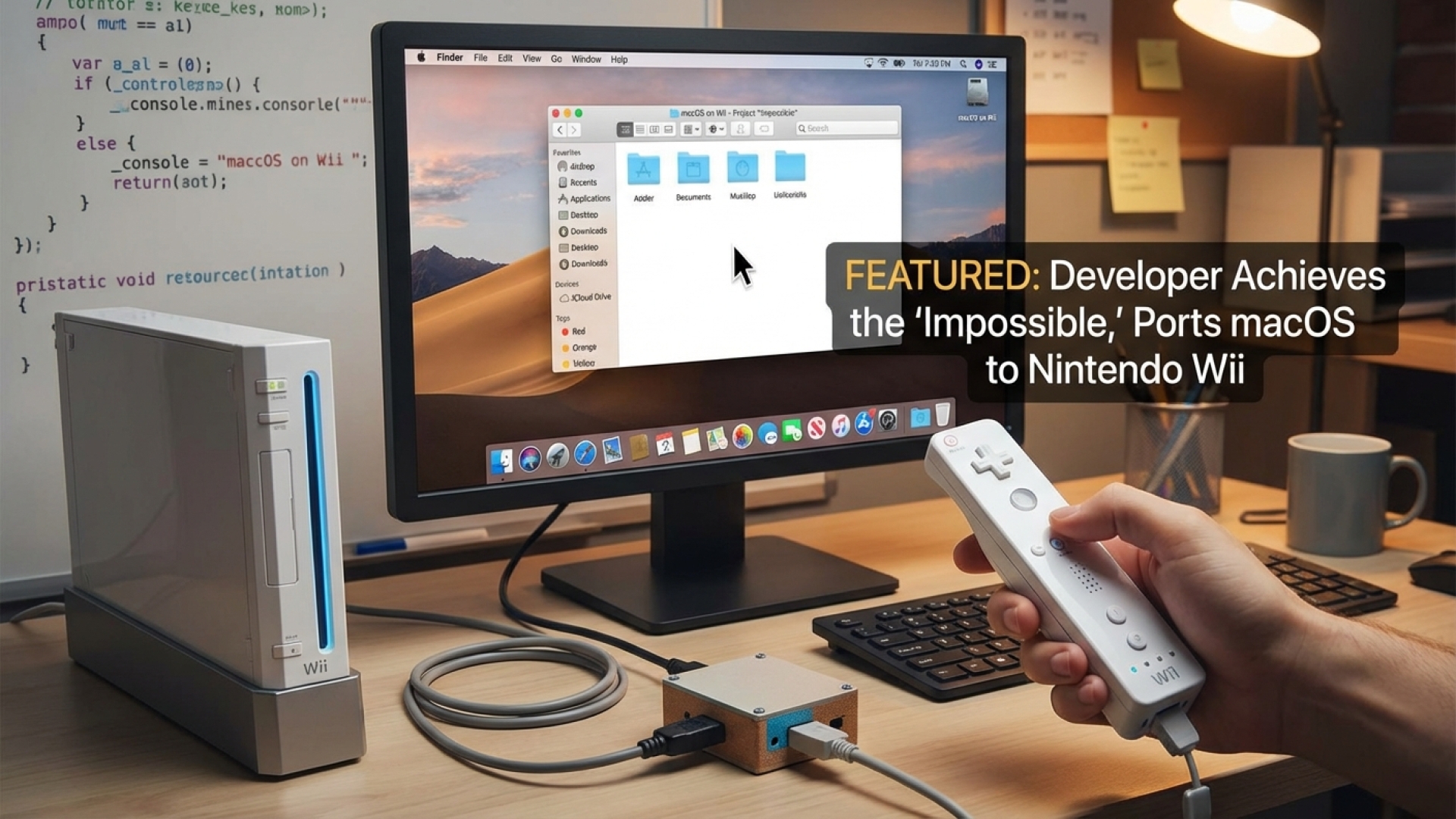
In the world of software engineering and digital innovation, “impossible” is often just a starting point. Here at Digital Tech Explorer, we love a story where technical prowess meets a touch of creative spite. This week’s narrative comes from developer Bryan Keller, who successfully ported macOS to a Nintendo Wii, proving that with enough dedication, even the most specialized hardware can be bent to a programmer’s will.
The journey began five years ago on Reddit. When a curious user asked if Apple’s operating system could ever run on a Wii or GameCube without virtualization, the response was a resounding “zero percent chance.” One commenter doubled down, citing the Wii’s custom GPU and lack of published documentation as insurmountable barriers. For most, that would be the end of the conversation. For Keller, it was the ultimate challenge.
The Technical Breakdown: Porting macOS to Wii
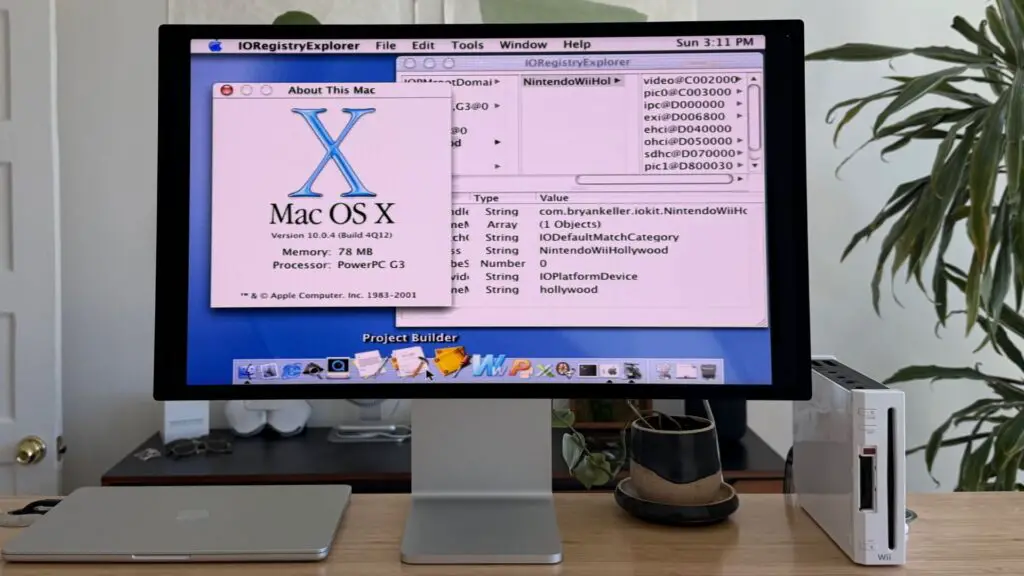
As a seasoned storyteller in the tech space, I find the hardware nuances of this project particularly fascinating. Bryan Keller noted that the Wii utilizes a PowerPC 750CL processor. This chip is an evolution of the G3 architecture used in legacy Apple products like the iBook and iMac. While the critic claimed the CPUs were too different, Keller recognized the shared lineage, which provided the necessary confidence to proceed.
The primary hurdle wasn’t the architecture, but the memory constraints. The Wii is equipped with only 88 MB of total system RAM—significantly less than the 128 MB officially required by Mac OS X 10. However, through careful optimization and the OS’s ability to run on as little as 64 MB in specific configurations, Keller found a path forward.
| Feature | Nintendo Wii Specification | Mac OS X 10 Requirements |
|---|---|---|
| CPU Architecture | PowerPC 750CL (“Broadway”) | PowerPC G3/G4/G5 |
| System Memory | 88 MB RAM | 128 MB (Minimally 64 MB) |
| Storage Interface | SD Card / Custom Nand | ATA/FireWire |
| Graphics | Hollywood (Custom GPU) | NVIDIA/ATI/Intel |
Bridging the Gap: Custom Bootloaders and Drivers
To breathe life into this project, Keller had to bypass the Wii’s native environment entirely. He developed a custom bootloader that initializes the system and loads the macOS kernel from an SD card. By creating a custom device tree, the bootloader serves as a vital bridge, allowing the Apple kernel to communicate with the Nintendo hardware.
The complexity didn’t stop at the boot sequence. Because the Wii uses a unique System-on-a-Chip (SoC) dubbed “Hollywood” rather than standard PCI connections, Keller had to write several custom drivers from scratch. These included:
- A dedicated Hollywood SoC driver for system communication.
- A Framebuffer driver to handle video output.
- An SD Card driver for data access.
- A custom patch (sourced via IRC) to enable USB mouse and keyboard support.
Lessons in Digital Innovation
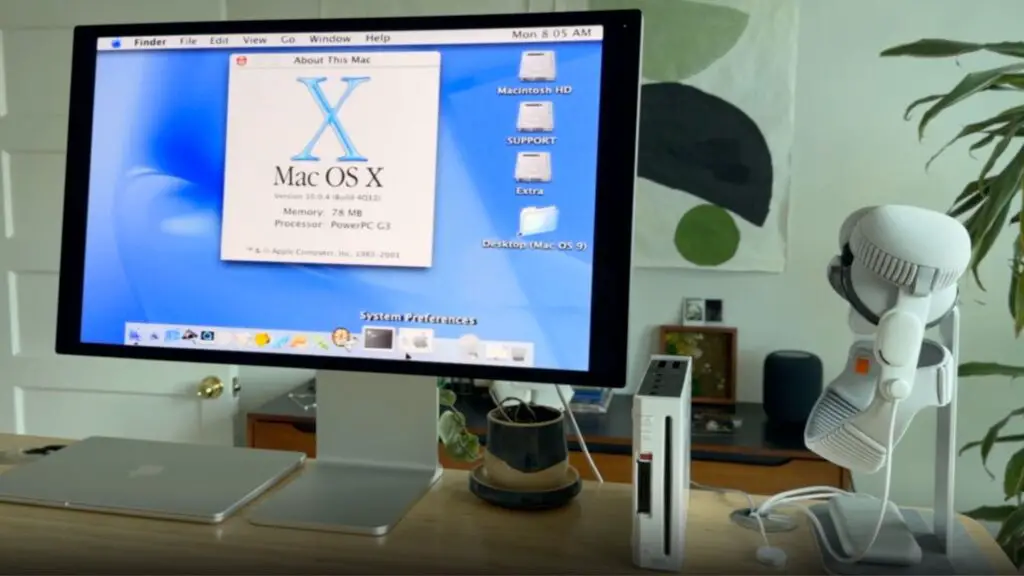
Seeing the iconic Mac desktop environment load onto a console designed for gaming is a testament to the curiosity that drives the developer community. While the Wii may not become a daily driver for web development or video editing, the project serves as a profound technical exercise.
Reflecting on the achievement, Keller noted, “There’s something deeply satisfying about accomplishing something that, at the start, you weren’t even sure was possible.” It is a reminder to all of us at Digital Tech Explorer that the most rewarding projects are often the ones others have written off as impossible.
For more deep dives into AI, emerging hardware, and coding breakthroughs, stay tuned to our latest updates. As our author TechTalesLeo often suggests, technology is not just about what is designed, but what we can imagine and build from the pieces left behind.
Disclaimer: All content on Digital Tech Explorer is for informational and entertainment purposes only. We do not provide financial or legal advice. Some of the links on our site are affiliate links, meaning we may earn a commission if you click through and make a purchase, at no additional cost to you.