
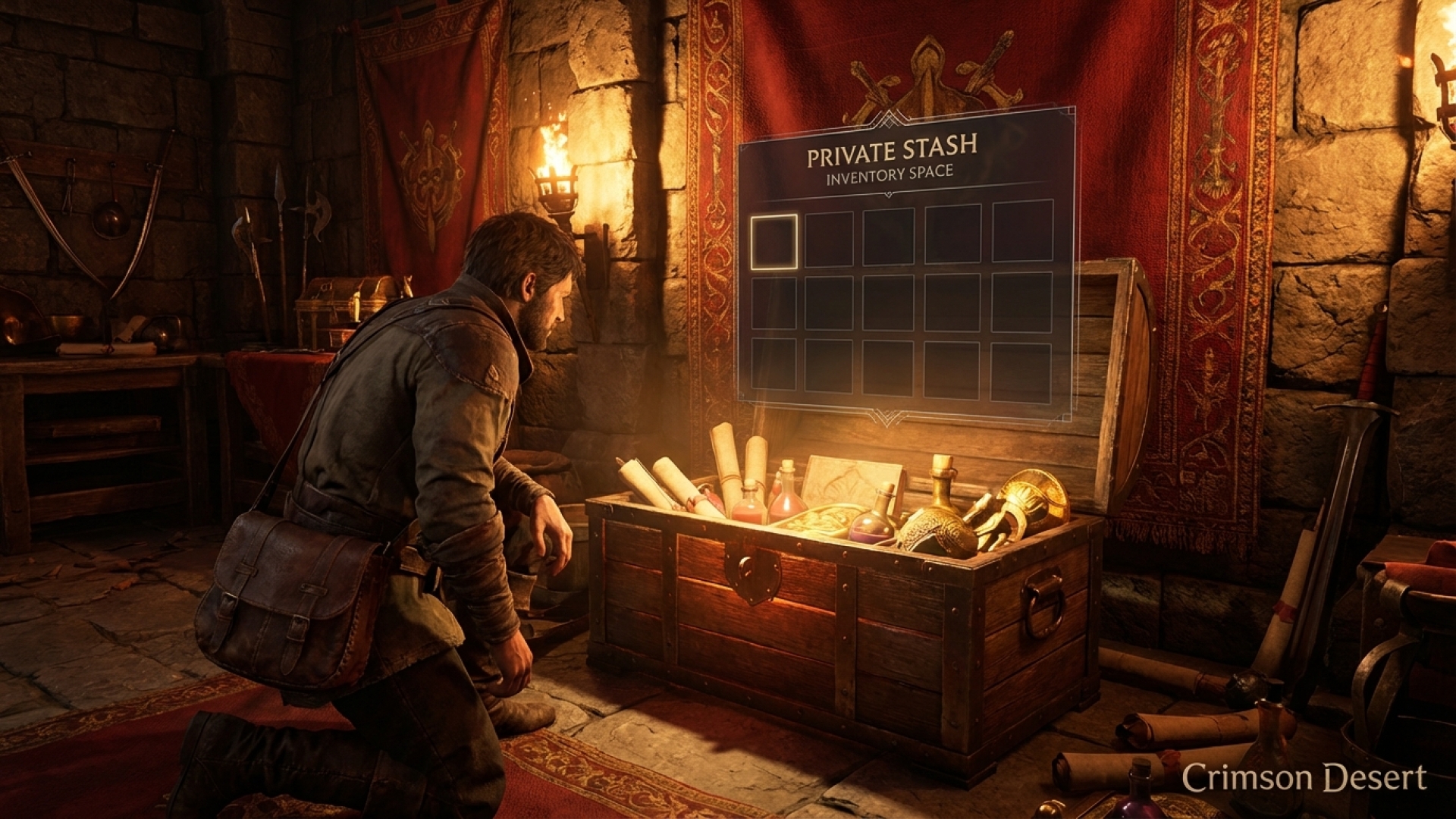
As we delve deeper into the sprawling, resource-rich world of Crimson Desert, one thing becomes immediately clear: your inventory is your lifeline. Pearl Abyss has designed a complex ecosystem where every bug, ore, and scrap of cloth serves a purpose—from crafting vibrant dyes to concocting life-saving Palmer Pills. Here at Digital Tech Explorer, our real-world testing reveals that while the initial 50 slots might seem generous, they quickly vanish once you begin large-scale liberations across the continent.
Managing this digital hoard is essential for any developer-minded player looking to optimize their efficiency. If you’ve found yourself constantly pausing to drop valuable loot, you aren’t alone. Fortunately, recent updates have addressed these logistical bottlenecks.

March 25, 2026 Update: With the release of Patch 1.00.03, Pearl Abyss has officially introduced dedicated storage solutions, allowing players to stash their surplus materials safely away from their personal inventory.
How to Access Private Storage in Crimson Desert
While the game launched with a focus on portable inventory management, the introduction of private storage has shifted the meta for long-term resource gathering. This allows you to stockpile rare materials without sacrificing the agility needed for high-stakes gaming encounters.
You can currently access your storage in two specific locations, which shift as you progress through the narrative:
- Freesword Encampment (Early Game): Available during Chapters 1 and 2, you can find a storage chest tucked inside a tent located behind the Royal Trading Post near Hernand.
- Howling Hill (Mid-to-Late Game): Once you unlock your camp at Howling Hill in Chapter 3, the previous Supply Chest is upgraded to Private Storage. You will find it situated directly behind Carl, the provisions manager.

The Private Storage system offers a massive 240-slot capacity. However, a technical detail to keep in mind is that this chest also acts as a “lost and found” for items dropped by despawned enemies. To keep your workflow smooth, Digital Tech Explorer recommends a weekly “inventory audit” to prevent the 240-slot limit from blocking automatic loot recovery.
Optimizing Your Loadout: Management Strategies
To help you stay ahead of the curve, we’ve compiled a quick-reference guide for maintaining a lean and efficient inventory. Transitioning from a cluttered bag to an organized stash is the first step toward mastering the game’s higher-difficulty tiers.
| Action | Benefit |
|---|---|
| Complete “Requests” | Permanently increases your maximum personal inventory slots. |
| Audit Quest Items | Discard or sell letters and notes from completed side quests. |
| Manage Stack Sizes | Limit common resources like cloth or timber to two full stacks; sell the rest. |
| Unlock Abyss Gear Slots | Spend silver to move unused armor into dedicated slots, clearing primary space. |
| Open Pouches | Process raw pouches immediately to see what is worth keeping or selling. |
As TechTalesLeo, I’ve found that many players overlook the cosmetic nature of housing. While you can decorate your home with cabinets and wardrobes, these are currently non-functional for storage. Stick to the designated encampment chests for your heavy lifting.
Related Guides for the Modern Mercenary

- Crimson Desert Characters: A technical look at unlocking every hero.
- Abyss Artifacts: How to optimize your level-up path.
- Skill Respec Guide: The cost-benefit analysis of swapping your build.
- Stealing Mechanics: How to maximize your loot gains through stealth.
- Key Locations: Unlocking the most secure doors in Pywel.
- Fast Travel Optimization: Reducing load times and traversal bottlenecks.
Disclaimer: All content on Digital Tech Explorer is for informational and entertainment purposes only. We do not provide financial or legal advice.
Affiliate Disclaimer: Some of the links on Digital Tech Explorer are affiliate links. This means we may earn a commission if you click through and make a purchase, at no additional cost to you. Our recommendations are based on thorough research and personal experience.