
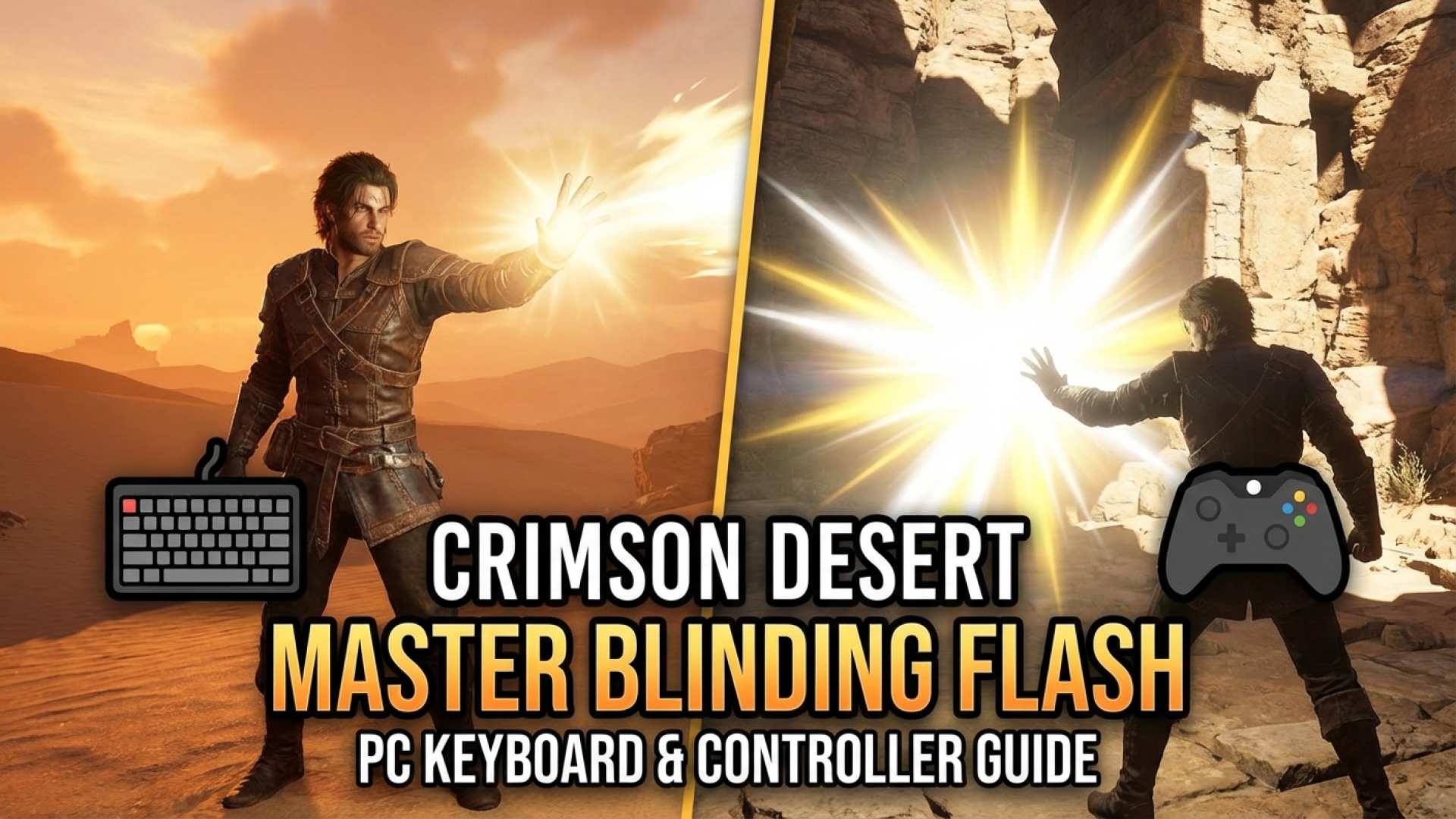
In the vast, beautifully rendered world of Crimson Desert, mastery over your character’s abilities is the difference between a smooth journey and a frustrating roadblock. Here at Digital Tech Explorer, we’ve spent significant time diving into the mechanics of Kliff’s arsenal to help you stay ahead of the curve. One of the most common hurdles players face early on is mastering the Blinding Flash—a skill that is as mechanically specific as it is visually stunning.
Whether you are navigating the intricate ruins or engaging in high-stakes combat, understanding the nuances of your hardware setup is key. While the game feels naturally tuned for controllers, PC enthusiasts using a mouse and keyboard may find the timing for this particular ability a bit elusive.
Mastering the Blinding Flash Stance
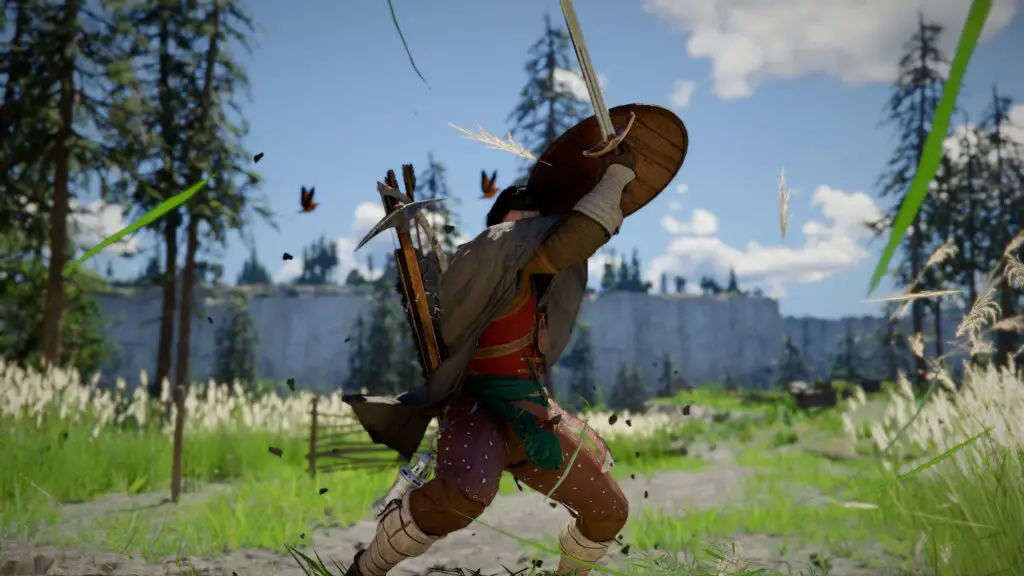
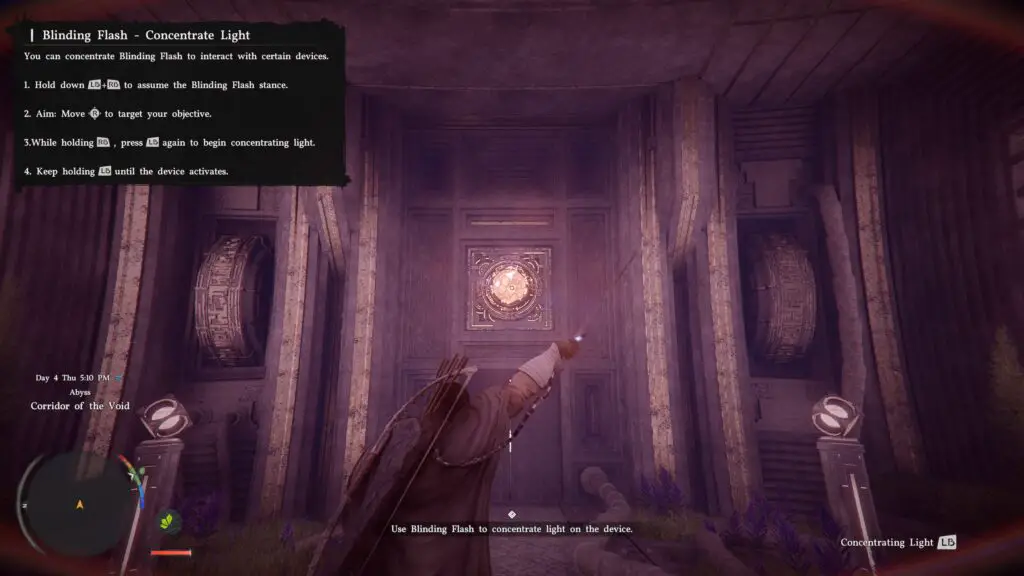
As you explore the enigmatic ruins following your initial confrontations, you will encounter a sealed door marked by a glowing crystal. This is your first true test of the Blinding Flash. To activate this skill on a PC, precision is paramount. You must press and hold CTRL and the Left Mouse Button (LMB) simultaneously.
Once Kliff enters the initial animation, release the keys and then press and hold CTRL again to focus the light. Aim this beam directly at the crystal above the door. Maintain the hold until the crystal is fully charged, which will trigger the mechanism to open. This multi-step process ensures the light is concentrated enough to react with the ancient technology found throughout the world.
Control Scheme Comparison
To make things easier for our fellow PC gamers and console enthusiasts, we have broken down the controls in the table below:
| Platform / Input | Activation Step 1 | Activation Step 2 (Focus Light) |
|---|---|---|
| Mouse & Keyboard | Press & Hold CTRL + LMB | Release, then Press & Hold CTRL |
| Controller | Press & Hold LB + RB | Release RB, then Press & Hold RB |
Beyond the Ruins: Combat and Exploration
At Digital Tech Explorer, we believe in looking at the broader application of every tool in a developer’s kit. The Blinding Flash isn’t just a “key” for puzzles; it is a tactical gaming asset. In the heat of battle, this ability can stun and blind formidable bosses, offering a window of opportunity to land a devastating combo or retreat to heal.
Furthermore, keep an eye out for mysterious energies while exploring the wilderness. The Blinding Flash is essential for uncovering Abyss Nexus points—the game’s fast-travel system. By mastering these controls now, you ensure that your journey through Crimson Desert remains uninterrupted by mechanical hurdles, allowing you to focus on the story and the action.
For more in-depth guides on the latest 2024 releases and expert tech analyses, keep it locked to Digital Tech Explorer. Our mission is to bridge the gap between complex game mechanics and everyday usability, ensuring you get the most out of your digital experience.