
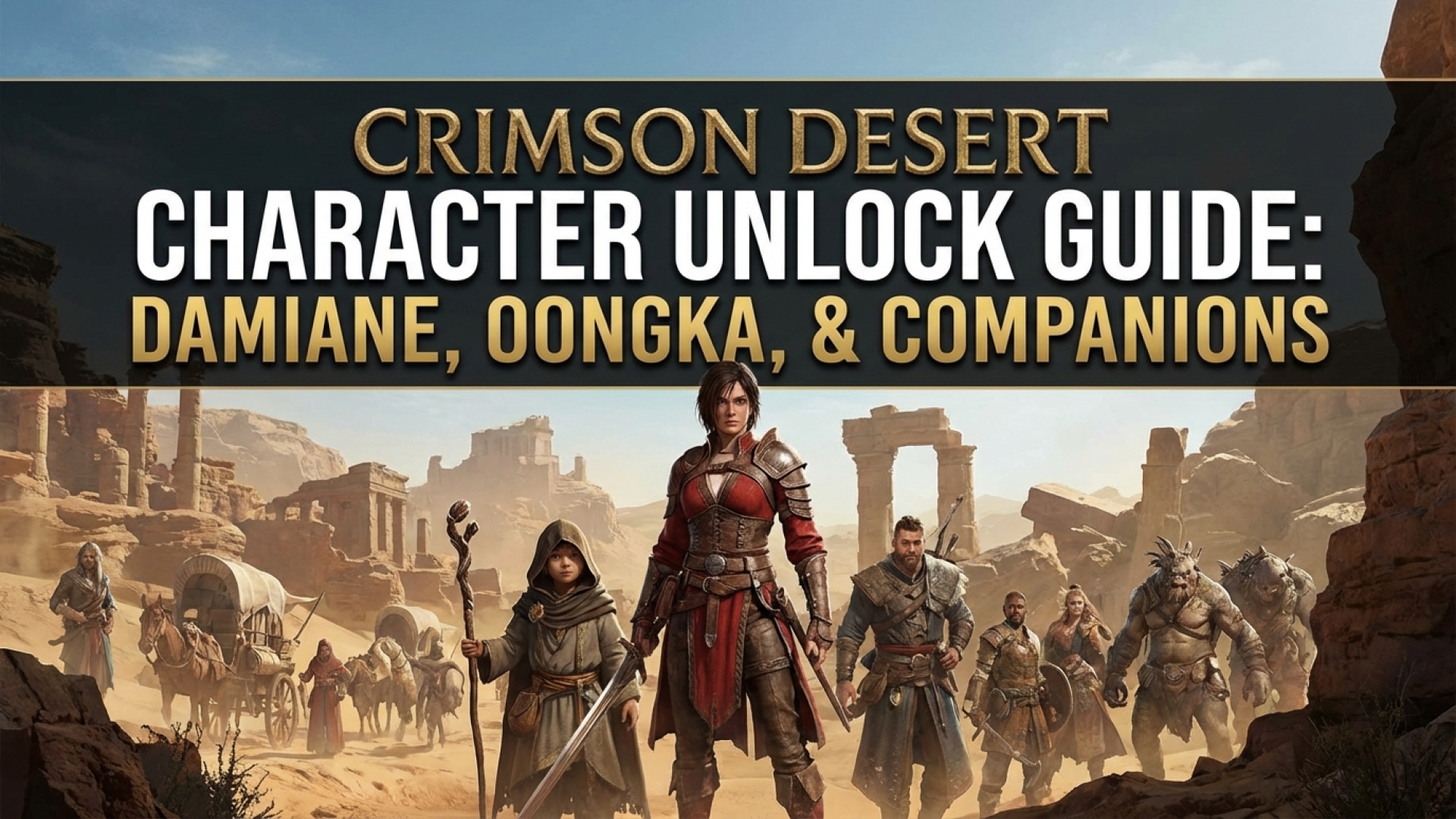
Unlocking new characters in Crimson Desert is one of the most rewarding mechanics in this sprawling open-world epic. As we explore the vast landscapes of Pywel here at Digital Tech Explorer, we’ve found that the game’s companion system adds a layer of tactical depth rarely seen in modern action-RPGs. There are five playable companions scattered across the world, each boasting unique skill trees and weapon specializations that complement your main protagonist, Kliff.
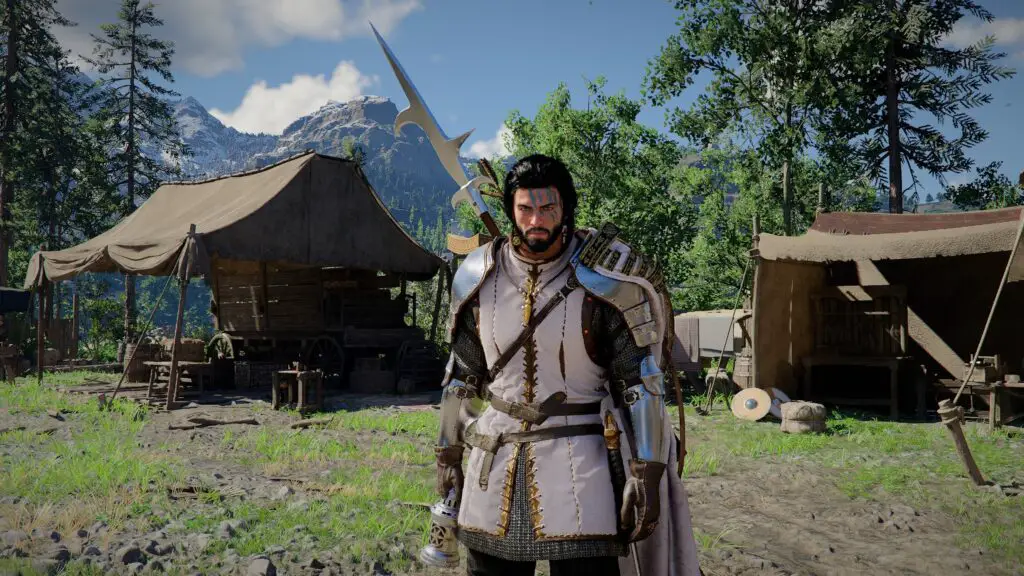
While Pywel offers a variety of interactions—including the ability to recruit pets and tame horses for your travels—the core gameplay shifts significantly when you bring other warriors into the fold. Currently, the narrative path clearly defines how to secure your first two major allies. Our testing shows that these companions aren’t just NPCs; they are fully realized extensions of the player’s arsenal. Below, I’ll break down how to unlock Damiane and Oongka and how to master the “GTA-style” character swapping system.
Crimson Desert: Companion Overview
| Character | Unlock Chapter | Primary Weaponry | Playstyle |
|---|---|---|---|
| Damiane | Chapter 3 | Rapiers, Muskets, Guns | Fast, agile, ranged-capable |
| Oongka | Chapter 7 | Greymane Axes, Hammers, Orc Blaster | Heavy-hitting, high-impact tank |
| Kliff | Default | Longswords, Shields | Balanced, versatile vanguard |
How to Unlock Damiane in Crimson Desert
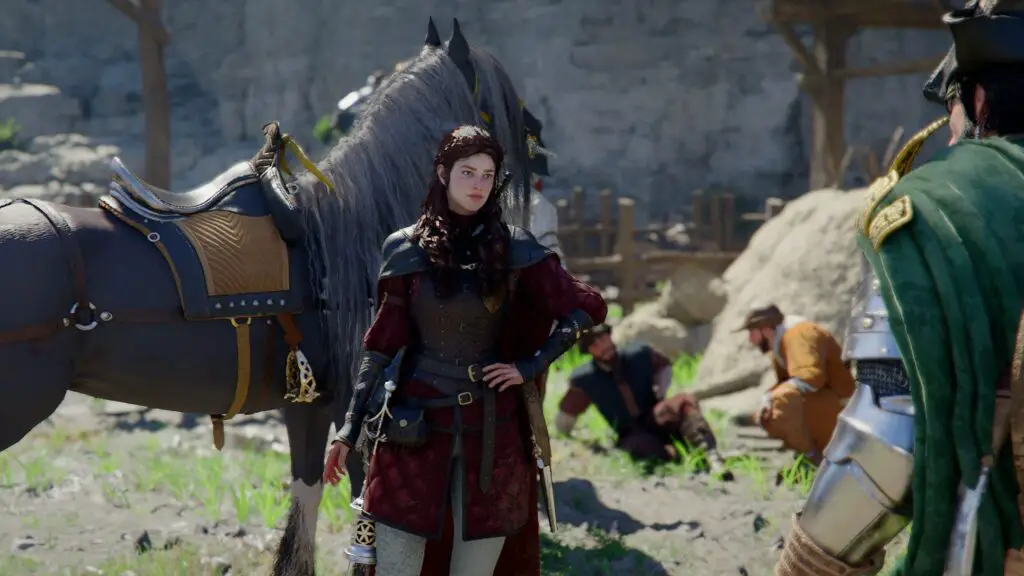
You will encounter Damiane during the beginning of Chapter 3. The questline leads you to Howling Hill to establish your new base of operations. Upon arrival, Marshall Middler introduces you to her, and she immediately joins your roster. This is a pivotal moment for PC gamers and console players alike, as it introduces the mechanics of squad management.
To switch to Damiane, press F1 (or Up on the D-pad for controllers) and hover the pointer over her icon. Releasing the button triggers a cinematic camera transition, instantly placing you in control of Damiane. Her skill tree is distinct, offering a “finesse” playstyle. Unlike Kliff’s traditional swordplay, Damiane utilizes rapiers and black-powder weaponry, including the musket, allowing for high-damage output from a distance.
How to Unlock Oongka in Crimson Desert
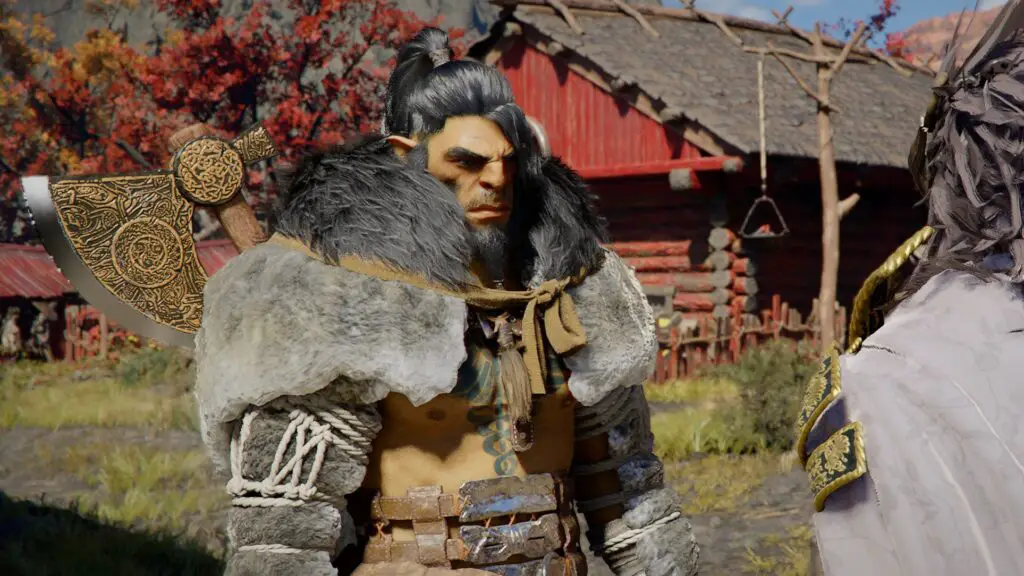
Unlocking Oongka requires significantly more investment in the main story. While you first encounter this Greymane orc during Chapter 6 and fight alongside him as a guest, he does not become a permanent playable character until the conclusion of Chapter 7. These chapters are lengthy and combat-heavy, making his eventual recruitment feel like a hard-earned reward.
Oongka is the quintessential “heavy” archetype. If you have been hoarding massive axes and war hammers throughout your journey, Oongka is the character meant to wield them. His ranged utility is equally impressive, featuring an “orc blaster”—essentially a handheld cannon. Like Damiane, he can be summoned or swapped to at any time using the radial menu (F1/D-pad Up).
Mastering the Companion Summon System
At Digital Tech Explorer, we recommend utilizing the summoning system during difficult boss encounters or when exploring high-level territories. As long as a character isn’t currently occupied by a specific story beat, you can call them to your side to fight as an AI-controlled ally.
- Access the Menu: Hold F1 (PC) or Up on the D-pad (Controller) and select the character you wish to bring into the world.
- Dispatch the Comrade: Press Space (PC) or A (Controller). You will receive a notification stating “Comrade dispatched to assembly destination.”
- Confirm the Meet-up: Exit the menu and press ESC (or the Menu button). After a brief fade-to-black, your companion will be standing beside you.
Once summoned, companions act autonomously, following your lead and engaging enemies. They are even programmed to call their own horses when you mount yours, though the AI can occasionally be finicky in rugged terrain. If you prefer to travel solo, simply re-enter the character menu and select the “Disband” option to send them back to camp.
For more insights into 2024’s biggest releases and in-depth hardware reviews, stay tuned to Digital Tech Explorer. Whether you’re optimizing your GPU settings for the best framerate or looking for the latest tech news, we’ve got you covered.