
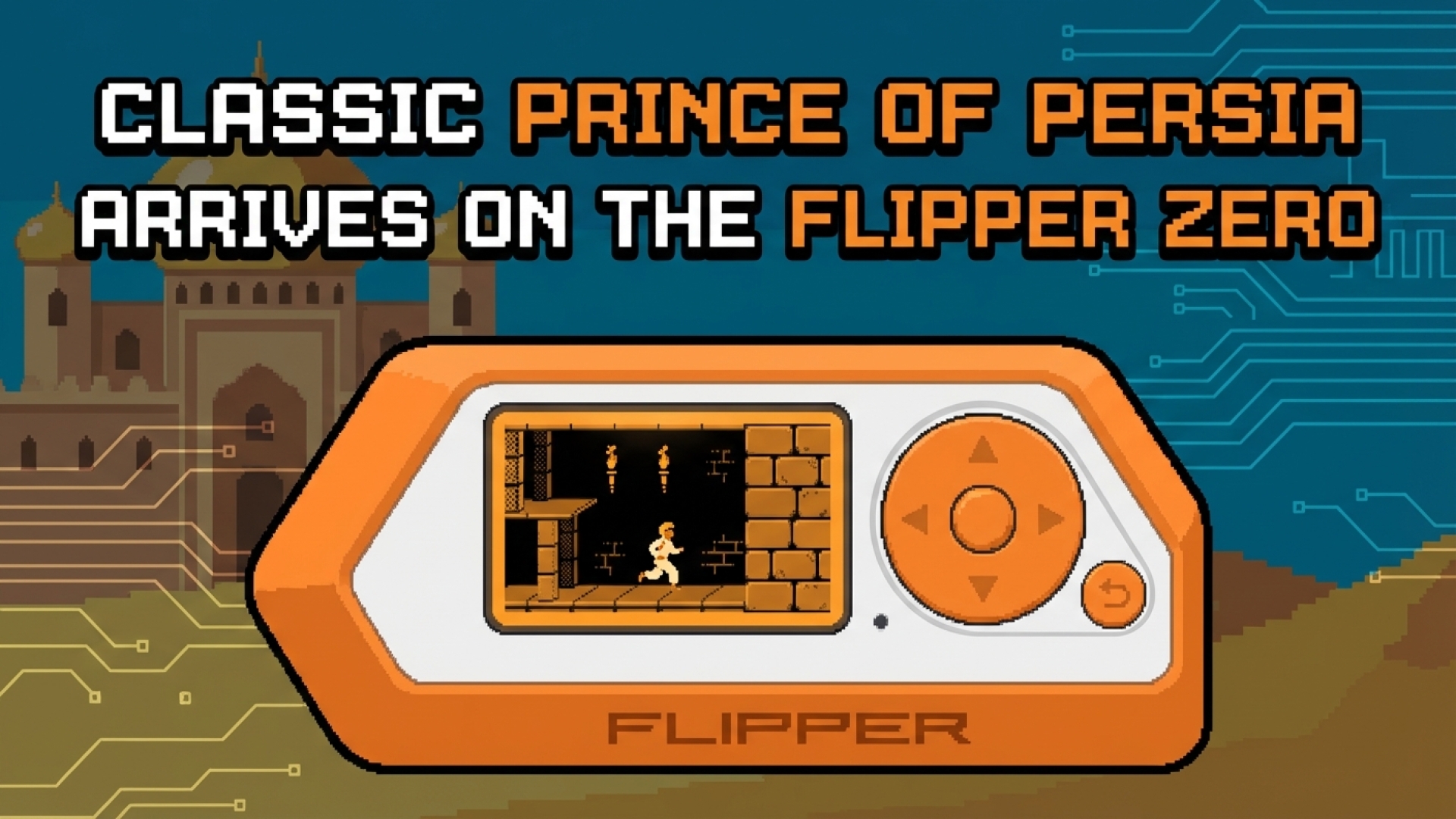
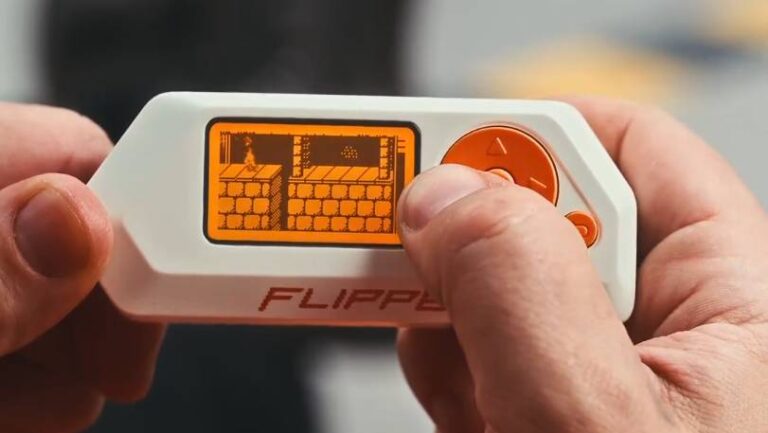
The iconic 1989 Prince of Persia, a masterpiece originally crafted for the Apple II, has found a surprising new sanctuary. Through the “Prince of Arabia” project by Press-Play-On-Tape, an Arduino-based port of this legendary platformer is now playable on the versatile Flipper Zero. At Digital Tech Explorer, we love seeing hardware pushed to its limits, and this development perfectly captures the intersection of cybersecurity tools and retro gaming nostalgia.
Editor’s Note: Some of the links on Digital Tech Explorer are affiliate links. This means we may earn a commission if you click through and make a purchase, at no additional cost to you. Our recommendations are based on thorough research and personal experience.
Unlocking Retro Gaming on a Security Multitool
The Flipper Zero has earned its reputation as a pocket-sized powerhouse for enthusiasts in the hardware and security space. While its primary mission involves RFID sniffing and sub-GHz communication, its open-source architecture invites creative digital storytelling. It has already mastered Doom—the universal benchmark for “can it run it?”—but the arrival of Prince of Persia offers a more unique technical showcase.
Unlike many modern ports, “Prince of Arabia” translates the fluid, rotoscoped animation of the 1989 original into a format compatible with the device’s monochrome display. This isn’t just a novelty; it’s a testament to the ingenuity of the developer community. For those of us who grew up navigating these ancient dungeons, seeing the Prince leap across a 128×64 LCD screen feels like a bridge between the classic PC gaming era and modern portable tech.
How to Play Prince of Persia on Your Flipper Zero
Setting up your digital dungeon crawl is remarkably simple. At Digital Tech Explorer, we value efficiency, and the Flipper Lab makes the installation process nearly instantaneous. Once the app is loaded, you have several ways to experience the quest:
- On-Device Play: Experience the full one-hour challenge directly on the Flipper’s built-in screen—perfect for a quick session between security audits.
- PC Interface via USB: Connect to your computer to utilize a larger display while using the Flipper as the processing engine.
- The Ultimate Console Experience: By utilizing the Video Game Module for Flipper Zero, you can output the signal via HDMI to a monitor, effectively turning your multitool into a dedicated gaming console.
Technical Specifications at a Glance
| Feature | Specification |
|---|---|
| Core Processor | STM32WB55 Microcontroller |
| Display | 1.4-inch Monochrome LCD (128×64) |
| Game Origin | Arduino-based port of 1989 Prince of Persia |
| External Output | HDMI via Video Game Module |
Beyond the Dungeons: The Future of Flipper Ports
While the 1989 classic runs beautifully, don’t expect to see the 3D-accelerated Sands of Time on this hardware anytime soon. The STM32WB55 microcontroller is optimized for efficiency and connectivity, not complex 3D rendering. For those looking to dive into more graphically intensive 3D gaming or emulation, a Raspberry Pi 5 remains the gold standard for DIY enthusiasts.
However, the “Prince of Arabia” port represents exactly why we founded Digital Tech Explorer: to highlight how technology can be both educational and entertaining. Whether you are a professional software engineer or a curious novice, taking a break from scanning sub-GHz signals to rescue a princess is a noble pursuit. It reminds us that no matter how advanced our tools become, there is always room for a classic tale.
For more in-depth tech stories and product analyses, stay tuned to Digital Tech Explorer. Explore more from the author at TechTalesLeo’s author page.