

At Digital Tech Explorer, we are dedicated to bringing you the most in-depth analysis of the hardware shaping the future of computing. Some links in this article are affiliate links, which may earn us a commission at no extra cost to you.
The last time I gamed on a 27-inch 4K resolution display, the thought of needing more pixels never crossed my mind. Over eight million pixels usually feels like the ceiling for a screen of that size. However, the new Asus ROG Strix XG27JCG is challenging that ceiling by delivering 15 million tiny RGB sub-pixels through a 5K native resolution (5,120 x 2,880) on a 27-inch IPS panel.
The result is a staggering pixel density that raises a fundamental question for our community here at Digital Tech Explorer: what exactly is the role of 5K in a gaming-first landscape?
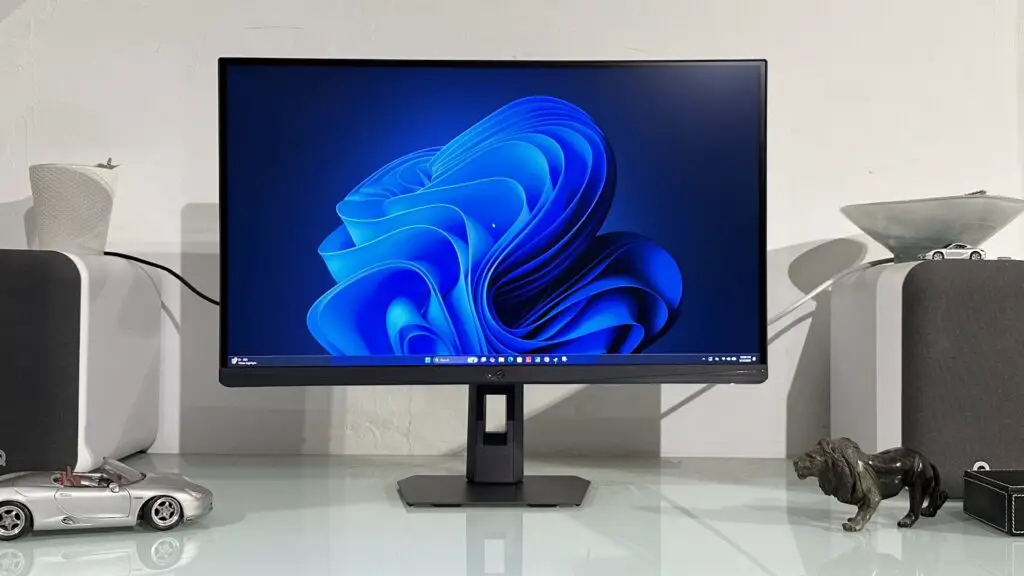
Before dismissing 5K as a low-refresh productivity gimmick, consider this: the ROG Strix XG27JCG maintains a 180 Hz refresh rate at its native 5K resolution. While we are seeing monitors push past 500 Hz in the current hardware cycle, achieving 180 Hz at nearly 15 million pixels is a technical feat that demands attention.
Dual-Mode Functionality: 1440p at 330Hz
The real story for competitive players lies in the 1440p dual-mode functionality. Similar to how 4K monitors can drop to 1080p for higher frames, this 5K panel allows you to “double up” pixels—using a four-pixel block from the 5K grid to represent a single 1440p pixel. This effectively turns the monitor into a 2,560 x 1,440 powerhouse capable of a blistering 330 Hz.
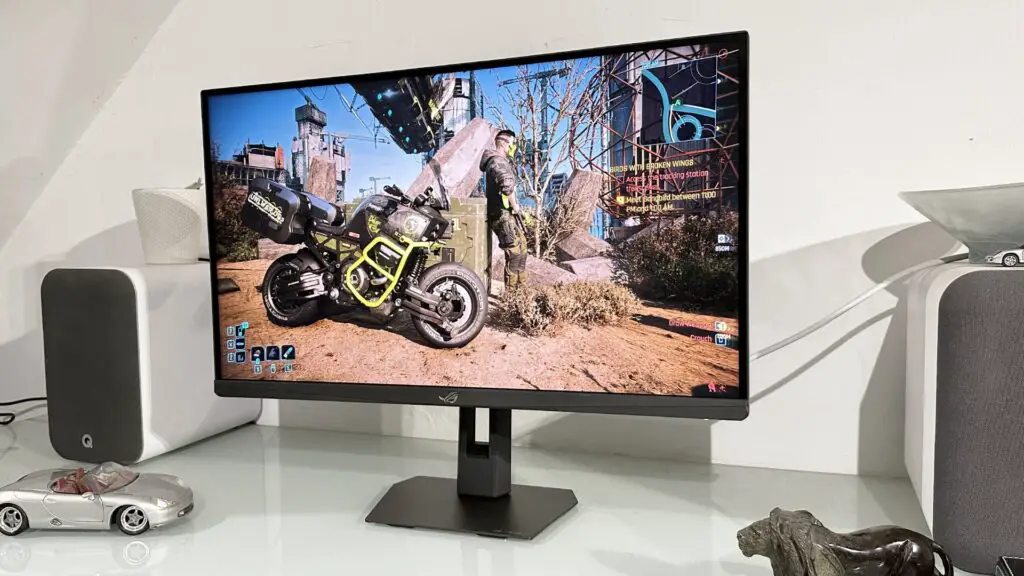
This versatility makes the XG27JCG a hybrid beast. You can enjoy the visual fidelity of 5K for immersive RPGs and then switch to the 1440p mode for gaming at an esports level. In theory, this provides the best of both worlds without requiring the most expensive GPU on the market just to keep things smooth.
Technical Specifications: Asus ROG Strix XG27JCG
| Feature | Specification |
|---|---|
| Panel Type | IPS (In-Plane Switching) |
| Native Resolution | 5K (5120 x 2880) |
| Refresh Rate (5K) | 180 Hz |
| Refresh Rate (1440p Mode) | 330 Hz |
| Pixel Density | 215 PPI |
| Response Time | 0.3 ms (GtG) |
| HDR Certification | HDR 600 |
| Connectivity | DisplayPort, HDMI, USB-C (15W PD) |
The 5K Experience: Mobile-Level Clarity on Desktop
Does the jump from 4K to 5K really matter on a 27-inch screen? At 215 pixels per inch (PPI), the difference is palpable. For comparison, a standard 4K monitor of this size sits at roughly 163 PPI. The result is a level of crispness usually reserved for high-end smartphones or Apple’s Retina displays.
For creative professionals, this density is a game-changer. You can view 4K video content at its native size and still have room for your editing timeline and toolbars. However, Windows users should be aware that scaling is mandatory; at 100%, icons and text are microscopic. On macOS, the experience is seamless, offering some of the best text rendering I’ve seen on a gaming monitor.
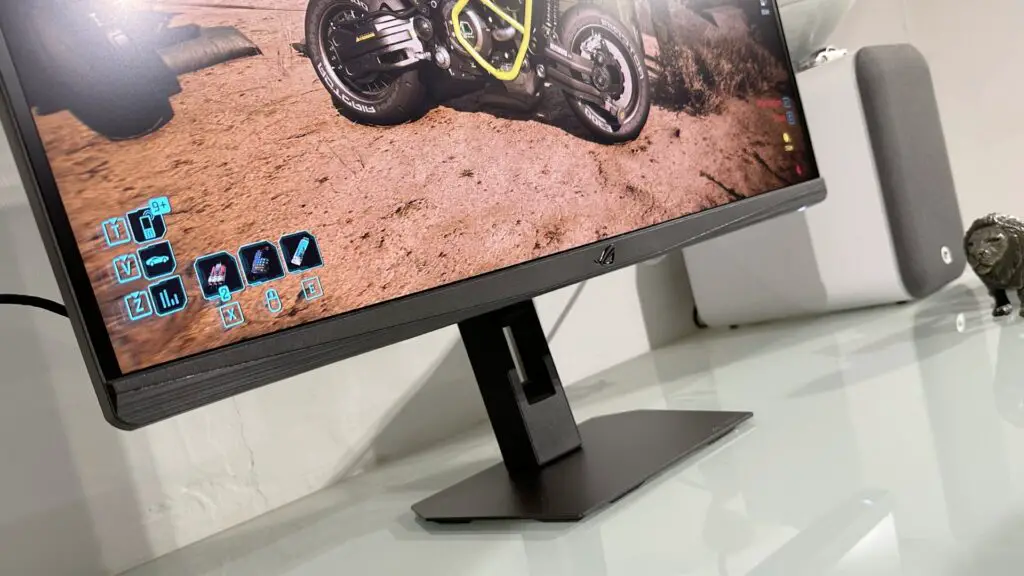
“The increased pixel density is genuinely stunning. You get that crisp, clean smartphone font experience right on your desktop PC.” — TechTalesLeo
Gaming and AI Acceleration
Pushing 15 million pixels isn’t the impossibility it used to be, thanks to AI acceleration. Using Nvidia’s DLSS or AMD’s FSR, playing at 5K becomes viable even on mid-to-high-tier cards like the RTX 4070 or RTX 5070. During our testing, performance mode upscaling at 5K looked remarkably sharp—often better than native 4K due to the sheer density of the grid.
However, the 1440p “alternative mode” wasn’t quite the perfect mirror of a native 1440p screen. There is a slight softness to the image, likely due to interpolation algorithms rather than simple pixel doubling. For fast-paced shooters, the 330 Hz refresh rate makes this negligible, but for those seeking visual perfection, the native 5K mode remains the primary attraction.
Color Accuracy and Panel Limitations
Asus has tuned the XG27JCG with impressive precision. Out of the box, the sRGB and DCI-P3 SDR modes are highly accurate, making it a viable tool for digital artists. While the monitor is HDR 600 certified, its 10-zone edge-lit dimming means you won’t get the deep blacks of an OLED. Backlight bleed—a common trait of IPS technology—is present, though it is less distracting on a 27-inch screen than on larger ultrawide variants.
Final Verdict: A Niche Powerhouse
The Asus ROG Strix XG27JCG is an ambitious piece of hardware that bridges the gap between high-end productivity and high-refresh gaming. At this price point, it faces stiff competition from OLED panels that offer superior contrast and response times. However, if your workflow demands maximum screen real estate and your gaming tastes lean toward high-fidelity visuals, the pixel density here is unmatched.
For the developer or tech enthusiast looking to stay ahead of the curve, this monitor offers a glimpse into a future where “enough pixels” is a concept of the past. Stay tuned to Digital Tech Explorer for more deep dives into the latest hardware releases.