
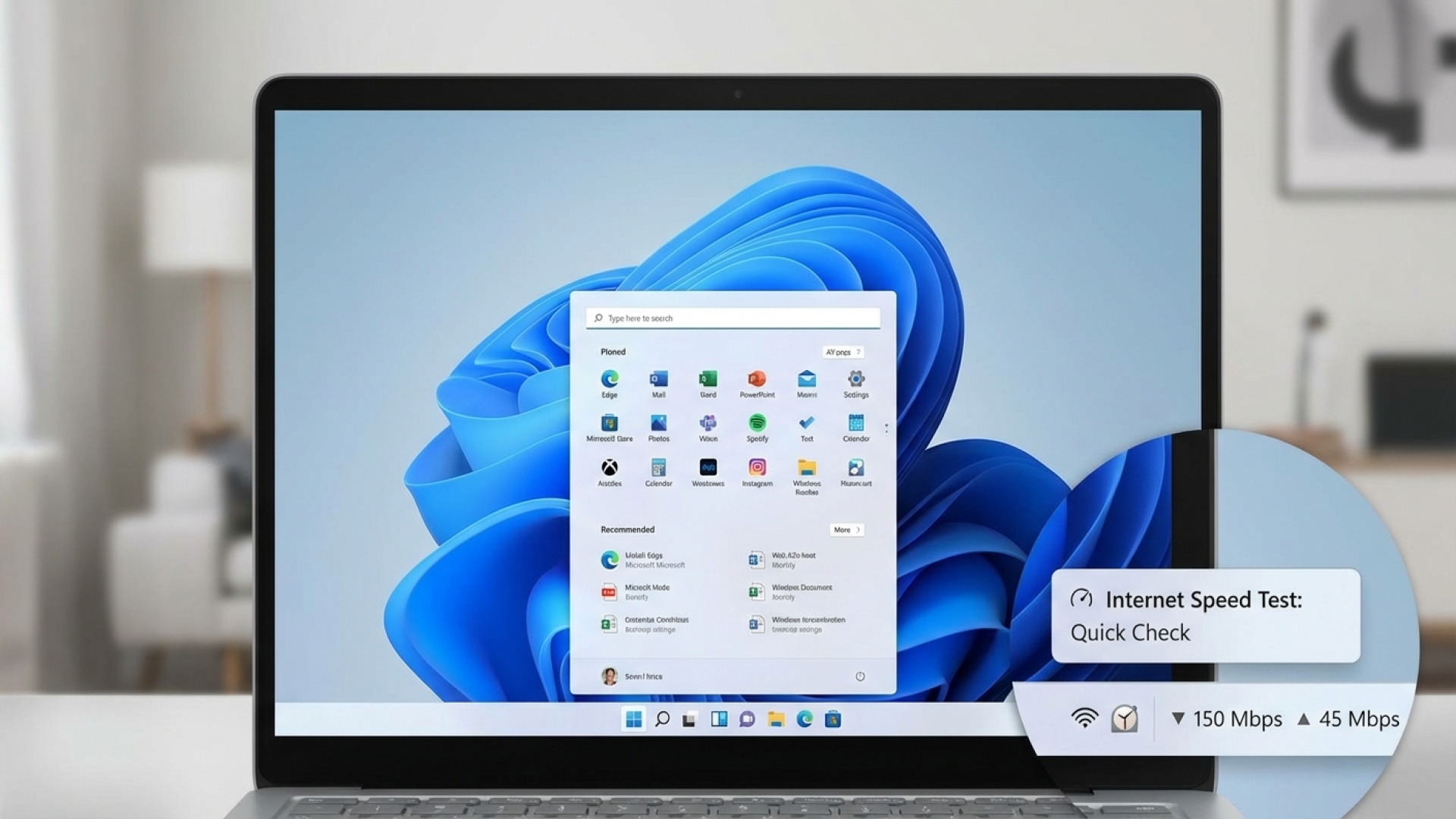
At Digital Tech Explorer, we are always on the lookout for tools that streamline the developer workflow and enhance the daily computing experience. In a move that simplifies network diagnostics, Microsoft has announced a new speed test feature integrated directly into the Windows 11 taskbar. This update aims to eliminate the need for third-party bookmarks or external sites when you need to verify your internet connection’s performance on the fly.
The new functionality is currently rolling out in Windows 11 Builds 26100.7918 and 26200.7918 (KB5077241). For those of us in the software and coding community, having instant access to bandwidth metrics is a small but significant productivity win.
Accessing the Built-in Speed Test
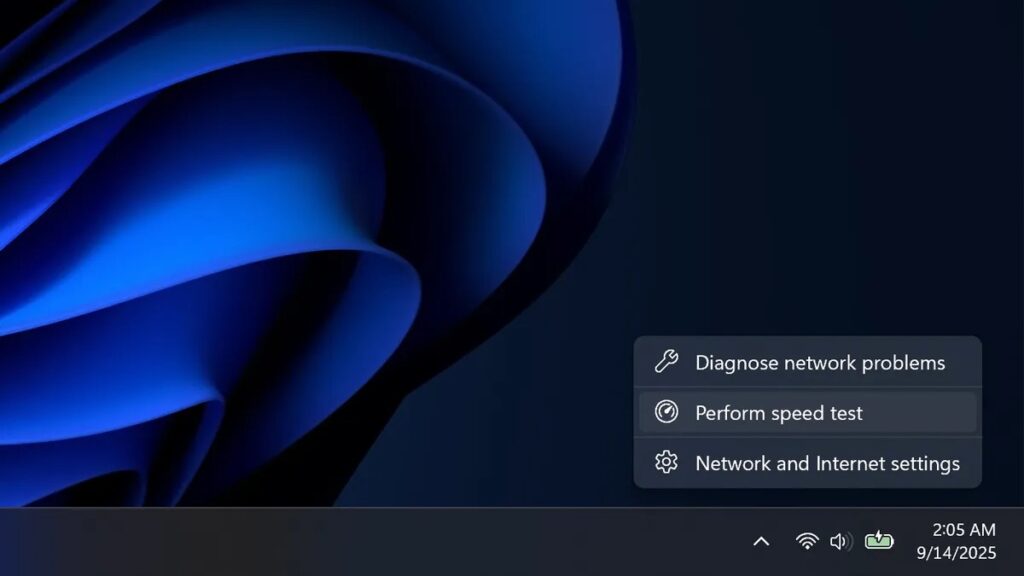
According to the official Windows Insider portal, the feature is designed for high accessibility. Users can now initiate a network speed test directly from the Wi-Fi or Cellular Quick Settings or by right-clicking the network icon in the system tray.
When selected, the tool launches your default browser and directs you to a specialized performance page—likely the Bing speed test. This utility is versatile, measuring Ethernet, Wi-Fi, and Cellular connections, making it a reliable first step for troubleshooting issues or ensuring your environment is ready for a high-bandwidth task like 4K resolution streaming or large PC games downloads.
Key Features in Windows 11 Build 26100.7918
While the connection diagnostic tool is the headline for many, this update includes several quality-of-life improvements and hardware optimizations. Here is a breakdown of what to expect:
| Feature | Description |
|---|---|
| Network Speed Test | Instant access to performance metrics via the Taskbar and System Tray. |
| Camera Control | Manage pan and tilt for supported cameras directly in the Settings app. |
| .webp Support | Webp image files can now be set as desktop backgrounds natively. |
| Docking Reliability | Improved “wake from sleep” performance for laptops used with docking stations. |
| Cloud PC Recovery | Enhanced restore capabilities for enterprise and cloud installations. |
Solving Chronic Hardware Glitches
As a seasoned software engineer, I know how frustrating minor OS bugs can be during a deep-work session. This update addresses a long-standing grievance for laptop users: the “docked lid” glitch. Previously, many users found that laptops connected to a docking station failed to wake from sleep mode unless the lid was manually opened. Microsoft has now improved the reliability of resuming from sleep when connecting to AC power, even with the lid closed. This is a vital fix for professionals who rely on a clean, docked desktop setup.
Furthermore, the support for .webp image files as desktop backgrounds brings Windows 11 up to speed with modern web standards, allowing for high-quality, low-size imagery without the need for conversion.
When Can You Expect It?
These updates are currently in the hands of Windows Insiders for real-world testing. If you aren’t part of the Insider program, don’t worry—the general release is expected to arrive in the coming weeks. This rollout typically coincides with the standard monthly security update cycle.
At Digital Tech Explorer, we believe these refinements are essential as Windows evolves into a more modular and user-friendly software ecosystem. Whether you are troubleshooting a gaming rig or optimizing a workstation for machine learning, these diagnostic tools provide the transparency needed to stay ahead of the curve.
About the Author: TechTalesLeo is a dynamic storyteller and tech enthusiast at Digital Tech Explorer. With a background in digital innovation and web development, Leo focuses on making complex technology accessible through insightful analysis and practical tips.
Disclaimer: All content on Digital Tech Explorer is for informational and entertainment purposes only. We do not provide financial or legal advice. Some of the links on this page are affiliate links; we may earn a commission if you click through and make a purchase, at no additional cost to you.