
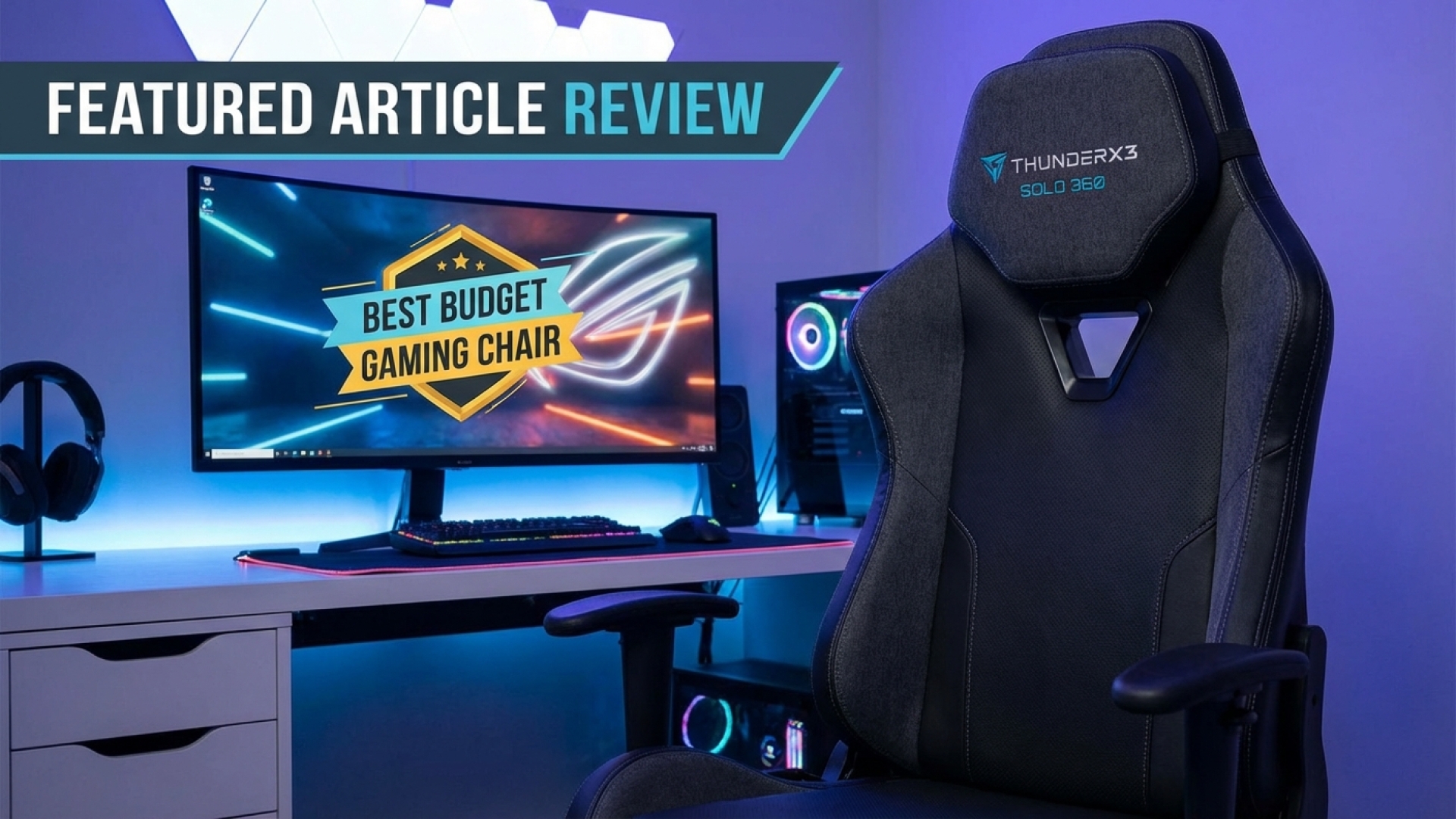
ThunderX3 Solo 360 Review: The Best Budget Gaming Chair You Can Buy
Finding a quality budget gaming chair often feels like a series of compromises. Usually, you have to choose between price, comfort, or adjustability. However, here at Digital Tech Explorer, we believe you shouldn’t have to settle. The ThunderX3 Solo 360 arrives to challenge the status quo, hitting the same $250 sweet spot as its rivals while offering features usually reserved for premium models. After putting this chair through its paces in our real-world testing environment, it’s clear that the budget throne has a new contender.
Our Verdict
Rating: ★★★★☆ (4/5 Stars)
The ThunderX3 Solo 360 is arguably the most impressive budget gaming chair I’ve tested recently. While it avoids flashy gimmicks, it delivers where it counts: highly adjustable 3D x 360° armrests and a remarkably comfortable synchronous tilt system. For a $250 MSRP, it offers an ergonomic package that is tough to beat—especially when you find it on sale.
Pros
- Simple, one-person construction process
- Firm, supportive foam that maintains its shape
- Synchronous tilt mechanism offers superior recline ergonomics
- Highly versatile 3D x 360° adjustable armrests
Cons
- Lacks a dedicated lumbar support pillow
- Subtle aesthetic might be too “office-like” for some gamers
ThunderX3 Solo 360 Specifications
To help you make an informed decision, here is the technical breakdown of what the Solo 360 brings to your setup:
| Feature | Details |
|---|---|
| Recommended Height | 155—195 cm |
| Recommended Weight | 50—125 kg |
| Materials | Loft Air Breathable Fabric, Mesh, or Leatherette options |
| Armrests | 3D x 360° with lateral and retract adjustments |
| Recline | Synchronous tilt with multi-angle lock |
| MSRP | $250 / £190 / €220 |
Built for the “Solo” Creator
Living up to its name, the Solo 360 arrived in a compact box that was surprisingly manageable. At Digital Tech Explorer, we value efficiency, and the construction of this chair doesn’t disappoint. Most gaming chairs require a “player two” to help align the backrest or mount the seat onto the piston, but the Solo 360 is lightweight enough for easy assembly by a single person.
While the visual instructions had minor discrepancies regarding screw shapes, the labeling was impeccable. A standout inclusion was the high-quality L-bar hex key with a ball-end socket—a small but thoughtful tool that makes the assembly experience far less frustrating than the standard flat keys usually bundled with budget furniture.
Comfort and Ergonomics: The Narrative of Support
In my experience covering digital innovation, I’ve found that the best tech is the kind that disappears into your workflow. The Solo 360 achieves this through its firm foam construction, providing support that doesn’t sag during long coding sessions or gaming marathons. Instead of the typical external pillows that often slide out of place, the Solo 360 utilizes a car-seat-style headrest that adjusts via dual steel stems, integrated directly into the frame.
The real star of the show, however, is the 3D x 360° armrests. They rotate fully and feature a satisfying “clicky” adjustment mechanism. This prevents them from being accidentally shifted—a common frustration with the 2D armrests found on competitors like the Corsair TC100. Furthermore, the synchronous tilt mechanism ensures the seat and backrest move in harmony, maintaining an ergonomic ratio that supports your posture even when leaning back to relax.
Subtle Professionalism
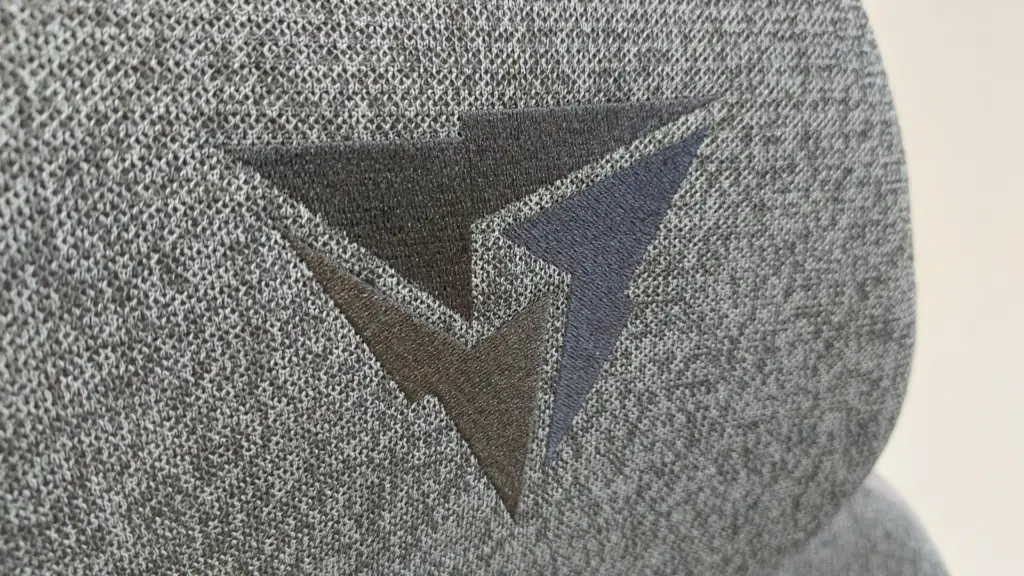
The “Loft Air” model in Dark Grey offers a low-key, professional aesthetic that fits as well in a software engineering office as it does in a gaming den. It avoids the neon “gamer” tropes in favor of subtle logo embroidery and soft suede accents. The woven fabric is highly breathable—essential for those of us working in warmer climates—though users should note it requires a bit more care to clean compared to standard leatherette.
Is This the Right Chair for You?
Buy the ThunderX3 Solo 360 if:
- You want the best value: It offers premium mechanical features at a entry-level price point.
- You prioritize ergonomics: The combination of synchronous tilt and 3D armrests is a game-changer for long-term comfort.
- You prefer a subtle look: Its design is sophisticated enough for professional video calls.
Skip the ThunderX3 Solo 360 if:
- You need aggressive lumbar support: Without an adjustable internal system or a separate cushion, those with specific back needs might find it lacking.
- You want flashy aesthetics: If you’re looking for vibrant colors and RGB-adjacent styling, this chair may be too reserved.
The Final Verdict: 89/100
The ThunderX3 Solo 360 successfully challenges the budget throne. By focusing on build quality and high-end adjustability rather than flashy accessories, it provides a superior experience for the price. For developers and tech enthusiasts looking to spend $250 wisely, this is currently the chair to beat.
Disclaimer: All content on Digital Tech Explorer is for informational and entertainment purposes only. We do not provide financial or legal advice.
Affiliate Disclaimer: Some of the links on Digital Tech Explorer are affiliate links. This means we may earn a commission if you click through and make a purchase, at no additional cost to you. Our recommendations are based on thorough research and real-world testing.
For more tech stories and product analyses, visit TechTalesLeo’s author page.