
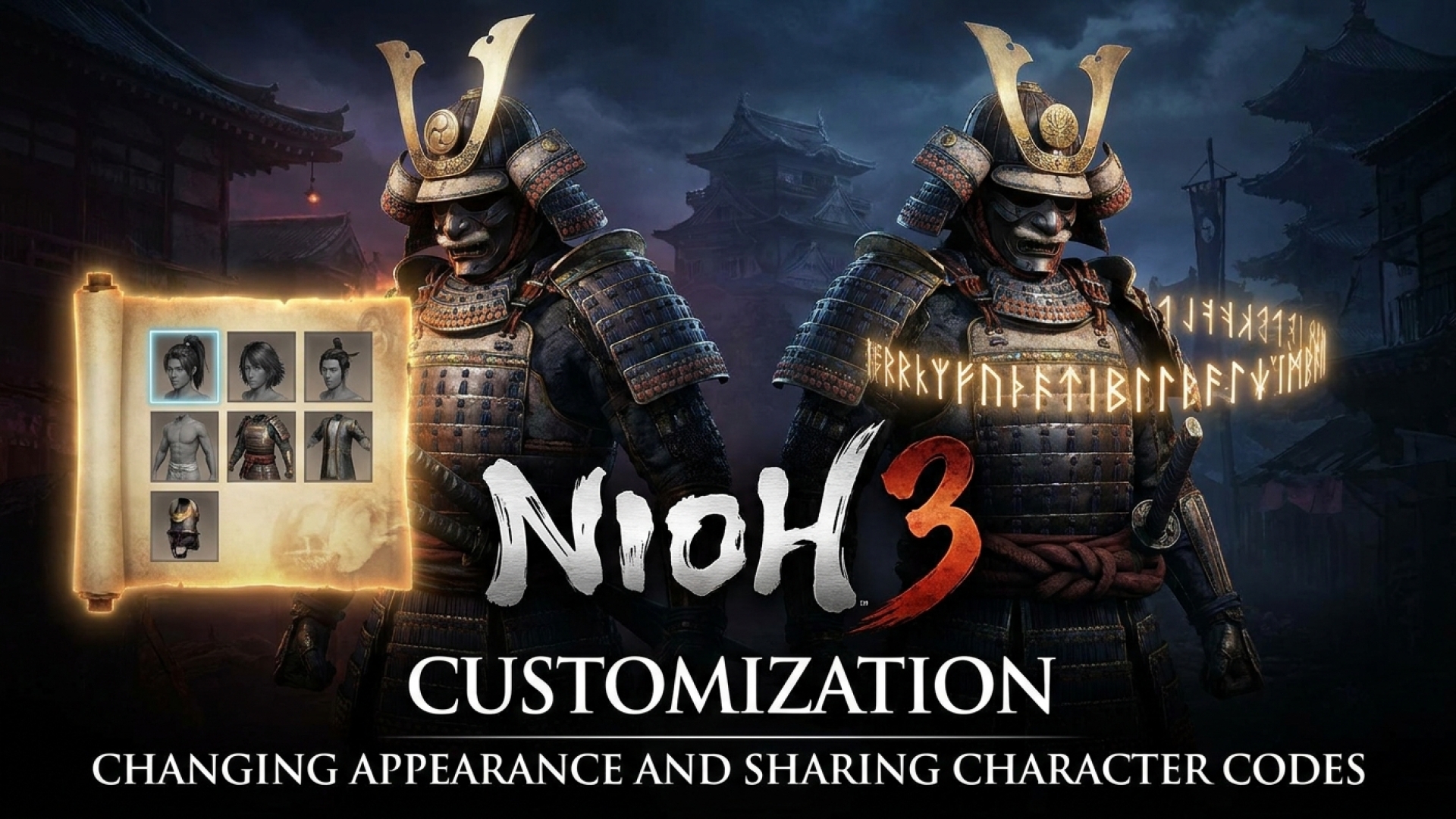
Navigating the treacherous landscapes of a Soulslike title requires more than just sharp steel and quick reflexes; sometimes, you simply need to look the part. Here at Digital Tech Explorer, we understand that character customization is a core part of the immersive experience. Whether you’ve realized your initial creation is a bit of a “digital monstrosity” or you’ve simply outgrown your current look, knowing how to change appearance in Nioh 3 is essential for any serious player.
Fortunately, Nioh 3 features a robust character code system. This allows you to seamlessly share your aesthetic masterpieces with the community or adopt the look of a legendary warrior created by another player. In this guide, I’ll walk you through the steps to overhaul your look and manage your custom codes effectively.
How to Change Your Appearance in Nioh 3
Before you can access the vanity mirror, you must prove your mettle on the battlefield. To unlock the ability to change your appearance in Nioh 3, you must first defeat the Jakotsu-baba boss within the Hamamatsu Castle Crucible. Besting this foe is a narrative milestone that grants you access to the Eternal Rift hub area.
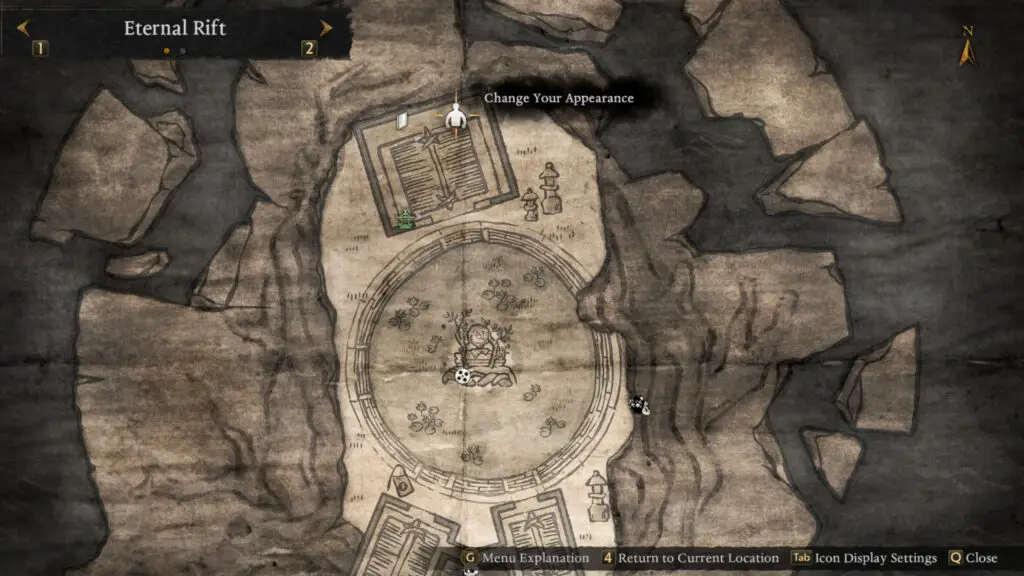
Once you have unlocked the Eternal Rift, follow this path to find the customization suite:
- Fast travel to the Eternal Rift from your map.
- Enter the building on your left and proceed to the upper floor.
- Walk through the room situated just past Saito Fuku.
- Locate the mirror resting on a box, marked by a cushion in front of it.
Interacting with this mirror opens three distinct pathways for visual adjustment: Change Appearance, Equipment Appearance, and Transform (an advanced option that unlocks as you progress further). The “Change Appearance” menu is where you can fine-tune your physical attributes, such as hair, body type, and facial features.
For those focused on fashion, the Equipment Appearance system acts as a comprehensive gear transmog system. It allows you to maintain the stats of your best armor while adopting the visual style of any other gear in your inventory. Additionally, the game allows for separate designs for your ninja and samurai forms. By unticking the ‘Same appearance for both styles’ option, you can create two unique personas for a single character.
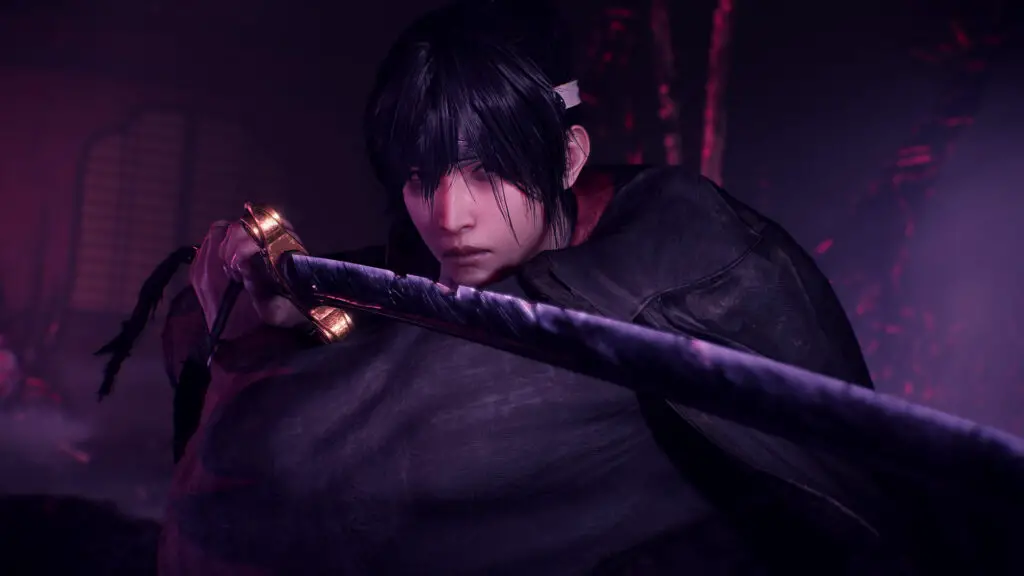
Utilizing and Sharing Character Codes
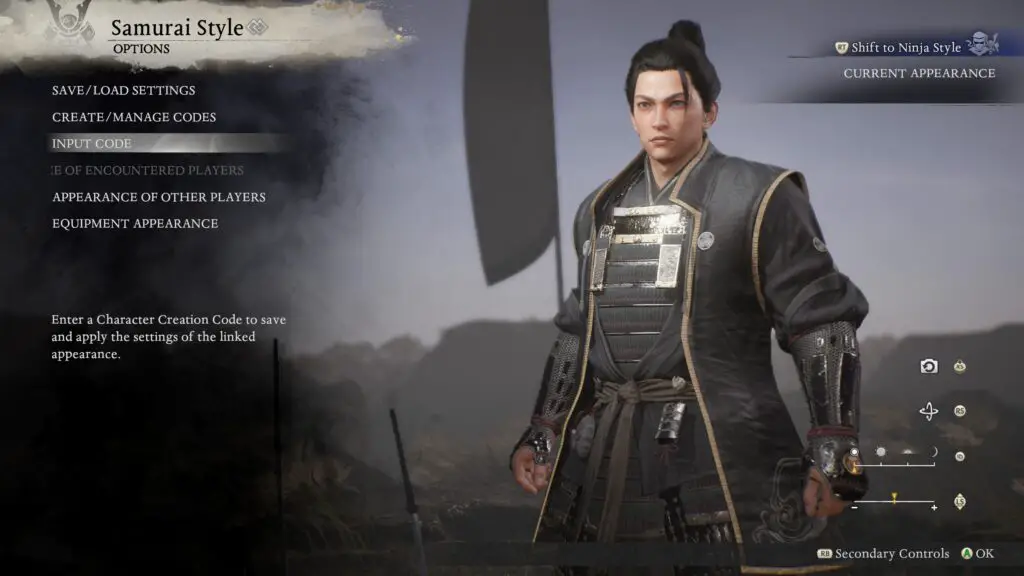
The Nioh 3 community is renowned for its creativity. If you spot a striking character online, you can use a character code to replicate that look instantly. Whether you are at the initial character creator screen or using the mirror in the Eternal Rift, simply navigate to the ‘Options’ menu and select ‘Input Code.’
To share your own design with the world, select the ‘Create/Manage Codes’ option. This generates a unique string that other players can use to download your specific sliders and settings.
For players seeking inspiration, the Nioh subreddit remains a premier destination for discovering high-quality character codes shared by the community.
Essential Nioh 3 Progression Guides
To help you master the mechanics beyond just your visual style, our team has compiled a list of essential resources for your journey through the Crucible.
| Guide Topic | What You Will Learn |
|---|---|
| Nioh 3 Respec Guide | How to reset and optimize your stat points for new builds. |
| Spirit Veins Explained | Strategies for navigating and utilizing Spirit Veins effectively. |
| Yamagata Masakage Boss Guide | Tactics to defeat the formidable Takeda warrior. |
| Jakotsu-baba Boss Guide | Steps to clear the Crucible and unlock the customization hub. |
At Digital Tech Explorer, we are committed to helping you stay ahead of the curve. Whether you are a seasoned professional or a novice developer of your own character builds, we hope this guide helps you refine your digital presence in Nioh 3. For more tech stories and product analyses, stay tuned to our latest updates.