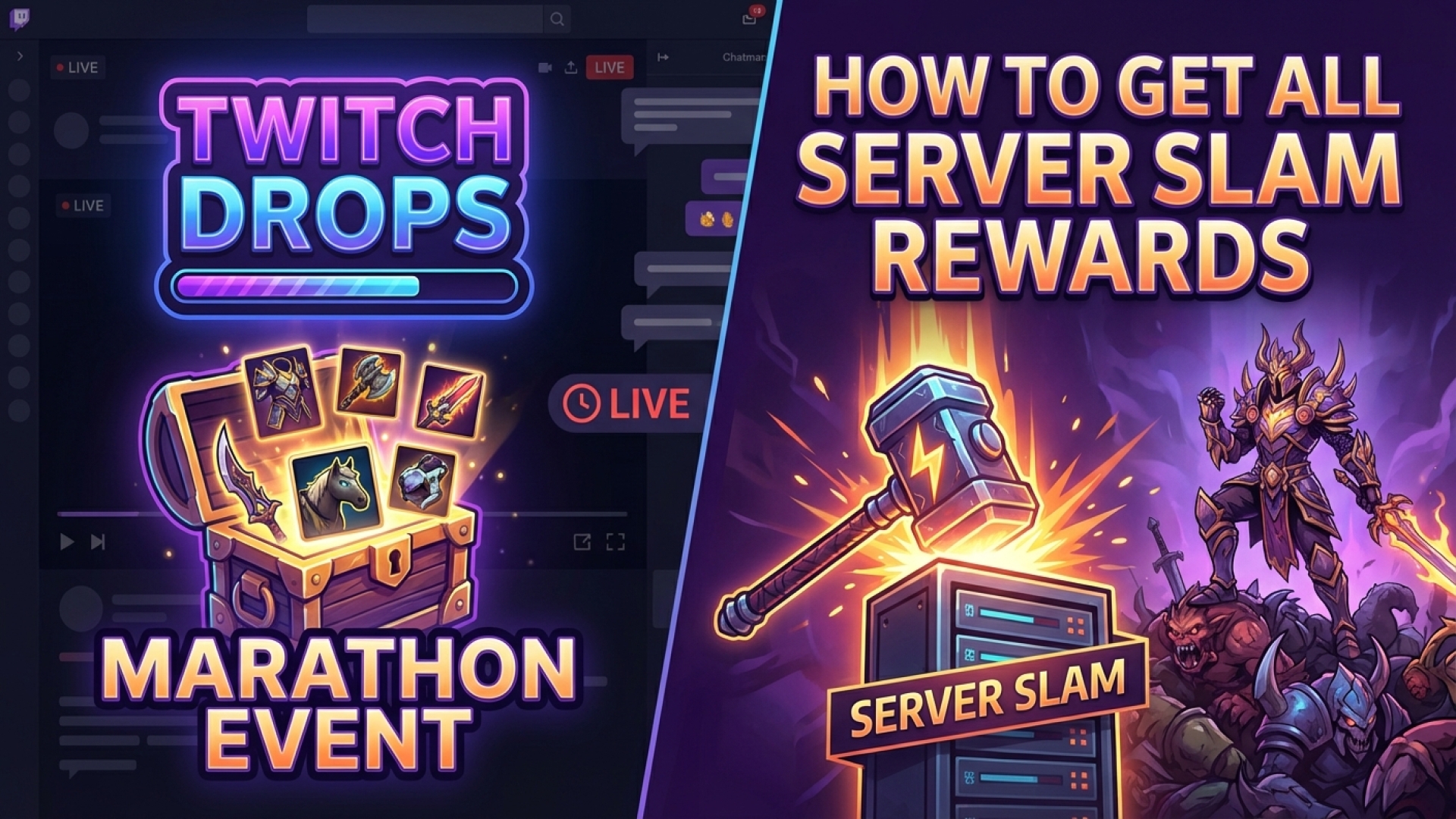
In the high-stakes world of extraction shooters, Marathon is quickly proving that loot is the lifeblood of the experience. Whether you are hunting for rare weapons or scavenging for Cores and Implants on Tau Ceti, your loadout defines your survival. However, some of the most sought-after cosmetic upgrades aren’t found in the ruins; they are earned through community engagement. If you want to customize your Runner with a unique worm sticker or Twitch-themed camo, you’ll need to secure your Marathon Twitch Drops.
As part of our commitment at Digital Tech Explorer to keep you ahead of the latest gaming releases, I’ve been tracking Bungie’s latest movements. During the Marathon Server Slam weekend, developers are offering five exclusive rewards that will carry over to the official launch on March 5. This is a limited-time opportunity, and based on my experience covering digital innovation, these early-bird rewards often become the rarest items in a game’s lifecycle.
All Marathon Twitch Drops: Rewards & Requirements
You can earn these specific cosmetics during the Server Slam open preview, which is scheduled to run from Thursday, February 26, to Monday, March 2. To help you manage your streaming schedule, the Digital Tech Explorer team has broken down the watch-time requirements below:
| Reward Item | Type | Watch Duration |
|---|---|---|
| Twitch Sponsored Kit | Weapon Skin | 1 Hour |
| Twitch Sticker | Worm Sticker | 2 Hours |
| Twitch Camo | Armor Pattern | 3 Hours |
| Twitch Stream | Player Card | 4 Hours |
| Twitch Emote | In-game Emote | 5 Hours |
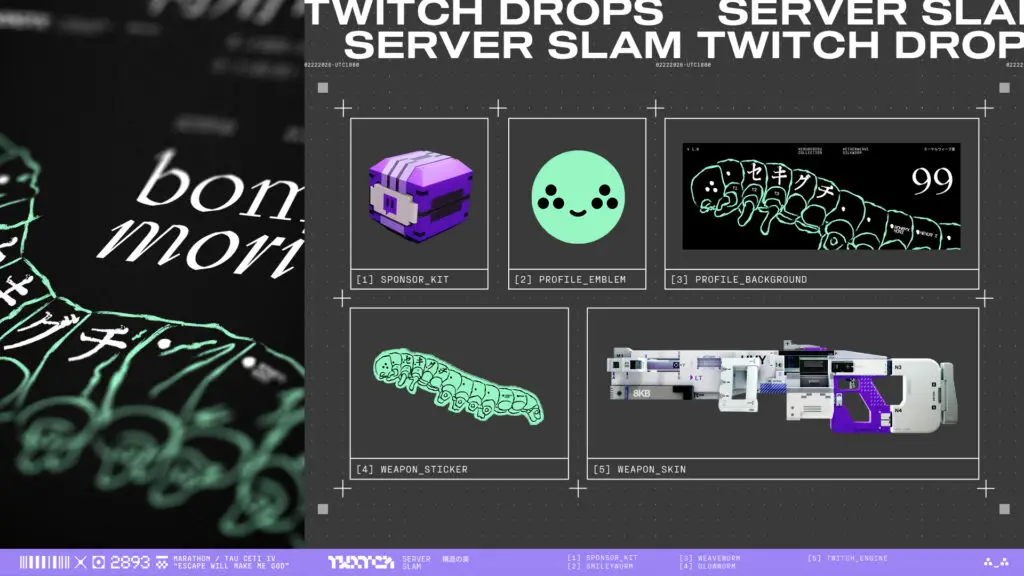
These rewards are tied to your Bungie.net account and will be waiting in your inventory at the official launch on March 5. Note that these items are not accessible during the Server Slam period itself. Bungie has noted that the Twitch Sponsored Kit may take up to 48 hours to appear in your in-game mailbox after the official release, so patience is key as the servers stabilize.
How to Link Your Account and Claim Your Loot
To ensure your progress is tracked correctly, you must link your gaming credentials before you start watching. Follow these steps to prepare your account:
- Link Accounts: Log into Bungie.net, navigate to ‘Settings,’ then ‘Account Linking,’ and connect your Twitch profile.
- Watch & Track: Tune into any Marathon stream with the “Drops Enabled” tag. You can monitor your progress in real-time via the Twitch sidebar.
- Claim in Inventory: Once you hit a milestone, you must manually claim the item from your Twitch Drops Inventory.
At Digital Tech Explorer, we recommend claiming your rewards immediately after hitting each hour mark. Twitch Drop rewards can occasionally expire if left unclaimed in the inventory for more than 24 hours. Whether you are a seasoned professional or a novice Runner, these skins provide a great way to showcase your early participation in the Marathon universe.