
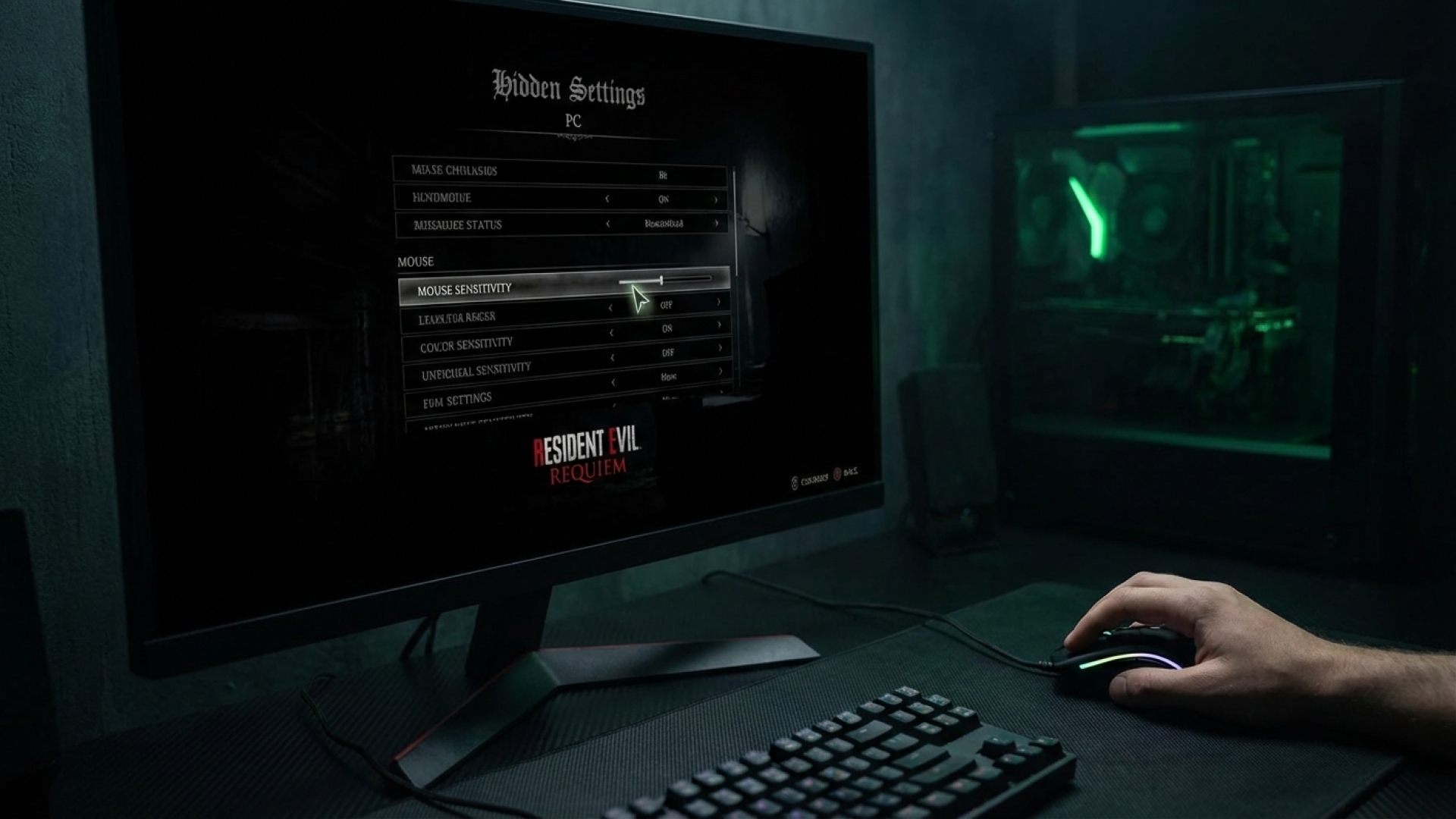
At Digital Tech Explorer, we believe that technical friction shouldn’t stand in the way of a gripping narrative. Whether you’re a seasoned developer or a casual enthusiast, navigating the settings of modern PC games can often feel like a puzzle in its own right. Resident Evil Requiem is a prime example of this, where a sluggish default mouse sensitivity can quickly break the immersion of its dual-perspective gameplay. As TechTalesLeo, I’ve spent hours testing these configurations to ensure your transition between Grace’s claustrophobic first-person horror and Leon’s high-octane third-person action is as seamless as possible.
Locating Mouse Sensitivity Settings in Resident Evil Requiem
In most titles, hardware interface controls are tucked neatly under a “Keyboard and Mouse” tab. However, Resident Evil Requiem takes a less conventional approach. Following post-release feedback regarding player confusion, it’s clear that the path to a responsive reticle is hidden within the camera mechanics themselves. To optimize your experience and eliminate input lag, follow this refined technical path:
- Enter the Options menu from the main title screen or the pause menu.
- Select the Camera sub-menu.
- The Crucial Step: You will not see a universal sensitivity slider here. You must specifically select either Grace’s Camera or Leon’s Camera to access the hidden configuration layers.
- Once inside the character-specific menu, you can adjust both camera speed and acceleration sliders independently for first-person and third-person views.
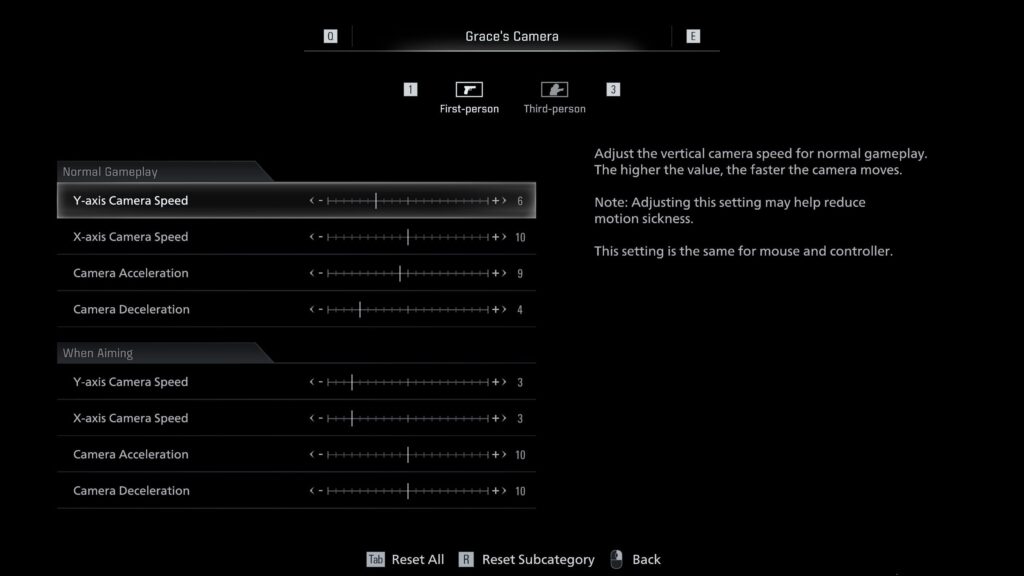
By splitting these settings, Capcom allows players to balance the slow, methodical aiming required for Grace’s survival horror segments with the rapid-fire precision needed for Leon’s combat encounters. This level of customization, while buried, is essential for maintaining the game’s distinct atmospheres.
Technical Considerations: FOV and Resolution Limits
Our research at Digital Tech Explorer emphasizes transparency, and it’s important to note where Resident Evil Requiem currently falls short for PC enthusiasts. Despite the robust GPU-heavy visuals, the game lacks a native FOV (Field of View) slider. For players used to the expansive vistas of the Resident Evil 4 remake, this omission can lead to motion sickness or a feeling of “tunnel vision,” particularly on ultrawide monitors.
Additionally, users on high-end displays may find the resolution options somewhat restrictive. If you are running a 2560×1600 or 4K resolution setup, you might encounter scaling issues. For the advanced user looking to bypass these limitations, community-driven AI-acceleration tools and the REFramework mod are becoming essential “day-one” installations to unlock the true potential of the game’s engine.
Resident Evil Requiem Essential Guides
To help you survive the horrors and master the mechanics, our team has curated a quick-reference guide for the most vital collectibles and upgrades. Use the table below to track your progress through the game:
| Guide Category | Objective | Benefit |
|---|---|---|
| Mr. Raccoon Locations | Find all 25 hidden statues | Unlocks special trophies/achievements |
| Antique Coins | Collect throughout the map | Purchase permanent character upgrades |
| Safe Codes | Unlock every locked safe | Access high-tier ammunition and items |
| Puzzle Boxes | Solve box logic puzzles | Key items for story progression |
| Inventory Expansion | Locate Hip Pouches | Increases inventory carrying capacity |
For more in-depth gaming analysis, product reviews, and the latest in digital innovation, stay tuned to Digital Tech Explorer. Our mission is to keep you ahead of the curve with real-world testing and expert insights from the front lines of technology.