At Digital Tech Explorer, we believe that the soul of a great gaming experience lies in the details. While Bethesda’s The Elder Scrolls V: Skyrim has stood the test of time, the modding community continues to push the boundaries of what its engine can achieve. Today, we’re diving into a specific digital innovation that transforms the atmosphere of Tamriel: Particle Wind by RavenKZP.
Much like the dynamic foliage that defined the atmosphere of The Witcher 3, Particle Wind is a sophisticated script-based enhancement designed to inject environmental realism into the aging engine. As a platform founded by software engineers, we appreciate the technical precision required to make static assets react naturally to global variables like weather and wind speed.
Experience Enhanced Environmental Immersion
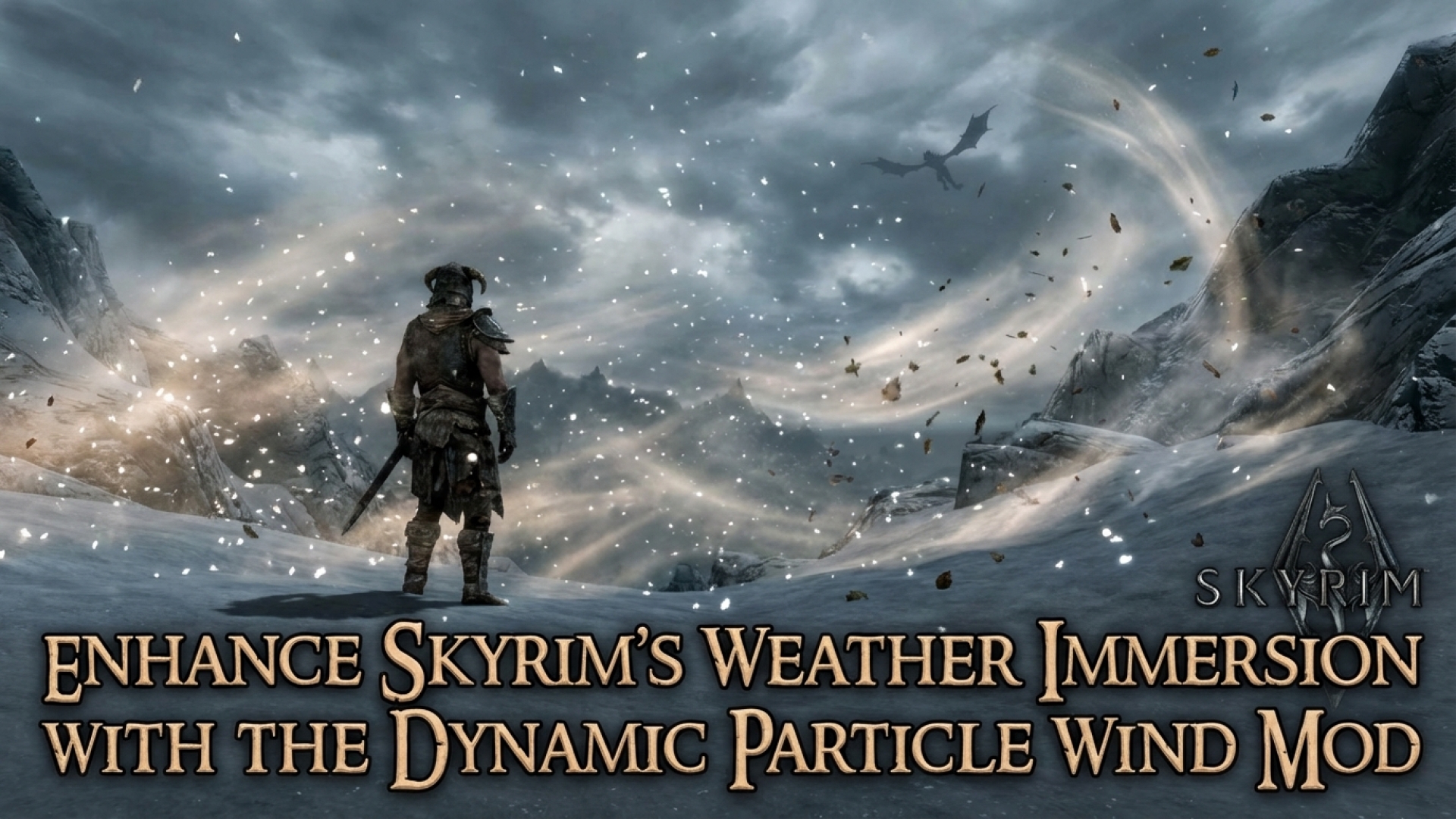
Visualizing the impact of Particle Wind on Skyrim’s atmosphere.
This PC gaming modification goes far beyond simple flora animations. It meticulously targets particle systems throughout the game world, including torch flames, candle flickers, smoke, steam, and waterfall spray. For the tech-savvy player, seeing embers on an alchemy table burner spiral in a breeze or lanterns tilting horizontally during a gale provides a level of immersion that the vanilla “static” world lacks. These subtle animations make the environment feel like a living, breathing entity rather than a fixed stage.
Technical Setup and Customization
To integrate Particle Wind into your load order, a few technical prerequisites are necessary. This mod relies on the Skyrim Script Extender (SKSE) to hook into the game’s core functions. Below is a quick reference table for the required components:
Component
Function
Requirement Type
SKSE (Skyrim Script Extender)
Expands scripting capabilities and engine hooks.
Mandatory
Address Library for SKSE Plugins
Ensures compatibility across different game versions.
Mandatory
ParticleWind.ini
Allows for manual adjustment of wind strength and physics.
Configuration
Installation is straightforward via Nexus Mods. However, the beauty of this mod lies in its customization. If you find the default physics too aggressive, you can modify the fDefaultStrength value within the ParticleWind.ini file (located in Data\SKSE\Plugins). Reducing this value from 2.0 to 1.5 offers a more grounded, subtle effect for those preferring a “Vanilla+” aesthetic.
Achieving a higher level of realism through advanced scripting.
Expanding Your Mod Library with RavenKZP
Our team at Digital Tech Explorer has analyzed several works by RavenKZP, a creator renowned in the gaming community for addressing the “invisible” gaps in immersion. Beyond wind physics, RavenKZP offers several other scripts that refine the technical fidelity of the game:
Underwater Bubbles: Enhances the visual feedback of submersion with realistic particle physics.
Universal Arrow Spin: A technical fix that introduces a natural projectile rotation to arrows, correcting a long-standing visual oversight in the base game.
Weapon Switch Animations Complete: Replaces the generic “poof” of disappearing weapons with bespoke animations for drawing and sheathing equipment.
By combining these tools, players can transform a decade-old title into a modern visual experience. For more in-depth analyses of software mods and the latest in gaming hardware, stay tuned to TechTalesLeo and the rest of the Digital Tech Explorer team.
Affiliate Disclaimer: Some of the links on Digital Tech Explorer are affiliate links. This means we may earn a commission if you click through and make a purchase, at no additional cost to you. Our recommendations are always based on thorough research and real-world testing.