
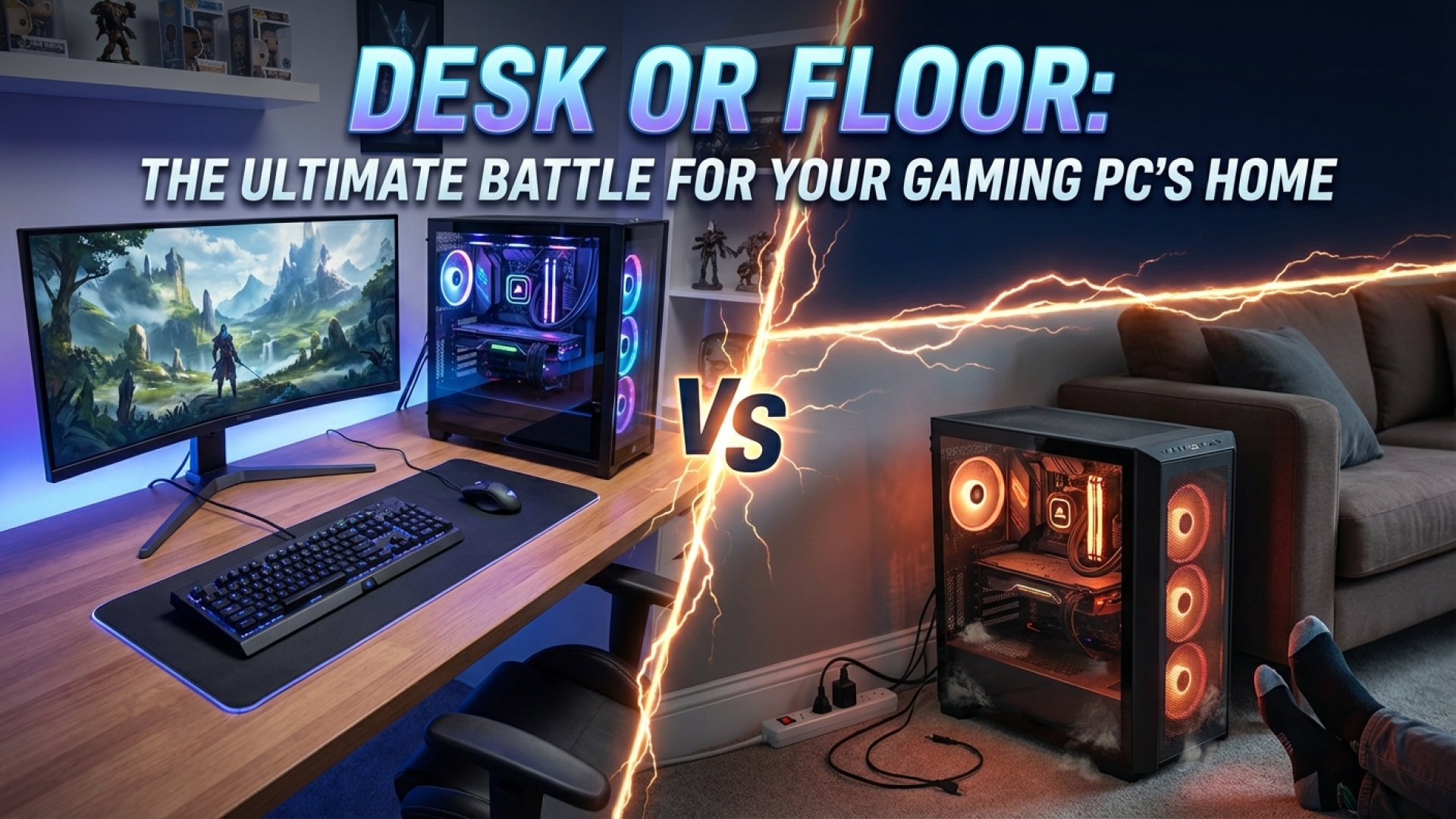
The placement of a high-performance gaming PC is a topic that sparks a surprisingly spirited debate within the tech community. Here at Digital Tech Explorer, we see the PC not just as a tool, but as a central character in your digital narrative. Whether you prefer your meticulously built machine to be a centerpiece of your office or a silent worker tucked out of sight, the decision impacts everything from thermal performance to hardware longevity.
As we explore the evolution of digital workspaces, the question remains: where does your rig truly belong? Drawing from our experience in hardware testing and digital innovation, we’ve analyzed the benefits and drawbacks of every potential “perch” for your PC.
The Desk Dweller: Visibility, Access, and Aesthetics
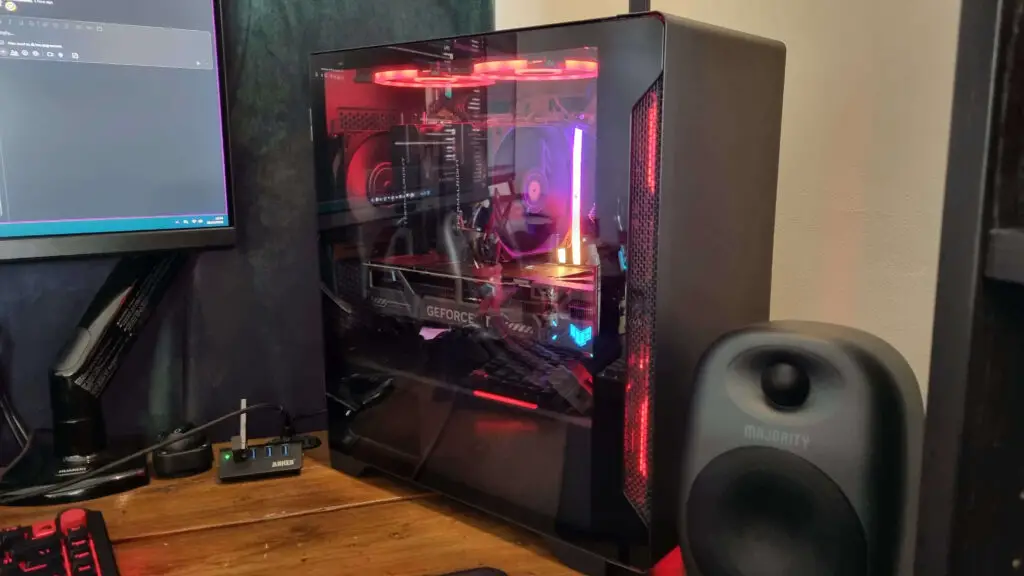
For many enthusiasts, the desk is the only natural home for a gaming PC. Placing your rig at eye level transforms it from a simple utility into a piece of functional art. This setup is particularly popular among those who invest in high-end GPUs and custom cooling loops, where the internal craftsmanship deserves to be seen.
There are several practical advantages to keeping your PC on the desk:
- Accessibility: Front-panel ports for peripherals, USB drives, and headsets are within arm’s reach.
- Cable Safety: For those using sit-stand desks, keeping the PC on the desktop prevents cable tension and accidental disconnects when adjusting the height.
- Dust Prevention: Elevated surfaces generally accumulate less “floor fluff” and pet hair, which can otherwise clog intake filters and lead to thermal throttling.
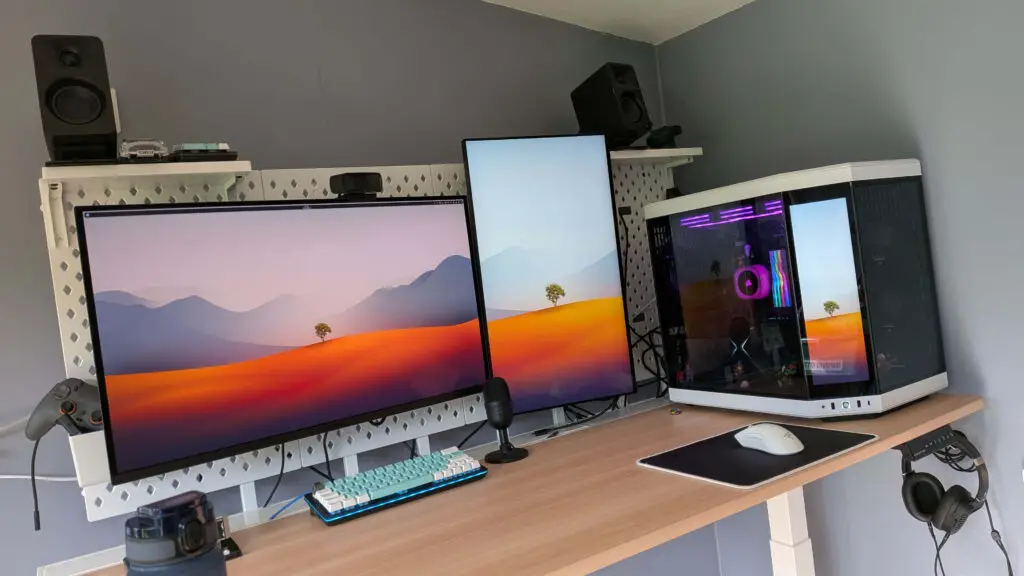
Proponents of the “Stare Method” argue that having the PC in your direct line of sight allows for immediate troubleshooting. You can spot a stalled fan or a subtle change in AI-driven lighting indicators the moment they occur, ensuring your system always runs at peak efficiency.
The Floor Fanatic: Reclaiming Real Estate and Silence
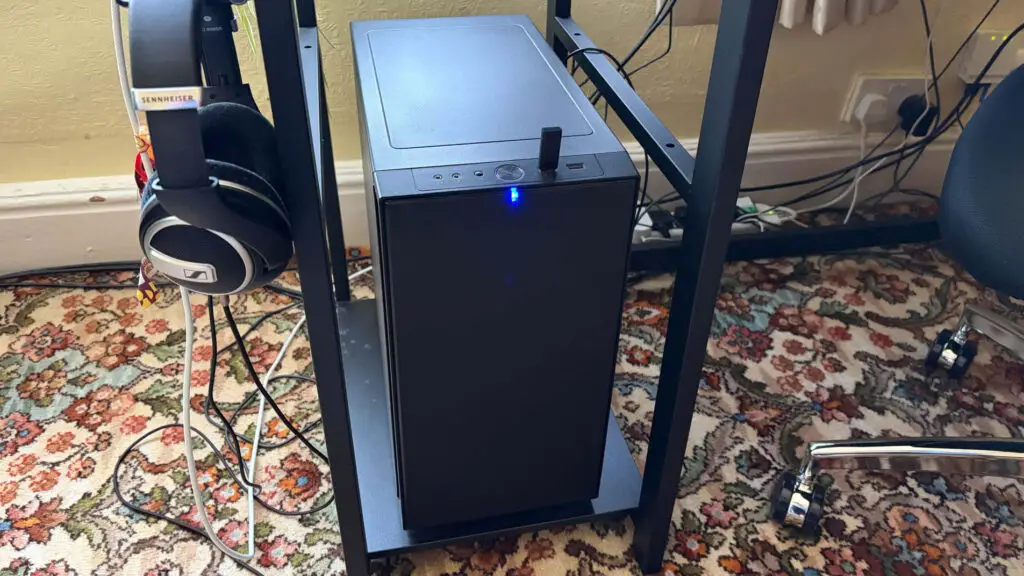
On the other side of the debate, a strong contingent of professionals and gamers argues that the floor is the rightful place for a computer. This is often a necessity for those running massive full-tower cases that would otherwise dominate a workspace.
The primary benefits of floor placement include:
- Maximizing Workspace: Keeping the “large cuboid” off the desk provides more room for ultra-wide monitors, massive mouse pads, and other hardware.
- Noise Reduction: Fans can be loud during intensive 3D gaming or machine learning tasks. Placing the case under the desk uses the furniture as a natural sound barrier.
- Minimalist Aesthetics: A hidden PC results in a cleaner, distraction-free environment, which many find conducive to deep coding or creative work.
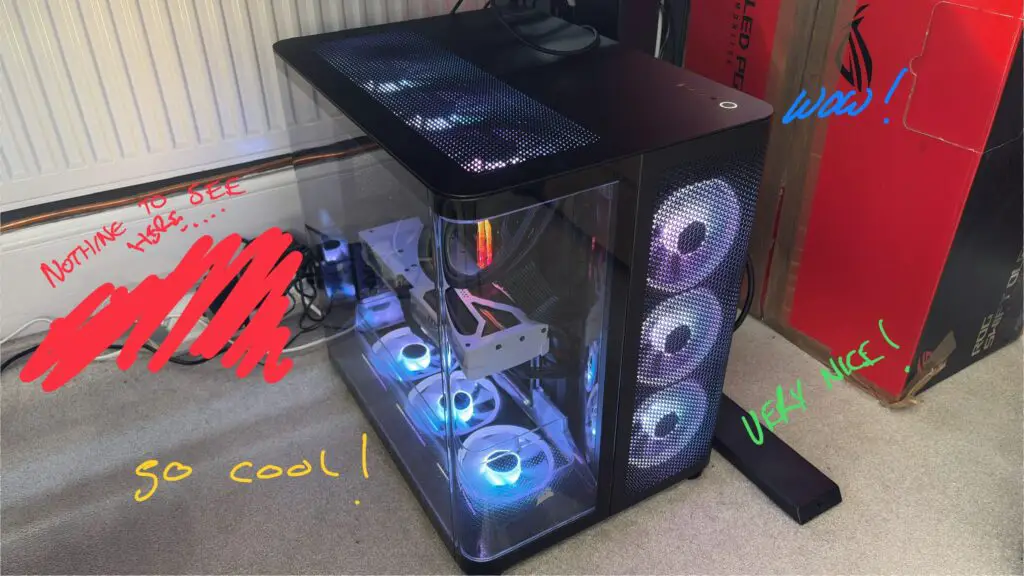
However, the floor isn’t without its risks. Carpeting can act as an insulator, trapping heat and choking the power supply intake. If your PC must live on the floor, we recommend using a specialized PC stand or a wooden riser to facilitate airflow and keep the internals away from debris.
Comparison: Desk vs. Floor Placement
| Feature | Desk Placement | Floor Placement |
|---|---|---|
| Airflow & Cooling | Better; less dust and better intake clearance. | Riskier; potential for carpet to block vents. |
| Space Management | Consumes valuable desk real estate. | Maximizes surface area for monitors/peripherals. |
| Acoustics | Fan noise is more audible to the user. | Desk acts as a sound dampener. |
| Maintenance | Easier to clean and swap components. | Requires more frequent dusting and physical effort to access. |
Hybrid and Creative Solutions
As digital innovation evolves, many are moving away from the traditional “binary” choice. For example, some users have transitioned to powerful gaming laptops or small form factor (SFF) builds. These can be mounted on monitor arms or tucked into dedicated desk cubbies, offering a balance between space-saving and visibility.
Others utilize test bench frames or open-air cases. While these require a meticulously clean environment, they offer an unobstructed view of the hardware and unmatched thermal performance, turning the PC into a literal centerpiece of the room.
Final Thoughts: Finding Your Ideal Perch
Ultimately, there is no single “correct” answer to the great PC placement debate. The best home for your machine depends on your specific priorities—whether that is maintaining a pristine aesthetic, maximizing your 4K resolution gaming space, or ensuring the longevity of your components through superior airflow.
At Digital Tech Explorer, we believe technology should work for you. Whether your rig lives on a pedestal or under a shelf, the goal is to create an environment that inspires your next great digital adventure. Choose the setup that best supports your workflow, and don’t forget to check those dust filters regardless of where your PC calls home.
Disclaimer: All content on Digital Tech Explorer is for informational and entertainment purposes only. We do not provide financial or legal advice. Some of the links on Digital Tech Explorer are affiliate links. This means we may earn a commission if you click through and make a purchase, at no additional cost to you. Our recommendations are based on thorough research and personal experience. For more information, visit our author page.